Sage 300 and Shopify Integration and Automation
- Automate
- Align
- Accelerate
Sage 300 and Shopify integration connects your storefront with the ERP that controls inventory, pricing, orders, and accounting, and APPSeCONNECT gives you a governed low-code platform to move that data both ways without CSV jobs or brittle Shopify apps. Shopify orders post into Sage 300 as structured OE orders, Sage 300 item and stock changes publish to the store, and shipment, invoice, and payment status flow back so the storefront and the ERP show the same picture.
















Why APPSeCONNECT Is the Gold Standard for Sage 300 and Shopify Integration
Sage 300 and Shopify integration needs more than a one-way export. Records must move with the right company, currency, tax authority, warehouse, and AR account, and they need monitoring and retry when something fails. APPSeCONNECT connects both systems through configured ProcessFlows, so orders, inventory, customers, and finance data stay aligned without manual re-entry.

End the Manual Shopify Catalogue Refresh
Sage 300 item descriptions, prices, and stock can publish to Shopify on schedule and on event, replacing spreadsheet uploads and manual price corrections after a sale.

Stop Overselling on a Busy Day
Sage 300 inventory by location can push to Shopify in near real time, with safety buffers per category, so the store reflects what the warehouse can actually ship.

Post Web Orders Under the Right Sage Company
Each Shopify checkout can write a structured Sage 300 OE order under the correct company, with line items, taxes, shipping charges, and discounts mapped, so no one keys orders by hand.

Keep the Customer Master Aligned Without Duplicates
Returning shoppers can update their existing Sage 300 customer record, while new shoppers create a one-time or named customer with the right tax group, payment terms, and pricing tier.

Run Multiple Stores on One Sage 300 Instance
A single APPSeCONNECT tenant can connect multiple Shopify and Shopify Plus stores to one Sage 300 instance, mapping each store to its currency, warehouse, and AR account.

Cover Refunds, Returns, and AR Ageing
Shopify refunds can raise Sage 300 credit notes, and AR balances, ageing, and paid amounts can push back to the Shopify customer record so support sees the full financial picture.
Standard Features Covered in Our Sage 300 and Shopify Integration Template
The ready-to-deploy template ships with the data flows most Sage 300 and Shopify sellers need on day one. Switch on what applies and customize the rest in the low-code ProcessFlow. Each flow can follow your Sage 300 setup, company structure, warehouse rules, and field mappings.
Shopify Customers → Sage 300: New or returning Shopify shoppers can create or update Sage 300 customer records with tax group, payment terms, and pricing tier. Guest and Default Customer Handling: Guest checkouts can post under a configured default customer, so orders process cleanly without an account record. Sage 300 AR → Shopify Customer Record: AR balances, ageing, and paid amounts can push to the Shopify customer record for support visibility.
Sage 300 Items → Shopify: Item descriptions, attributes, and approved prices can publish from Sage 300 to Shopify on schedule or on event. Price and Currency Mapping: Pricing tiers, currency values, and tax authorities can be mapped per store where the flow requires it.
Sage 300 Stock → Shopify: Inventory by location can update Shopify in near real time, with per-category safety buffers and single or cumulative multi-warehouse stock.
Shopify Orders → Sage 300 OE Order: Paid Shopify orders can create Sage 300 OE orders with line items, taxes, shipping, and discounts under the right company. Sage 300 Shipment → Shopify: Shipments raised in Sage 300 can sync back to Shopify with tracking and delivery status.
Sage 300 Invoice and Payment → Shopify: AR invoice references and payment status can post back to the originating Shopify order. Refunds and Credit Notes: Shopify refunds can raise Sage 300 credit notes with references for finance review.
Event Audit and Resync: Every event, retry, and failure can show on the platform dashboard with full payload audit, and mapping rules can update without a developer ticket.
Popular Sage 300 and Shopify Integrations
Sage 300 and Shopify usually sit inside a wider operations stack. APPSeCONNECT can connect Sage 300 and Shopify alongside other commerce, ERP, CRM, and finance applications, with Sage 300 remaining the system of record.
Popular Shopify Integrations
Connect Shopify Integrations applications.





Looking for a Specific Integration?
Popular Sage 300 Integrations
Connect Sage 300 with other business applications.





Looking for a Specific Integration?
Download the Sage 300 and Shopify Integration Brochure
Get the full reference on how APPSeCONNECT connects Sage 300 with Shopify, from data flow to deployment.
Inside you’ll find:
- Integration Architecture: How orders, products, customers, inventory, and invoices move between Shopify and Sage 300.
- Implementation Advice: How to go live on core flows first, then extend once operations are stable.
- Customer Success Stories: How sellers reduced manual entry and improved order accuracy after connecting Sage 300 and Shopify.
Enterprise-grade integration powered by hands-on support without enterprise pricing
Start Integration at just $99 per month with Shopify, Salesforce, HubSpot, Zoho, WooCommerce and more.

How Does the Workflow Run End-to-End?
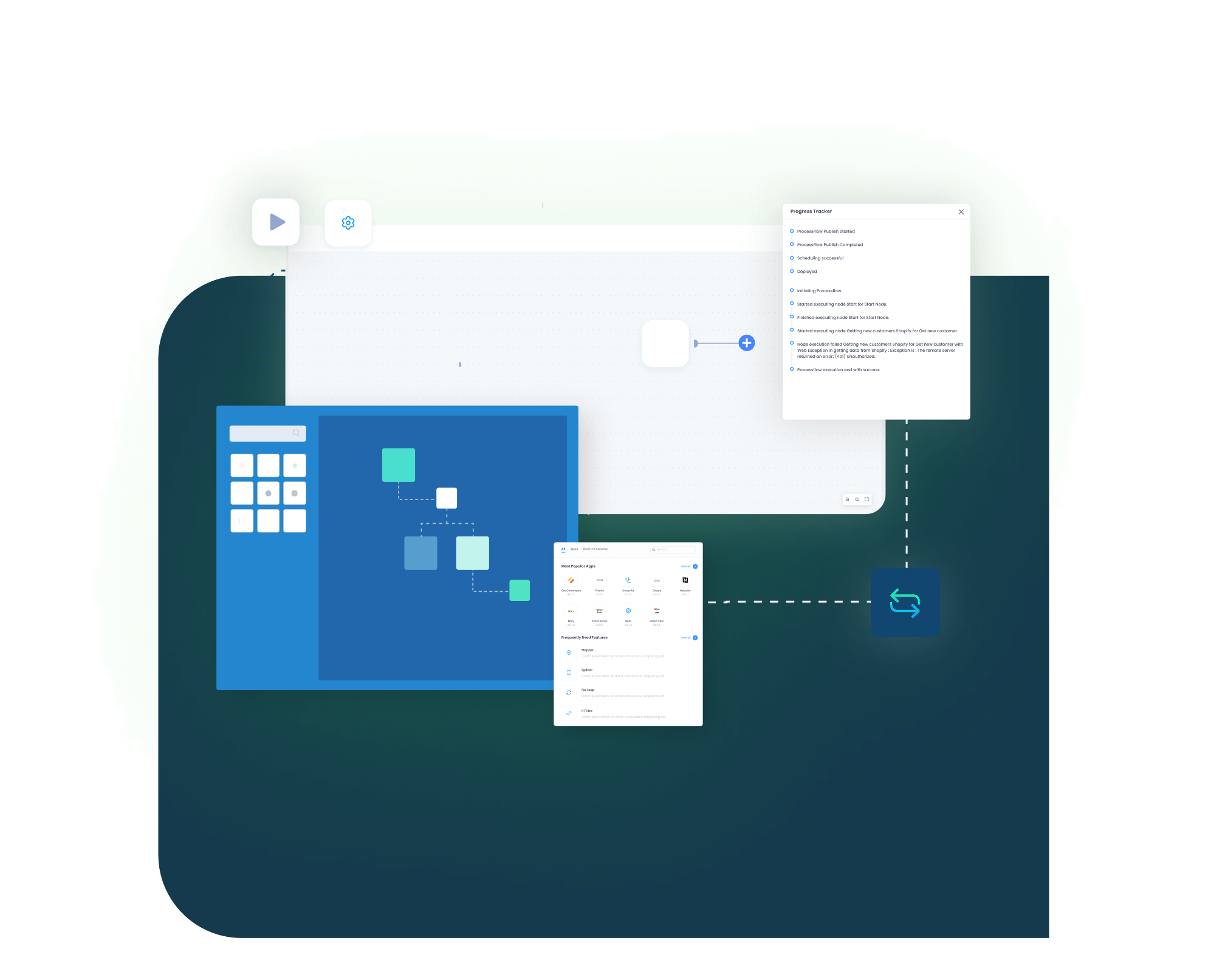
Our Sage 300 and Shopify integration runs through ProcessFlows. Each ProcessFlow defines the source system, target system, entity, connector action, schema, mapping logic, validation rules, run mode, retry settings, and monitoring path before any record moves.
Order Capture
A shopper completes Shopify checkout, a B2B buyer submits a wholesale order, or a subscription renewal triggers, capturing line items, taxes, shipping, and payment reference.
Event Trigger and Source Connection
A Shopify webhook fires when the order is paid, and APPSeCONNECT receives the event securely and queues it for processing.
Data Mapping
The mapping layer translates the Shopify payload into the entities Sage 300 expects, including company, currency, tax authority, item references, and AR account.
Record Creation
Sage 300 writes the customer and OE order or AR invoice under the right company, ready for the standard OE-to-AR process.
Back-Sync
The Sage 300 OE order number, posted shipment, packing slip, and AR invoice flow back into the originating Shopify order so the shopper and the storefront see the same status.
Monitor and Improve
Every event, retry, and failure shows on the platform dashboard with full payload audit, and mapping rules update without a developer ticket.
Use Cases
APPSeCONNECT’s Sage 300 and Shopify integration is built for retailers, distributors, and finance teams that need cleaner records across the storefront and the ERP, with less manual work and fewer overselling and reconciliation gaps.
Scenario: The Store Sells Off Live ERP Data
DTC brands need Shopify prices and stock to reflect Sage 300 without manual refreshes, and every web order to land in the ERP automatically.
- Sage 300 items, prices, and stock can publish to Shopify on schedule and on event.
- Paid Shopify orders can create Sage 300 OE orders with taxes and shipping mapped.
- Inventory by location can update Shopify with safety buffers to limit overselling.
- Shipment and tracking details can sync back to the Shopify order.
What this integration handles
Published
Items, prices, and stock to Shopify
Created
Shopify orders as Sage 300 OE orders
Updated
Inventory by location with buffers
Returned
Shipment and tracking status
Supports DTC brands running Shopify in front of Sage 300.
B2B & Wholesale Distribution — Scenario: Multi-Store, Multi-Currency Selling on One ERP
Distributors running several Shopify or Shopify Plus stores need each store mapped to the right Sage 300 company, currency, warehouse, and AR account.
- One APPSeCONNECT tenant can connect multiple stores to one Sage 300 instance.
- Wholesale and subscription orders can post under the correct company and pricing tier.
- Returning buyers can update existing customer records instead of creating duplicates.
- Cumulative or single-warehouse stock can sync per store.
What this integration handles
Connected
Multiple stores to one Sage 300
Mapped
Company, currency, and warehouse
Aligned
Customer master without duplicates
Synced
Per-store inventory positions
Supports B2B distributors and hybrid sellers using Sage 300 as the ERP backbone.
Scenario: AR and Refunds Stay Traceable
Finance teams need invoices, payments, refunds, and AR ageing connected to the original record rather than arriving as disconnected exports.
- AR invoice references and payment status can post back to the Shopify order.
- Shopify refunds can raise Sage 300 credit notes with references.
- AR balances and ageing can push to the Shopify customer record.
- Event audit and resync can support reconciliation and exception handling.
What this integration handles
Matched
Invoice and payment references
Raised
Credit notes for refunds
Visible
AR balances and ageing
Recoverable
Resynced records
Supports finance, accounting, and operations teams that need transaction traceability.
How appse ai Helps Sage 300 and Shopify Integration
A working Sage 300 and Shopify integration cuts manual transfer work, but teams still manage failed records, changing order volumes, and exception review. appse ai adds AI-assisted support for designing flows, spotting issues earlier, and reducing manual checking across connected processes.
- Workflow Design: Help teams describe a process and shape the ProcessFlow around it, especially when new Sage 300 entities or stores are added.
- Issue Detection: Spot broken flows, error patterns, and records that need review before they become daily cleanup.
- Order Tracking: Review order movement from the first Shopify sale through Sage 300 posting and back-sync.
- Stock and Finance Clarity: Make inventory, invoice, and payment updates easier to review across both systems.
- Teams Stay in Control: AI-assisted support helps the process while teams set the rules and decide how records move.

Ready to Launch Your Sage 300 and Shopify Integration Today?
Sage 300 should not sit apart from the storefront that sells, fulfills, and bills your customers. A structured integration connects Sage 300 with Shopify both ways, so teams can scale daily operations without adding manual record work.

Frequently Asked Questions
Sage 300 and Shopify integration connects your Sage 300 ERP with your Shopify store through controlled data workflows. APPSeCONNECT can move orders, customers, items, prices, inventory, shipments, invoices, payments, and refunds between the two systems, with Sage 300 as the system of record.
APPSeCONNECT provides pre-built connectors and ready-mapped templates for Sage 300 and Shopify, so you can switch on common flows on day one and customize the rest in the low-code ProcessFlow without writing integration code.
Sync can run on events or on schedule depending on the flow. Order and inventory updates can move in near real time through Shopify webhooks and scheduled runs, so stock and order status stay aligned across both systems.
Paid Shopify orders can be created as Sage 300 OE orders under the right company, with line items, taxes, shipping charges, and discounts mapped. Guest checkouts can post under a configured default customer.
Sage 300 inventory by location can be pushed to Shopify with per-category safety buffers, using single-warehouse or cumulative multi-warehouse stock, so the store reflects what can actually be shipped.
It addresses manual order entry, catalogue and price refreshes, stock mismatches that cause overselling, duplicate customer records, multi-store and multi-currency mapping, and disconnected refund and AR data.
Every event, retry, and failure shows on the platform dashboard with a full payload audit. Teams can correct mapping or field issues and resync the affected records, and auto-retry can handle transient failures.
Companies automating their business through APPSeCONNECT







Customer Success Stories
Apotheca Beauty
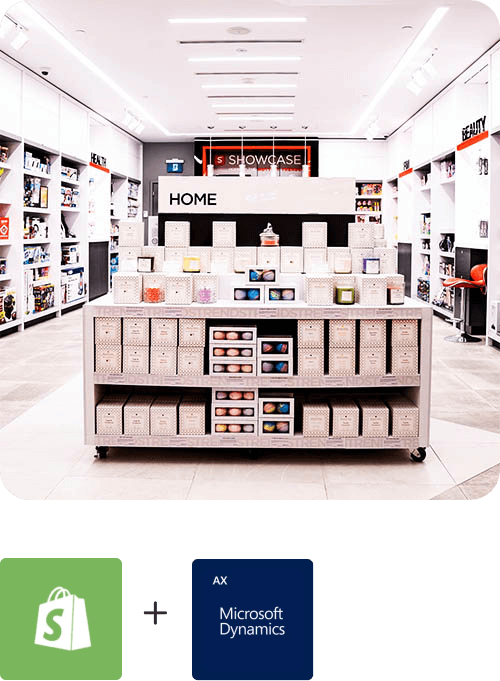
Apotheca Beauty was founded in 2013 by Kuwaiti sisters Nora, Sarah and Dana Al-Ramadhan with the vision of bringing perfect products and solutions to meet the ever-changing beauty needs of the consumers.
Read Case Study →
Miraka
Miraka is a well established company in the New Zealand dairy-processing industry with strong values founded on the cultural beliefs of their owners.
Read Case Study →Related Resources
Articles and Guides to Help You With Your Integration and Automation Journey