Shopify POS Integration and Automation
- Unified Checkout
- Live Stock
- Smart Order Closure
Shopify POS Integration links your store counter to the systems that run the business behind it. Every in-store sale, refund, tender and tip flows straight into your ERP or accounting system, and stock stays right across all your locations, so staff sell faster and finance closes the day clean.
Business Value
Why APPSeCONNECT Is the Gold Standard for Shopify POS Integration
APPSeCONNECT connects Shopify POS to your ERP, accounting and online channels in real time, without manual work. One governed platform built for multi-location retailers who sell at the counter and online and need both running on the same data.

Manual re-entry of in-store sales
Staff re-key counter sales, tenders and refunds into the ERP or accounting system by hand, which slows the close and adds errors.

Stock wrong across locations
Store and online stock are tracked separately, so you oversell, miss sales and cannot trust availability across locations.

Tenders and tips not reconciled
Cash, card, gift card and tip totals from the register do not map cleanly to finance, so daily reconciliation drags and breaks.

Returns and exchanges lose track
In-store returns and exchanges are not restocked to the right location or credited cleanly, so inventory and refunds drift.

Customer data split in two
Profiles captured at the till are not matched to the online customer, so marketing consent and history stay fragmented.
Slow, messy daily close
Without automated summaries, finance chases mismatched totals across registers and locations before books can be closed on time.
Standard Features Covered in Our Shopify POS Integration Template
The seven core capabilities the integration covers, ready to switch on and adapt.
- Ready flows for customers, products, sales, refunds and inventory.
- Use supported Shopify POS endpoints for stable, governed data movement.
- Post tenders, taxes and receipts to your finance and ERP systems.
- Coordinate catalog, availability and statuses across store and online.
- Follow runs, throughput and exceptions with actionable notifications.
- Protect data in transit and at rest, with access kept governed.
- Extend flows with adapters when unique carriers or rules are needed.
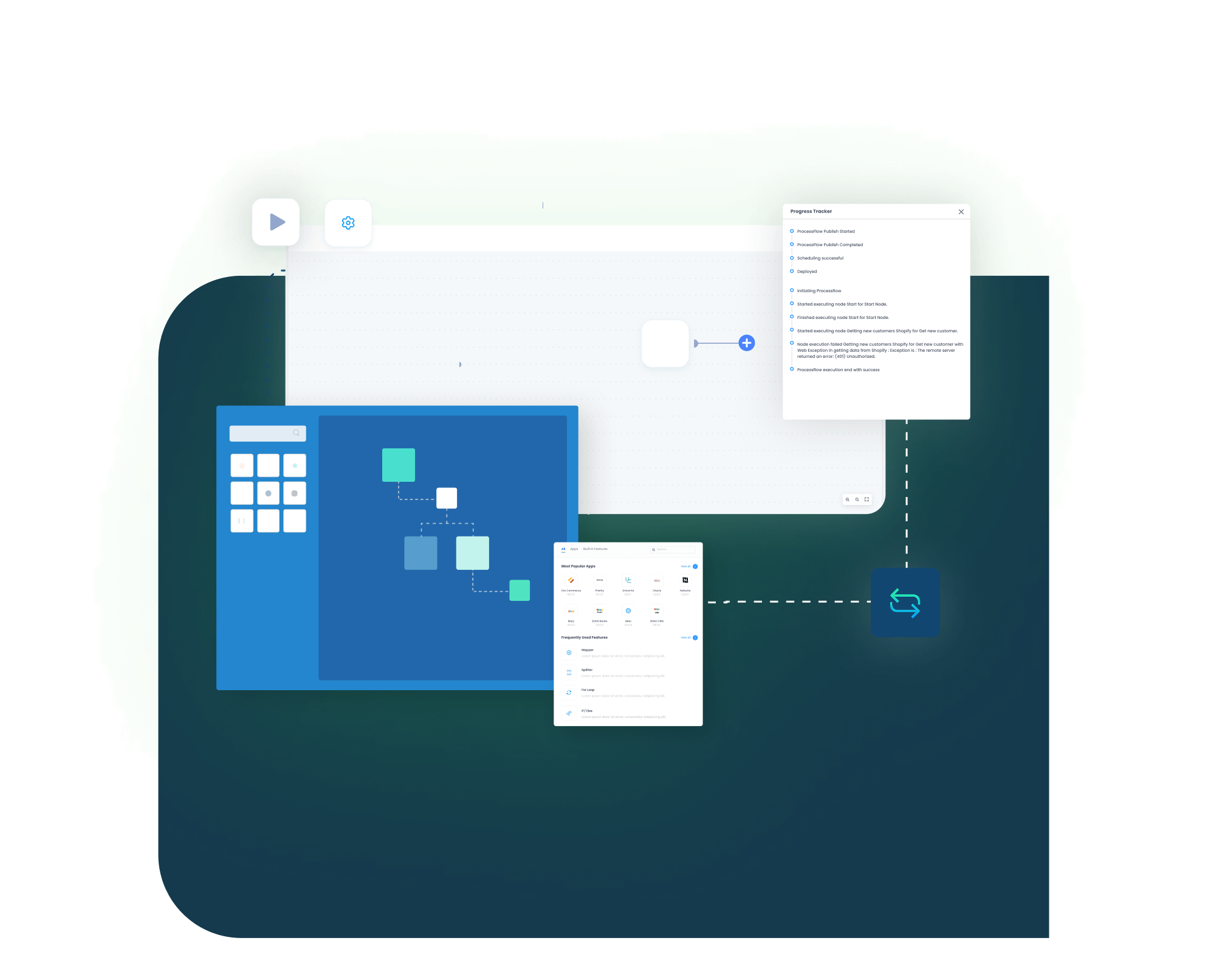
INTEGRATION BROCHURE
Download The Shopify POS Integration Brochure
Get setup steps, mapping tips, and a go-live checklist to reduce risk. The guide explains how to integrate Shopify POS with ERP systems and connect Shopify POS with eCommerce platforms using proven patterns.
- Connector Framework: Naming, patterns, validations keep builds stable and predictable.
- Deployment Guide : Environments, prerequisites, responsibilities in clear, practical steps.
- Best Practices : Cutover, rollback, monitoring keep operations steady during change.
- Case Studies : Proof from multi-location retailers scaling confidently.
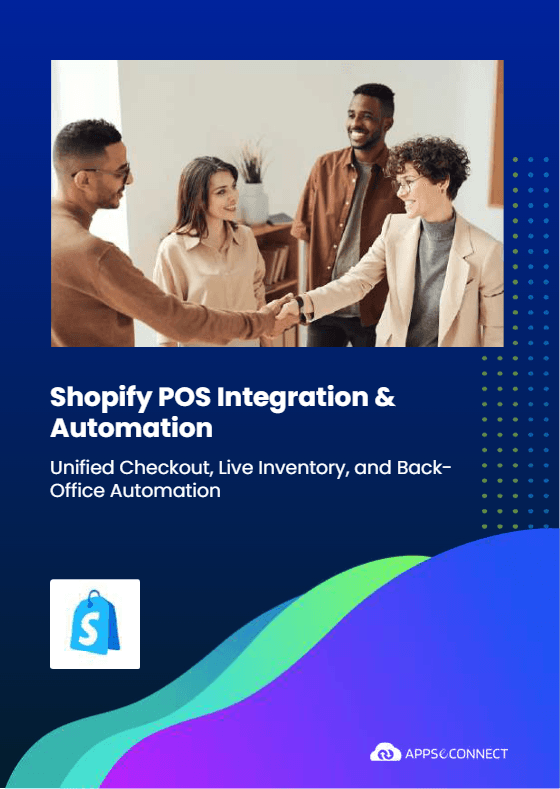
Deployment process
How Does the Workflow Run End-to-End?
Here is how a typical Shopify POS integration runs, from a sale at the counter to a clean daily close.
Order Capture
A sale is rung up at the Shopify POS register, recording items, discounts, tips, taxes and the tender breakdown.
Event Trigger
APPSeCONNECT reacts to the sale, refund or stock change the moment it happens, and starts the workflow.
Data Mapping
The transaction maps to your ERP or accounting fields, applying tax, tender, discount and location rules.
Record Creation
APPSeCONNECT posts the receipt or invoice to your ERP with mapped accounts and references.
Back-Sync
Per-location inventory adjusts, transfers and corrections reflect, and order, pickup and delivery statuses push back to connected tools.
Monitor and Improve
Daily summaries reconcile, run history and alerts surface exceptions, and your team refines rules before the next rush.
INTELLIGENT DATA FLOW
How Our Intelligent Data Flows Supercharge Your Integration
Streamlining checkout and backend operations with Shopify POS integration needs smart flows. They react to events, process batches safely, and alert humans only when necessary. Traffic separates by location and channel, changes stay auditable, and scaling is predictable.

Event-Driven
Sales and returns propagate quickly; avoid stale or duplicate records.

Parallel Runs
Handle rush hours and events safely across locations.

Targeted Sync
Filter by store, channel, or date for focused movement.

Auto-Retries
Temporary issues retry automatically; manual work drops significantly.

Clear Alerts
Notify the right owner with context and next steps promptly.

Auditable Trails
Track who changed what, when, and why across flows.
Frequently Asked Questions
Start with a template, map customers, products, taxes, tenders and locations, enable events, test sample transactions, then monitor runs and alerts.
Yes. Sales and stock update quickly on every channel, and nightly jobs handle catch-up and fixes without manual work.
Rules set taxes, discounts and payment types, receipts post automatically, and inventory and order status flow without extra steps, even at peak.
You can use the Shopify POS API, a ready connector, or an iPaaS tool. Choose what fits your security, scale, target systems and change process.
Yes. APPSeCONNECT has a ready Shopify POS connector with tested settings, step-by-step setup, monitoring and support to speed delivery.
Shopify is the eCommerce platform for your online store, products and orders. Shopify POS is the in-store system that processes physical sales. Both are part of the same ecosystem, with Shopify handling online and Shopify POS handling in-store.
Shopify POS is connected to your Shopify store by default. For external POS systems, you need an integration layer such as APIs or an iPaaS platform, which then syncs products, inventory and sales so everything stays current.
Yes. Prebuilt workflows, rules and guided setup help small teams launch quickly, manage cost, and expand to more locations without adding headcount.
Ready To Transform Your Retail Workflows Today?
Shopify POS Integration with APPSeCONNECT brings faster checkout, cleaner inventory, and a calmer close. Connect systems, automate steps, and grow capacity without extra headcount.

Companies automating their business through APPSeCONNECT







Customer Success Stories
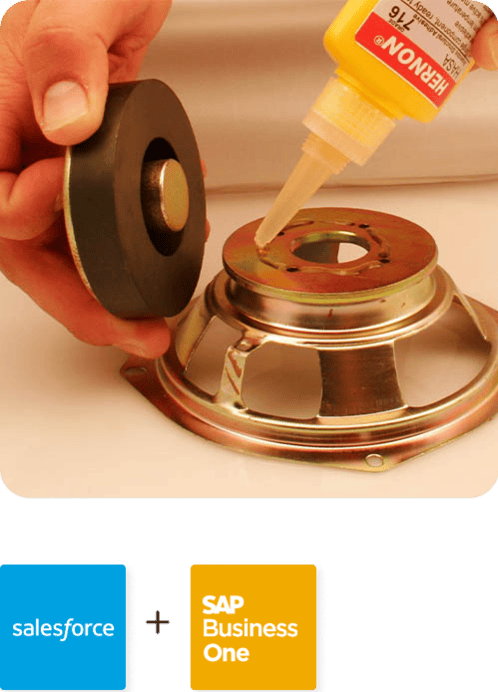
Hernon
With APPSeCONNECT, Hernon achieved a zero business downtime and levaraged the power of a fully automated and integrated solution to ensure business growth.
Read Case Study →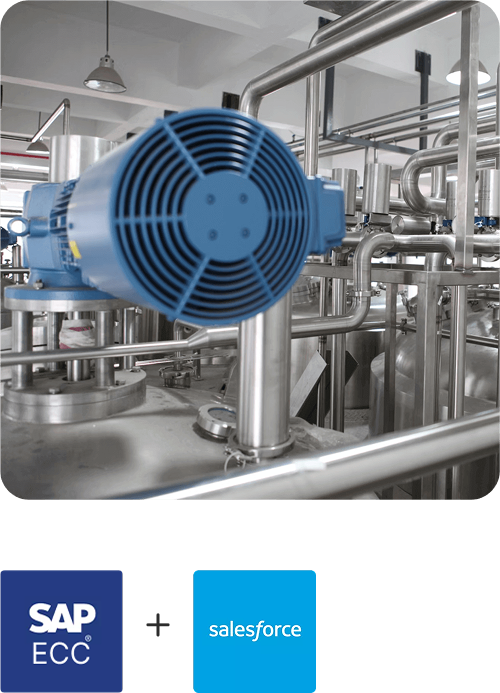
Machinery Manufacturing Company
Discover how a world-leading industrial equipment manufacturing company leveraged APPSeCONNECT for company-wide automation of ERP, CRM, and eCommerce applications.
Read Case Study →Related Resources
Articles and Guides to Help You With Your Integration and Automation Journey