SAP S/4HANA and Microsoft Dynamics 365 CRM Integration
Sales teams work in Microsoft Dynamics 365 CRM. Finance and operations teams work in SAP S/4HANA. When these systems stay apart, teams repeat updates and waste time checking which record is correct.
SAP S/4HANA and Microsoft Dynamics 365 CRM integration helps both teams work from the same facts. Account and contact records stay aligned across both systems. Item and pricing details stay updated for quoting. Quotes, orders, and invoices stay aligned for clean handoffs. APPSeCONNECT supports this integration through its low-code platform. You can start with a ready integration template, decide which system owns each field, and then run updates on your schedule.
Key Highlights
Why APPSeCONNECT is the top choice for Microsoft Dynamics 365 CRM and SAP S/4HANA

Real-Time Data Sync
Keep critical records updated across both systems as changes happen

Prebuilt Integration Flows
Use ready flows for common CRM and ERP processes

Low-Code Setup
Adjust mapping rules and steps without heavy development effort

Clear Error Handling
Track failed records and retry them based on your rules

Flexible Run Options
Choose real-time or scheduled runs to balance load for teams

Secure Data Transfer
Use encrypted channels and controlled access to protect sensitive records

Shared Integration Packages
Copy the integration setup across teams for faster rollout
Standard Features Covered in Our Microsoft Dynamics 365 CRM and SAP S/4HANA Integration Template
- Move new and updated account details from Dynamics 365 CRM into SAP.
- Move new and updated contact details from SAP into Dynamics 365 CRM.
- Send item records from SAP to Dynamics 365 CRM for quoting and opportunity work.
- Send price updates from SAP to Dynamics 365 CRM for quoting.
- Send quote details from Dynamics 365 CRM to SAP for downstream order processing.
- Route CRM sales orders into SAP so operations can process and fulfill them.
- Bring SAP invoice information into Dynamics 365 CRM to keep customers and reps informed.

What You Get
Dynamics 365 CRM SAP S/4HANA Integration Feature Highlights

Single Customer Record
Keep account and contact details aligned for both teams

Catalog Accuracy
Keep items and pricing updated in CRM for accurate quoting

Quote To Order Flow
Move quotes and orders into SAP without repeated entry work
Invoice Traceability
Bring invoice details back to CRM for clear sales visibility

Fewer Data Fixes
Reduce manual checks by keeping key fields consistent across both systems
Integration Monitoring
Track runs, review logs, and handle errors in one place
Fast Rollout
Start from templates, then adjust only the fields you need
INTEGRATION BROCHURE
Download the SAP S/4HANA Microsoft Dynamics 365 CRM Integration Brochure
Start by using the brochure to check the integration design. It sets clear expectations for IT and business teams on which data will move, how often it will move, and what happens when something fails or needs attention.
Learn more about:
- Integration Architecture: See how data moves between CRM and ERP steps clearly
- Field Mapping Approach: Learn how to match key fields across both systems safely
- Deployment Options: Choose cloud or on premises access based on your setup
- Monitoring Basics: Understand logs, alerts, and retry rules for daily runs quickly

Popular SAP S/4HANA Integrations
Connect SAP S/4HANA with other business applications.




Popular Microsoft Dynamics 365 CRM Integrations
Smart iPaaS Solution to streamline your business and increase efficiency. Seamlessly connect Microsoft Dynamics 365 CRM with other Business Applications

Looking for a Specific Integration?
INTEGRATION GUIDE
How To Integrate SAP S/4HANA and Microsoft Dynamics 365 CRM
The integration can be implemented through a clear, proven process. Use the template as your base, map the key fields for your workflow, and validate everything with real records in a test run before moving to production.
Connect Systems
Choose SAP S/4HANA and Dynamics 365 CRM inside APPSeCONNECT first.
Map Fields
Map customer fields and item fields. Add pricing rules as needed.
Deploy and Test
Run test syncs with sample records, confirm results, and fix mapping gaps before launch.
Monitor And Improve
Watch logs, tune schedules, and add more flows as teams are ready.
SAP S/4HANA and Microsoft Dynamics 365 CRM Real-Time Integration Workflow
Event Trigger
Record change in either system launches the integration run automatically.
Event Reception
APPSeCONNECT receives the change and validates required fields before processing.
Data Transformation
Mapping rules convert fields into the format each system expects.
API Call
The integration sends a secure API request to create or update the record.
Confirmation And Logging
Results are logged, and failed items are queued for retry.
Status Update Back
Related updates are sent back to the other system as needed.
INTELLIGENT DATA FLOW
How Our Intelligent Data Flows Support Your Integration
Validate the setup early by testing with real records. Once the template is in place and your key fields are mapped, a full test run helps confirm the integration is ready before you go live.
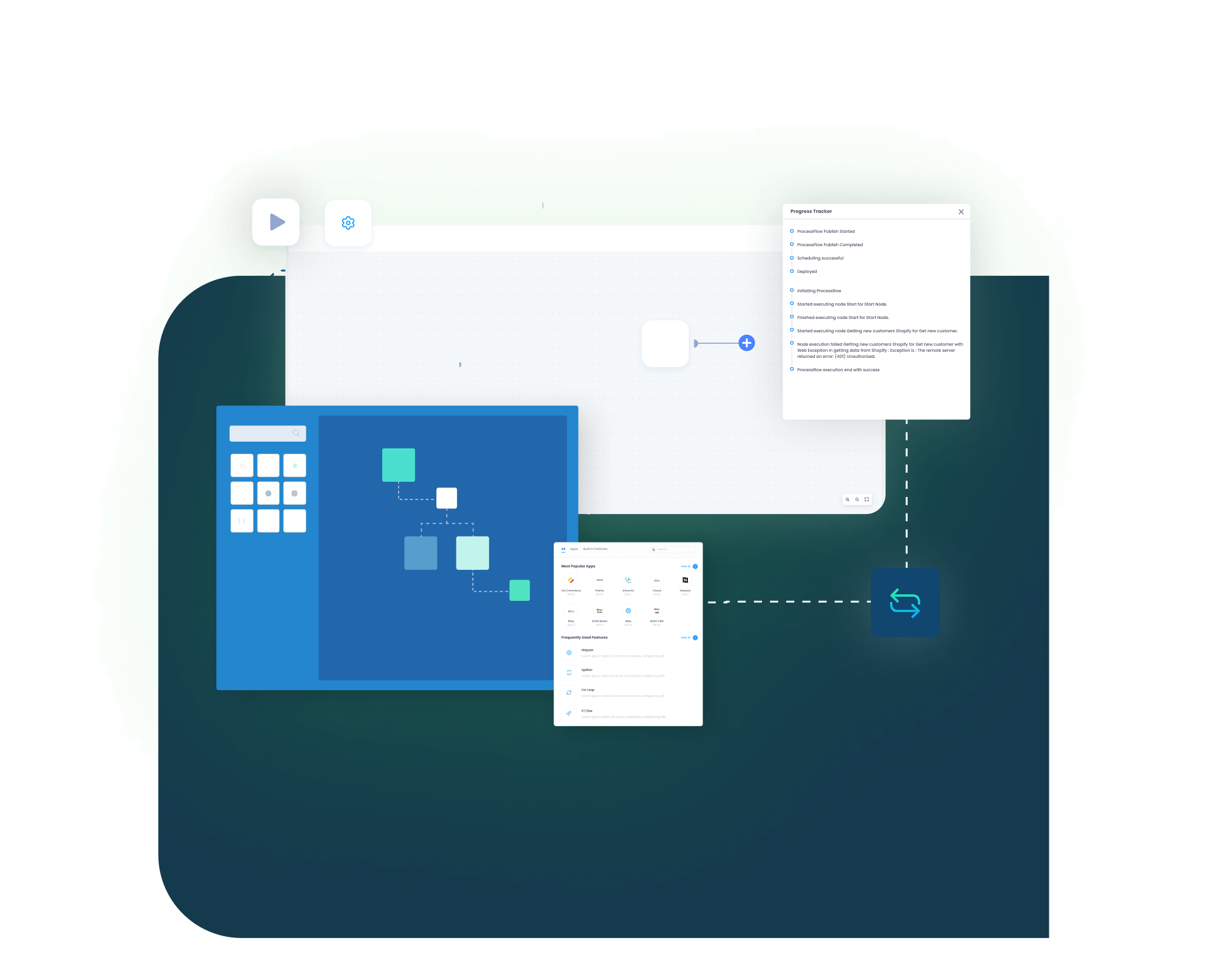
ProcessFlow Designer
Build and edit integration steps in a visual canvas quickly

Event Triggers
Start flows when records change in CRM or ERP systems

Retry Rules
Re-run failed records automatically based on your settings and schedule
Alerts And Logs
Get clear logs and alerts when issues need attention quickly
Data Conversion
Convert field formats to match each system’s rules each time
Access Controls
Limit who can view or edit each integration flow safely
Reusable Blocks
Reuse common steps across flows to reduce rework for teams
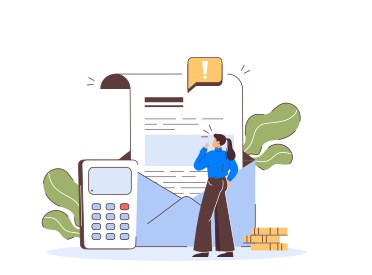
Simple Order-to-Cash Lifecycle
Order Capture
In Microsoft Dynamics 365 CRM, a quote or order is entered as the starting point.

Order Processing
The integration then posts it to SAP S/4HANA by creating the sales order automatically.
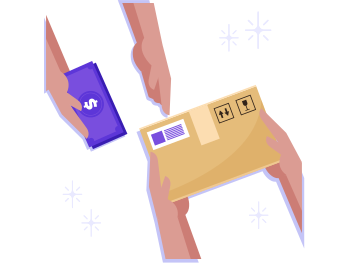
Fulfillment Update
SAP delivery status updates CRM for sales visibility during follow-up.

Invoicing Update
SAP invoices update CRM so teams can track payments easily.
One Platform, Endless Integrations
Many teams start with one integration. Later, they need more. APPSeCONNECT supports building additional integrations through templates. It also supports SDKs and protocol-based adapters. If a tool supports standard protocols like REST or SOAP, you can usually integrate it faster. Secure file transfer can also work for simple file-based steps.
Unified Workflows
Run and manage integrations across hundreds of tools without jumping between systems.
Scale Over Time
Add new flows without rebuilding your base integration design later.
Protect Data
Use encrypted transfer and controlled access for each integration run.
Frequently Asked Questions
Yes. APPSeCONNECT provides an integration that moves customer and sales records between SAP S/4HANA and Dynamics 365 CRM reliably, in real time or on schedule.
Choose the template, connect both apps, map fields, test sample records, then deploy the integration and monitor results from the dashboard.
Accounts move from Dynamics 365 CRM into SAP. Contacts move from SAP into CRM, keeping teams aligned for day-to-day work.
Items and price lists move from SAP into Dynamics 365 CRM, so sales teams quote using current details every time.
Yes. Quotes and sales orders move from Dynamics 365 CRM to SAP, so operations can process and invoice faster.
Yes. SAP invoices can update Dynamics 365 CRM, giving sales teams visibility into billing status during customer follow-up.
Not always. Many setups run in the cloud. If SAP is on premises, use a local agent for secure access.
The integration uses supported APIs from both apps. APPSeCONNECT maps data and converts formats to match fields for each side.
Each run is logged with clear status. You can retry failed records manually or set automatic retries on a schedule.
Data moves through encrypted channels during the integration. Access rules limit who can view, change, or export records in APPSeCONNECT.
Ready to See SAP S/4HANA and Microsoft Dynamics 365 CRM Integration in Action?
Begin with the standard flows, then add more as teams need them, while cutting repeated entry and keeping sales and operations aligned.

Companies automating their business through APPSeCONNECT







Customer Success Stories

Proveedora PGP
Founded in 2005, Proveedora PGP has solidified its position as a leading ecommerce business in Mexico, specializing in car and truck tires.
Read Case Study →
African American Expressions
African American Expressions, founded by Gregory Perkins in 1991 in Sacramento, California, has been on a remarkable journey of growth and success.
Read Case Study →Related Resources
Articles and Guides to Help You With Your Integration and Automation Journey