SAP S/4HANA and WooCommerce Integration
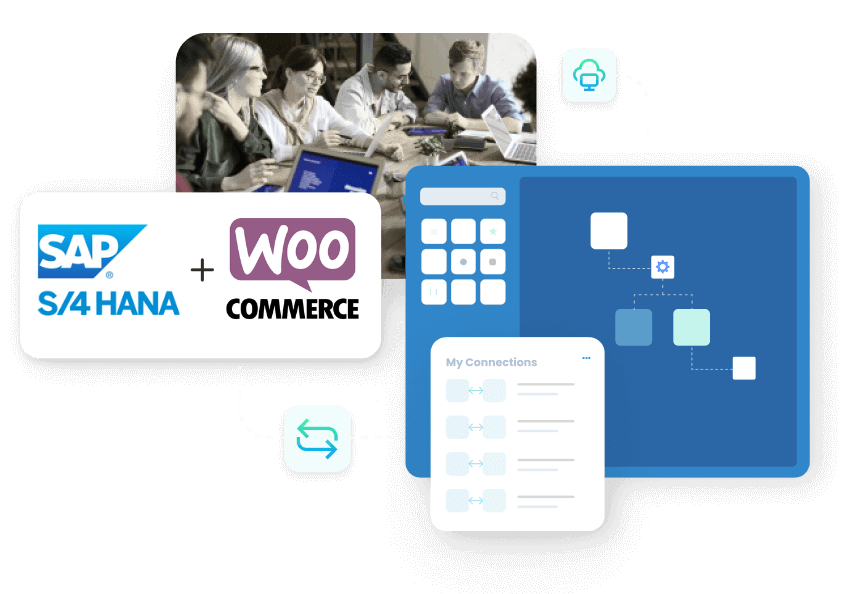
Connect SAP S/4HANA with WooCommerce so your WordPress store sells off live SAP product, price and stock data, and every web order lands in S/4HANA without a CSV in sight. APPSeCONNECT gives WooCommerce merchants the integration platform they would otherwise build from scratch.
Designed for direct-to-consumer brands, B2B distributors and hybrid sellers running SAP S/4HANA Cloud, Private Cloud or on-premise behind WooCommerce, WooCommerce Subscriptions or Multisite networks.
Business Value
Why APPSeCONNECT Is the Gold Standard for SAP S/4HANA and WooCommerce Integration
An online store moves fast. Prices change, stock shifts, and orders arrive at all hours. APPSeCONNECT connects SAP S/4HANA and WooCommerce in real time, without manual work, so a B2C or B2B storefront and the ERP stay aligned through normal business operations.

Store orders re-keyed into S/4HANA
WooCommerce orders are typed into SAP S/4HANA by hand, with items, tax and shipping copied one by one as B2C and B2B volume grows.

Customers see the wrong availability
When ERP stock updates do not reach the store, customers order items that cannot ship, so cancellations and refund chasing rise.

Catalogue and prices fall behind ERP
High-SKU catalogues and ERP price books and promotions change in S/4HANA but not on the storefront, so checkout totals do not match.

Stock wrong across warehouses
Online stock does not reflect ERP stock by location, so multi-warehouse fulfilment decisions are made on numbers that are out of date.

B2B pricing not reflected online
Customer-specific and account pricing held in S/4HANA cannot reach a B2B WooCommerce store without integration, so B2B buyers see retail prices.

Returns and credits done twice
Return requests and credit adjustments in WooCommerce are re-entered into S/4HANA by hand, so reporting drifts and reconciliation slows.
Standard Features Covered in Our SAP S/4HANA WooCommerce Integration Template
The integration solution ships with the data flows most SAP and WooCommerce sellers need on day one. Pick the side that fits your model, switch flows on and off as the business grows.
- Every WooCommerce checkout writes a customer record in SAP S/4HANA with billing address, shipping address, tax classification and payment terms already in place. Returning shoppers update the existing record instead of creating duplicates.
- SAP material master, product variations, attributes, dimensions, weight, brand and consumer-facing descriptions publish to WooCommerce as variable products with the correct SKUs and parent-child relationships.
- SAP price lists, customer-specific contract prices, time-bound promotions and bundle pricing flow into WooCommerce so the storefront sale price always matches finance’s books, with no manual catalogue refresh.
- Available-to-promise stock from each SAP plant pushes to WooCommerce in near real time. Buffer rules per product category stop the store accepting orders for items the warehouse cannot ship inside the lead time.
- Each WooCommerce order writes a complete SAP sales order under the right legal entity, sales organisation and plant, with line items, shipping charges, taxes and discounts all mapped as condition types.
- Once SAP raises a delivery, the packing slip number, carrier, tracking link and current shipment status flow back into the WooCommerce order so the shopper sees real status inside their account and email notifications.
- WooCommerce refunds and store credits raise structured SAP return orders and credit memos. Refund references, reason codes and approval status post back to the originating WooCommerce order so support agents and finance see the same picture.
Popular WooCommerce Integration
Connect WooCommerce with other business applications.




Looking for a Specific Integration?
Popular SAP S/4HANA Integrations
Connect SAP S/4HANA with other business applications.



Looking for a Specific Integration?
Real-World Use Cases of this Integration
SAP S/4HANA and WooCommerce often come together when businesses need strong ERP control and a flexible storefront. Integration helps those teams work with fewer handoffs.
High-SKU Retail
ERP item updates keep the online catalog consistent without repeating the same edits everywhere
Multi-Warehouse Selling
Stock shown online reflects ERP stock by location, which supports better fulfillment decisions
Promotion-Heavy Stores
Pricing updates from ERP can reach the store quickly, so checkout totals stay consistent
Returns and Refunds
Return requests and credit adjustments can be tied back to ERP records for cleaner reporting
INTEGRATION BROCHURE
Download The Full Integration Guide | ISO 27001 Secured
Grab the guide to understand how SAP S/4HANA and WooCommerce connect using APPSeCONNECT, with architecture diagrams, setup steps, and rollout tips.
- Integration Blueprint : Visual ProcessFlows that show how store and ERP records move end to end.
- Quick-Start Notes : Early decisions that help avoid common mapping mistakes later.
- Security Overview : A clear summary of encryption, access control, and audit logging during sync.
- Success Stories : Examples of how teams reduce manual work and improve fulfillment after integration.

Workflow
How Does the Workflow Run End-to-End?
Here is how a typical SAP S/4HANA and WooCommerce integration runs, from checkout to billing and back.
Order Capture
A customer checks out in WooCommerce, B2C or B2B, and the order is confirmed with items, tax and shipping.
Event Trigger
APPSeCONNECT reacts soon after the order, on event or on a schedule, validates it, and starts the workflow.
Data Mapping
Order fields map to SAP S/4HANA, aligning item identifiers, customer fields, taxes and address formats.
Record Creation
SAP S/4HANA receives the order as a sales document in a format operations can process.
Back-Sync
ERP stock, pricing, invoice status, shipment tracking and credit adjustments reflect back to the storefront.
Monitor and Improve
Automatic retries handle failures, exceptions are flagged, and record-level logs trace one order through to find any step that stopped.
Ready To Accelerate Your SAP S/4HANA and WooCommerce Integration Today?
Cut out the manual work, keep store and ERP records aligned, and handle orders without key steps being missed. Link SAP S/4HANA and WooCommerce through APPSeCONNECT.

Frequently Asked Questions
It connects your ERP and store so customers, products, orders, and updates stay aligned in both systems.
Common coverage includes customers, products, stock levels, orders, invoice status, shipment updates, and pricing.
Yes, confirmed store orders can be posted into ERP with mapped tax and shipping details.
Yes, customer profiles and address details can sync based on your rules for guest and registered buyers.
Yes, ERP stock levels can update store availability to reduce overselling and last-minute cancellations.
Failures show in logs with clear reasons, and affected records can be corrected and safely reprocessed.
Yes, invoice and shipment milestones can be shared back so order tracking stays clearer for customers.
Yes, data travels using AES-256/TLS channels and supports ISO 27001-aligned security practices.
Yes, the same platform can connect CRM, marketplaces, and support tools as your scope grows.
No, most changes are made through configuration, with extensions used only for special requirements.
Companies automating their business through APPSeCONNECT







Customer Success Stories
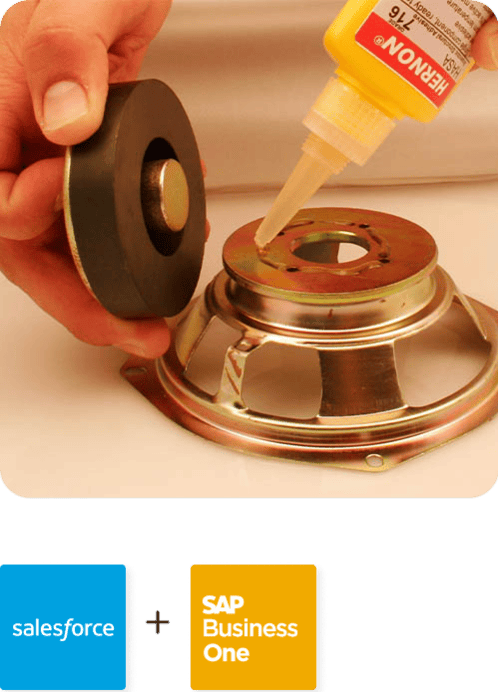
Hernon
With APPSeCONNECT, Hernon achieved a zero business downtime and levaraged the power of a fully automated and integrated solution to ensure business growth.
Read Case Study →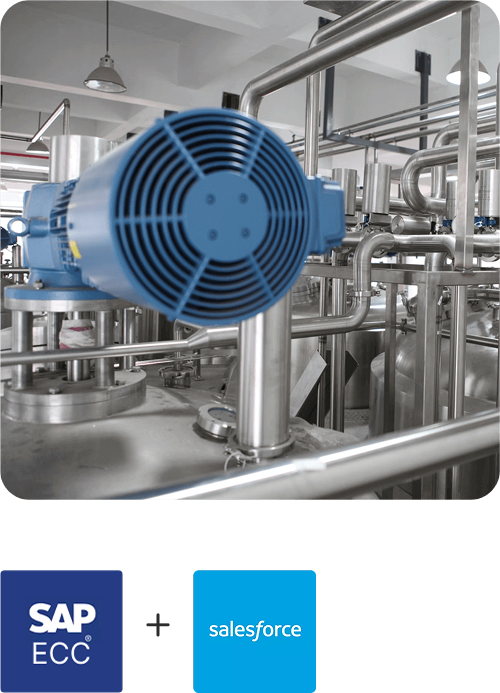
Machinery Manufacturing Company
Discover how a world-leading industrial equipment manufacturing company leveraged APPSeCONNECT for company-wide automation of ERP, CRM, and eCommerce applications.
Read Case Study →Related Resources
Articles and Guides to Help You With Your Integration and Automation Journey