


Kibo Commerce and Microsoft Dynamics 365 Business Central Connector Overview
Kibo Commerce and Microsoft Dynamics 365 Business Central Integration made easy with APPSeCONNECT’s pre-built connector that can seamlessly automate data between the two systems and streamline critical business processes efficiently. If you use Kibo Commerce as your eCommerce platform and Dynamics 365 Business Central as your ERP to manage back-end operations, this package will automate your online B2C eCommerce operations by enabling real-time synchronization of inventory, orders, and customer data while eliminating the need for manual data entry and reduces the risk of errors.
This ready-to-use Kibo Commerce and Microsoft Dynamics 365 Business One Integration connector will let you integrate the applications with the help of pre-configured and time-tested workflows ( ProcessFlows ), significantly reducing your time and effort in configuring and designing the integration.
Our integration packages or connectors are like blueprints that provide pre-defined entities and field mappings to enable seamless exchange of data between the source and destination applications. Just Install, Deploy and Execute the packages to automate business processes efficiently and amplify your growth.
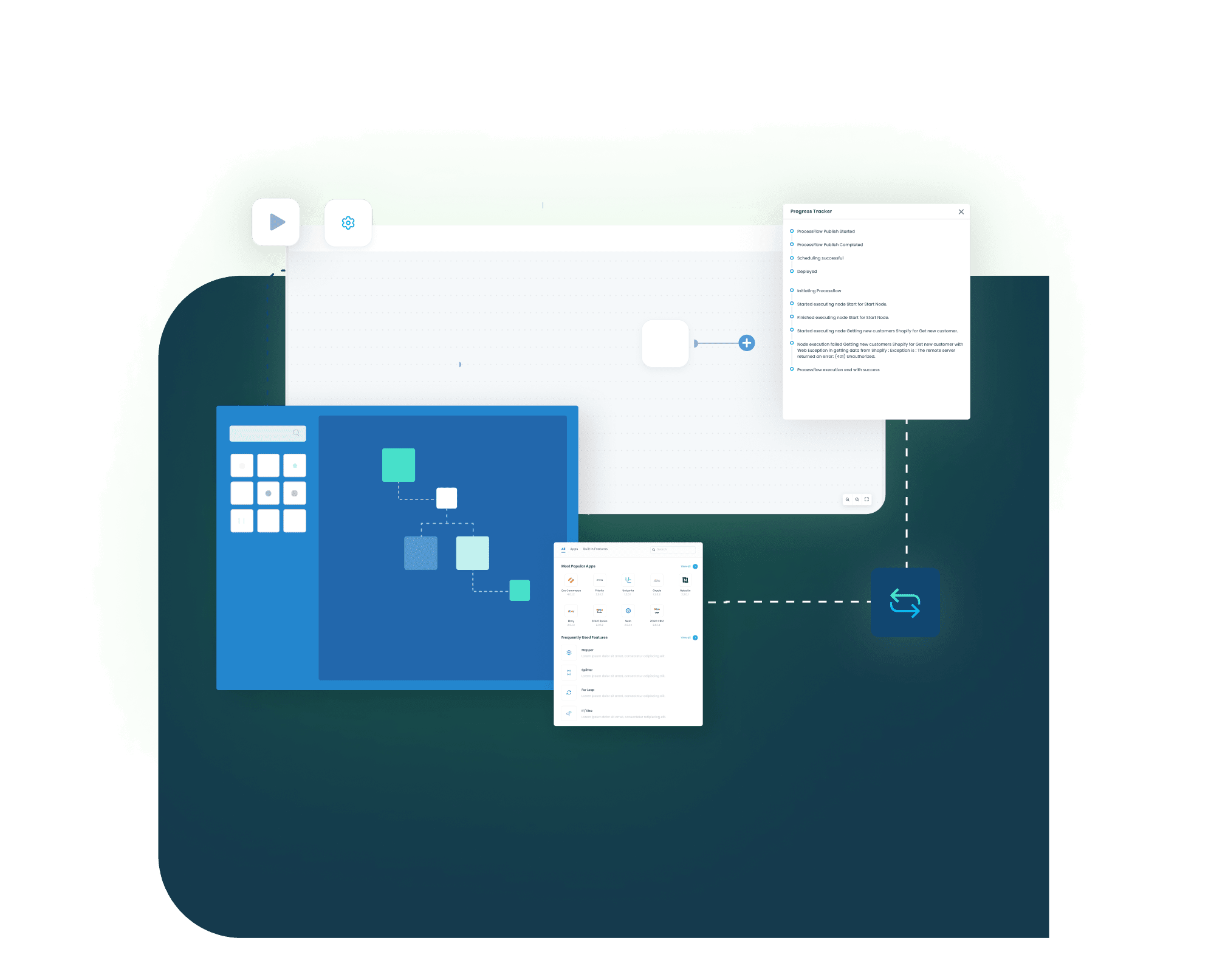
ProcessFlows You Can Automate
Kibo Commerce to Dynamics 365 Business Central
- Sync the newly onboarded Customer(s) and their details in the business line-up. The following Customer details will be synced from Kibo Commerce to Dynamics 365 Business Central
- Customer ID
- Name
- Email ID
- City, Country
- Address Lines
- Phone Number
- Sync updated details of each Customer from Kibo Commerce to Dynamics 365 Business Central with the following details:
- Name
- Email Id
- City, Country
- Address Lines
- Phone Number
Dynamics 365 Business Central to Kibo Commerce
- Sync newly added Products from Dynamics 365 Business Central to Kibo Commerce with the following details:
- Products
- Product Name
- Type
- Price
- SKU.
- This ProcessFlow will sync-back the Kibo Commerce Product ID to Dynamics 365 Business Central as “WebId”.
- Sync any updates to the Product Price from Dynamics 365 Business Central to Kibo Commerce.
- Note: “VAT Prod. Posting Group” of Items need to be set “ZERO” (No VAT) in Dynamics 365 Business Central as “Total Tax” is considered as Line Item for the Sales Orders.
Dynamics 365 Business Central to Kibo Commerce
- Sync/update the Product “Inventory/Stock” details from Dynamics 365 Business Central to Kibo Commerce based on the SKUs.
Kibo Commerce to Dynamics 365 Business Central
- Sync newly placed Sales Orders from Kibo Commerce to Dynamics 365 Business Central with the following Order details:
- Order Number
- Name
- Billing Address and Shipping Address
- Product Name
- SKU
- Price
- Quantity
Dynamics 365 Business Central to Kibo Commerce
- Sync Shipment/Fulfillment details like Order Fulfillment Status and Tracking Number for every Sales Orders from Dynamics 365 Business Central to Kibo Commerce.
Apps Included


Category: ERP Integration, Ecommerce Integration
Package Key Features
Easy Package Sharing & Installation
One-step installation and easy sharing of integration packages allow citizen integrators to effortlessly deploy and share packages with minimum time and effort. Learn more by visiting Processflow Packaging.
Automated Business Cycle Integration
Ready-to-use integration packages enable easy plug-and-play automation for all business processes.
Pre-Implemented Mappings
Pre-implemented mappings for all required ProcessFlows within the integration package help minimize manual efforts during deployment. Users can also deploy customized mappings as per business process.
Related Connectors
















Organizations are Transforming Customer Experience Through Integration


PRANA Organics successfully automated their entire business cycle by integrating their ERP with other applications and saved valuable time and effort.
Read Case Study →

Josie Maran Cosmetics efficiently managed thousands of orders per week and automated business processes with APPSeCONNECT’s seamless integration capabilities.
Read Case Study →

Richardson improved efficiency in sales and inventory management, streamlined their operation and unlocked efficient B2B integration through APPSeCONNECT.
Read Case Study →Connect. Integrate. Automate.
Try APPSeCONNECT FREE for 30 Days
Manage all your workflows under one single platform