SAP Business One and Zuper Integration
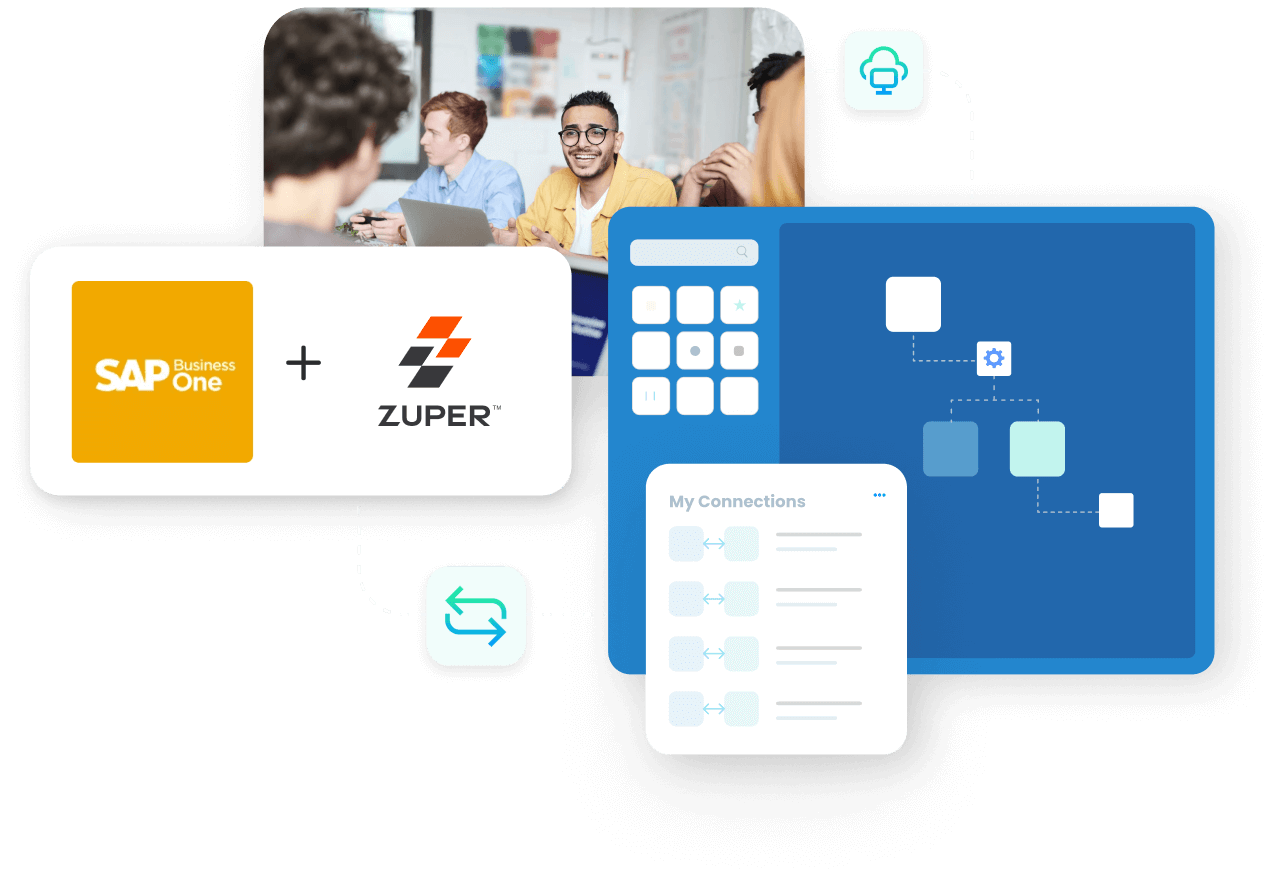
Zuper integrations with SAP Business One made easy with APPSeCONNECT’s modern iPaaS. The SAP B1 Zuper connector can automate critical business processes and streamline your organizational data efficiently.
















Companies automating their business through APPSeCONNECT








Endpoints for SAP Business One and Zuper Integration


Standard Features Covered in Our Zuper SAP Business One Integration Template
** This Integration was developed in partnership with ECS
Service calls received on SAP Business One and Zuper will be bi-directionally synced with the following details: Customer Subject Associated Equipment Card Call Start date and time Call End Date and Time Subject Technician Items Quantity, and Price from a Sales Order if it exists in Resolution Status
Business Partners in SAP Business One will be synced to Zuper with the following details: Card Code Card Name Phone 1, Phone 2 Email Ship to Address Bill to Address
Equipment card of any said item will be synced from SAP Business One to Zuper with details such as: Item Code Item Description Internal Serial Num
Inventory details of items are synced from SAP Business One to Zuper with the necessary details such as: Item Code Item Name Item Quantity Quantity by Warehouse Location
Warehouse and logistics (trucks) details in SAP Business One are seamlessly synced with Zuper with the following details: Warehouse Code Warehouse Name Tech assigned to that Warehouse
Newly placed web orders on Zuper will be synced to SAP Business One as Sales Orders with all the necessary details such as: Item Code Item Name Document Date Document Due Date Date Quantity Customer
Service contract documents will be seamlessly synced from SAP Business One to Zuper with details such as: Equipment Card Item Code Item Name Internal Serial Num Start Date and End Date Contract Length Customer

SAP Business One Integration with Zuper
APPSeCONNECT is a modern and intelligent Integration Platform as a Service (iPaaS) which can seamlessly connect SAP Business One to Zuper and streamline data flow across all your systems to eliminate silos, unify operations and drive alignment.
Popular SAP Business One Integrations
Connect SAP Business One with other business applications.

Looking for a Specific Integration?
Customer Success Stories

Niagara Warenhandels GmbH
Niagara Warenhandels GmbH, established in 1997 in Cologne, Germany, is a prominent specialty retailer that offers a broad selection of high-quality spirits, champagne, wine, and beverages.
Read Case Study →
Hernon
With APPSeCONNECT, Hernon achieved a zero-business downtime and levaraged the power of a fully automated and integrated solution to ensure business growth.
Read Case Study →
Related Resources
Articles and Guides to Help You With Your Integration and Automation Journey