SAP Business One and BigCommerce Integration and Automation
SAP Business One and BigCommerce integration connects your online store with the ERP that runs pricing, inventory, fulfillment, and finance, and APPSeCONNECT gives you a governed platform to move that data both ways without custom scripts. BigCommerce orders and customers post into SAP Business One, while items, price lists, stock, shipment status, and invoices push back to the store through managed ProcessFlows.


















Why APPSeCONNECT Is the Gold Standard for SAP Business One and BigCommerce Integration
SAP Business One and BigCommerce integration needs more than a basic data transfer. Orders must post with the right customer match, price list, tax, and warehouse logic, and stock must stay aligned across channels. APPSeCONNECT connects both systems through their APIs and credentials, so ProcessFlows, field mappings, connector actions, logs, and retries keep commerce and ERP data moving with control.

Post BigCommerce Orders With the Right SAP B1 Rules
Store orders can create SAP Business One sales orders with the correct business partner match, price list, tax code, and line detail, so records post cleanly into the ERP.

Keep Inventory Aligned Across Store and Warehouse
Scheduled or event-driven stock updates help SAP Business One inventory and BigCommerce availability stay aligned, including multi-warehouse setups, so shoppers see a closer view of what is actually sellable.

Push Accurate Pricing and Product Detail to the Store
Item descriptions, images, and approved price lists can move from SAP Business One to BigCommerce, so listings and pricing stay consistent without manual edits.

Handle Distributor-Grade Complexity
Customer-specific and tiered price lists, unit-of-measure and kit items, and credit context can be carried into the order flow, so B2B and distribution scenarios post correctly rather than breaking on edge cases.

Close the Finance Loop
Shipment status, tracking, and invoice references can sync back to BigCommerce so order tracking and reconciliation stay connected to the SAP Business One record.

Track, Fix, and Resync Exceptions
Logs, snapshots, node status, API responses, and resync options help teams see what happened, correct the cause, and rerun affected records.
Standard Features Covered in Our SAP Business One and BigCommerce Integration Template
APPSeCONNECT supports SAP Business One and BigCommerce integration across customer, product, order, inventory, and finance workflows. The setup can follow your SAP Business One configuration and BigCommerce store rules, including price lists, warehouse logic, tax handling, and custom fields based on your project scope.
BigCommerce Customers → SAP Business One Business Partners: New or updated shoppers can create or update SAP Business One business partner records with billing and shipping addresses, contact detail, and account references. SAP Business One Business Partners → BigCommerce Customers: Business partner changes from SAP Business One can refresh matched BigCommerce customer records, so returning buyers stay aligned across systems.
SAP Business One Items → BigCommerce Products: Item numbers, descriptions, images, and product detail can move from SAP Business One to BigCommerce so listings stay current. SAP Business One Price Lists → BigCommerce Pricing: Approved price lists, including customer-specific and tiered pricing, can be mapped into BigCommerce where the store workflow requires it.
BigCommerce Orders → SAP Business One Sales Orders: Store orders can post as SAP Business One sales orders with line items, quantities, taxes, discounts, and shipping charges, for both B2C and B2B carts. SAP Business One Shipments → BigCommerce: Delivery and tracking detail can flow back to BigCommerce so customers see fulfillment status without manual updates.
SAP Business One Stock → BigCommerce Availability: Stock levels can update the store on a schedule or on change, with support for multi-warehouse inventory, so availability reflects sellable quantity.
SAP Business One Invoices → BigCommerce: Invoice references and status can sync back to BigCommerce to support order tracking and payment reconciliation where the process allows. BigCommerce Payments → SAP Business One: Payment and order-reference detail from BigCommerce can be carried into the SAP Business One record where the workflow requires it.
Sync Info, Auto-Retry, and Resync: Track success and error rates through the Sync Info dashboard, let auto-retry handle transient failures, and resync missed records after correcting the cause.
Popular SAP Business One and BigCommerce Integrations
SAP Business One and BigCommerce integration usually becomes part of a wider commerce and operations stack. Businesses can connect marketplaces, POS, payment gateways, shipping and 3PL systems, CRM, and reporting tools around the pair, with SAP Business One remaining the ERP system of record.
Popular BigCommerce Integration
Connect SAP B1 with other business applications.



Looking for a Specific Integration?
Popular SAP Business One Integrations
Our Integration Platform helps you seamlessly connect SAP Business One with other Business Applications.




Looking for a Specific Integration?
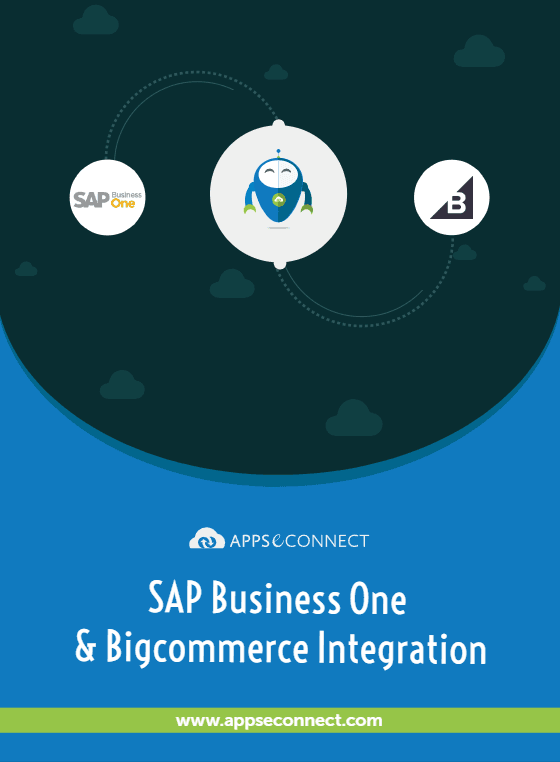
Download the SAP Business One and BigCommerce Integration Brochure
Get the complete reference on how APPSeCONNECT connects SAP Business One to BigCommerce, from data flows to deployment.
Inside you’ll find:
- Integration Architecture: How customer, item, price, order, inventory, shipment, and invoice records move between SAP Business One and BigCommerce.
- Sync Coverage: Directional coverage for orders and customers into SAP Business One, and items, pricing, stock, shipments, and invoices back to BigCommerce.
- Rollout Approach: Start with order and inventory sync, then extend into pricing, customers, shipments, and invoice references.
- Testing Checklist: Validate sample orders, customers, items, price lists, stock updates, and retry scenarios before go-live.
- Security and Recovery: Connection model, resync function, and Sync Info dashboard reference.
Use Cases
APPSeCONNECT’s SAP Business One and BigCommerce integration is built for retailers, distributors, manufacturers, and finance teams that need cleaner records across store and ERP. The goal is to reduce manual work and keep SAP Business One connected with BigCommerce.
eCommerce Retail — Scenario: Store orders reach the ERP ready to fulfill
Online orders can post into SAP Business One for picking and shipping, while stock and pricing stay current on BigCommerce without anyone opening a spreadsheet.
- BigCommerce orders can create SAP Business One sales orders with line, tax, and shipping detail.
- Shoppers can create or update matched business partner records.
- Stock updates can keep store availability aligned with the warehouse.
- Shipment and tracking detail can return to the store automatically.
What this integration handles
Synced
BigCommerce orders into SAP Business One
Connected
Customer records between systems
Updated
Inventory across store and ERP
Returned
Shipment and tracking status
Supports online retailers running BigCommerce with SAP Business One as the ERP backbone.
Scenario: Tiered pricing and multi-warehouse stock post correctly
Distributors need customer-specific pricing, warehouse-level inventory, and credit context to hold when B2B orders move from BigCommerce into SAP Business One.
- Orders can post with customer-specific or tiered price lists applied.
- Multi-warehouse stock can roll up to store availability.
- Unit-of-measure and kit items can be mapped into the sales order.
- Item and price updates can move from SAP Business One to BigCommerce.
What this integration handles
Applied
Customer-specific pricing
Mapped
UoM and kit items
Aligned
Multi-warehouse inventory
Connected
Order-to-ERP pipeline
Supports distributors and B2B sellers using SAP Business One as the ERP system of record.
Scenario: Invoices and payments stay traceable to the ERP record
Finance teams need invoice references, payment status, and shipment detail to stay connected to the original SAP Business One record rather than arriving as disconnected exports.
- Invoice references can sync back to BigCommerce for order tracking.
- Payment and order-reference detail can stay connected to the ERP record.
- Logs and snapshots can support reconciliation and exception handling.
- The resync function can recover records that failed to post.
What this integration handles
Matched
Payment and invoice references
Linked
Order and shipment detail
Auditable
Logs and snapshots
Recoverable
Resynced records
Supports finance, accounting, and operations teams that need cleaner transaction traceability.
How Does the Workflow Run End-to-End
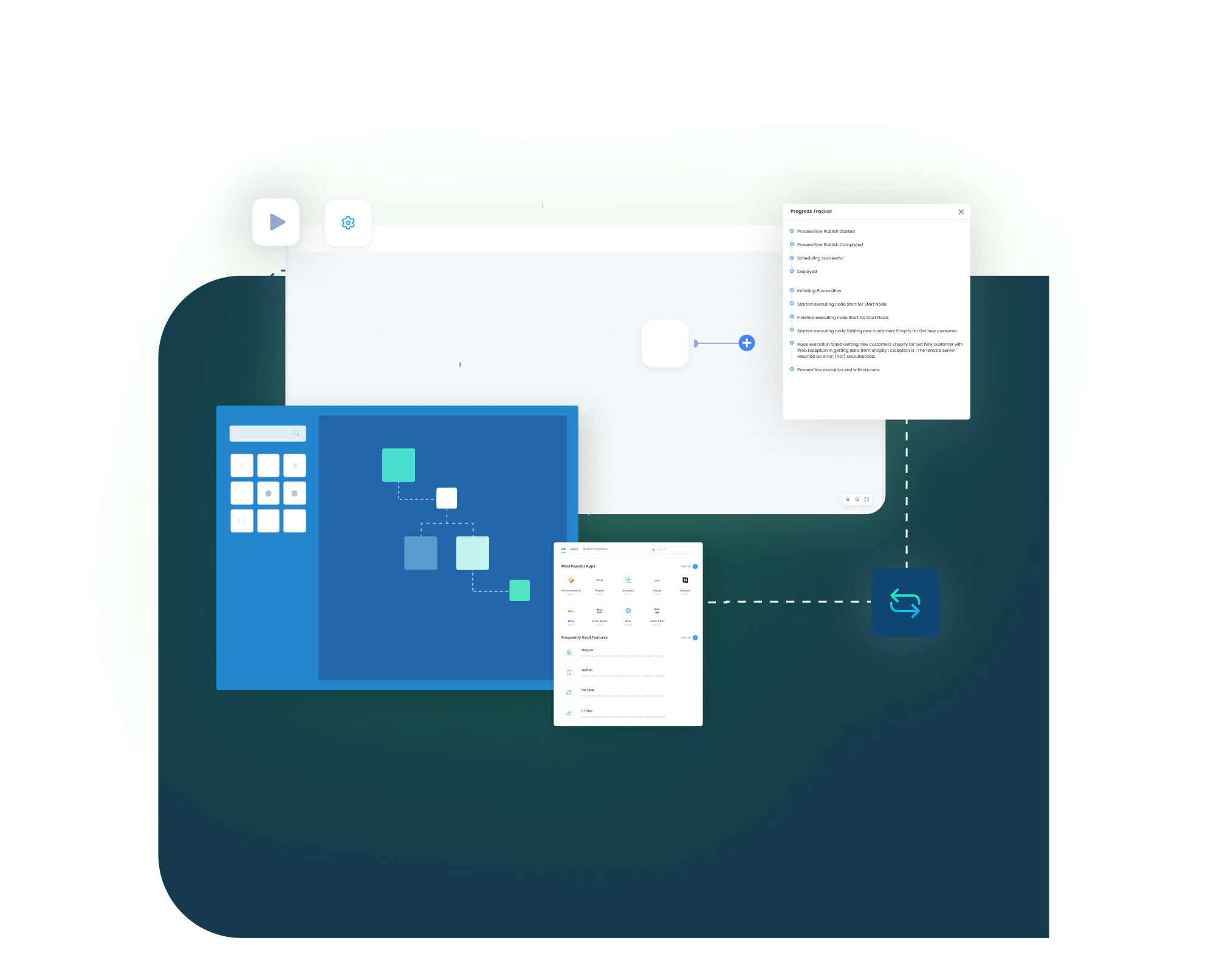
Our SAP Business One and BigCommerce integration runs through ProcessFlows. Each ProcessFlow defines the source system, target system, entity, connector action, schema, mapping logic, validation rules, run mode, retry settings, and monitoring path before any record moves.
Event Trigger and Source Connection
A BigCommerce order, a stock change, or a price update starts the flow through a webhook or scheduled run, and APPSeCONNECT validates the payload.
Data Extraction and Schema Reading
The flow reads the selected entity and its schema. The record may be an order, customer, item, price list, inventory update, shipment, or invoice object.
Transformation and Field Mapping
Fields transform between BigCommerce and SAP Business One, applying business partner match, price list, tax, and warehouse rules.
Validation and Business Rule Execution
The record is checked before posting, covering customer matching, duplicate rules, item codes, pricing conditions, and required fields.
Record Creation and Target Push
The connector creates or updates the SAP Business One or BigCommerce record through the API, and captures the response with success state and failure reason.
Monitoring, Retry, and Back-Sync
Ship from SAP Business One, post invoice references, and push status back to BigCommerce. Sync Info tracks success and error rates, auto-retry handles transient failures, and missed records can be resynced.
How appse ai Helps Streamline SAP Business One and BigCommerce Integration
A working SAP Business One and BigCommerce integration reduces manual transfer work, but teams still manage failed records, changing order volumes, repeated checks, and exception review. appse ai adds AI-assisted support for designing workflows, spotting issues earlier, and reducing manual checking across connected processes.
- Workflow Design: Help teams describe a process and shape the workflow structure around it, especially when new entities or connected systems are added.
- Issue Detection: Spot broken flows, error patterns, and records that need review before they become daily cleanup work.
- Order Tracking: Review order movement from the first BigCommerce sale through later updates in SAP Business One.
- Stock and Finance Clarity: Make inventory, invoice, and payment-related updates easier to review across both systems.
- API Coordination: Support workflows where SAP Business One and BigCommerce share data through managed APIs.
- Teams Stay in Control: AI-assisted support helps the process while teams set the rules and decide how records move.

Ready to Launch Your SAP Business One and BigCommerce Integration Today?
SAP Business One and BigCommerce should not leave teams working from different versions of order, inventory, pricing, and customer data. APPSeCONNECT connects the store with the ERP through structured workflows, so teams can scale daily operations without adding more manual record work.

Frequently Asked Questions
SAP Business One and BigCommerce integration connects your BigCommerce store with SAP Business One ERP through controlled data workflows. APPSeCONNECT can move orders, customers, items, pricing, inventory, shipments, and invoice references between the two systems so both stay aligned.
Businesses integrate the two to reduce manual order entry and keep ERP records aligned with the store. It helps limit duplicate records, overselling, pricing errors, and finance follow-up work, while SAP Business One stays the system of record.
The integration can support customer and business partner records, item and product data, price lists, sales orders, inventory updates, shipment status, and invoice references. The final scope depends on the SAP Business One setup and the BigCommerce store workflow.
Flows can run on a schedule or on an event such as a new order, stock change, or price update, depending on how each ProcessFlow is configured. The right mode depends on your order volume and how quickly each record type needs to move.
Customer-specific and tiered price lists can be applied when orders post into SAP Business One, and multi-warehouse stock can roll up to store availability. Unit-of-measure and kit items can be mapped where the workflow requires it.
APPSeCONNECT connects both systems through their APIs and credentials. Each ProcessFlow defines the source app, target app, entity, connector action, field mapping, validation rules, run mode, retry behavior, and monitoring path.
When a sync fails, APPSeCONNECT provides logs, snapshots, node status, and API responses through the Sync Info dashboard. Auto-retry handles transient failures, and teams can correct missing fields or mapping issues and resync the affected records.
Start by identifying the records that create the most manual work, such as order sync, inventory updates, and pricing. APPSeCONNECT can then help map, configure, test, monitor, and scale the integration.
Companies automating their business through APPSeCONNECT







Customer Success Stories

Hernon
With APPSeCONNECT, Hernon achieved a zero business downtime and levaraged the power of a fully automated and integrated solution to ensure business growth.
Read Case Study →
Machinery Manufacturing Company
Discover how a world-leading industrial equipment manufacturing company leveraged APPSeCONNECT for company-wide automation of ERP, CRM, and eCommerce applications.
Read Case Study →Related Resources
Articles and Guides to Help You With Your Integration and Automation Journey