

Shopify and Microsoft Dynamics 365 F&O Integration and Automation
- Automate
- Align
- Accelerate
Shopify and Microsoft Dynamics 365 F&O integration keeps your storefront and ERP working from the same records, and APPSeCONNECT gives you a governed platform to sync orders, inventory, customers, fulfillment, invoices, and payments both ways without custom scripts. Shopify orders create Dynamics 365 F&O sales orders, F&O stock and pricing flow back to the store, and shipment and invoice details post where your process needs them.


















Why APPSeCONNECT Is the Gold Standard for Shopify and Microsoft Dynamics 365 F&O Integration
A disconnected Shopify store and Dynamics 365 F&O ERP force teams to re-key orders, reconcile stock by hand, and chase invoice and fulfillment status across two systems. APPSeCONNECT replaces that manual work with governed, bi-directional ProcessFlows, so each record moves with the right mapping, validation, monitoring, and retry controls.

Move Orders Into F&O Without Re-entry
Shopify orders post into Dynamics 365 F&O as sales orders with line items, customer billing and shipping details, taxes, discounts, and shipping charges mapped through your rules.

Keep Inventory Aligned Across Store and Warehouse
F&O stock by site and warehouse updates Shopify on a schedule or on change, so the storefront reflects a closer view of available inventory.

Choose a Managed Connector Over a Custom Build
A native F&O build involves setup tables, API credentials, and batch jobs. APPSeCONNECT replaces that effort with prebuilt connectors and a visual ProcessFlow designer you can extend as the business grows.

Sync Customers and Products in the Right Direction
Shopify customer records flow into F&O, and F&O items publish to Shopify as listings, so master data stays consistent without duplicate entry.

Close the Finance Loop
F&O invoices return to Shopify for accurate billing, and payment statuses and refunds move between both systems where the process supports it.

Track, Fix, and Resync Exceptions
Logs, snapshots, node status, and API responses show what happened, and auto-retry plus resync help teams correct the cause and rerun affected records.
Standard Flows Covered in Our Shopify and Dynamics 365 F&O Integration
APPSeCONNECT supports Shopify and Dynamics 365 F&O integration across order, customer, product, inventory, fulfilment, and finance workflows. The setup can follow your F&O configuration, Shopify store setup, field mappings, and review process. Sync direction is configured per flow and can be adjusted to your process.
Shopify Orders → Dynamics 365 F&O Sales Orders: Orders placed in Shopify create F&O sales orders with item and article details, customer billing and shipping information, taxes, discounts, and shipping charges mapped through your rules. Dynamics 365 F&O Fulfilment → Shopify: Shipment and dispatch updates from F&O return to Shopify so order status stays current for buyers without manual updates.
Shopify Customers → Dynamics 365 F&O: New or updated Shopify customer records can create or update F&O customer accounts, with contact and address details mapped to the right fields. Dynamics 365 F&O Items → Shopify Listings: F&O item and pricing data can publish to Shopify as listings using mapped rules, so product information stays consistent across both systems.
Dynamics 365 F&O Inventory → Shopify: Stock levels by site and warehouse can update Shopify on a schedule or on change, so the storefront reflects a closer view of available inventory. Dynamics 365 F&O Invoices → Shopify: Invoice records from F&O can sync to Shopify for accurate billing visibility against the original order. Shopify and Dynamics 365 F&O Payments and Refunds: Payment statuses and refunds can move between Shopify and F&O where the finance process supports it, keeping billing and reconciliation aligned both ways.
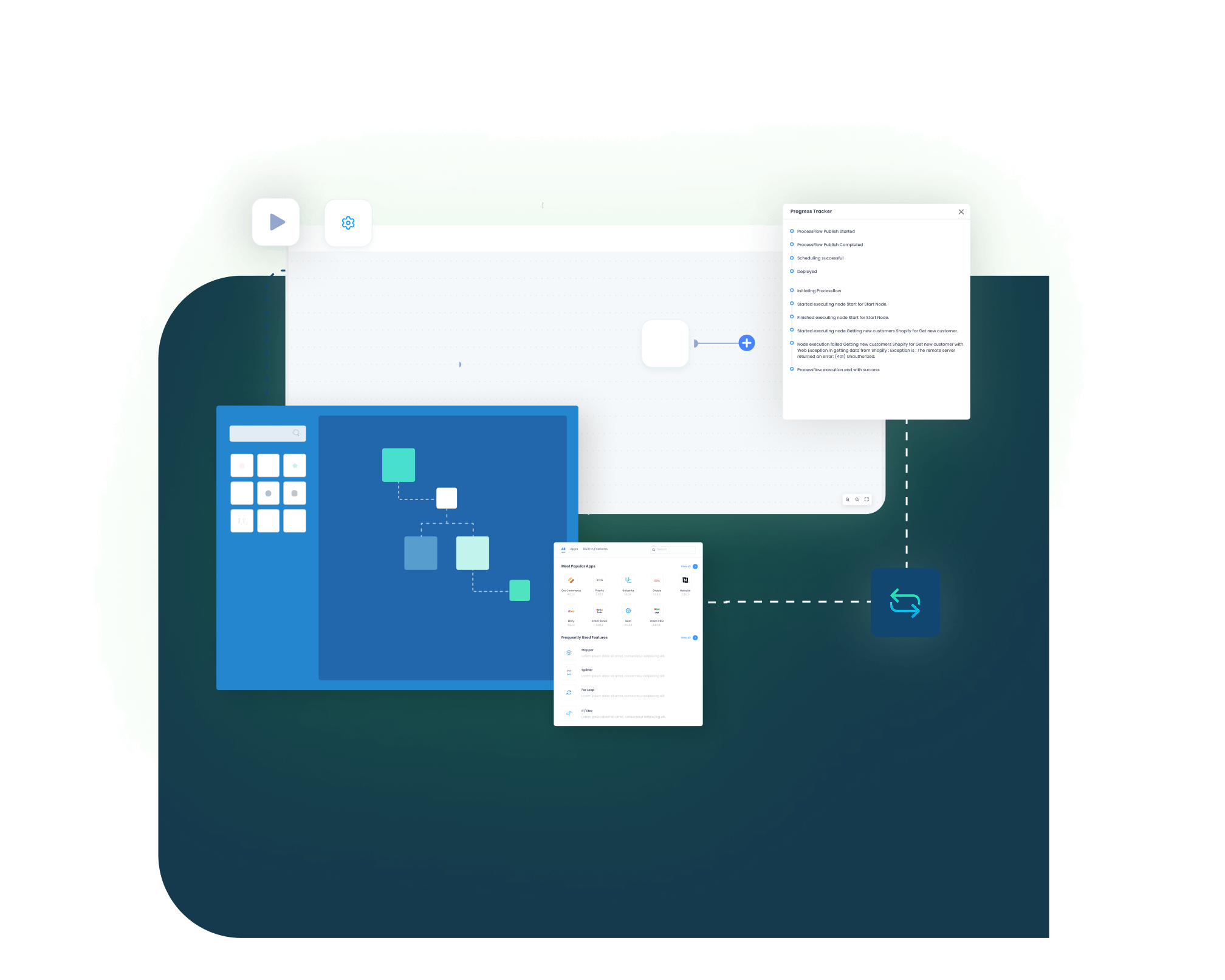
Sync Info, Auto-Retry, and Resync: Track success and error rates through the Sync Info dashboard, let auto-retry handle transient failures, and resync missed records after correcting the cause.
Popular Shopify and Dynamics 365 Integrations
Shopify and Dynamics 365 F&O integration often sits inside a wider operations stack. Businesses can connect marketplaces, payment systems, 3PL and warehouse tools, CRM, and reporting applications around the pair, with Dynamics 365 F&O remaining the ERP system of record.
Popular Shopify Integrations
Connect Shopify with other business applications.





Looking for a Specific Integration?
Popular Microsoft Dynamics 365 F&O Integrations
Smart iPaaS solution to streamline your business and increase efficiency. Seamlessly connect Microsoft Dynamics 365 F&O with leading applications.





Looking for a Specific Integration?
Download the Shopify and Dynamics 365 F&O Integration Brochure
Use the brochure to plan how Shopify and Dynamics 365 F&O exchange order, customer, product, inventory, fulfilment, invoice, and payment records, and to decide which system owns each process.
Inside You’ll Find:
- Integration Architecture: How Shopify connects to Dynamics 365 F&O and how order, customer, item, inventory, shipment, and invoice records move between systems.
- Sync Coverage: Coverage across orders, customers, products, inventory by site and warehouse, fulfilment, invoices, and payments.
- Deployment Roadmap: Prerequisites, sequence, and team responsibilities for rollout, starting with order and inventory sync.
- Security and Recovery: Security model, monitoring, resync function, and the Sync Info dashboard reference.

Start Integration at just $99 per month with Shopify, Salesforce, HubSpot, Zoho, WooCommerce and more.
Enterprise-grade integration powered by hands-on support without enterprise pricing

How Does the Workflow Run End-to-End?
Our Shopify and Dynamics 365 F&O integration runs through ProcessFlows. Each ProcessFlow defines the source system, target system, entity, connector action, field mapping, validation rules, run mode, retry settings, and monitoring path before any record moves.
Trigger & Source Connection
The flow begins through a webhook, scheduled pull, or configured sync. The source can be Shopify or Dynamics 365 F&O depending on the process.
Data Extraction & Schema Reading
The flow reads the selected entity and its schema, such as an order, customer, item, inventory update, shipment, or invoice record.
Transformation & Field Mapping
Fields transform between Shopify and F&O, applying customer match, tax, discount, pricing, and warehouse rules.
Validation and Business Rules
The record is checked before posting, including customer matching, item codes, pricing conditions, and required fields.
Target Push & Response Handling
The connector creates or updates the record in F&O or Shopify and captures the response with success state and failure reason.
Monitoring, Retry, and Audit
Sync Info tracks success and error rates, auto-retry handles transient failures, and missed records can be resynced after correction.
Use Cases
Shopify and Dynamics 365 F&O integration is built for retailers, D2C brands, manufacturers, distributors, and finance teams that use F&O as the ERP system of record and need cleaner data across the order lifecycle.
Retail and D2C — Online Orders Reach F&O Without Re-keying
High-volume Shopify stores need orders to become F&O sales transactions without manual entry, while stock and pricing stay current on the storefront.
- Shopify orders create F&O sales orders with item, customer, tax, and discount data.
- F&O inventory by site and warehouse updates Shopify near real time.
- Customer records stay aligned between the store and F&O.
- The integration can extend to more channels as the business grows.
What this integration handles
Synced
Shopify orders into F&O
Connected
Customer records
Updated
Inventory by site and warehouse
Extendable
More connected systems over time
Supports retailers and D2C brands running Shopify with Dynamics 365 F&O as the ERP backbone.
Manufacturing and Distribution — Order, Item, and Stock Records Stay Connected to F&O
Manufacturers and distributors need orders, items, and stock to stay close to the F&O record so operations and finance spend less time repairing gaps.
- Orders from Shopify create F&O sales orders with mapped customer, item, and tax data.
- Item and pricing data published from F&O to Shopify.
- Inventory changes update the storefront where the flow requires them.
- Fulfilment updates return to Shopify to keep order status current.
What this integration handles
Connected
Order-to-F&O pipeline
Mapped
Customer and item data
Updated
Inventory and stock movement
Returned
Fulfilment status
Supports manufacturers, distributors, and B2B sellers using Dynamics 365 F&O as the ERP backbone.
Finance and Operations — Billing and Payment Records Stay Traceable
Finance teams need invoices, payment status, and refunds connected to the original F&O record rather than arriving as disconnected exports.
- F&O invoices sync to Shopify for accurate billing visibility.
- Payment statuses and refunds move between systems where the process supports it.
- Logs and snapshots support reconciliation and exception handling.
- The resync function can recover records that failed to post.
What this integration handles
Matched
Invoice references
Linked
Payments and refunds
Auditable
Logs and snapshots
Recoverable
Resynced records
Supports finance, accounting, and operations teams that need cleaner transaction traceability.
Marketplace and Multi-Channel — One ERP Record Across Every Sales Channel
Brands selling on Shopify alongside marketplaces and B2B channels need every order to land in Dynamics 365 F&O as the single system of record, without per-channel re-keying.
- Shopify and marketplace orders consolidate into F&O sales orders.
- F&O inventory and pricing publish to each connected channel.
- Customer and product master data stays consistent across channels.
- New channels can be added as ProcessFlows without rebuilding the core.
What this integration handles
Connected
Orders across channels
Updated
Inventory and pricing
Consistent
Customer and product data
Scalable
New channels over time
Supports multi-channel retailers and D2C brands scaling beyond a single storefront on Dynamics 365 F&O.
How appse ai Helps Streamline Shopify and Dynamics 365 F&O Integration
A working Shopify and Dynamics 365 F&O integration reduces manual transfer work, but teams still manage failed records, changing data volumes, and exception review. appse ai adds AI-assisted support for designing workflows, spotting issues earlier, and reducing manual checking across connected processes.
- Workflow Design: Help teams describe a process and shape the ProcessFlow around it, especially when new F&O entities or connected systems are added.
- Issue Detection: Spot broken flows, error patterns, and records that need review before they become daily cleanup work.
- Exception Review: Surface missing fields, mapping gaps, and validation errors with clearer transaction context.
- Order and Finance Clarity: Make order, inventory, invoice, and payment updates easier to review across Shopify and F&O.
- API Coordination: Support workflows where F&O and other systems share data through managed APIs.
- Teams Stay in Control: AI-assisted support helps the process while teams set the rules and decide how records move.

Ready to Launch Your Shopify and Dynamics 365 F&O Integration Today?
Shopify and Dynamics 365 F&O should not leave teams working from different versions of order, inventory, customer, and invoice data. APPSeCONNECT connects the store and the ERP through structured, bi-directional workflows, so teams can scale daily operations without adding manual record work.

Companies automating their business through APPSeCONNECT







Customer Success Stories

Bernardo
Bernardo 1946 was running its eCommerce through Shopify and managing marketplace and retail order distribution through Dsco.
Read Case Study →
PPE ONLINE
PPE ONLINE is an OEM manufacturer of Personal Protective Equipment (PPE). They are known for high-quality and affordable safety products.
Read Case Study →
United Sports Brands
United Sports Brands is a well-known company in the sports and active lifestyle sector, recognized for its high-quality products and gear.
Read Case Study →Related Resources
Articles and Guides to Help You With Your Integration and Automation Journey

Frequently Asked Questions
Shopify and Microsoft Dynamics 365 F&O integration connects your Shopify store with the Dynamics 365 Finance & Operations ERP through controlled data workflows. APPSeCONNECT can move orders, customers, products, inventory, fulfilment, invoices, and payments between both systems.
The integration can sync Shopify orders into F&O sales orders, customer records, F&O products and pricing to Shopify, inventory by site and warehouse, fulfilment and shipment updates, invoices, and payment statuses with refunds. Final scope depends on your F&O setup and store workflow.
Inventory and order flows can run in near real time through webhooks or scheduled jobs. The integration is bi-directional: orders and customers flow from Shopify to F&O, products, inventory, fulfilment, and invoices flow from F&O to Shopify, and payments and refunds move both ways. Direction is configured per flow.
Dynamics 365 Finance & Operations, formerly Dynamics AX, is the enterprise tier built for larger and more complex operations, while Business Central serves small and mid-sized businesses. This page covers the F&O integration. Business Central and NAV integrations are configured separately.
The integration can be configured around multiple stores and connected systems through separate ProcessFlows, planned around your F&O process and field mappings.
When a sync fails, APPSeCONNECT provides logs, snapshots, node status, and API responses through the Sync Info dashboard. Auto-retry handles transient failures, and teams can correct missing fields or mapping issues and resync the affected records.
Start by identifying the records that create the most manual work, such as order sync, inventory updates, customer sync, and invoice references. APPSeCONNECT can then help map, configure, test, monitor, and scale the integration.