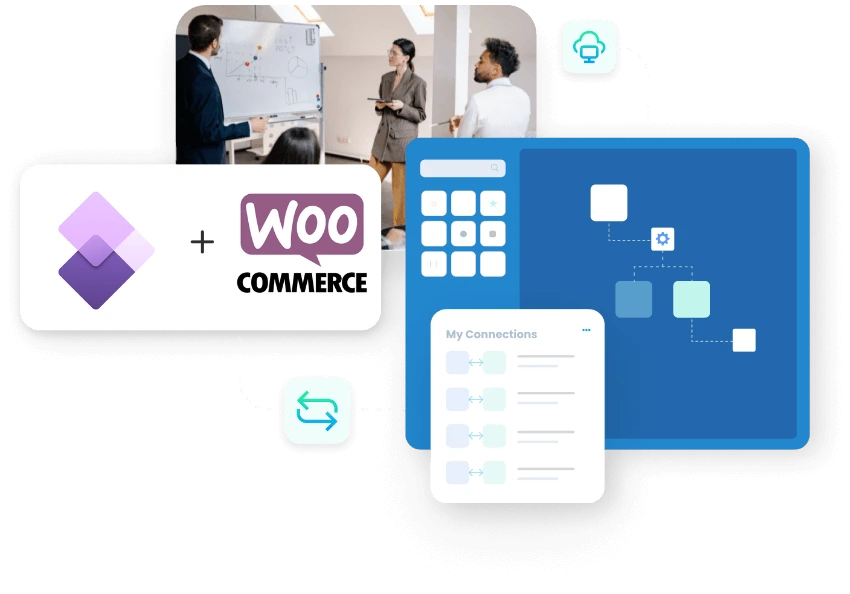
Dynamics 365 Finance and Operations WooCommerce Integration and Automation
Microsoft Dynamics 365 Finance & Operations and WooCommerce integration connects your online store with the ERP that runs finance, inventory, and order processing, and APPSeCONNECT gives you a governed platform to move that data both ways without manual export files. WooCommerce orders create Finance & Operations sales orders, ERP products and prices published to the store, and stock and shipment updates flow back so customers see accurate information.
KEY BENEFITS
Why APPSeCONNECT Is the Gold Standard for Dynamics 365 Finance & Operations and WooCommerce Integration
Connecting Finance & Operations with WooCommerce needs more than a plugin. Records must move with the right legal entity, price list, tax, and warehouse logic, then stay monitored so nothing fails silently. APPSeCONNECT connects Finance & Operations through OData entities and the Data Management Framework and connects WooCommerce through its REST API, so ProcessFlows, mappings, validation, logs, and retries keep store and ERP data aligned.

Turn Web Orders Into ERP Sales Orders Automatically
New WooCommerce orders create Finance & Operations sales orders with items, prices, taxes, discounts, and shipping details mapped, so order-to-cash starts without re-entry.

Publish ERP Products and Variants to the Store
Item master data moves from Finance & Operations to WooCommerce as simple or configurable products, including variants managed inside the ERP.

Keep Stock Aligned Across Store and ERP
Saleable stock by site or warehouse updates WooCommerce on a schedule or on record change, helping prevent overselling during busy periods.

Match Customer Records Both Ways
Customer and address details can sync in both directions, so store and account teams work from the same record.

Track, Retry, and Resync Failed Records
The Sync Info dashboard shows node status, logs, and API responses, auto-retry handles transient failures, and you can resync affected records after correcting the cause.

Show Correct Prices at Checkout
Base prices, customer-specific price lists, and quantity discounts move to WooCommerce, so B2C and B2B buyers see the right price.
Standard Features Covered in Our Dynamics 365 Finance & Operations and WooCommerce Integration Template
APPSeCONNECT supports Finance & Operations and WooCommerce integration across customer, order, product, inventory, and pricing workflows. Each flow can follow your Finance & Operations configuration, legal entity rules, price lists, and WooCommerce store setup, with direction chosen per record type.
- WooCommerce Customers → Dynamics 365 F&O New or updated store customers can create or update Finance & Operations customer records with billing, shipping, and account reference details.
- Dynamics 365 F&O Customers → WooCommerce B2B customer records maintained in the ERP can be published to WooCommerce so account-specific pricing and portal access stay current.
- WooCommerce Orders → Dynamics 365 F&O Sales Orders Web orders create ERP sales orders with line items, quantities, prices, discounts, taxes, and shipping charges.
- Dynamics 365 F&O Offline Orders → WooCommerce B2B orders created in the ERP can appear in the customer portal for account visibility.
- Dynamics 365 F&O Shipments → WooCommerce Dispatch status and tracking numbers move back to WooCommerce after fulfillment, so customers stay informed.
- Dynamics 365 F&O Items → WooCommerce Products Item master data publishes as simple or configurable products with variant support.
- Dynamics 365 F&O Inventory → WooCommerce Stock Saleable stock by site and warehouse updates WooCommerce using stock rules that fit your process.
- Dynamics 365 F&O Pricing → WooCommerce Base prices, customer prices, quantity discounts, and multi-currency values move into WooCommerce for B2C and B2B selling.
- Tax and Currency Mapping Tax categories, currency values, and regional settings can be mapped between both systems so order and invoice values stay consistent.
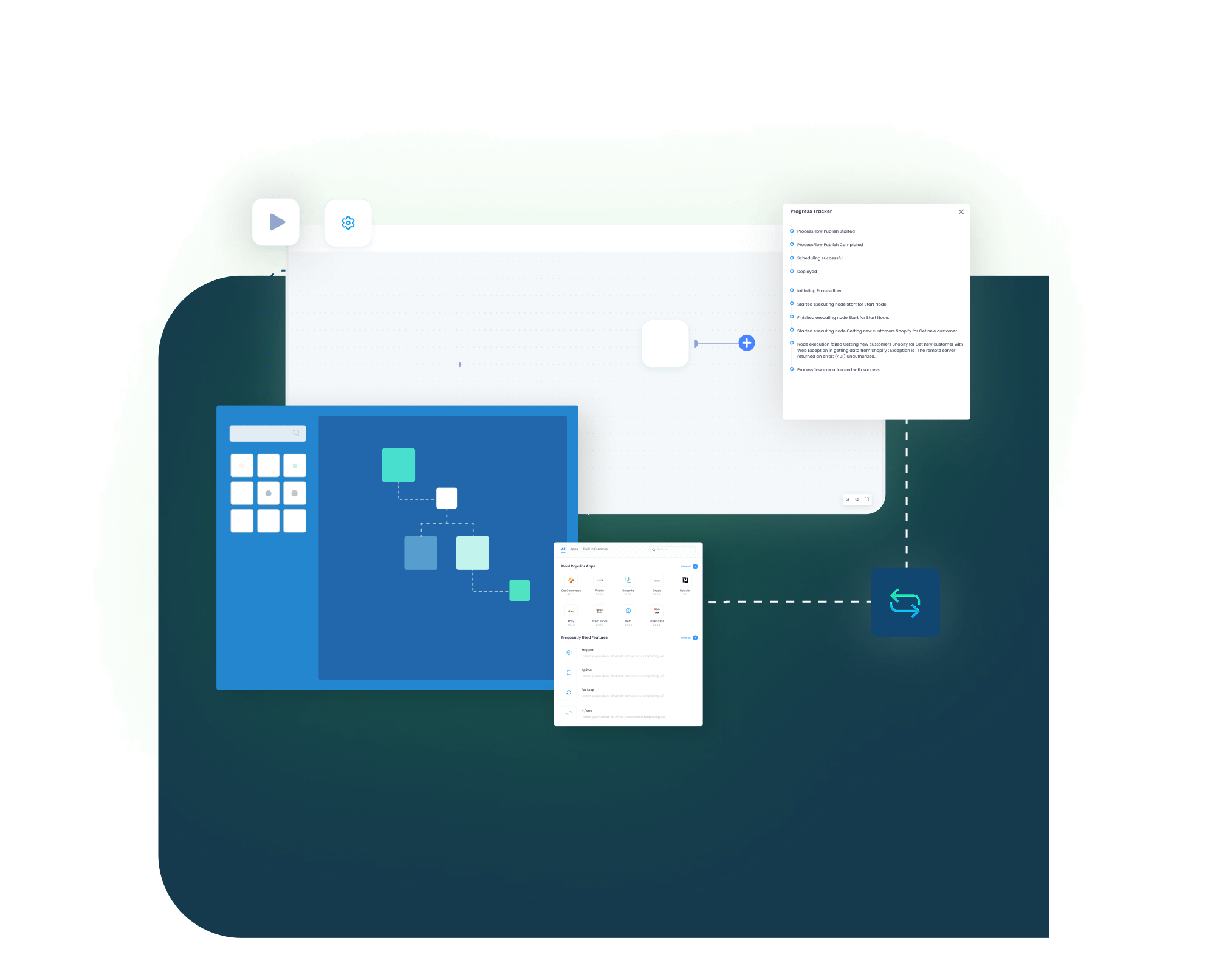
Popular Dynamics 365 Finance & Operations and WooCommerce Integrations
Finance & Operations and WooCommerce often sit inside a wider stack. APPSeCONNECT can connect Finance & Operations with other stores, marketplaces, CRM, and finance tools, and connect WooCommerce with additional ERP and business systems, with Finance & Operations remaining the ERP system of record. Common Finance & Operations integration areas include Magento, Amazon, Salesforce, and Shopify. Common WooCommerce integration areas include SAP Business One, SAP S/4HANA, Microsoft Dynamics NAV, and Dynamics 365 CRM.
Popular Dynamics 365 Finance & Operations Integrations
Connect Dynamics 365 Finance & Operations with other business applications.





Looking for a Specific Integration?
Popular WooCommerce Integrations
Connect WooCommerce with other business applications.


Looking for a Specific Integration?
INTEGRATION BROCHURE
Download the Dynamics 365 Finance & Operations and WooCommerce Integration Brochure
Use the brochure to plan how Finance & Operations and WooCommerce exchange product, price, customer, stock, order, and shipment records, and to decide which system should own each process.
Inside you will find:
- Flow Diagrams: How products, prices, customers, stock, orders, and shipments move between the store and the ERP.
- Mapping Checklist: Key fields to confirm before go-live, so teams avoid missing values and later cleanup.
- Admin Tips: How to monitor runs, correct failed records, and resync updates without stopping daily work.
Real-world use cases
Use Cases
APPSeCONNECT’s Finance & Operations and WooCommerce integration is built for retailers, distributors, and finance teams that need store activity connected to ERP records. The goal is to reduce manual work and keep both systems working from the same data.
Web Orders Reach the ERP Without Re-entry
A retailer selling through WooCommerce needs orders, customers, and stock to reach Finance & Operations without staff copying records. This integration moves store activity into the ERP so operations teams spend less time on data entry.
- WooCommerce orders create Finance & Operations sales orders with mapped items, prices, taxes, and shipping.
- Customer records can stay matched between the store and the ERP.
- Warehouse stock can update WooCommerce to reduce overselling.
- Shipment status and tracking can return to the store after fulfillment.
What this integration handles
Synced
WooCommerce orders into Finance & Operations
Matched
Customer records both ways
Updated
Stock across store and ERP
Returned
Shipment and tracking updates
Supports online retailers running WooCommerce with Finance & Operations as the ERP backbone.
B2B Pricing and Catalog Stay Accurate Online
Distributors and B2B sellers need account-specific prices, product data, and stock to reach WooCommerce from Finance & Operations so buyers see correct information.
- Base prices, customer prices, and quantity discounts move into WooCommerce.
- Item and variant data publishes from the ERP to the store.
- Offline B2B orders created in the ERP can appear in the customer portal.
- Multi-currency values can support selling across markets.
What this integration handles
Published
Products and variants to WooCommerce
Priced
Customer and quantity discounts
Visible
Offline B2B orders in the portal
Ranged
Multi-currency selling
Supports distributors and B2B sellers using Finance & Operations as the ERP system of record.
Order and Stock Values Stay Traceable to the ERP
Finance and operations teams need order values, stock movement, and shipment records to stay connected to the Finance & Operations record instead of arriving as disconnected exports.
- Web orders post to the ERP with mapped taxes, discounts, and shipping.
- Inventory changes can update the store where the flow requires them.
- Logs and snapshots can support reconciliation and exception handling.
- The resync function can recover records that failed to post.
What this integration handles
Posted
Orders with mapped values
Updated
Inventory movement
Auditable
Logs and snapshots
Recoverable
Resynced records
Supports finance and operations teams that need cleaner transaction traceability.
Workflow
How Does the Workflow Run End-to-End
Our Finance & Operations and WooCommerce integration runs through ProcessFlows. Each ProcessFlow defines the source system, target system, entity, connector action, schema, mapping logic, validation rules, run mode, retry settings, and monitoring path before any record moves.
Event Trigger and Source Connection
A shopper places a WooCommerce order, or a product, price, or stock change happens in Finance & Operations. APPSeCONNECT receives a webhook or scheduled pull and routes the record through the relevant ProcessFlow.
Data Extraction and Schema Reading
The flow reads the selected entity and its schema, whether an order, customer, item, inventory update, price, or shipment record.
Transformation and Field Mapping
Fields transform between WooCommerce and Finance & Operations, applying legal entity, price list, tax, and customer-match rules.
Record Creation and Target Push
The connector creates or updates the record through the WooCommerce REST API or Finance & Operations OData entities, then captures the response with success state and failure reason.
Back-Sync, Monitoring, and Retry
Stock, price, and shipment updates return to WooCommerce. Sync Info tracks success and error rates, auto-retry handles transient failures, and missed records can be resynced after correction.
Meet appse ai
How appse ai Helps Streamline Dynamics 365 Finance & Operations and WooCommerce Integration
A working integration reduces manual transfer, but teams still manage failed records, changing data volumes, and repeated exception checks. appse ai adds AI-assisted support for designing workflows, spotting issues earlier, and reducing manual review across connected processes.
- Workflow Design: Help teams describe a process and shape the ProcessFlow around it, especially when new entities or connected systems are added.
- Issue Detection: Spot broken flows, error patterns, and records that need review before they become daily cleanup.
- Order Tracking: Review order movement from the first WooCommerce record through ERP processing and shipment updates.
- Stock and Finance Clarity: Make inventory, pricing, and order-value updates easier to review across both systems.
- Teams Stay in Control: AI-assisted support helps the process while teams set the rules and decide how records move.

Frequently Asked Questions
It connects the Finance & Operations ERP with a WooCommerce store through controlled data workflows. APPSeCONNECT can move orders, customers, products, inventory, pricing, and shipment updates between the two systems, with Finance & Operations as the system of record.
Orders, customers, products and variants, inventory, base and customer-specific pricing, quantity discounts, multi-currency values, and shipment status. The final scope depends on your Finance & Operations configuration and store setup.
This page covers Microsoft Dynamics 365 Finance & Operations, the enterprise ERP. Business Central is a separate Dynamics 365 product with its own connector. If you run Business Central, review that integration separately to avoid entity confusion.
Both are supported. Flows can trigger on record change through webhooks where available, or run on a set schedule, depending on record type and order volume.
APPSeCONNECT connects Finance & Operations through OData entities and the Data Management Framework, and connects WooCommerce through its REST API. Each ProcessFlow defines the source, target, entity, field mapping, validation rules, run mode, retry behavior, and monitoring path.
APPSeCONNECT provides logs, snapshots, node status, and API responses through the Sync Info dashboard. Auto-retry handles transient failures, and teams can correct missing fields or mapping issues and resync the affected records.
Start with the records that create the most manual work, usually order sync, product and price publishing, stock updates, and customer records. APPSeCONNECT can then help map, configure, test, monitor, and scale the integration.
Ready to Launch Your Dynamics 365 Finance & Operations and WooCommerce Integration Today?
WooCommerce should not sit apart from the ERP that processes finance, stock, and orders. A structured integration connects both systems so teams can scale store operations without adding manual record work.

Companies automating their business through APPSeCONNECT







Customer Success Stories

Proveedora PGP
Founded in 2005, Proveedora PGP has solidified its position as a leading ecommerce business in Mexico, specializing in car and truck tires.
Read Case Study →
African American Expressions
African American Expressions, founded by Gregory Perkins in 1991 in Sacramento, California, has been on a remarkable journey of growth and success.
Read Case Study →Related Resources
Articles and Guides to Help You With Your Integration and Automation Journey