HubSpot and SAP Business One Integration and Automation
- Automate
- Align
- Accelerate
HubSpot and SAP Business One integration connects your CRM activity with the ERP records that control items, pricing, orders, and finance. APPSeCONNECT moves leads, accounts, contacts, items, price lists, quotes, sales orders, and invoices between HubSpot and SAP Business One through managed integration flows, so sales and finance teams work from the same records instead of re-keying data.
HubSpot usually runs lead capture, contact management, deals, and sales activities. SAP Business One controls business partners, item masters, pricing, sales documents, and accounting. When these systems stay apart, teams re-enter records by hand, pipelines drift out of sync, and the quote-to-cash process slows down while data is reconciled across two screens.


















Why APPSeCONNECT Is the Gold Standard for HubSpot SAP Business One Integration
A HubSpot SAP Business One integration needs more than a one-time data export. CRM and ERP records must move with the right field logic, mapping, validation, monitoring, and retry controls. The platform gives both systems a managed integration layer where ProcessFlows, mappings, connector actions, logs, and retry settings work together to keep records moving with control.

Manual Re-Keying
Leads, contacts, and orders captured in HubSpot often get retyped into SAP Business One. The platform maps customer, item, price, and order details so records move through a defined flow instead of by hand.

Pipeline Drift
Deal and account status can fall out of step between sales and finance. Mapped account, contact, and opportunity sync keeps both systems showing the same stage.

Stale Product and Price Data
Sales reps quote from outdated item or price information when SAP Business One catalogs do not reach HubSpot. Item and price-list sync keeps quoting aligned with the ERP source.

Quote-to-Cash Delays
Quotes, orders, and invoices stall when they sit in one system and must be re-created in the other. The platform connects these documents so the lead-to-cash path stays continuous.

Duplicate and Stale Records
Records can duplicate or go stale when two teams edit the same customer separately. Add-and-update logic with mapped matching rules reduces duplication across both systems.

Hidden Sync Failures
Failed records should not sit unnoticed. Logs, snapshots, node status, API responses, and retry controls help teams review what failed, fix the cause, and rerun the affected records.
Standard Features Covered in Our HubSpot and SAP Business One Integration Template
This HubSpot and SAP Business One integration can be planned around lead handling, account and contact alignment, item and price sync, and the quote-to-invoice flow. The final setup can follow your SAP Business One configuration, HubSpot Sales Hub objects, field rules, and matching logic.
New leads created in HubSpot can become SAP Business One business partner records with the mapped lead status.
When a lead is converted to an account or contact in HubSpot, the matching SAP Business One business partner status can update from lead to customer through a configured rule.
Created or updated accounts and contacts can move from SAP Business One to HubSpot, or from HubSpot to SAP Business One, using add-and-update logic to reduce stale or duplicate records.
Sales tasks, notes, and other HubSpot activities can sync to SAP Business One as business partner activities, so teams in either system can see customer history.
Item details can flow from SAP Business One to HubSpot so reps quote from accurate product data. Description and price changes in SAP Business One can reflect in HubSpot where the flow requires it.
SAP Business One price lists can map to HubSpot price books, so region or segment pricing stays connected when items sync.
HubSpot deals or opportunities can appear in SAP Business One sales documents, and quotes can sync between systems so reps and finance work from the same figures.
Orders created or edited in HubSpot can become SAP Business One sales orders with mapped item lines, pricing, and customer details, and updates can flow in the supported direction.
Invoices can map between HubSpot and SAP Business One as invoice documents so billing records stay connected to the right customer account.
Failed records can be reviewed through logs, snapshots, node status, API responses, and transaction details. After correcting the issue, teams can rerun the affected records through the configured retry process.
Popular HubSpot and SAP Business One Integrations
HubSpot and SAP Business One integrations often sit beside the applications that support a connected sales-to-finance operation. Common neighboring areas include eCommerce platforms, marketplaces, payment systems, marketing tools, customer service apps, reporting tools, and custom internal systems, all feeding or drawing from the same ERP and CRM records. If your business runs SAP Business One alongside other CRMs, or runs HubSpot alongside another ERP, review those integration options separately. Connect SAP Business One with other business applications.




Popular HubSpot CRM Integrations
Connect HubSpot CRM with other business applications.


Looking for a Specific Integration?
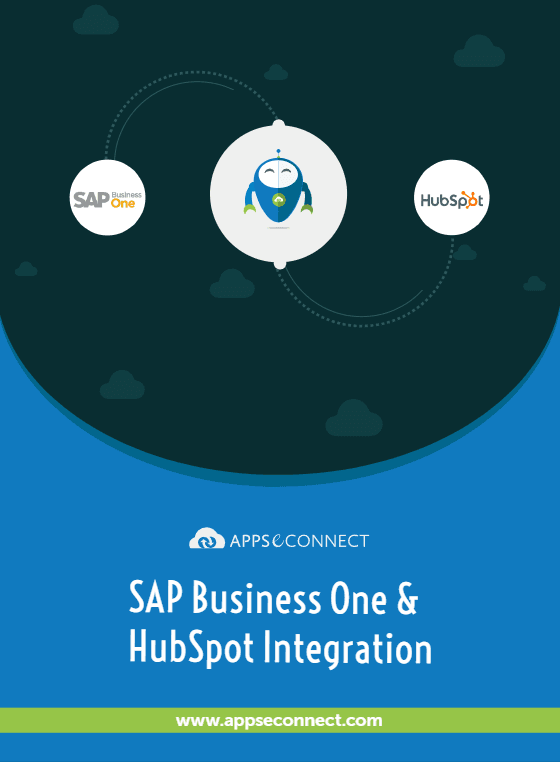
Download the HubSpot and SAP Business One Integration Brochure
Get the brochure for planning HubSpot and SAP Business One integration across CRM and ERP workflows. It outlines how leads, accounts, contacts, items, price lists, quotes, sales orders, and invoices can be organized before rollout.
Inside you’ll find:
- Integration Architecture: See how leads, accounts, contacts, items, prices, quotes, orders, and invoices can move between HubSpot and SAP Business One.
- Flow Planning: Review which records should originate in HubSpot, which should originate in SAP Business One, and where bi-directional sync applies.
- Rollout Approach: Start with the records that create the most manual work, then expand into item and price sync, quotes, orders, invoices, and activity history.
- Testing Checklist: Check account matching, item mapping, price-list handling, quote and order field logic, invoice references, and retry behavior before going live.
- Operational Readiness: Prepare teams to review run history, inspect snapshots, track failed records, and rerun transactions after launch.
Enterprise-grade integration powered by hands-on support without enterprise pricing
Start Integration at just $99 per month with Shopify, Salesforce, HubSpot, Zoho, WooCommerce and more.

How Does The Workflow Runs End-to-End
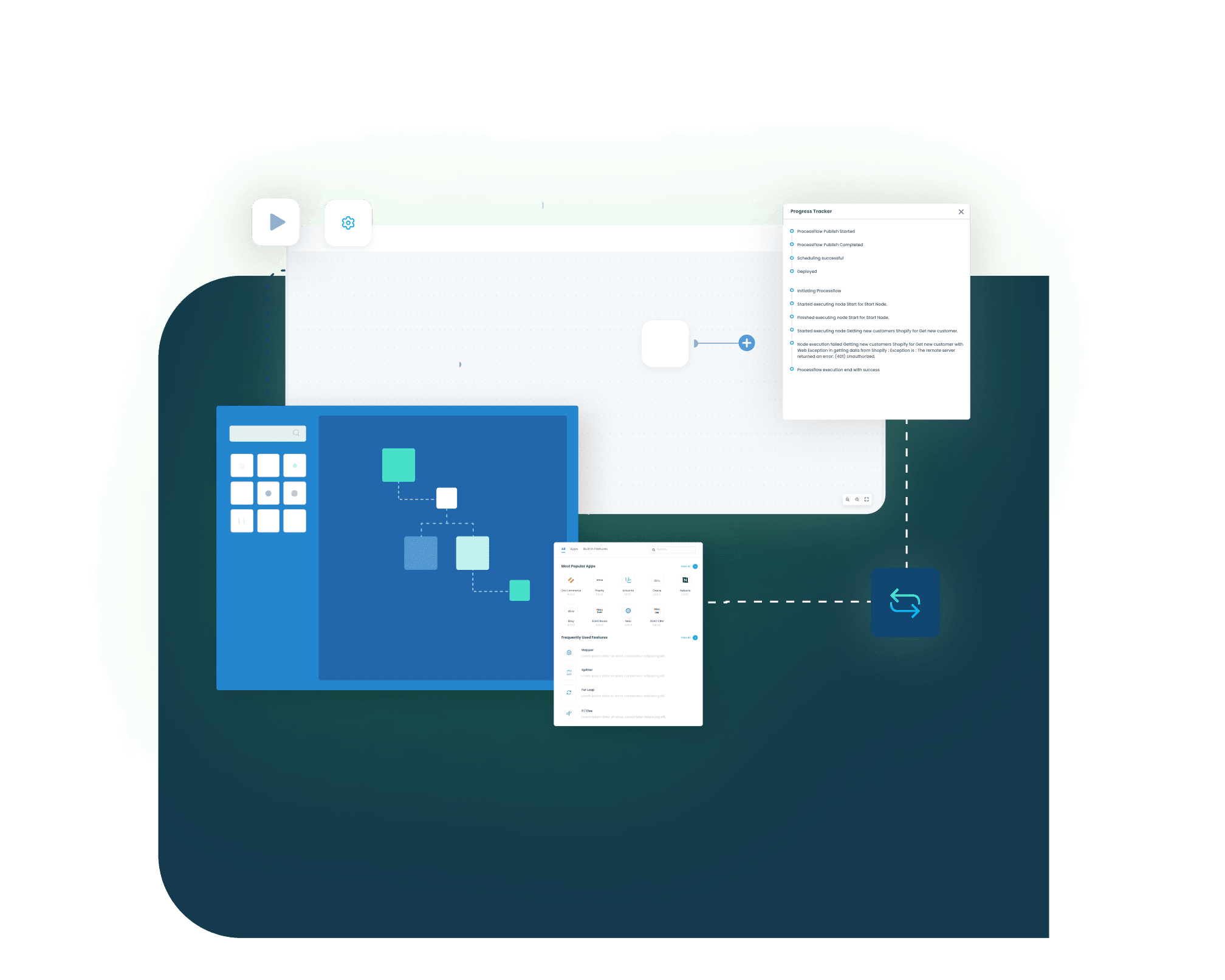
A HubSpot and SAP Business One integration runs through ProcessFlows. Each ProcessFlow defines the source system, target system, object, connector action, schema, mapping logic, validation rules, run mode, retry settings, and monitoring path before any record moves.
Trigger & Source Connection
A schedule, manual run, or configured event can start the flow. The source connection opens to HubSpot or to SAP Business One through the approved connectivity method.
Data Extraction & Schema Reading
The flow reads the selected object and its structure. The record may be a lead, account, contact, activity, item, price list, quote, sales order, or invoice.
Transformation & Field Mapping
Source fields are reshaped for the target system. Customer ID, contact details, item number, price, quote lines, order lines, and invoice references can be mapped as needed.
Validation & Business Rule Execution
The flow checks the record before posting. It can review account matching, item validity, required fields, pricing logic, and document status.
Target Push & Response Handling
The prepared record is sent to HubSpot or SAP Business One. The response is captured with the success state, sync result, API message, and failure reason when a record is rejected.
Monitoring, Retry & Audit Logging
Logs and snapshots show what happened during each run. Node status, transaction details, and retry controls help teams correct data issues and process the record again.
Setup note
SAP Business One connectivity typically uses an approved method such as the Service Layer or DI API. The supported SAP Business One versions and authentication approach for your environment are defined during solution design.
Use Cases
HubSpot and SAP Business One integration is built for businesses that need CRM activity to work with ERP-controlled operations. It supports sales teams, finance teams, distributors, manufacturers, and service businesses that rely on SAP Business One as the system of record while running HubSpot for sales and marketing.
Sales and Pipeline Operations — Sales Activity in HubSpot Stays Aligned With SAP Business One Records
Sales teams need leads, accounts, and deals in HubSpot to connect with the business partner and sales documents in SAP Business One, so pipeline status and customer data stay consistent.
- Leads created in HubSpot can become SAP Business One partner records with the mapped status.
- Account and contact updates can flow in both directions to reduce duplication.
- Deals and quotes can connect to SAP Business One sales documents.
- Activities such as tasks and notes can sync for shared customer history.
What this integration handles
Connected
Lead-to-partner pipeline
Synced
Accounts and contacts
Linked
Deals and quotes
Shared
Activity history
Supports sales teams, account managers, and revenue operations teams that run HubSpot on top of SAP Business One.
Quoting and Catalog Accuracy — Reps Quote From Accurate SAP Business One Item and Price Data
Quoting breaks down when product and price information in HubSpot does not match SAP Business One. This integration keeps catalog and pricing data connected so quotes reflect the ERP source.
- Item master details can flow from SAP Business One into HubSpot.
- Price lists can map to HubSpot price books for segment or region pricing.
- Item and price changes can update HubSpot where the flow requires it.
- Quotes can carry consistent item lines and pricing across both systems.
What this integration handles
Synced
Item master data
Mapped
Price lists to price books
Updated
Description and price changes
Aligned
Quote item lines
Supports sales reps, sales operations, and pricing teams that need quoting aligned with SAP Business One.
Order and Invoice Handoff — Orders and Invoices Move Cleanly Between HubSpot and SAP Business One
When deals close, order and invoice data needs to reach finance without manual re-entry. This integration connects the documents so the lead-to-cash path stays continuous.
- Orders created in HubSpot can become SAP Business One sales orders with mapped lines.
- Order updates can flow in the supported direction between systems.
- Invoices can map to SAP Business One invoice documents.
- Order and invoice references can stay tied to the right customer account.
What this integration handles
Created
Sales orders from deals
Mapped
Item lines and pricing
Connected
Invoice documents
Traceable
Customer account references
Supports finance teams, order management teams, and operations teams that need connected order processing.
Finance and Reconciliation — Customer and Financial Records Remain Easier to Trace
Finance teams need invoices, payment-related references, and account status to stay connected to the original SAP Business One record while sales works in HubSpot.
- Invoice records can move between systems where visibility is required.
- Account and contact data can stay aligned for accurate billing.
- Logs and snapshots can support reconciliation and audit review.
- Failed records can be corrected and retried without rebuilding the flow.
What this integration handles
Matched
Invoice and account references
Visible
Customer and billing data
Auditable
Logs and snapshots
Recoverable
Failed records via retry
Supports finance, accounting, collections, and operations teams that need cleaner CRM-to-ERP traceability.
How appse ai Helps Streamline HubSpot and SAP Business One Integration
After the core HubSpot and SAP Business One connection is live, teams still manage record volume, failed runs, mapping issues, and recurring exceptions. appse ai can support the integration layer with AI-assisted workflow design, exception context, process signals, and operational review.
- Workflow Design: Help teams build or adjust flows for lead handling, account and contact sync, item and price updates, and the quote-to-invoice path.
- Issue Detection: Identify repeated failures such as unmatched accounts, missing item references, price-list gaps, or rejected document postings.
- Exception Review: Review missing fields, mapping gaps, validation errors, and rejected records with clearer transaction context.
- Decision Support: Help teams define conditions for account matching, lead-to-customer routing, pricing exceptions, and review queues.
- Process Signals: Track where HubSpot and SAP Business One flows slow down, fail repeatedly, or need stronger validation.
- API Coordination: Coordinate HubSpot and SAP Business One connector actions, custom endpoints, and downstream updates through one workflow layer.
- Workflow Improvement: Review batching, schedules, retries, field mapping, and validation patterns as record volume grows.

Ready to Launch Your HubSpot and SAP Business One Integration Today?
HubSpot and SAP Business One should not operate as separate systems for leads, accounts, items, prices, quotes, orders, and invoices. A structured integration connects CRM and ERP, so sales and finance teams can scale daily operations without adding more manual record work.

Frequently Asked Questions
HubSpot and SAP Business One integration connects HubSpot CRM with SAP Business One ERP through controlled data workflows. APPSeCONNECT can move leads, accounts, contacts, activities, items, price lists, quotes, sales orders, and invoices between the two systems through configured ProcessFlows.
You can connect the two systems using a pre-built connector and configured ProcessFlows rather than manual exports. APPSeCONNECT maps the objects you select, applies validation, and runs the sync on a schedule or trigger with monitoring and retry.
The integration can support leads, accounts, contacts, activities, items, price lists, quotes, opportunities, sales orders, and invoices. The final scope depends on your SAP Business One setup and the HubSpot objects in use.
Several objects, such as accounts and contacts, can sync bi-directionally with add-and-update logic. Others may run in one direction depending on the source of record. The exact direction per object is defined during flow planning.
Flows can run on a schedule, a trigger, or a configured event. Whether a given flow behaves as near real-time or batch depends on the run mode chosen during setup, which is defined for your flows during solution design.
SAP Business One can be connected through approved connectivity methods. The supported versions and connectivity approach for on-premise environments are defined during solution design.
APPSeCONNECT provides a configured connector for HubSpot and SAP Business One, so common objects can be mapped without building the integration from scratch. Custom mappings and rules can be added where needed.
Custom mappings, validation rules, and connector actions can be planned around the fields and objects your process uses. Custom object support is confirmed against your specific HubSpot and SAP Business One configuration.
When a sync fails, APPSeCONNECT provides logs, snapshots, node status, API responses, and transaction details. Teams can review the failure reason, correct missing fields or mapping issues, and retry the affected records.
Start by identifying the records that create the most manual work, such as lead sync, account and contact sync, item and price sync, orders, and invoices. APPSeCONNECT can then help map, configure, test, monitor, and scale the integration.
Companies automating their business through APPSeCONNECT







Customer Success Stories

Machinery Manufacturing Company
Discover how a world-leading industrial equipment manufacturing company leveraged APPSeCONNECT for company-wide automation of ERP, CRM, and eCommerce applications.
Read Case Study →
Hernon
With APPSeCONNECT, Hernon achieved a zero business downtime and levaraged the power of a fully automated and integrated solution to ensure business growth.
Read Case Study →Related Resources
Articles and Guides to Help You With Your Integration and Automation Journey