SAP S/4HANA Public Cloud and BigCommerce Integration & Automation
- Automate
- Align
- Accelerate
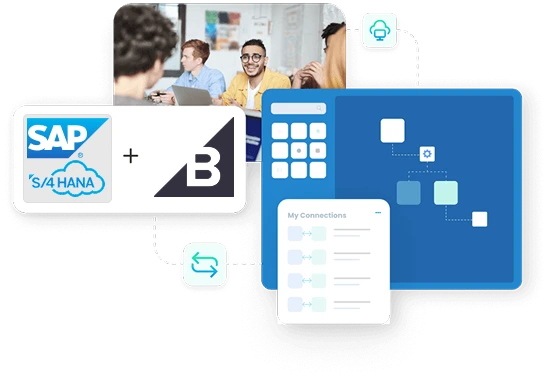
APPSeCONNECT’s SAP S/4HANA Public Cloud and BigCommerce integration syncs orders, stock, prices, and post-sale updates, keeping commerce and back-office teams aligned. APPSeCONNECT is built for businesses that use SAP S/4HANA Public Cloud as the ERP system of record and want BigCommerce to exchange clean operational data with it.
BigCommerce can change quickly during promotions, catalog updates, and daily order spikes. SAP S/4HANA Public Cloud depends on clean records, clear business rules, and consistent posting. When teams move data by hand, the trouble shows up later in stock, billing, and support. This integration keeps those processes aligned, so the store can move quickly without creating back-office gaps.
KEY BENEFITS
Why is APPSeCONNECT The Gold Standard for SAP S/4HANA Public Cloud and BigCommerce Integration
Growth gets messy when the storefront moves faster than the ERP. APPSeCONNECT helps BigCommerce activity reach SAP as structured, validated records, while SAP sends the store the updates buyers need to see.

Faster Order Posting
BigCommerce orders reach SAP with cleaner item, tax, shipping, and customer details for smoother daily processing.
Stronger Catalog Accuracy
Product changes from SAP update BigCommerce, helping listings stay aligned with current ERP data.
Better Stock Confidence
Store availability reflects SAP stock rules, reducing the chance of overselling during busy sales periods.
Cleaner Buyer Records
Customer details move with less rework, helping teams avoid duplicate profiles and missing address data.
Clearer Billing Visibility
Invoice references can return to BigCommerce, making order follow-up easier for buyers and support teams.
Quicker Delivery Answers
Shipment status and tracking details flow back to the store after dispatch is completed.
Standard Features Covered in Our SAP S/4HANA Public Cloud BigCommerce Integration and Automation Template
- BigCommerce to SAP S/4HANA Public Cloud Create or update customer and account records in SAP from BigCommerce buyer details, including names, contact fields, address data, customer groups, and selected account information needed for order processing and follow-up
- SAP S/4HANA Public Cloud to BigCommerce Publish product names, descriptions, item codes, and selected catalog fields from SAP to BigCommerce, so storefront listings stay aligned with current ERP-managed item data.
- SAP S/4HANA Public Cloud to BigCommerce Send pricing and discount logic from SAP to BigCommerce, including customer-specific rates when needed, so store selling values stay closer to current business rules.
- SAP S/4HANA Public Cloud to BigCommerce Sync stock from SAP to BigCommerce by using the warehouse view your business wants shoppers to see, helping the store reflect what can actually be sold.
- BigCommerce to SAP S/4HANA Public Cloud Create SAP sales orders from BigCommerce orders with items, taxes, shipping details, order references, and buyer data needed for smoother posting and downstream handling.
- SAP S/4HANA Public Cloud to BigCommerce Return invoice references and selected billing or payment updates from SAP to BigCommerce, so buyers and support teams can review order history more clearly after posting.
- SAP S/4HANA Public Cloud to BigCommerce Sync shipment status and tracking details from SAP back to BigCommerce after dispatch, improving storefront delivery visibility and post-purchase follow-up.
- Configured Flow Add return and credit-note handling based on the way your teams manage post-sale work, so broader after-sales processes can fit the same integration structure without changing the core flow.
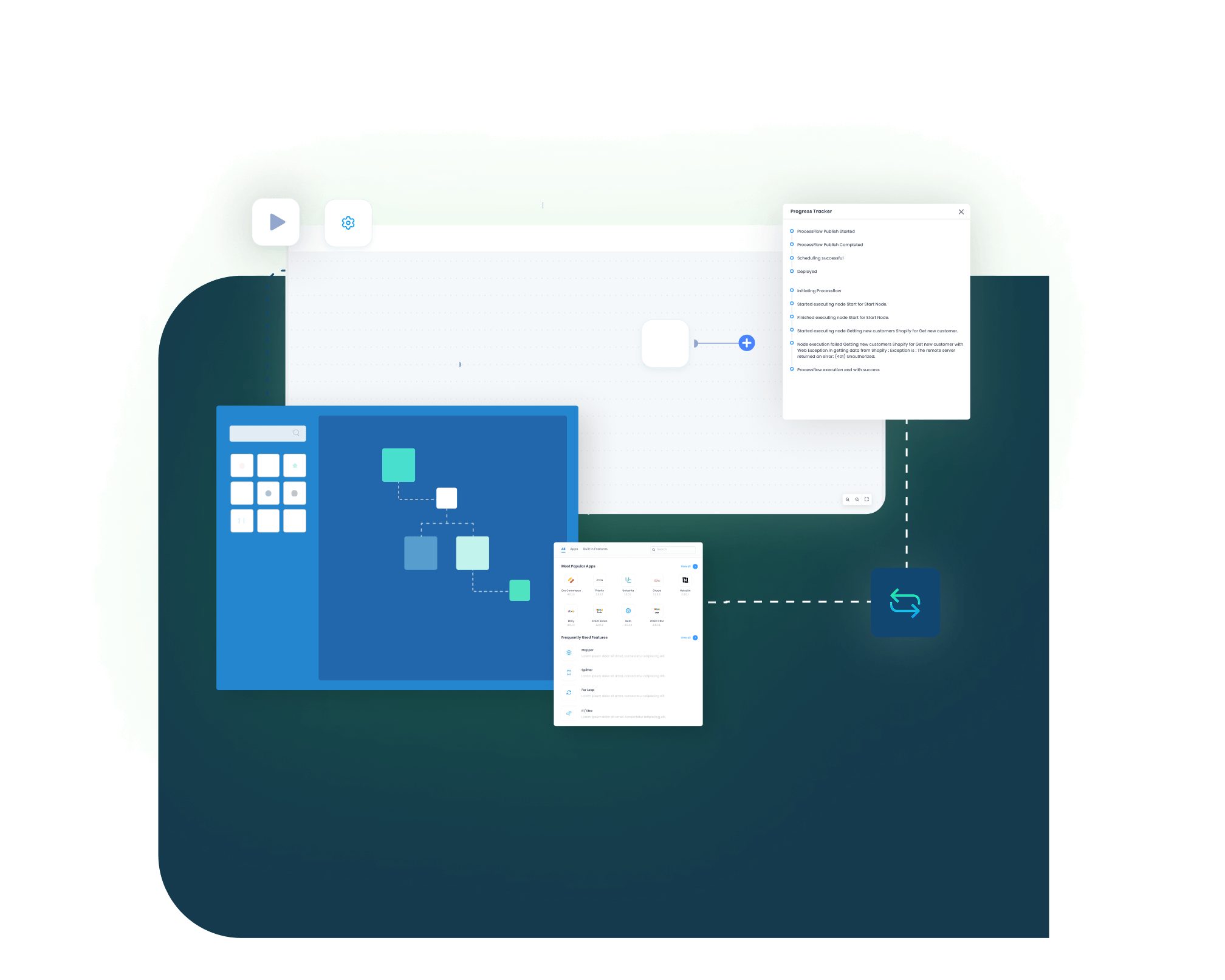
Popular SAP S/4HANA Public Cloud Integrations
Connect SAP S/4HANA Public Cloud with other business applications.




Looking for a Specific Integration?
Popular BigCommerce Integrations
Connect BigCommerce with other business applications.




Looking for a Specific Integration?
What You Get
Features You Get With Our SAP S/4HANA Public Cloud and BigCommerce Integration
A useful integration needs more than a simple data bridge. Your team also needs review points, safer edits, and enough visibility to understand what moved and why.

Field Review Screens
Check how customer, item, and order fields line up before live records begin moving.
Store-To-SAP Order Mapping
Send BigCommerce orders into SAP with structured values for smoother order posting later.
Catalog Publish Controls
Push item names, prices, descriptions, and selected fields from SAP to BigCommerce.
Customer Matching Rules
Use clear keys and mapping logic to reduce duplicate customer records across systems.
Warehouse Stock Options
Publish stock from the warehouse view your business wants shoppers to see online.
Billing Return Paths
Bring invoice references and payment updates back for better order history and service work.
Delivery Update Paths
Return shipment status and tracking details after SAP completes the dispatch step.
Record Replay Tools
Replay only failed records after a fix, leaving successful updates untouched.
Run Timers And Triggers
Choose fast event runs or timed updates based on business volume and urgency.
Approval-Based Changes
Review mapping changes before release, so business rules stay safer during busy periods.
INTEGRATION BROCHURE
Download the SAP S/4HANA Public Cloud and BigCommerce Integration Brochure
Download our brochure to learn how SAP S/4HANA Public Cloud and BigCommerce function together for daily store and back-office operations. Examine the primary flows, rollout steps, and checks that matter before final go-live.
Inside you will find:
- Flow Diagrams: See how products, prices, stock, orders, invoices, and shipment updates move between systems.
- Launch Notes: Review mapping, testing, and cutover steps that help teams avoid rework later.
- Runbook Tips: See how teams review failures, replay records, and monitor live volume after launch.


INTEGRATION GUIDE
How Does The Workflow Runs End-to-End
A strong rollout works best when it starts specific and expands with proof. Once the core records move cleanly, your team can add more flows with less pressure and less rework.
Connect Systems
Select BigCommerce and SAP S/4HANA Public Cloud, then confirm access for both applications.
Map Core Records
Match customers, item codes, prices, taxes, shipping, and order references before testing.
Test Daily Scenarios
Run sample orders, catalog updates, stock changes, and shipment returns in a safe environment.
Go Live In Stages
Turn on production flows, review the first runs, and expand once the basics stay stable.
Frequently Asked Questions
It connects BigCommerce and SAP S/4HANA Public Cloud so products, pricing, stock, orders, invoices, and shipment updates can move between both systems without repeated typing, file exports, or manual follow-up work.
They connect both systems to reduce manual work, keep store data closer to SAP records, speed up order processing, and make billing, stock, and delivery updates easier for teams to manage.
Common flows include customers, products, pricing, discounts, stock, sales orders, invoice references, shipment status, tracking details, and selected return or credit records based on your setup.
Orders are picked up by the integration, mapped into SAP fields, checked against your business rules, and then posted into SAP with the customer, item, tax, and shipping details attached.
Product names, descriptions, item codes, prices, and selected catalog fields can move from SAP into BigCommerce so the storefront stays aligned with current ERP-controlled business data.
Stock updates can move soon after changes or on a schedule, helping BigCommerce reflect current availability more clearly and lowering the risk of overselling during busy periods.
Customer details can move into SAP with names, contacts, and address data, helping the order, billing, and service teams work from cleaner business records.
Invoice references and selected billing or payment updates can return to BigCommerce so buyers, support teams, and account managers can review order status more easily.
Shipment records from SAP can send delivery status and tracking details back to BigCommerce, helping order pages reflect what has already shipped and what is still in progress.
The failed record is logged with the reason, and your team can fix the issue and replay only that record without rerunning the successful updates around it.
Business users can manage many daily tasks through mapping screens, logs, and retry tools, while technical specialists only need to step in for more advanced rules.
Start by connecting both systems, mapping the main business records, testing the key flows, and then moving to production in stages once the first runs stay clean.
Ready To Launch Your SAP S/4HANA Public Cloud and BigCommerce Integration Today?
BigCommerce should not create extra cleanup for your SAP team at the end of the day. This integration keeps store activity, pricing, stock, billing, and shipment updates aligned so growth stays manageable.

Companies automating their business through APPSeCONNECT







Customer Success Stories

Proveedora PGP
Founded in 2005, Proveedora PGP has solidified its position as a leading ecommerce business in Mexico, specializing in car and truck tires.
Read Case Study →
African American Expressions
African American Expressions, founded by Gregory Perkins in 1991 in Sacramento, California, has been on a remarkable journey of growth and success.
Read Case Study →Related Resources
Articles and Guides to Help You With Your Integration and Automation Journey