Sage 300 and BigCommerce Integration & Automation
- Automate
- Align
- Accelerate
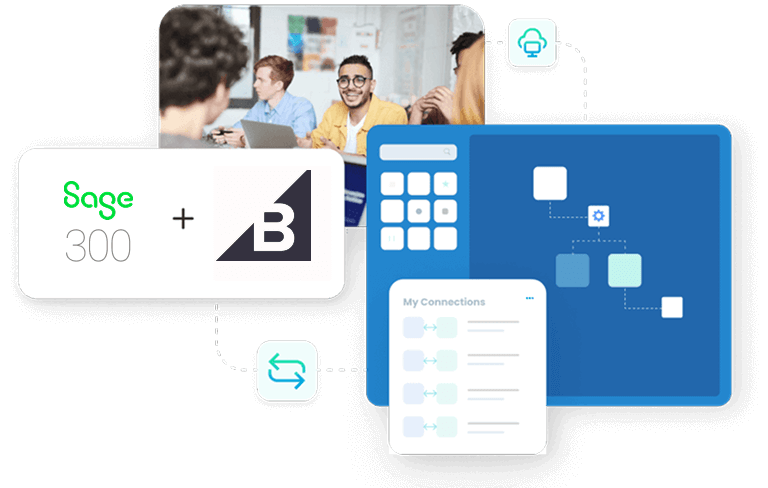
Sage 300 can run on-premises or in a hosted cloud setup for teams. It manages items, pricing, and accounting in the back office. BigCommerce runs the online storefront and captures orders and customer details.
Sage 300 and BigCommerce integration reduces manual entry and keeps records consistent. It helps teams process orders, update stock, and review finance data with fewer fixes.
Key Highlights
Why is APPSeCONNECT the Gold Standard for Sage 300 and BigCommerce Integration
APPSeCONNECT runs Sage 300 and BigCommerce integration using clear rules instead of fragile scripts. You can start with core order and item flows, then extend as volume grows.

Less Manual Work
Post BigCommerce orders into Sage 300 automatically to reduce manual entry.

Cleaner Data
Keep customer and item records consistent across both systems.

Faster Order Processing
Create Sage 300 sales documents quickly after checkout completes.

Better Stock Accuracy
Sync stock from Sage 300 to reduce overselling risk.

Clearer Close
Sync tax and payment details with each order to support reconciliation.

Room To Grow
Add more flows without rebuilding your Sage 300 rules later.
Sage 300 as System of Record
Maintain items, pricing, and accounting rules in Sage 300.

Change-Based Updates
Sync only new or modified records instead of full exports.

Location Filters
Route orders by store, warehouse, or mapped location rules cleanly.
Two-Way Linking
Match customers and items using unique keys so records stay linked.

Validation Steps
Check required fields before writing records into Sage 300.
Retry And Replay
Reprocess failed records without rerunning full batches.
Run Visibility
Track runs, failures, and retries from a single dashboard.

Hybrid Deployment
Connect on-premises Sage 300 to BigCommerce with secure agents.
Security Controls
Use encryption in transit and at rest, with role-based access controls.
Standard Features Covered in Our Sage 300 & BigCommerce Integration Template
- BigCommerce to Sage 300 Sync newly placed Order(s) from BigCommerce to Sage 300 with the following details: Order Number, Customer Name, Email Id, Phone No., Billing Address, Shipping Address. For Order Line Item(s), the synced attributes are Product ID, Quantity, Unit Price, and Tax Code. Create sales documents with shipping, taxes, discounts, and references.
- Sage 300 to BigCommerce Sync Product(s) from Sage 300 to BigCommerce with the following details: SKU, Name, Description, and Price. Publish SKUs and descriptions from Sage 300 to keep storefront listings consistent.
- BigCommerce to Sage 300 Sync newly onboarded Customer(s) and their details from checkout. The following Customer details will be synced from BigCommerce to Sage 300: Name, Email Id, Phone No., and Addresses. Create or update customer records using matching rules.
- Sage 300 to BigCommerce Sync updates made to Product(s) Stock from Sage 300 to BigCommerce using warehouse and location rules. Update available quantities by warehouse or location rules.
- Sage 300 to BigCommerce Sync updates made to Order(s) Fulfillment Status from Sage 300 to BigCommerce with the following details: Tracking Number and Shipping Method for customer updates.
- BigCommerce to Sage 300 Sync Refund details from BigCommerce to Sage 300. Post refunds and adjustments with links to original orders for easier reconciliation.

What You Get
Feature Highlights
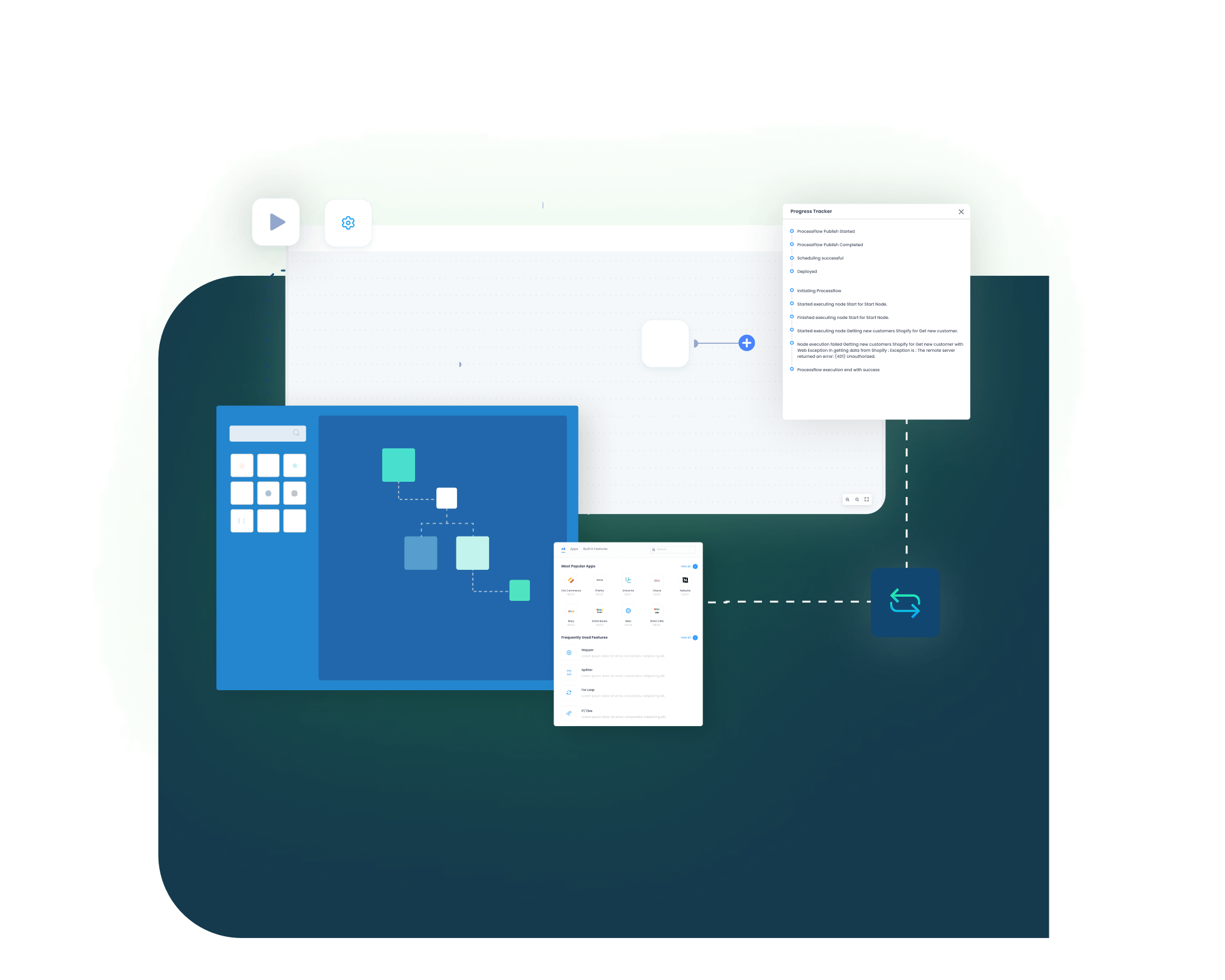
APPSeCONNECT provides ready patterns for BigCommerce Sage 300 integration. You can configure mappings, set schedules, and monitor results from one console.
Order Posting
Create Sage 300 sales orders from BigCommerce checkouts using mapped fields.
Tax Mapping
Map tax values so posting stays consistent inside Sage 300.

Payment References
Store payment IDs so finance can reconcile deposits faster.
Product Publishing
Publish SKUs and descriptions from Sage 300 to BigCommerce.

Variant Support
Map options to item codes so products stay consistent everywhere.
Inventory Updates
Update available stock from Sage 300 using location rules daily.
Fulfillment Updates
Send tracking status back to BigCommerce when shipments are posted.

Refund Handling
Post refunds into Sage 300 with links to the original orders.
Error Alerts
Notify teams when a record fails and needs attention fast.

Selective Retry
Reprocess a failed order without rerunning the entire day’s batch.
INTEGRATION BROCHURE
Download the Sage 300 and BigCommerce Integration Brochure
Download the brochure to plan Sage 300 BigCommerce integration. It includes flow diagrams, field mapping guidance, and rollout checklists.
Learn more about:
- Integration Blueprint: See order, customer, item, and stock flows in one view
- Setup Checklist: Confirm access, mappings, and test cases before go-live
- Deployment Options: Choose cloud or hybrid options for on-premises Sage 300 teams
- Security Notes: Review TLS settings, encrypted storage, and role-based access rules
Popular Sage 300 Integrations
Connect Sage 300 with other business applications.





Looking for a Specific Integration?
Popular BigCommerce Integration
Connect BigCommerce with other business applications









Looking for a Specific Integration?
INTEGRATION GUIDE
How to Integrate Sage 300 with BigCommerce
Integrating Sage 300 with BigCommerce works best when you keep item keys and taxes consistent. A guided setup helps you map core records, test results, and publish changes with control.
Connect Systems
Choose Sage 300 and BigCommerce in your workspace. Add test credentials and confirm access to both systems now.
Map Fields
Map products, customers, and orders with validation rules. Align item codes, taxes, and customer keys before testing starts.
Deploy & Test
Validate your logic by pushing through test orders, refunds, and shipments before final sign-off. Run test transactions.
Monitor & Scale
Move to live status while monitoring logs to isolate and reprocess failed records. Enable production runs and watch logs during early days.
Sage 300 and BigCommerce Real-Time Integration Workflow
Event Trigger (BigCommerce)
A customer places an order in BigCommerce checkout.
Event Reception (iPaaS)
APPSeCONNECT's integration picks up the order by schedule or event in real time.
Data Transformation
The system transforms fields to match Sage 300 rules and formats exactly.
Data Validation
It checks item codes, taxes, and customer keys before posting into Sage.
API Call to Sage 300
Sage 300 creates the sales document with linked references.
Confirmation & Error Handling
APPSeCONNECT logs success or retries failures on a schedule, with status and tracking details syncing back to BigCommerce
INTELLIGENT DATA FLOW
How Our Intelligent Data Flows Supercharge Your Integration
ROI comes from less rework and fewer posting errors. Intelligent flows add validation, retries, and clear logs so daily work stays steady.
Change Tracking
Keep a full history of mapping changes for audits later.

Selective Retries
Retry one order or item without replaying all orders.
Smart Scheduling
Run frequent order updates and batch heavy catalog updates safely.

Data Validation
Catch missing SKUs and taxes before posting to Sage 300.

Alerts
Notify teams when failures need attention during the business day.
Streamlined Order-to-Cash Lifecycle
Order-to-cash starts with checkout and ends with posting and payment review. This integration helps keep each step linked. Enjoy a smooth, error-free flow from purchase to payment.

Order Capture
BigCommerce records the order, tax, shipping, and payment details online.

ERP Posting
Sage 300 creates sales records for review and posting.
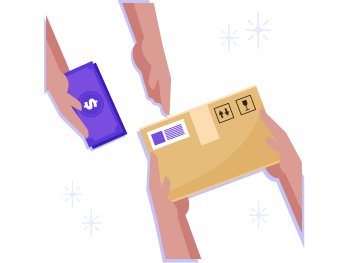
Fulfillment Updates
Shipment status and tracking numbers update BigCommerce for customers fast.

Refund Handling
Refunds post into Sage 300 with references to the original orders.
One Platform, Endless Integrations
BigCommerce and Sage 300 are often part of a larger stack. A single platform helps you add more integrations without losing control.
Central Control
Manage runs, failures, and retries for all integrations in one place.
Reusable Rules
Reuse mapping rules across new flows so work stays consistent.
Security First
Apply the same encryption and role controls across environments.
Safer Changes
Test updates in sandbox before each production release.
Future-Proof Growth
Plug in marketplaces or POS systems without reworking your base logic.
Frequently Asked Questions
It moves orders, customers, products, inventory, payments, and refunds between systems, reducing manual entry and daily fixes for teams.
Yes, Sage 300 can publish items and prices to BigCommerce, keeping storefront listings consistent for shoppers and staff everywhere.
Inventory updates follow Sage 300 location rules, so BigCommerce shows available quantities per warehouse and reduces overselling risk during peaks.
Orders usually move from BigCommerce to Sage 300 for processing, while status references move back for tracking in daily workflows.
Yes, checkout and account details can create or update Sage 300 customers using matching rules, such as email addresses or phone numbers.
The integration maps tax and discount fields from BigCommerce to Sage 300, so postings stay reviewable and consistent with each order.
Failures are logged with reasons, and the integration can retry the specific record after you fix the source data first.
Yes, a hybrid setup lets Sage 300 stay on premises while BigCommerce stays cloud, with controlled access and logs included.
Use matching rules based on email or phone, and store reference IDs so updates apply to the right customer record.
Start with orders and inventory, test with real transactions, then add products, refunds, and status updates gradually after finance approves.
Ready to Transform Your Sage 300 and BigCommerce Integration Today?
Reduce manual exports and keep orders, items, and stock consistent. Start small with orders and inventory, then extend as your team is ready.

Companies automating their business through APPSeCONNECT







Customer Success Stories

Proveedora PGP
Founded in 2005, Proveedora PGP has solidified its position as a leading ecommerce business in Mexico, specializing in car and truck tires.
Read Case Study →
African American Expressions
African American Expressions, founded by Gregory Perkins in 1991 in Sacramento, California, has been on a remarkable journey of growth and success.
Read Case Study →Related Resources
Articles and Guides to Help You With Your Integration and Automation Journey