SAP ECC and BigCommerce Integration
- Automate
- Align
- Accelerate
BigCommerce runs your online store. SAP ECC runs your back-office operations. When these systems stay separate, teams repeat updates and lose track of changes.
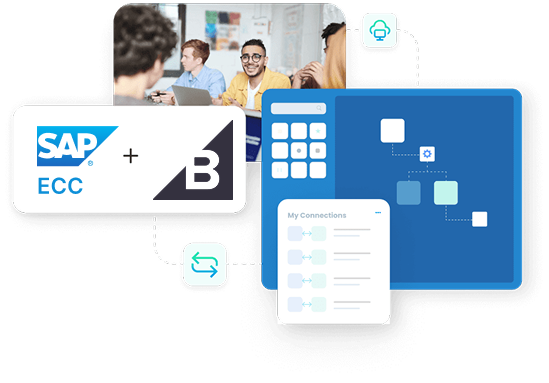
SAP ECC and BigCommerce integration moves the right records between the two systems. Customer and order data from BigCommerce can reach SAP ECC for processing. Product, price, inventory, and delivery updates from SAP ECC can reach BigCommerce so the storefront stays accurate. APPSeCONNECT supports this integration through its iPaaS platform. An iPaaS is an integration platform that builds, runs, and monitors data flows. You can start with a ready template, adjust field mapping, and run the integration with clear rules.
Key Highlights
Why APPSeCONNECT is the top choice for SAP ECC and BigCommerce

Real-Time Updates
Move orders and key records based on events or schedules

Prebuilt Integration Template
Start with common flows, then adjust mapping as needed

Field Mapping Control
Map fields with clear rules without changing core systems

Customer And Order Logic
Apply business rules before data enters SAP ECC for processing

Catalog Publishing
Send categories, products, and media from SAP ECC to BigCommerce

Inventory Visibility
Update stock levels so shoppers see accurate availability on BigCommerce
Pricing From SAP
Show SAP ECC prices on BigCommerce for the right buyers
Retry And Alerts
Track failures and retry records after you fix issues

Scales As You Grow
Handle higher order volume without rebuilding your integration
Standard Features Covered in Our SAP ECC and BigCommerce Integration Template
- Direction Customer records move from BigCommerce to SAP ECC for processing.
- Account Details Send name, email, phone, and company fields into SAP safely.
- Address Details Send billing and shipping addresses with each customer record.
- Update Handling Update existing customers when details change in BigCommerce over time.
- Direction Category records move from SAP ECC to BigCommerce for catalog setup.
- Category Tree Build BigCommerce categories to match your SAP ECC structure closely.
- Updates From SAP Update names and parent links when SAP ECC categories change.
- Store Readiness Keep storefront navigation aligned with how ERP teams group items.
- Direction Product details move from SAP ECC to BigCommerce for listing.
- Product Fields Send SKU, name, descriptions, and key attributes for display online.
- Long Descriptions Send full product descriptions so buyers see complete details.
- Update Handling Update product changes when SAP ECC master data changes over time.
- Media Files Send images and documents linked to products into BigCommerce too.
- Media Types Support manuals, PDF specs, and videos when your storefront needs them.
- Buyer Clarity Help buyers review product details using files already stored in SAP.
- Update Handling Update media when SAP ECC product files change or are replaced.
- Plant Mapping Choose which SAP ECC plant stock BigCommerce should show online.
- Stock Updates Send on-hand stock from SAP ECC to BigCommerce on a schedule.
- Oversell Control Reduce overselling by updating stock before shoppers reach the checkout screen.
- Delivery Date Use requested delivery dates to support available-to-promise (ATP).
- SAP Pricing Rules Use SAP ECC pricing rules to calculate BigCommerce product prices.
- Condition Updates Apply SAP ECC price condition changes to BigCommerce quickly.
- Customer Pricing Support customer-specific pricing when SAP ECC provides those values.
- Price Consistency Keep storefront prices aligned with the prices used in SAP ECC.
- Order Capture Send BigCommerce orders to SAP ECC for fulfillment.
- Order Details Send items, quantities, shipping, tax, and discounts into SAP cleanly.
- Order Rules Apply order rules before creating the SAP ECC sales order.
- Faster Processing Start picking and billing sooner with fewer manual steps overall.
- Delivery Updates Send delivery status from SAP ECC to BigCommerce for customers.
- Tracking Number Send shipment tracking numbers so customers can follow delivery online.
- Customer Updates Keep buyers informed after goods issue and shipment creation.
- Less Support Load Reduce “Where is my order?” tickets with clear delivery updates.

What You Get
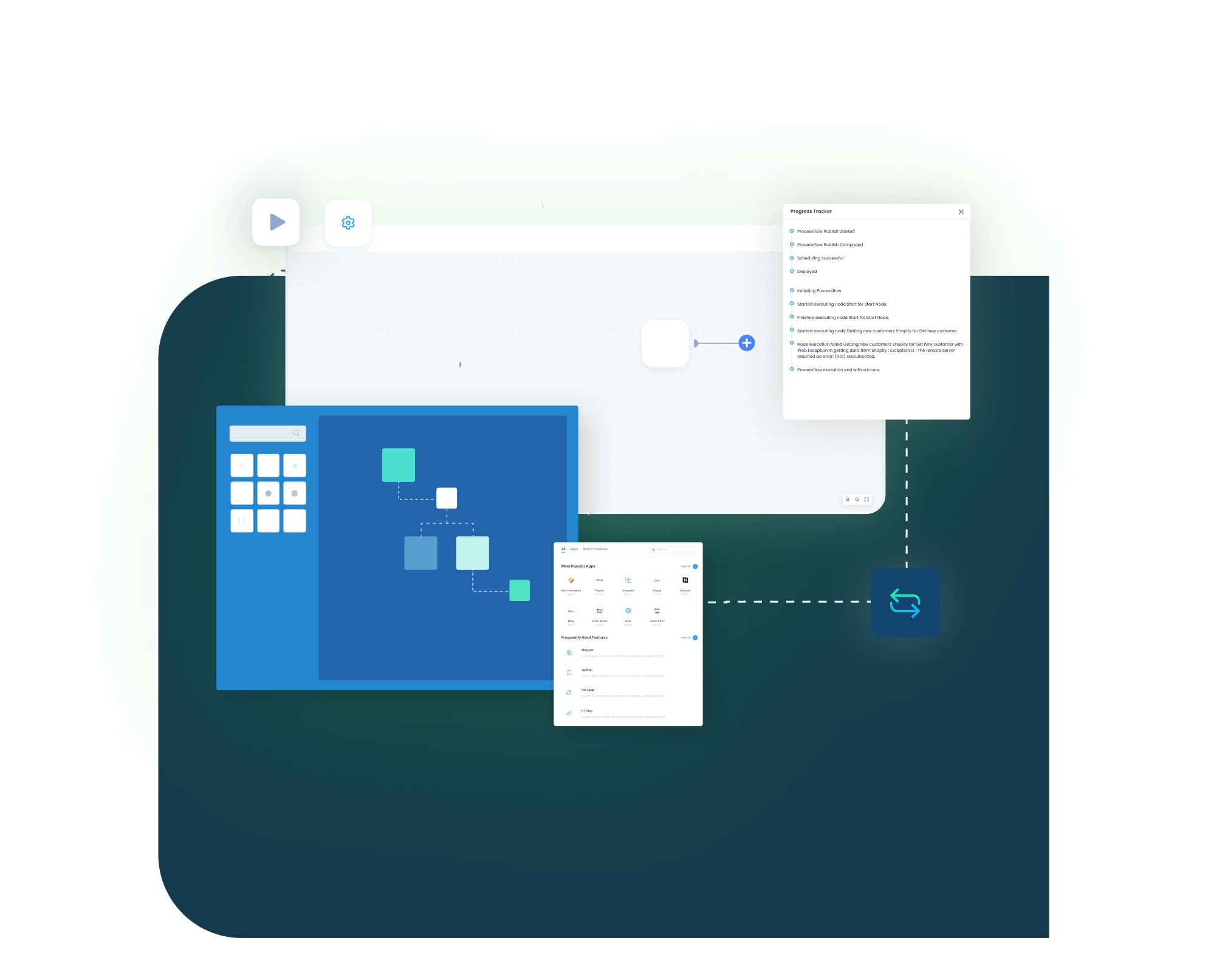
SAP ECC BigCommerce Integration Feature Highlights
Customer Updates
Keep buyer records consistent across storefront and SAP ECC.
Category Structure
Keep storefront categories aligned with your SAP ECC item groups.

Product Publishing
Share product details from SAP ECC so listings stay complete.
Product Files
Share images and documents so buyers see full product context.

Price Accuracy
Show SAP ECC prices so quotes and checkout match ERP.
Inventory Updates
Update stock from SAP ECC so availability stays reliable.
Order Creation
Create SAP ECC sales orders from BigCommerce orders without re-entry.

Delivery Visibility
Show tracking and delivery updates back in BigCommerce for buyers.
Clear Monitoring
Review runs, view logs, and handle errors from one place.
Less Manual Work
Reduce copy-paste steps across sales, ops, and finance teams.
INTEGRATION BROCHURE
Download the SAP ECC and BigCommerce Integration Brochure
The brochure helps teams review how the integration works before setup. It outlines the main flows, mapping approach, and what to test before go-live. It also helps IT and business users agree on what data moves and when it moves.
Learn more about:
- Integration Architecture: See how data moves between SAP ECC and BigCommerce.
- Deployment Tips: Learn how to test flows before you switch to live.
- API Approach: Understand how the integration calls SAP ECC and BigCommerce.
- Monitoring Basics: Learn how logs, retries, and alerts work day to day.
Popular SAP ECC Integrations with leading platforms
Connect SAP ECC with other business applications.



Popular BigCommerce Integration
Connect BigCommerce with other business applications





Looking for a Specific Integration?
INTEGRATION GUIDE
How To Integrate SAP ECC and BigCommerce
You can set up the integration in a clear order. Start with the template, confirm your field mapping, and test real examples. Then run the integration based on your schedule and control needs.
Connect Systems
Add SAP ECC and BigCommerce inside APPSeCONNECT. Choose how SAP ECC will be reached based on your network setup.
Map Fields
Map customers, products, prices, and orders. Keep mapping rules simple and consistent so both systems accept updates.
Deploy & Test
Run test records first. Confirm results in SAP ECC and BigCommerce, then fix mapping gaps before go-live.
Monitor & Scale
Watch dashboards and logs. Adjust schedules and add flows as volume grows, without changing your core systems.
SAP ECC and BigCommerce Real-Time Integration Workflow
Event Trigger (BigCommerce)
A new BigCommerce order or customer can trigger an event. The integration can start right away or run on a schedule.
Event Reception (iPaaS)
APPSeCONNECT receives the event and checks required fields. It routes the record into the right integration flow.
Data Transformation
Mapping rules convert fields into the format SAP ECC expects. This reduces rejected records and cleanup work.
API Call To SAP ECC
The integration sends the order or customer record into SAP ECC. It can use standard SAP interfaces based on your setup.
Confirmation & Error Handling
Results are recorded in logs. Failed records are held for review and can be retried after fixes.
Status Sync Back
When SAP ECC updates delivery or posting status, BigCommerce can receive those updates. Buyers then see progress in their account.
INTELLIGENT DATA FLOW
How Our Intelligent Data Flows Support Your Integration
Integrations work best when you can see each step and control it. APPSeCONNECT gives you clear building blocks to design flows, run them, and handle issues. You can keep the logic readable and still cover real business needs.
ProcessFlow Designer
Build integration steps in a visual layout without heavy code.

Event Triggers
Start the integration when key records change in connected systems.

Retry And Alerts
Retry failed records and alert teams when fixes are needed.

Parallel Processing
Handle larger volumes by processing records in parallel safely.
Data Conversion Nodes
Convert formats so SAP ECC and BigCommerce accept values.
Audit Logs
Track what ran, what changed, and what failed over time.
Role-Based Access
Control who can view or edit each integration flow.
Simple Order-to-Cash Lifecycle
This is a simple view of how the order flow can work end to end. Each step can be adjusted to match your process. Enjoy a smooth, error-free flow from purchase to payment.
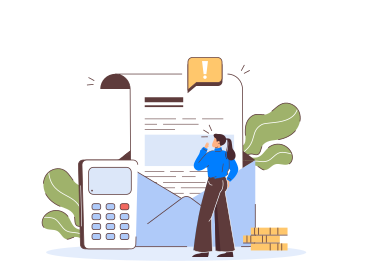
Order Capture
A buyer places an order in BigCommerce at checkout
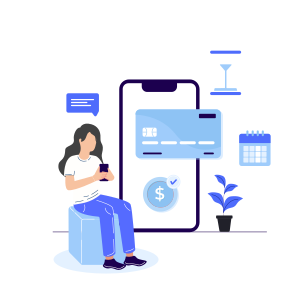
Sales Order
The integration creates a sales order in SAP ECC
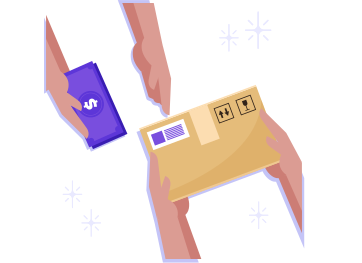
Fulfillment
SAP ECC processes picking, packing, and delivery creation steps

Invoicing
SAP ECC posts billing data for finance and customer records
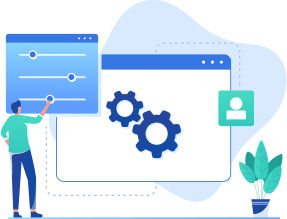
Delivery Update
The integration updates BigCommerce with tracking and status
One Platform, Endless Integrations
Many teams start with SAP ECC BigCommerce integration, then add more apps later. APPSeCONNECT lets you build other integrations from the same platform. You can use templates, create custom flows, and reuse common steps. APPSeCONNECT also supports adapters for standard protocols such as REST, SOAP, secure file transfer, and SMTP. This helps you connect tools beyond ERP and commerce without rebuilding your integration foundation.
Unify
Keep ERP and commerce data aligned across teams and tools
Scale
Add new flows without rebuilding your base integration setup
Secure
Use access controls and encrypted transfer for safer data movement
Frequently Asked Questions
Yes. APPSeCONNECT runs SAP ECC and BigCommerce integration so customer, product, and order records move reliably between systems for teams.
The integration listens for changes, converts fields, then sends API calls. It also logs results and retries failures automatically on a schedule.
Yes. BigCommerce customers and addresses can move into SAP ECC, including billing and shipping details, based on your mapping rules.
Yes. SAP ECC can send categories, products, descriptions, and media files to BigCommerce so your store catalog stays current.
Yes. SAP ECC can calculate prices, and the integration can publish those prices to BigCommerce for selected customers online only.
Yes. The integration sends stock levels from chosen SAP ECC plants to BigCommerce, helping prevent overselling during checkout for shoppers.
Yes. BigCommerce orders can create SAP ECC sales orders, so fulfillment and billing can start without manual re-entry.
Yes. When SAP ECC posts a delivery, the integration can update BigCommerce with shipment status and tracking numbers right away.
If SAP ECC is on premises, use a local agent. Cloud options work when SAP APIs are reachable from outside.
The integration tracks rate limits, queues requests, and retries later. You can review logs, fix issues, then resend them safely.
Ready to Take the Plunge? Unify Your SAP ECC & BigCommerce Workflows Today
SAP ECC and BigCommerce integration can reduce repeated updates and missed handoffs. Start with the standard flows, then expand as needed. Keep the storefront accurate and keep SAP ECC ready for fulfillment.

Companies automating their business through APPSeCONNECT







Customer Success Stories

Proveedora PGP
Founded in 2005, Proveedora PGP has solidified its position as a leading ecommerce business in Mexico, specializing in car and truck tires.
Read Case Study →
African American Expressions
African American Expressions, founded by Gregory Perkins in 1991 in Sacramento, California, has been on a remarkable journey of growth and success.
Read Case Study →Related Resources
Articles and Guides to Help You With Your Integration and Automation Journey