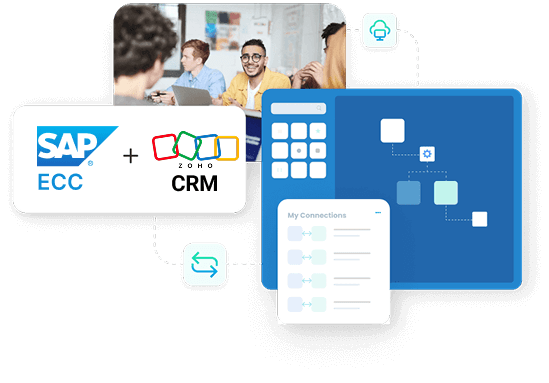
SAP ECC and Zoho CRM Integration
- Automate
- Align
- Accelerate
Bring SAP and Zoho into the same conversation. APPSeCONNECT lets your sales team open a Zoho account record and see live SAP pricing, current stock, open invoices and credit position without ever logging into SAP.
Works across SAP ECC, S/4HANA and Business One on the back-office side, and across Zoho CRM, Zoho Books and Zoho Desk on the front-office side, so the entire revenue cycle runs off one shared truth.
Business Value
Why APPSeCONNECT is the Gold Standard for SAP ECC and Zoho CRM Integration
Six everyday frustrations of running SAP behind Zoho. Each one disappears the moment the connector goes live.
Reps quote off the price book finance actually uses
The SAP price list, customer-specific discounts and active promotions reach Zoho the moment finance updates them. No more revoked quotes, no more emergency price corrections, no more finance and sales arguing over which figure is right.
The duplicate customer problem ends
A new account in Zoho writes a clean customer master to SAP with the correct tax classification, payment terms and pricing tier. Existing accounts update in place. Your AR ledger stops collecting three versions of the same buyer.
Closed deals turn into SAP orders the same minute
The instant a deal stage flips to won in Zoho, the connector raises a sales order in SAP under the right company code with all line items, currency, tax and shipping decisions intact. Quote-to-cash that used to take three days now takes three minutes.
Sales sees what finance sees on collections
Open invoices, due dates, payments received and overdue balances all appear inside the Zoho account. Account managers stop chasing customers who paid yesterday and start having useful conversations about the ones who actually owe money.
One platform handles Zoho One end to end
Zoho Books gets the SAP invoices and journal entries it needs for finance teams running both ledgers. Zoho Desk gets the order, shipment and invoice context every support agent wants when a customer rings about a missing parcel.
Whatever flavour of SAP you run, this works
One platform, three SAPs. ECC for the legacy install, S/4HANA for the modern deployment, Business One for the smaller subsidiary. Run all three in parallel during a migration without stopping integration work.
Scale with Confidence
Expand your core B2C setup to B2B or multi store Shopify Plus with minimal reconfiguration.
Standard Features Covered in Our SAP ECC Zoho CRM Integration Template
The starter pack ships with the data flows most SAP and Zoho customers need on day one. Switch on what applies, leave the rest, customise later.
Account creation in SAP
Every new account or contact in Zoho creates a structured customer record in SAP with billing address, ship-to, tax classification and payment terms already in place.
Live SAP product catalogue inside Zoho
The SAP item master, descriptions, units of measure, brand, current price list and discount conditions appear inside Zoho so reps quote against today’s data, not last quarter’s spreadsheet.
Won deal becomes a clean SAP order
Zoho quotes turn into SAP sales orders the moment the deal closes, complete with line items, taxes, line-level discounts, currency and the chosen shipping route under the correct sales organisation.
Accurate availability before the rep promises
Available-to-promise quantity from each SAP plant or warehouse appears in Zoho at line level. Buffer rules per item group stop you committing stock you cannot actually ship inside the lead time.
Receivables visible in the account record
SAP invoice numbers, due dates, payments received, partial payments and aged outstanding balances all post into the Zoho account so the rep sees the same numbers the controller is looking at.
Delivery progress without a phone call
Once SAP raises a delivery, the packing slip number, carrier, tracking link and current shipment status all flow into Zoho so account managers stop pinging the warehouse for updates.
Credit position inside the deal screen
SAP credit limit, current exposure and any active credit hold appear on the Zoho account so reps know upfront which deals can move and which need finance approval before a quote even goes out.
What You Get
SAP ECC Zoho CRM Integration Feature Highlights
Cleaner Account Records
Keep customer accounts consistent across SAP ECC and Zoho
Better Contact Follow-Up
Keep the right contacts linked to the right accounts
Accurate Product Lists
Keep Zoho products updated from SAP ECC master data
Quote Confidence
Create Zoho quotes using prices and products from SAP ECC
Order History In CRM
View SAP ECC sales orders inside Zoho for context
Delivery Tracking View
View delivery details in Zoho for customer support work
Invoice Status View
View invoice records in Zoho for billing conversations
Clear Run Monitoring
Change mapping rules without breaking the core workflow
Simple Field Mapping
Change mapping rules without breaking the core workflow
Less Manual Work
Reduce repeated entry across sales, ops, and finance teams
INTEGRATION BROCHURE
Download the SAP ECC and Zoho CRM Integration Brochure
Learn more about:
- Integration Architecture: Review how each record type moves across systems clearly.
- Field Mapping Plan: Confirm required fields and how they map between apps.
- Deployment Steps: Follow a simple test plan before moving to live runs.
- Monitoring Approach: Understand logs, retries, and how teams handle failures.
Popular SAP ECC Integrations with leading platforms
Popular Zoho CRM Integration
+
Zoho CRM and SAP Business One
+
+
+
+
+
+
+
Looking for a Specific Integration?
View All Apps
INTEGRATION GUIDE
How Does the Workflow Run End-to-End?
Six steps from a Zoho deal hitting won to SAP recognising the revenue. Same blueprint your team will see across every APPSeCONNECT pairing.
01
Order Capture
A new account, a fresh contact, a quote going out or a deal moving to closed-won kicks the workflow off the moment the rep clicks save.
02
Event Trigger
The platform receives the event securely, queues it in the right pipeline and starts processing without polling Zoho or eating into rate limits.
03
Data Mapping
The mapping layer converts the Zoho payload into the structures SAP needs, including company code, sales organisation, distribution channel, tax codes and material references.
04
Record Creation
The customer master, sales order or invoice lands inside SAP under the right legal entity, ready for picking, billing and dispatch in the normal SAP workflow.
05
Back-Sync
The SAP order number, delivery progress, invoice reference and current payment status flow back to the Zoho account so the rep never has to ask the controller.
06
Monitor and Improve
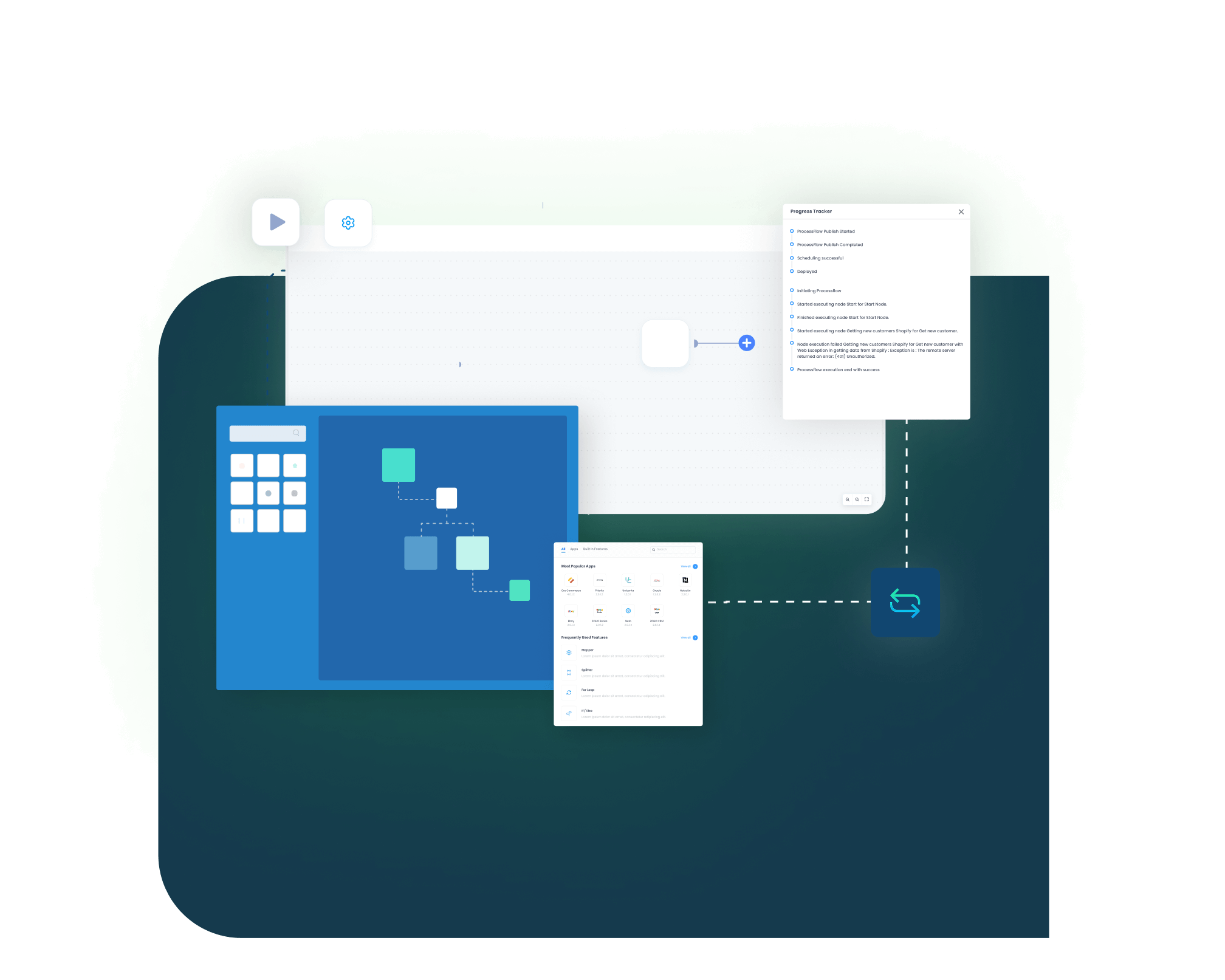
Every transaction, every retry and every rejection is visible in the platform dashboard. Errors get routed to the right person, mappings get refined as the business changes.
Frequently Asked Questions
Stop Working Two Systems. Run One Truth.
The cost of running SAP and Zoho separately shows up everywhere. Stale prices on quotes. Duplicate accounts. Missed payment chases. Six weeks from now, all of it can be a memory.
Companies automating their business through APPSeCONNECT
Customer Success Stories
Related Resources
Articles and Guides to Help You With Your Integration and Automation Journey