BigCommerce and SAP Business One Integration
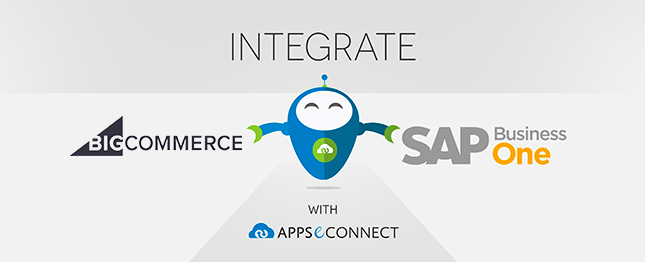
BigCommerce SAP Business One integrations simplified with APPSeCONNECT’s advanced iPaaS. The BigCommerce Enterprise Bundle B2B and SAP Business One connector streamlines essential business operations and optimizes data flow within your organization effectively.
















Companies automating their business through APPSeCONNECT







Endpoints for BigCommerce and SAP Business One Integration


Standard Features Covered in Our BigCommerce SAP Business One Integration
Newly placed web orders in BigCommerce will be synced to SAP Business One as Sales Orders. The following order details will be synced from the ERP sales order: Item details Order Number Quantity Item Price Discounts Billing and shipping address Taxes and Shipping Charges Tax, Shipping Charges and Discounts can be configured in Line Level/Document level within the SAP Business One Sales Order.
Online payments in BigCommerce will be synced to SAP Business One as A/R Reserve Invoice and Incoming Payments. This will contain the Online Payment Transaction ID for proper Payment Reconciliation.
Item Master Data from SAP Business One can be selectively synced to BigCommerce as Simple and Variant product types. A pre-defined pricelist from SAP Business One will also be synced to BigCommerce and will act as the product base price in BigCommerce. Any update to items or item details will also be synced from SAP Business One to BigCommerce.
One or multiple warehouses in SAP Business One will be mapped and synced with one or multiple Inventory locations of BigCommerce for accurate stock update from SAP Business One to BigCommerce. Stock can be picked up from SAP Business One in any of the below combinations: In Stock In Stock – Committed In Stock – Committed + Ordered
Delivery in SAP Business One with tracking number will be synced to update BigCommerce web order status and add a Shipment Tracking No. In BigCommerce.
Business Partners (Company and Contacts) in SAP Business One will be synced to BigCommerce as B2B Companies & Contacts. Any updates to SAP Business One Business Partners information will also be synced to BigCommerce and mapped with the B2B companies. Pricelists defined in SAP Business One will be synced to BigCommerce as B2B Pricelists to help achieve customer-specific pricing in BigCommerce B2B. Any update to product prices or pricelists in SAP Business One will also be synced to BigCommerce B2B pricelists. Any offline orders received and created in SAP Business One will be synced to BigCommerce against a new/existing B2B customer. Any update to offline orders in SAP Business One will also be synced to BigCommerce and update the B2B customer. B2B customer invoices created in SAP Business One will be synced to BigCommerce Enterprise Bundle B2B for online payment. Online payment information within BigCommerce will be synced to SAP Business One, creating Incoming Payments in the ERP All B2C integration features are already included – Order, Invoice, Item, Inventory, Shipment +
Business Partners (Company and Contacts) in SAP Business One will be synced to BigCommerce as B2B Companies & Contacts. Any updates to SAP Business One Business Partners information will also be synced to BigCommerce and mapped with the B2B companies.
Pricelists defined in SAP Business One will be synced to BigCommerce as B2B Pricelists to help achieve customer-specific pricing in BigCommerce B2B. Any update to product prices or pricelists in SAP Business One will also be synced to BigCommerce B2B pricelists.
Any offline orders received and created in SAP Business One will be synced to BigCommerce against a new/existing B2B customer. Any update to offline orders in SAP Business One will also be synced to BigCommerce and update the B2B customer.
B2B customer invoices created in SAP Business One will be synced to BigCommerce Enterprise Bundle B2B for online payment. Online payment information within BigCommerce will be synced to SAP Business One, creating Incoming Payments in the ERP
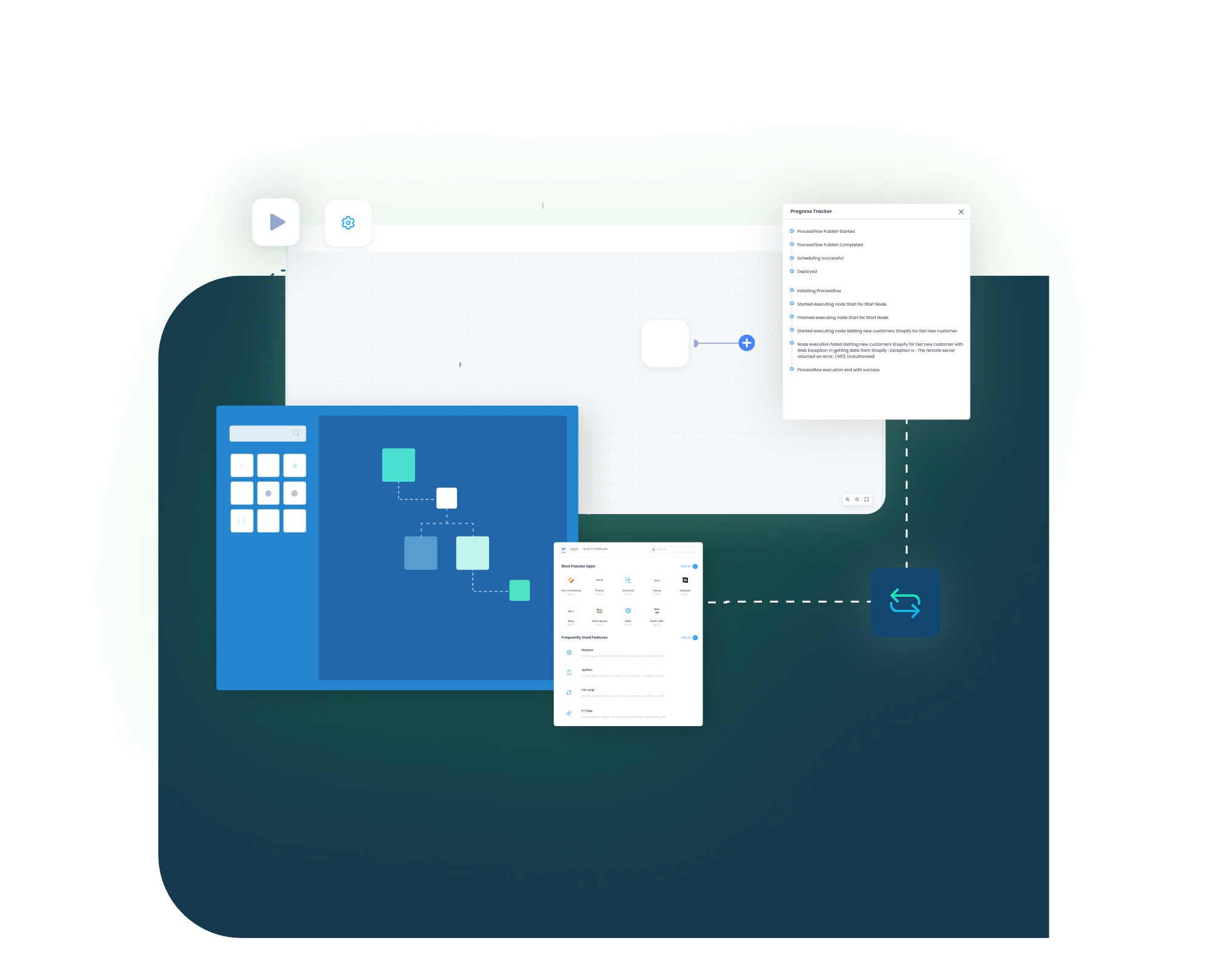
BigCommerce Integration with SAP Business One
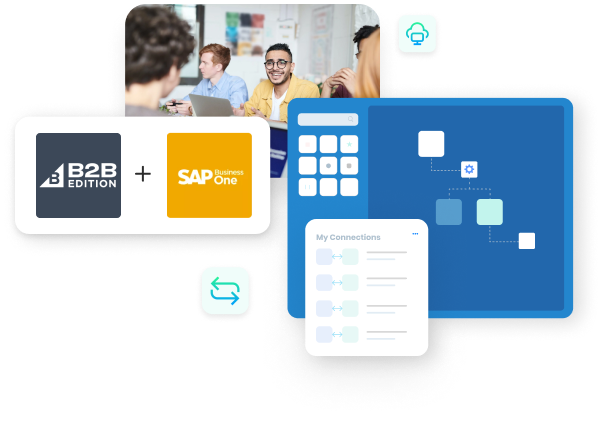
APPSeCONNECT is a modern and intelligent Integration Platform as a Service (iPaaS) which can seamlessly connect BigCommerce Enterprise Bundle B2B to SAP Business One and streamline data flow across all your systems to eliminate silos, unify operations and drive alignment.
Popular SAP Business One Integrations
Connect SAP Business One with other business applications.




Popular Bigcommerce Integrations
Connect Bigcommerce with other business applications.



Looking for a Specific Integration?
Customer Success Stories

Nine Line Apparel
Nine Line Apparel has optimized and improved their overall business processes including efficient order fulfillment and higher customer satisfaction levels.
Read Case Study →
Sin Hin Frozen Food
Learn how a customized end-to-end automation offered by APPSeCONNECT helped Sin Hin Frozen Foods improve their productivity and exponentially increase their operational efficiency.
Read Case Study →
Frequently Asked Questions
B2B Edition is BigCommerce's B2B app for Enterprise stores, with company accounts, customer price lists, quotes and an invoice portal. BigCommerce acquired BundleB2B, the team behind it, which is why older pages call it Bundle B2B. This connector is built for that setup: it syncs SAP Business One companies, price lists, offline orders and invoices to B2B Edition. Read more about BigCommerce B2B Edition features.
Business Partners, B2B price lists, offline orders, B2B invoices, items, the base price list, stock per warehouse and deliveries with tracking numbers.
Web orders become Sales Orders, and online payments create an A/R Reserve Invoice and Incoming Payment in SAP Business One. When a B2B buyer pays an invoice online, the payment posts as an Incoming Payment.
Yes. Price lists defined in SAP Business One sync to BigCommerce as B2B price lists, and price changes in SAP Business One update them. Learn more about customer-specific pricing in BigCommerce.
Yes. Offline orders created in SAP Business One sync to BigCommerce against the new or existing B2B customer, and later updates to those orders sync as well.
You map one or more SAP Business One warehouses to BigCommerce inventory locations and choose the stock rule: In Stock, In Stock minus Committed, or In Stock minus Committed plus Ordered.
Yes. Orders, invoices and payments, items, inventory and shipments are included alongside the B2B flows. Our SAP B1 and BigCommerce integration guide explains these flows in more detail.
Related Resources
Articles and Guides to Help You With Your Integration and Automation Journey