SAP S/4 HANA and HubSpot Integration & Automation
- Automate
- Align
- Accelerate
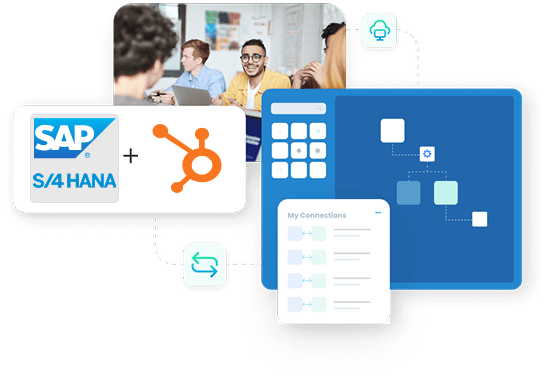
While SAP S/4 HANA manages core ERP tasks like orders, billing, and finance, HubSpot handles the front-end leads, contacts, and deals for your marketing and sales teams.
APPSeCONNECT’s SAP S/4 HANA and HubSpot integration helps both teams work from the same facts. It reduces re-entry and keeps sales follow-up tied to real order outcomes.
Key Highlights
Why APPSeCONNECT is the Gold Standard for SAP S/4 HANA and HubSpot Integration
APPSeCONNECT helps you run SAP S/4 HANA and HubSpot integration from one place. You set rules once and keep updates consistent across both systems.

Less Manual Work
Reduce re-entry by moving key records between systems automatically each day.

Cleaner Data
Keep customer and deal fields consistent so teams trust reports.

Faster Handoffs
Move qualified leads into ERP faster with fewer missed steps.

Clear Sales View
Show order and invoice status inside HubSpot for sales follow-up.

Better Marketing Context
Feed customer status back to HubSpot for smarter campaigns later.

Room To Grow
Add more objects and pipelines without rebuilding the integration.

Visual Flow Builder
Map fields and rules with clear steps, not code alone.
Two-Way Updates
Share changes in both systems when rules allow it safely.
Event or Schedule
Run near-real-time updates or timed batches per flow.
Data Validation
Check required fields before creating records in either system.
Error Recovery
Fix and retry specific failed records using detailed logs for faster troubleshooting.
Central Monitoring
Manage your entire integration landscape, including all runs and errors in one dashboard.

Deployment Choices
Align your setup with internal policies using cloud, on-premises, or hybrid agents.
Secure Transport
Maintain data integrity with TLS encryption and governed access rules.
Encryption at Rest
Encrypt stored secrets with AES-256 and restrict visibility by role.
Standard Features Covered in Our SAP S/4 HANA & HubSpot Integration Template
- HubSpot to SAP S/4HANA Sync newly onboarded Contact(s) and their details into customer records. The following Contact details will be synced from HubSpot to SAP S/4HANA: Name, Email Id, Phone No., and Addresses.
- HubSpot to SAP S/4HANA Sync Company identifiers and details from HubSpot to SAP S/4HANA with the following details: Company Name, Company ID, and Account Attributes. This ensures the right account stays matched over time.
- HubSpot to SAP S/4HANA Sync selected Deal(s) from HubSpot to SAP S/4HANA when they reach specific milestones with the following details: Deal Name, Amount, Stage, Associated Contact, and Company. For Deal Line Item(s), the synced attributes are Product ID, Quantity, Unit Price, and Tax Code. Deals convert into sales orders or quotations based on configured rules.
- SAP S/4HANA to HubSpot Sync updates made to Order(s) Status from SAP S/4HANA to HubSpot with the following details: Order Number, Order Status, and Order Date.
- SAP S/4HANA to HubSpot Sync Invoice references and status from SAP S/4HANA to HubSpot with the following details: Invoice Number, Invoice Date, and Payment Status.
- SAP S/4HANA to HubSpot Sync updates made to Delivery Status from SAP S/4HANA to HubSpot with the following details: Delivery Number, Tracking Information, and Shipping Method.
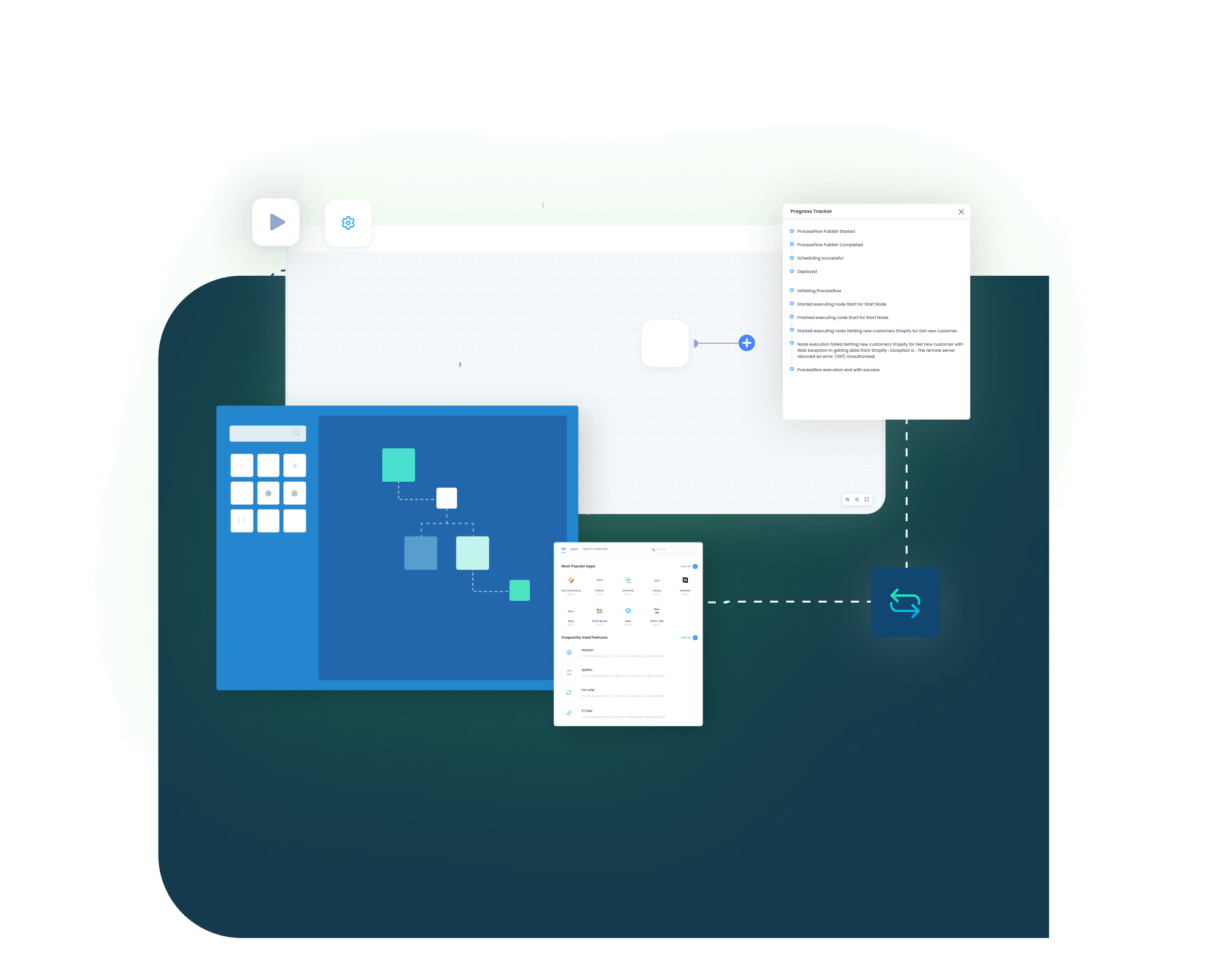

What You Get
Feature Highlights

Contact Mapping
Map core contact fields into customer records for consistent follow-up.

Company Mapping
Align company IDs so records match across both systems without guesswork.

Deal To Order
Convert selected deals into sales orders or quotations in ERP.
Status Backfeed
Update HubSpot with order and invoice references for each deal.

Custom Fields
Map custom properties using clear rules and tested formats.

Form Handling
Use HubSpot forms to create contacts, then sync qualified records to SAP S/4HANA.

Activity Notes
Share key notes and tasks so teams know next steps.
Error Handling
Capture failures with reasons and retry only affected records safely.
Scheduling Control
Run updates on events or on fixed time windows per flow.
Access Control
Limit who can change mappings and who can view logs.
Sales Teams
See ERP order status in HubSpot while nurturing deals
Marketing Teams
Use customer status fields to segment lists with fewer errors
Account Managers
Keep companies and contacts updated without manual exports each week
Ops And Finance
Push confirmed deals to ERP for faster order entry
RevOps Teams
Trace changes with logs when a field mapping needs review
SAP S/4 HANA and HubSpot Integration Endpoints
Effective SAP S/4 HANA and HubSpot integrations start with essential data. Begin with a small set to verify sync logic, then expand incrementally once the foundation is solid.
These flows anchor the integration for clean customer records and order handling.

INTEGRATION BROCHURE
Download the SAP S/4 HANA and HubSpot Integration Brochure
Use this guide to plan SAP S/4 HANA and HubSpot integration with fewer surprises. It covers common objects, mapping decisions, testing steps, and rollout checks.
Learn more about:
- Flow Blueprint: Review key objects and integration steps in one view
- Mapping Workbook: Align key fields and IDs before testing begins with teams
- Setup Checklist: Follow a clear checklist for sandbox, access, and go-live steps
- Security Notes: Understand encryption, roles, and audit logs for data control

Popular SAP S/4 HANA Integrations
Our Integration Platform helps you seamlessly connect SAP S/4 HANA Integrations with other Business Applications.





Looking for a Specific Integration?
Popular HubSpot Integrations
Smart iPaaS Solution to streamline your business and increase efficiency. Seamlessly connect HubSpot with other Business Applications





Looking for a Specific Integration?
INTEGRATION GUIDE
How to Integrate SAP S/4 HANA with HubSpot
You don’t need complicated code to link SAP S/4 HANA and HubSpot. Our guided setup ensures your rules remain transparent and your future reviews stay straightforward. Build a repeatable workflow using the following path
Connect Systems
Begin by defining SAP S/4 HANA and HubSpot as your specific project scope. Add credentials and confirm permissions in a test environment early.
Map Fields
Define mapping rules for core records and sales stages clearly. Match fields for core records and confirm ID rules early.
Deploy and Test
Create test deals and confirm created ERP documents match rules. Use sample contacts and deals to confirm results in SAP.
Monitor And Scale
Publish changes, then track results in the run console daily. Turn on production runs and watch logs for early errors.
SAP S/4 HANA and HubSpot Real-Time Integration Workflow
Event Trigger (HubSpot)
A contact or deal update occurs in HubSpot, triggering the integration flow.
Event Reception (iPaaS)
APPSeCONNECT's integration picks up the change by webhook or schedule in real time.
Data Transformation
The system converts IDs and formats to match SAP S/4 HANA requirements exactly.
Data Validation
It checks required values before creating or updating ERP records.
API Call to SAP S/4 HANA
The integration creates customers or sales documents in SAP S/4HANA, then stores reference IDs back in HubSpot.
Confirmation & Error Handling
APPSeCONNECT logs success or retries failures on a schedule, giving you full visibility from one console each day.
INTELLIGENT DATA FLOW
How Our Intelligent Data Flows Supercharge Your Integration
ROI comes from fewer manual steps and fewer bad records to fix later. SAP S/4 HANA and HubSpot integration supports this through validation and recovery.
Less Rework
Reduce manual updates when deals move between stages each day.
Faster Follow-Up
Notify sales when orders or invoices are created in SAP.

Cleaner Reporting
Keep lifecycle fields aligned so dashboards match reality for teams.

Better Forecasting
Use deal and order status together during pipeline reviews weekly.

Fewer Errors
Catch missing fields early with built-in validation rules.
Simple Order-to-Cash Lifecycle
Order-to-cash starts long before the invoice. A connected flow helps sales move from lead to order with fewer gaps.
Lead Capture
A lead enters HubSpot from forms or outreach events first.

Qualification
Sales updates the deal stage, then sends it to ERP.
Order Creation
SAP S/4 HANA creates sales documents and returns numbers to HubSpot.

Billing Update
Invoices and delivery status update HubSpot for customer follow-up later.
One Platform, Endless Integrations
As your stack grows, one platform helps you manage changes consistently. SAP S/4 HANA and HubSpot integration can expand without starting over.
Single Console
Manage runs, retries, and logs for this integration centrally.
Shared Rules
Reuse mapping rules across new objects and pipelines as needed.
Safer Changes
Test updates in a sandbox before production release each time.
Uniform Security
Enforce standardized access rules and encryption automatically across every integration.
Modular Scaling
Incorporate additional HubSpot portals or SAP environments without needing to rework your core design.
Frequently Asked Questions
It moves contacts, companies, deals, and status updates between both systems, reducing re-entry and keeping sales informed.
Yes, new HubSpot contacts can create or update customer records in SAP S/4 HANA using secure field rules.
Companies map to account records, with IDs stored so updates apply to the correct customer.
You can convert selected deals into quotations or sales orders in SAP S/4 HANA when the deal reaches a stage milestone.
SAP S/4HANA can return order numbers, invoice references, and delivery status back to HubSpot so reps can follow up faster with consistent context.
Yes, you can run cloud, on-premises, or hybrid deployments, based on data policy and network access needs for your team.
The integration logs the failed record, stores the reason, and lets you retry only that record after fixing data issues.
It uses OAuth where supported, encrypts data in transit, encrypts secrets at rest, and records audit logs for clear reviews.
Yes, you can map custom properties and fields with rules, then test them in a sandbox before go-live each release.
Start with contacts and deals, validate ERP results, then expand fields, statuses, and reporting over time.
Ready to Transform Your SAP S/4 HANA and HubSpot Integration Today?
Reduce re-entry, keep records consistent, and give sales clear order context. Start with a small scope and expand once results look right.

Companies automating their business through APPSeCONNECT







Customer Success Stories

Proveedora PGP
Founded in 2005, Proveedora PGP has solidified its position as a leading ecommerce business in Mexico, specializing in car and truck tires.
Read Case Study →
African American Expressions
African American Expressions, founded by Gregory Perkins in 1991 in Sacramento, California, has been on a remarkable journey of growth and success.
Read Case Study →Related Resources
Articles and Guides to Help You With Your Integration and Automation Journey