SAP S/4HANA and Zoho CRM Integration
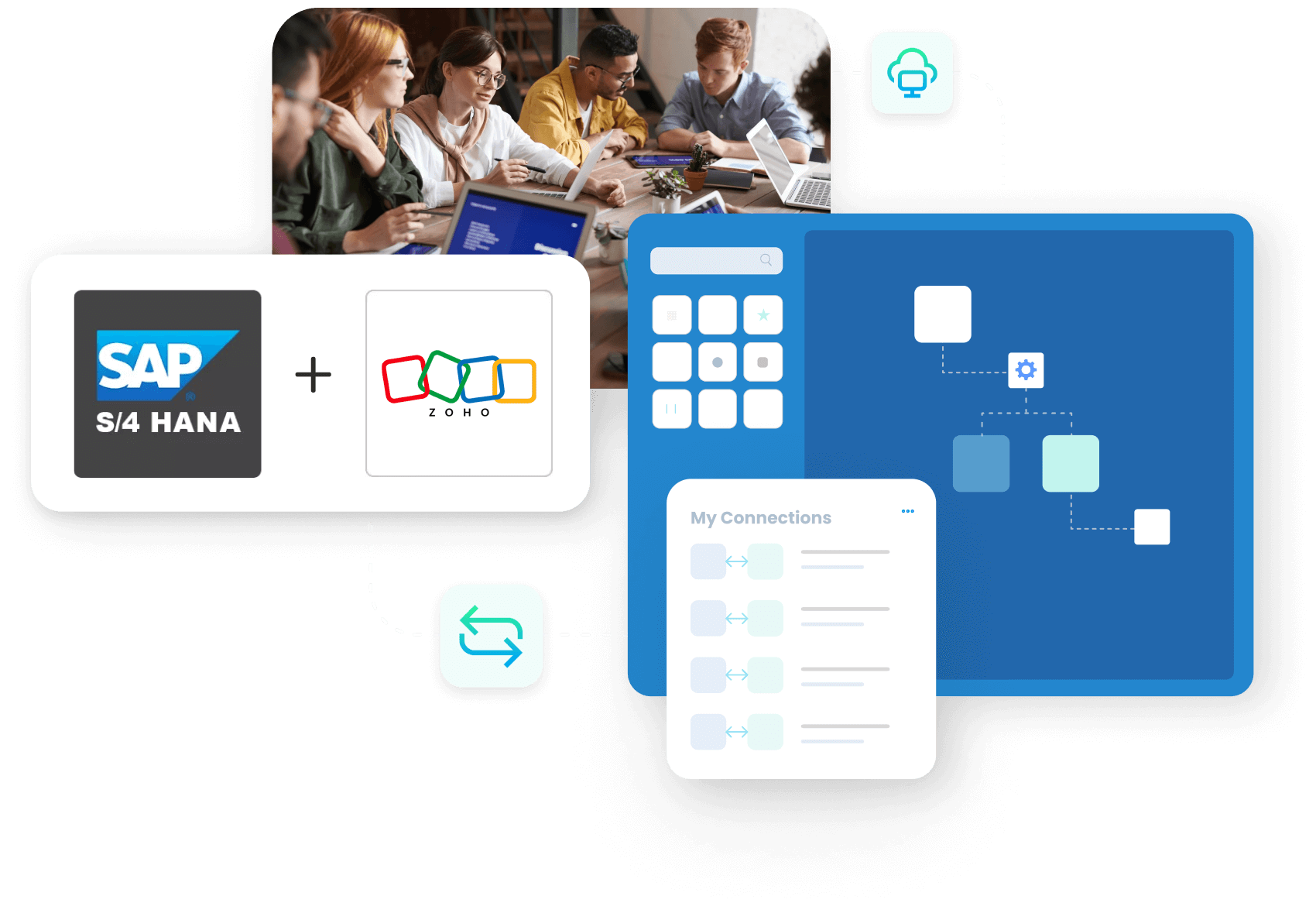
Give your sales team the full customer picture inside Zoho CRM, backed by SAP S/4HANA. APPSeCONNECT flows accounts, contacts and products from S/4HANA into Zoho, turns Zoho quotes into S/4HANA sales orders, and pushes delivery and invoice updates back, so reps see the whole quote-to-cash cycle without leaving the CRM.
BUSINESS VALUE
Why APPSeCONNECT Is the Gold Standard for SAP S/4HANA and Zoho CRM Integration
APPSeCONNECT connects SAP S/4HANA and Zoho CRM in real time, without manual work. One governed platform built for sales and service teams who work in Zoho CRM while SAP S/4HANA runs the orders, deliveries and invoices.

Reps work without ERP master data
Sales build quotes in Zoho without live S/4HANA accounts, contacts and product prices, so they quote on stale data and lose time checking with the back office.

Quotes re-keyed into S/4HANA
A quote agreed in Zoho is typed into SAP S/4HANA by hand to become a sales order, costing time and adding errors at the point the deal is won.

No purchase history in the CRM
Sales orders live in S/4HANA, so reps cannot see a customer’s order history in Zoho and walk into renewals and upsells blind.

Delivery questions bounce to the back office
Outbound delivery and tracking detail stay in S/4HANA, so when a customer asks where their order is, sales support cannot answer from the CRM.

Invoices invisible to customer reps
Billing data sits in S/4HANA, so customer representatives cannot see the end of the cycle and chase finance for billing status.

Two systems, one fragmented customer
Accounts and contacts drift between S/4HANA and Zoho, so no team sees a single, current view of the customer.
Standard Features Covered in Our SAP S/4HANA Zoho CRM Integration Template
The ready-to-deploy integration solution ships with the data flows most S/4HANA and Zoho customers need on day one. Switch on what applies, customise the rest in the low-code ProcessFlow.
- Zoho accounts and contacts write to S/4HANA as customer master records with billing, ship-to, sales organisation, tax classification and payment terms.
- S/4HANA material master, descriptions, units of measure and active condition records publish to Zoho CRM so reps quote against today’s catalogue.
- Zoho quotes turn into S/4HANA sales orders the moment the deal closes, with line items, condition types, currency and delivery plant under the right legal entity.
- S/4HANA ATP quantity by plant and lead time push to Zoho deal lines so reps stop committing stock the warehouse cannot ship.
- S/4HANA billing documents, due dates, paid amounts and ageing buckets push back to the Zoho account record so sales and finance see the same number.
- S/4HANA outbound deliveries, packing slip references and carrier information flow back to Zoho so account managers stop emailing the warehouse.
- Zoho return cases write S/4HANA return orders. Credit memo references push back to the originating Zoho case so support sees resolution status without phoning finance.
Popular SAP S/4 HANA Integrations
APPSeCONNECT makes it easy to connect SAP S/4HANA with the apps you already use. Common integrations include:


Looking for a Specific Integration?
Popular Zoho CRM Integrations
Smart iPaaS Solution to streamline your business and increase efficiency. Seamlessly connect Zoho with other Business Applications.
Looking for a Specific Integration?
INTEGRATION BROCHURE
Download The Full Integration Guide | ISO 27001 Secured
Get a short guide that explains how SAP S/4HANA and Zoho CRM work together for everyday sales work. See where the connector fits in your current setup and what you need to go live.
- Flow Diagrams : See how data moves across customers, orders, and invoices.
- Launch Checklists : Test customer sync and automation before going live.
- Admin Tips: Learn how to monitor, handle exceptions, and plan improvements.
Workflows
How Does the Workflow Run End-to-End?
Here is how a typical SAP S/4HANA and Zoho CRM integration runs, from master data to a closed, invoiced sale.
Master Data Sync
Accounts, contacts and products with retail prices flow from SAP S/4HANA into Zoho CRM so reps work from current data.
Quote in Zoho
A rep generates a quote in Zoho CRM, which syncs automatically to SAP S/4HANA.
Data Mapping
APPSeCONNECT maps the quote and customer fields between Zoho and S/4HANA through OData or BAPI, keeping the account relationship intact.
Sales Order in SAP
The quote is converted to a sales order in SAP S/4HANA, and the order flows back to Zoho against the original quote.
Back-Sync
When goods ship, outbound delivery and tracking detail create in Zoho, and the S/4HANA billing document appears in Zoho so reps see the full cycle.
Monitor and Improve
Run history, retry logic and alerts surface exceptions, and your team reprocesses failed records without losing the audit trail.
Ready To Launch Your SAP S/4HANA Zoho CRM Integration Today?
Stop letting disconnected systems slow you down. Streamline Zoho CRM SAP S/4HANA integration via APPSeCONNECT and give your teams a faster, cleaner way to run online sales.

Frequently Asked Questions
It syncs customers, orders, invoices, and products between both systems so sales and finance share the same data.
It removes manual entry, reduces errors, speeds up sales cycles, and brings customer data together in one place.
Common flows include customers, contacts, deals, sales orders, products, pricing, invoices, and payment status updates.
Yes, updates move between systems quickly so sales and finance teams always see current information.
Yes, data flows both ways so customers, products, and transactions stay matched in both systems.
Yes, the connector supports both cloud and on-premise setups using standard APIs and secure agents.
Yes, it works for B2B, B2C, wholesale, and multi-channel businesses that use both applications together.
Data moves through encrypted channels with access controls, audit trails, and support for compliance requirements.
Most customers go live in two to four weeks with the pre-built connector, depending on complexity.
No, the platform offers low-code tools and dashboards so operations teams can manage it without deep technical skills.
Yes, a secure agent connects on-premise setups without opening firewall ports to outside traffic.
Requests queue and retry automatically. Logs keep track so no data gets lost during short outages.
Pricing depends on data volume and support level. APPSeCONNECT offers flexible plans for teams of different sizes.
Companies automating their business through APPSeCONNECT







Customer Success Stories
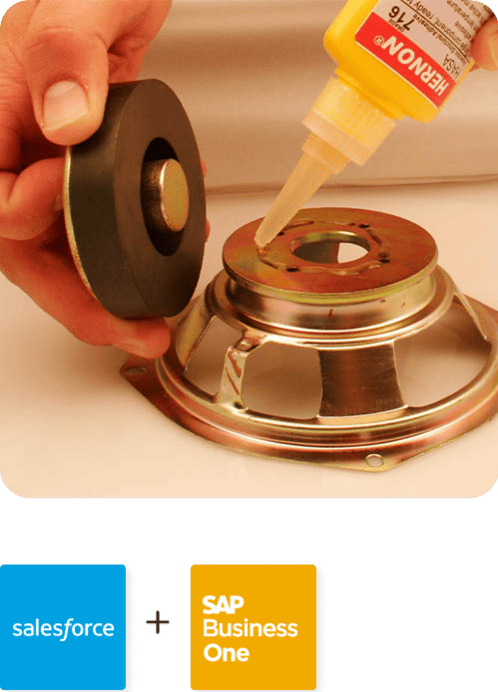
Hernon
With APPSeCONNECT, Hernon achieved a zero business downtime and levaraged the power of a fully automated and integrated solution to ensure business growth.
Read Case Study →
Machinery Manufacturing Company
Discover how a world-leading industrial equipment manufacturing company leveraged APPSeCONNECT for company-wide automation of ERP, CRM, and eCommerce applications.
Read Case Study →Related Resources
Articles and Guides to Help You With Your Integration and Automation Journey