Microsoft Dynamics 365 Finance and Operations and BigCommerce Integration & Automation
- Automate
- Align
- Accelerate
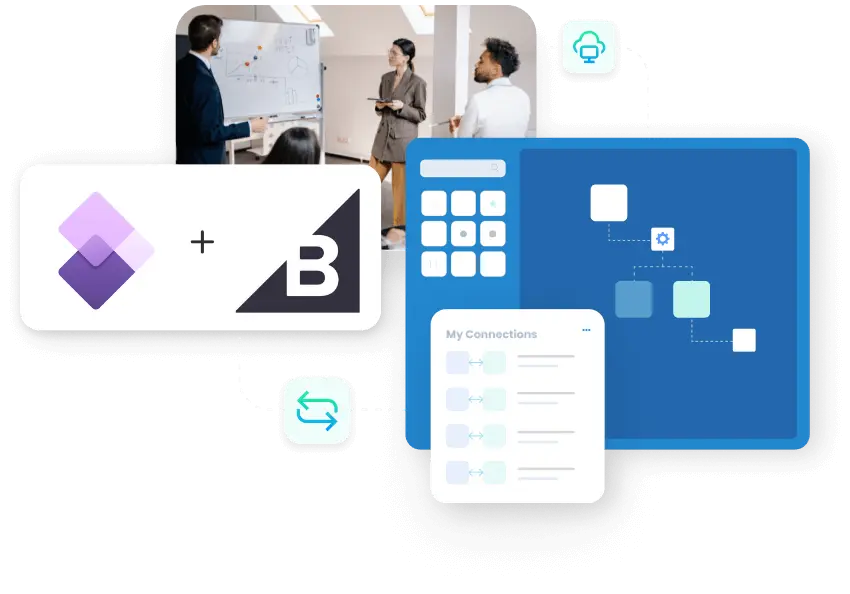
APPSeCONNECT makes Microsoft Dynamics 365 Finance and Operations and BigCommerce integration easier to run, so products, stock, orders, shipments, and billing updates move between your store and ERP without repeat work.
A store order should not need three people before it becomes usable business data. Yet that is what often happens when the storefront moves faster than the ERP. Products change, prices shift, stock moves, and buyers expect quick answers. APPSeCONNECT helps BigCommerce and Dynamics 365 Finance and Operations work from the same updates, so the order path stays steadier from checkout to billing.
KEY BENEFITS
Why is APPSeCONNECT The Gold Standard for Microsoft Dynamics 365 Finance and Operations and BigCommerce Integration
BigCommerce is where buyers browse, buy, and check order progress. Dynamics 365 Finance and Operations is where your business controls items, prices, stock, fulfillment, and billing. When those records drift apart, teams spend time fixing gaps that should not exist. APPSeCONNECT helps keep the store and ERP aligned, so staff can work from the same set of business updates each day.

Accurate Catalog
Product names, variants, and item details stay aligned, so buyers see the right listing at the right time.

Reliable Price Control
The ERP can drive prices, discounts, and charge values shown in BigCommerce during active selling periods.

Correct Stock
The storefront reflects current availability more closely, which helps reduce overselling, refunds, and buyer frustration.

Seamless Order Handoffs
BigCommerce orders move into Dynamics 365 Finance and Operations with less manual effort for operations teams.

Reduced Administrative Tasks
Teams spend less time copying customer details, product lines, and order totals between systems.

Clearer Shipment Status
Dispatch updates return to BigCommerce, which helps support teams answer order questions with more confidence.
Standard Features Covered in Our Microsoft Dynamics 365 Finance and Operations BigCommerce Integration and Automation Template
- Dynamics 365 Finance and Operations to BigCommerce Publish item details, variants, descriptions, images, and related product fields from the ERP to BigCommerce, so the storefront follows the latest catalog data without repeated manual updates.
- Dynamics 365 Finance and Operations to BigCommerce Sync prices, discounts, and selected charge values from the ERP to BigCommerce, so buyers see more consistent selling values during active storefront activity.
- Dynamics 365 Finance and Operations to BigCommerce Send stock levels and availability changes from the ERP to BigCommerce, helping the store reflect what your business is actually ready to sell and reducing overselling risk.
- BigCommerce ↔ Dynamics 365 Finance and Operations Create or update customer profiles and address details across both systems based on the way your order process is configured. The flow can support both new and returning buyers for cleaner account and order handling.
- BigCommerce to Dynamics 365 Finance and Operations Create ERP order records from BigCommerce orders with customer details, item lines, charges, discounts, taxes, shipping values, and related order information needed for downstream processing.
- Dynamics 365 Finance and Operations to BigCommerce Return shipment progress and tracking details from the ERP to BigCommerce after warehouse processing moves ahead, so buyers and support teams can see clearer delivery status.
- Dynamics 365 Finance and Operations ↔ BigCommerce Sync invoice references and selected payment updates between both systems, so billing progress stays more visible for order follow-up, support work, and finance review.
- BigCommerce ↔ Dynamics 365 Finance and Operations Move selected return and refund details between BigCommerce and the ERP based on the rules your business uses, so post-purchase handling stays easier to track and review.
- As Configured Support account-based buying needs and more than one storefront setup within the same integration structure, so teams can manage growth without rebuilding the full process each time.
Popular Microsoft Dynamics 365 Finance and Operations Integrations
Connect Microsoft Dynamics 365 Finance and Operations with other business applications.




Looking for a Specific Integration?
Popular BigCommerce Integrations
Connect BigCommerce with other business applications.



Looking for a Specific Integration?
What You Get
Feature You Get With Our Microsoft Dynamics 365 Finance and Operations and BigCommerce Integration
Strong commerce integration depends on the small details. Teams need clear rules for pricing, stock, customers, orders, returns, and shipping progress. They also need a way to review failures and adjust mappings without starting again. APPSeCONNECT gives that control in a format that business and technical users can both follow with less friction.

Product And Variant Mapping
Match item names, variants, descriptions, images, and related product fields across store and ERP records.

Price And Discount Rules
Publish pricing and discount values from the ERP with better control across storefront selling activity.

Inventory Update Support
Send stock and availability changes to BigCommerce, so buyers see availability closer to actual supply.
Customer Record Flow
Move guest and registered customer details with the billing and shipping fields your team needs.

Order Creation Rules
Turn storefront orders into ERP orders without repeated manual entry by operations or finance staff.

Shipment Update Flow
Return shipping progress and tracking details after warehouse processing moves ahead in the ERP.

Invoice And Payment Return
Share billing progress back to BigCommerce for easier order review and support follow-up.
Visual Flow Review
Check business logic in one place before changes affect live records, users, or storefront activity.

Controlled Retry Tools
Fix failed records and replay only those records after your team reviews the cause.

Hybrid Access Support
Connect BigCommerce with hosted or private ERP environments when your setup needs that flexibility.
INTEGRATION BROCHURE
Download the Microsoft Dynamics 365 Finance and Operations and BigCommerce Integration Brochure
The brochure gives your team a practical view of how the store and ERP should work together before rollout starts. It helps your team decide what information to move first, which rules to review, and what to test before users rely on the integration for live order handling.
Inside you will find:
- Flow Diagrams: See how products, prices, orders, invoices, and shipment updates move between BigCommerce and the ERP.
- Rollout Notes: Review mapping choices, order ownership, and customer field handling before your team moves to production.
- Testing Guidance: See how teams validate the main flows before they open the integration to live users.

INTEGRATION GUIDE
How Does The Workflow Runs End-to-End
Most teams get better results when rollout stays controlled and focused. Start with the flows that matter most to orders, then add invoice, payment, and shipment visibility once the core records stay clean and steady. That approach makes the first launch easier to review, easier to manage, and easier for teams to trust.
Connect Systems
Select BigCommerce and Dynamics 365 Finance and Operations, then confirm access for both environments.
Map Business Fields
Match product, pricing, inventory, customer, order, and billing fields before live testing begins.
Test Core Flows
Run sample orders, product updates, and shipment returns in a safe environment with typical data.
Go Live In Stages
Turn on the main flows first, review early runs carefully, then extend the integration later.
Frequently Asked Questions
It connects BigCommerce and Dynamics 365 Finance and Operations, so product, customer, order, shipment, invoice, and payment updates move between both systems.
They want the storefront and ERP to work from the same records instead of checking and correcting orders across separate systems.
Common flows include products, prices, inventory, customers, orders, shipments, invoice details, payment updates, and selected return or refund records.
BigCommerce orders can move into the ERP with customer, item, charge, discount, and shipping details needed for downstream handling.
Product details, pricing values, and stock changes can publish from the ERP, which helps keep the storefront more accurate.
Customer profiles and address updates can move across both systems, which supports cleaner order handling and easier account follow-up later.
Shipment progress, tracking details, and invoice references can return to BigCommerce, giving buyers and support teams better order visibility.
Most changes use visual mapping, guided setup, and rule control, which helps teams avoid large custom development for routine updates.
The integration can support standard online selling and more account-based buying flows, depending on how your business handles orders.
Start by connecting both systems, mapping the main fields, testing core flows, and then moving to production in clear stages.
Ready To Launch Your Dynamics 365 Finance and Operations and BigCommerce Integration Today?
BigCommerce should not keep taking orders while Dynamics 365 Finance and Operations works from outdated information. APPSeCONNECT helps keep inventory, orders, shipment updates, invoice visibility, and customer records aligned, so teams spend less time correcting preventable errors. Start with the core order flows, then expand the integration as order volume, channels, and process needs grow.

Companies automating their business through APPSeCONNECT







Customer Success Stories
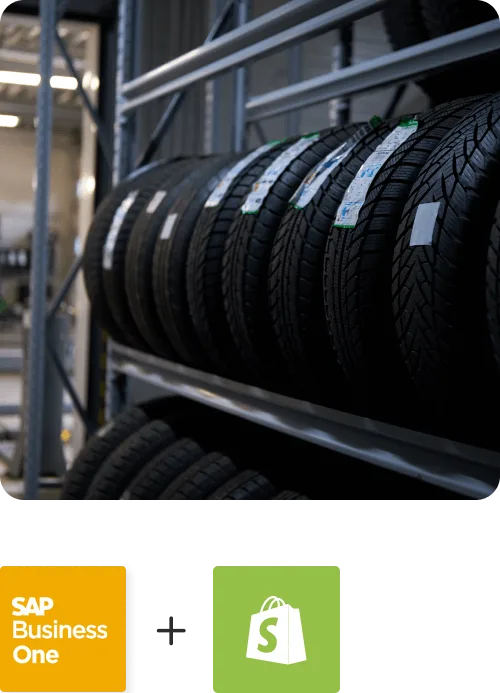
Proveedora PGP
Founded in 2005, Proveedora PGP has solidified its position as a leading ecommerce business in Mexico, specializing in car and truck tires.
Read Case Study →
African American Expressions
African American Expressions, founded by Gregory Perkins in 1991 in Sacramento, California, has been on a remarkable journey of growth and success.
Read Case Study →Related Resources
Articles and Guides to Help You With Your Integration and Automation Journey