




Square POS and SAP ECC Integration & Automation
- Automate
- Align
- Accelerate
Square POS and SAP ECC integration is built for businesses that use SAP ECC as the ERP backbone and Square POS as the store sales system. Sales, payments, refunds, customers, items, stock movement, tax details, and location references can move between Square POS and SAP ECC through structured integration flows.
Square POS manages in-store checkout, payment capture, refunds, customer activity, and location-based retail sales. SAP ECC manages the operational and financial rules behind materials, inventory, tax, postings, reporting, and business controls. When these systems are handled separately, finance teams chase POS totals, store teams work with uneven stock data, and operations teams lose time correcting records after the sale.
KEY BENEFITS
Why APPSeCONNECT Is the Gold Standard for Square POS and SAP ECC Integration
The platform creates a governed connection between Square POS transactions and the SAP ECC environment behind finance, inventory, and operations. It helps store activity move through defined ProcessFlows, so sales records, payment references, refund details, item updates, customer data, tax lines, and location mappings can be reviewed, posted, retried, and monitored instead of being handled through disconnected exports.

Store Close Delays
Daily store totals become harder to close when Square payments, refunds, cash activity, and tender references do not reach SAP ECC in a usable posting structure.

Inventory Count Drift
SAP ECC may hold the main inventory record, while Square POS needs sellable availability at the store. When updates lag, store teams can make decisions from old stock figures.

Missing Refund Trail
A refund captured at the POS may need a return, credit, adjustment, or finance review inside SAP ECC. Without the link, teams trace the original transaction manually.

Late Item Updates
Item names, material numbers, barcodes, prices, and sellable status often need ERP control. Delayed updates can leave Square POS with outdated catalog records.

Multi-Store Mapping Burden
Each Square location may need to connect with the correct SAP ECC plant, storage location, company code, profit center, or reporting setup. Manual mapping becomes risky as more stores are added.

Tax Posting Gaps
POS tax, discounts, and payment details must reach the right SAP ECC posting logic. When they do not, finance teams spend extra time explaining differences between register totals and ERP records.
Standard Features Covered in Our Square POS and Dynamics GP Integration Template
The Square POS and SAP ECC integration template can be configured around retail transaction flow, store structure, SAP posting rules, item master control, inventory visibility, and reconciliation needs. The exact setup can follow your SAP ECC modules, Square locations, material codes, tender types, tax rules, and close process
- Paid POS orders can create mapped sales, billing, accounting, or reporting records in SAP ECC. SKU, quantity, tax, discount, location, customer, and payment references can move with the transaction.
- Tender type, payment ID, payment status, register reference, and location details can be passed into SAP ECC finance or reconciliation workflows.
- Full and partial refunds can be mapped to SAP ECC return, credit, adjustment, or review flows based on the business posting design.
- Customer data from Square can create or update SAP ECC customer records. Matching rules can use email, phone, Square customer ID, SAP customer number, or another agreed identifier.
- Square locations can be linked with SAP ECC plants, storage locations, sales areas, company codes, or profit centers where store-level reporting requires it.
- Tax, discount, and charge details from Square can be mapped into SAP ECC tax codes, condition types, GL accounts, or reporting fields.
- SAP ECC material data can update Square catalog items with names, material numbers, SKUs, barcodes, categories, units, and active status.
- Price changes from SAP ECC can update Square POS item prices. Mapping can follow item, location, currency, or configured pricing logic where required.
- Inventory quantities from SAP ECC can update Square stock views by SKU and location. The flow can use plant, storage location, or another inventory structure from the SAP setup.
- Blocked, inactive, discontinued, or sellable status from SAP ECC can help control whether an item should remain available inside Square POS.
- SAP-controlled tax references can be mapped into Square where store teams need tax setup to remain aligned with ERP rules.
- Selected customer fields from SAP ECC can update Square when customer lookup or repeat purchase handling is part of the store process.
- Payment, refund, order, and settlement identifiers can be carried into SAP ECC so finance teams can compare Square activity against ERP postings.
- Transaction posting can run on a schedule or as a controlled batch process, which helps teams manage store close windows.
- Square locations can be mapped to SAP ECC organizational elements so each store posts to the right operational and financial structure.
- Late-arriving transactions can still follow validation, mapping, and retry logic instead of being processed outside the integration.
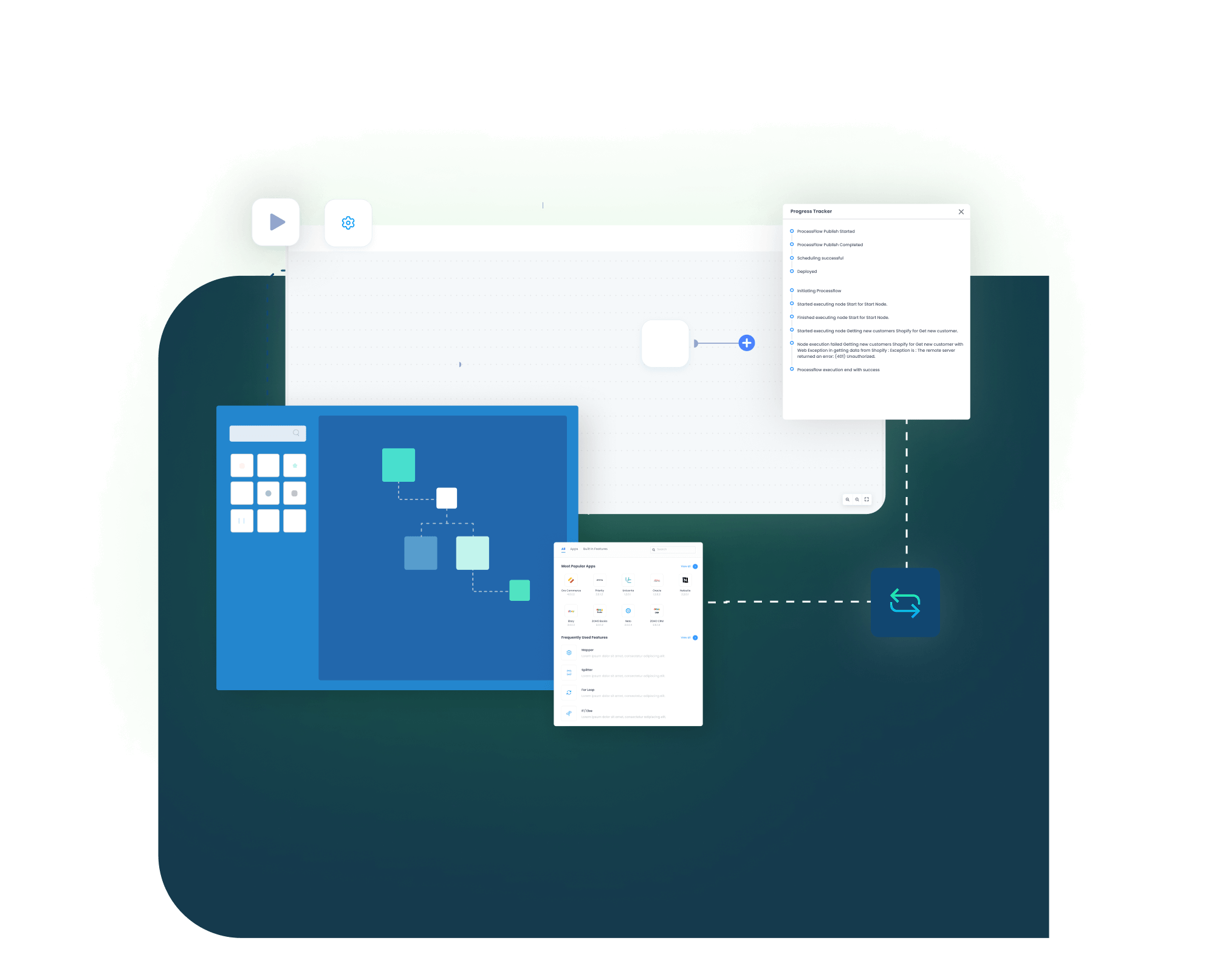
- Failed records can be reviewed through logs, snapshots, node status, transaction details, and retry controls before the record is rerun.
Popular Square POS Integrations
Our Integration Platform helps you seamlessly connect Square POS with other Business Applications.





Looking for a Specific Integration?
Popular SAP ECC Integrations
Connect SAP ECC with other business applications.





Looking for a Specific Integration?
Start Integration at just $99 per month with Shopify, Salesforce, HubSpot, Zoho, WooCommerce and more.
Enterprise-grade integration powered by hands-on support without enterprise pricing

INTEGRATION GUIDE
How Does the Workflow Run End-to-End
Square POS and SAP ECC integration runs through ProcessFlows. Each ProcessFlow defines where the record starts, where it needs to go, which entity is being handled, how the schema is read, how fields are mapped, which checks must pass, how the target system responds, and how failed records are reviewed.
Trigger & Source Connection
A webhook, schedule, manual run, or configured sync can start the flow. The source can be Square POS for sales, payments, refunds, and customers, or SAP ECC for materials, prices, stock, and related ERP updates.
Data Extraction & Schema Reading
The flow reads the source entity and structure before transformation. The record may be a POS order, refund, payment reference, catalog item, customer, material, inventory update, tax detail, or posting object.
Transformation & Field Mapping
Square fields are converted into SAP ECC-ready values, or SAP ECC fields are converted into Square-ready values. Location IDs, SKUs, material numbers, tender types, tax lines, discounts, customer references, and refund IDs can be mapped during this step.
Validation & Business Rule Execution
The record is checked before it is posted. Validation can review material status, duplicate transactions, missing customer data, tax code mapping, refund references, posting date, document type, store mapping, and company-level rules.
Target Posting & Response Handling
The prepared record is sent to the target system. The ProcessFlow records the target response, sync state, success status, rejection reason, and any error details returned by Square POS or SAP ECC.
Monitoring, Retry & Audit Logging
Teams can use logs, snapshots, transaction details, node status, and retry options to review what happened in each run and process corrected records again.
Real-world use cases
Use Cases
The Square POS and SAP ECC integration is designed for businesses that use Square for store checkout while relying on SAP ECC for finance, inventory, reporting, and business controls. It supports retail locations, finance teams, inventory planners, store operators, and multi-location businesses that need POS activity to stay tied to ERP records.
Store sales move into SAP ECC with less manual close work
Store teams using Square POS need transactions to reach SAP ECC in a format that finance and operations can use. Paid sales, taxes, discounts, tender details, customer information, and location references can move through the integration instead of being rebuilt after the store closes.
- Square POS sales can create SAP ECC sales, billing, accounting, or reporting records with transaction detail.
- Tender references can move with cash, card, and other mapped payment types.
- Store activity can map to the correct SAP ECC plant, sales area, company code, or profit center.
- Failed records can be corrected and retried without recreating the transaction manually.
What this integration handles
Posted
POS-to-ECC sales flow
Mapped
Tender and tax details
Linked
Store and location references
Auditable
Logs and retry trails
Supports retail locations, pop-up stores, store managers, and daily close teams.
SAP ECC item data stays aligned with Square POS
When SAP ECC manages material and inventory control, Square POS still needs accurate products at the register. The integration helps item, SKU, stock, and sellable-status data move from SAP ECC into the store environment.
- SAP ECC material updates can create or update Square catalog records.
- SAP ECC material numbers can be matched with Square SKUs or item variations.
- Plant or storage-location stock can update Square inventory availability.
- Inactive, blocked, or discontinued items can be removed from active selling where configured.
What this integration handles
Mastered
SAP ECC item data
Synced
Square catalog and SKU records
Updated
Store-level availability
Controlled
Product active or inactive status
Supports inventory planners, store teams, retail buyers, and warehouse operations.
POS payments and refunds remain traceable in SAP ECC
Finance teams need Square activity to connect with SAP ECC posting, reconciliation, and reporting processes. Payment IDs, tender types, refund references, tax lines, and discount details can move with the original POS transaction.
- Square payment IDs and tender information can be attached to the related SAP ECC record.
- Tax and discount lines can be mapped to SAP ECC codes, condition types, or reporting fields.
- Refunds can remain connected to the original sale and related SAP ECC return or credit logic.
- Scheduled posting can help finance teams manage close timing and review windows.
What this integration handles
Matched
Sale and payment references
Mapped
Tax and discount data
Traceable
Refund and adjustment records
Scheduled
Close-window posting
Supports finance, accounting, tax, audit, and shared services teams.
Square locations post into the right SAP ECC structure
Retailers running more than one Square POS location need store activity to remain separated inside SAP ECC. Location mapping helps sales, taxes, stock, refunds, and reporting follow the right store and financial structure.
- Square location IDs can map to SAP ECC plants, storage locations, reporting units, company codes, or profit centers.
- Store-level inventory updates can keep local availability closer to SAP ECC records.
- Location-based price or item rules can be reflected in Square where the setup supports them.
- Exceptions can show the store, SKU, tax rule, tender type, or posting logic that caused a failure.
What this integration handles
Mapped
Location-to-ECC structure
Separated
Store-level transactions
Updated
Local stock and price views
Visible
Store-specific exceptions
Supports regional retailers, franchised stores, pop-up retail, and multi-store finance teams.
Meet appse ai
How appse ai Helps Streamline Square POS and SAP ECC Integration
After Square POS and SAP ECC are connected, the operational work does not disappear. Store batches still need review, failed postings still need explanation, item mappings can break, and refund exceptions may need finance attention. appse ai adds AI-assisted support around workflow design, exception review, process signals, and automation improvement, helping teams move from basic sync toward better-controlled retail operations.
- Workflow Design: Build and refine POS, payment, refund, item, stock, customer, and posting flows with no-code and AI-assisted tools.
- Issue Detection: Help identify failed Square transactions, SAP ECC posting rejections, missing mappings, repeated store exceptions, and broken run patterns earlier.
- Exception Review: Review material issues, location mismatches, tax code errors, refund gaps, duplicate sales, and missing tender references with clearer context.
- Decision Support: Route records based on configured business logic. High-value refunds, posting failures, or exceptions requiring finance review can follow defined paths.
- Process Signals: Track delays and recurring problems across store close, stock updates, price refreshes, refunds, and reconciliation activity.
- API Orchestration: Coordinate Square POS records with SAP ECC processes and connected applications through one controlled automation layer.
- Workflow Optimization: Help teams find where flows slow down, fail often, or need mapping changes before the same issue spreads across more stores.

Ready to Launch Your Square POS and SAP ECC Integration Today?
Square POS and SAP ECC should not create two separate versions of store activity. A connected setup helps POS sales, payments, refunds, taxes, stock changes, item updates, and posting records move through defined flows, so retail and finance teams can scale operations with less manual reconciliation.

Companies automating their business through APPSeCONNECT







Customer Success Stories

Piovan Group North America
Piovan Group designs and manufactures automation systems used to store, convey, and process polymers, powders, and food ingredients.
Read Case Study →
Rustic Cuts
Rustic Cuts is a fast expanding chain of high quality butcheries that deal in farm fresh meats and upscale cuts.
Read Case Study →
Kyocera case study
Kyocera International Inc. is a leading manufacturer of high-quality ceramic cutlery, kitchen tools, and cookware.
Read Case Study →Related Resources
Articles and Guides to Help You With Your Integration and Automation Journey

Frequently Asked Questions
Square POS and SAP ECC integration connects store checkout activity with ERP-controlled finance, inventory, customer, and reporting processes. It can move sales, payments, refunds, items, stock, tax details, and location data through configured workflows.
Businesses use this integration to reduce store close delays, manual posting work, payment reconciliation gaps, inventory mismatches, and refund tracing issues. It helps Square POS activity reach SAP ECC with clearer structure.
APPSeCONNECT uses ProcessFlows to define the source, target, entity, field mapping, validation rules, run mode, retry behavior, and monitoring path. Each flow controls how Square POS and SAP ECC exchange data.
Sales, payment references, refunds, customers, catalog items, material data, inventory quantities, prices, discounts, tax details, and store locations can be synced or mapped based on the configured scope.
Paid Square POS transactions can be extracted, transformed, and posted into SAP ECC as sales, billing, accounting, or reporting records. The flow can carry item lines, quantities, tax, discount, payment, location, and customer data.
SAP ECC material data can update Square catalog records when that flow is configured. The mapping can include item name, material number, SKU, barcode, category, unit, price, and active status.
SAP ECC inventory can update Square POS stock by mapping plants, storage locations, or inventory sites to Square locations. This keeps store availability closer to the ERP inventory record.
Square payment IDs, tender types, payment status, and store references can move into SAP ECC finance or reconciliation processes. The posting result depends on the SAP ECC design.
Refunds from Square POS can be mapped into SAP ECC return, credit, adjustment, or review flows. Full and partial refunds can remain connected to the original sale when reference data is available.
Square location IDs can be mapped to SAP ECC organizational elements such as plants, storage locations, company codes, sales areas, or profit centers. This helps each store report into the right ERP structure.
Square customer data can create or update SAP ECC customer records where the workflow is configured. Matching can use email, phone number, Square customer ID, SAP customer number, or another defined identifier.
Square tax and discount lines can be mapped to SAP ECC tax codes, condition types, GL accounts, or reporting fields. This helps finance review POS totals without manually rebuilding every line.
APPSeCONNECT can support SAP ECC environments through cloud, on-premises, or hybrid deployment approaches. The final design depends on your SAP access method, network rules, and integration scope.
Failed syncs can be reviewed through logs, snapshots, node status, and transaction details. Teams can correct missing fields, mapping errors, SAP rejections, API responses, or credential issues, then retry the record.
appse ai helps teams design workflows, detect issues, review exceptions, read process signals, and improve automation decisions. It can add context around failed POS postings, missing mappings, refund gaps, and repeated reconciliation issues.
Start by selecting the first flows to automate. Common starting points include POS sales, payment mapping, refund handling, item sync, inventory sync, customer records, tax mapping, and location-to-SAP structure mapping.