SAP ECC and Shopify Integration
- Automate
- Align
- Accelerate
Shopify runs your online store, while SAP ECC runs your back office. When they stay apart, teams repeat work and miss updates.
Shopify SAP ECC integration helps move key records between both systems. Orders created on Shopify can reach SAP ECC without manual exports. Customers, products, invoices, and shipment updates from SAP ECC can reach Shopify so the storefront stays current.
APPSeCONNECT supports this integration through its low-code platform (iPaaS). Start with a ready template, map the fields you care about, and test with sample records before running the integration on a schedule that fits your team.
Key Highlights
Why APPSeCONNECT Is The Top Choice For SAP ECC And Shopify

Real-Time Updates
Send new Shopify orders to SAP ECC soon after creation

Ready Template
Start with standard flows for SAP ECC and Shopify

Low-Code Mapping
Change field mapping without heavy code or long cycles

Order Rules
Apply B2B and B2C rules before SAP ECC order creation

Pricing From SAP
Show SAP ECC prices on Shopify for approved users

Logs And Retries
Review failures and resend records after fixing issues

Flexible Runs
Run the integration in real time or at set times
Standard Features Covered In Our SAP ECC And Shopify Integration Template
- Customers can be created or updated in Shopify when customer data changes in SAP ECC, keeping store records clean.
- Direction SAP ECC → Shopify for customer creation and updates
- Customer Data Send name, address, email, and phone to Shopify
- Trigger Run when SAP ECC creates or changes a customer
- Orders are created in Shopify and then synced to SAP ECC as sales orders. This helps finance and fulfillment work from one order.
- Direction Shopify → SAP ECC for sales order creation
- Order Data Send items, quantities, prices, tax, discounts, and references
- Order Type Identify B2B or B2C orders before SAP ECC processing
- Partner And Payment Set sold-to, ship-to, bill-to, and payment details
- Products can be created or updated in Shopify when product data changes in SAP ECC, keeping the catalog updated.
- Direction SAP ECC → Shopify for product creation and updates
- Product Data Send name, SKU, stock, and price to Shopify
- Trigger Run when SAP ECC creates or changes a product
- Invoices are posted in SAP ECC and then shared with Shopify. Customers can see invoice details in the store.
- Direction SAP ECC → Shopify for invoice creation
- Timing Send invoice details after SAP ECC posts the billing document
- Shipments are created in SAP ECC and then shared with Shopify. Customers can track delivery from their order page.
- Direction SAP ECC → Shopify for shipment creation and updates
- Tracking Send tracking number and shipment status from SAP ECC

What You Get
Shopify SAP ECC Integration Feature Highlights
Customer Updates
Keep Shopify customers aligned with SAP ECC customer data
Order Creation
Create SAP ECC sales orders from Shopify orders

Catalog Updates
Keep products, stock, and pricing updated on Shopify
Invoice Visibility
Show SAP ECC invoice details in Shopify order history

Shipment Tracking
Show tracking updates from SAP ECC inside Shopify
B2B Order Logic
Pass company order details into SAP ECC for processing
Fewer Manual Steps
Reduce repeated entry across store and back office

Clear Monitoring
View run status, errors, and retries in one place
INTEGRATION BROCHURE
Download the SAP ECC and Shopify Integration Brochure
Use the brochure to review data flows and setup steps before you go live. It helps teams agree on what moves where.
Learn more about:
- Integration Architecture: See how customer, order, and product data moves
- Deployment Tips: Plan testing, cutover, and monitoring for stable runs
- SAP ECC API Options: Understand IDoc and BAPI choices for SAP ECC
- Shopify API Options: Use Shopify GraphQL and webhooks for event updates
Popular SAP ECC Integrations with leading platforms
Connect SAP ECC with other business applications.





Popular Shopify Integration
Connect Shopify with other business applications


Looking for a Specific Integration?
INTEGRATION GUIDE
How To Integrate SAP ECC And Shopify
Set up the integration in a clear sequence by starting with the template, mapping the fields, testing sample records, and then going live.
Connect Systems
Add Shopify and SAP ECC in APPSeCONNECT. Choose the access method that fits your SAP ECC setup.
Map Fields
Map customers, products, and orders. Match formats and codes so SAP ECC accepts each record.
Deploy & Test
Test with sample orders and products. Check results in both systems before moving to live runs.
Monitor & Scale
Watch logs and dashboards. Add more flows as your store grows and needs change.
SAP ECC and Shopify Real-Time Integration Workflow
Event Trigger (Shopify)
A new order can trigger a Shopify webhook. The integration receives it and starts order creation in SAP ECC.
Event Trigger (SAP ECC)
A change in SAP ECC can trigger customer, product, invoice, or shipment updates. The integration sends updates to Shopify.
Event Reception (iPaaS)
APPSeCONNECT receives events and checks required fields. It then routes the data into the correct flow.
Data Transformation
Mapping rules convert fields into the format each system expects. This helps prevent rejected records.
API Call To SAP ECC
The integration uses IDoc or BAPI based on your design. SAP ECC then creates or updates the record.
API Call To Shopify
Shopify receives updates through GraphQL APIs. The integration can also call Shopify APIs on a schedule.
Confirmation & Error Handling
Each step writes a result to logs. Failed records can be fixed and resent using your retry rules.
Status Update Back
After SAP ECC posts invoices or shipments, Shopify receives those updates. Customers then see the latest status.
INTELLIGENT DATA FLOW
How Our Intelligent Data Flows Supercharge Your Integration
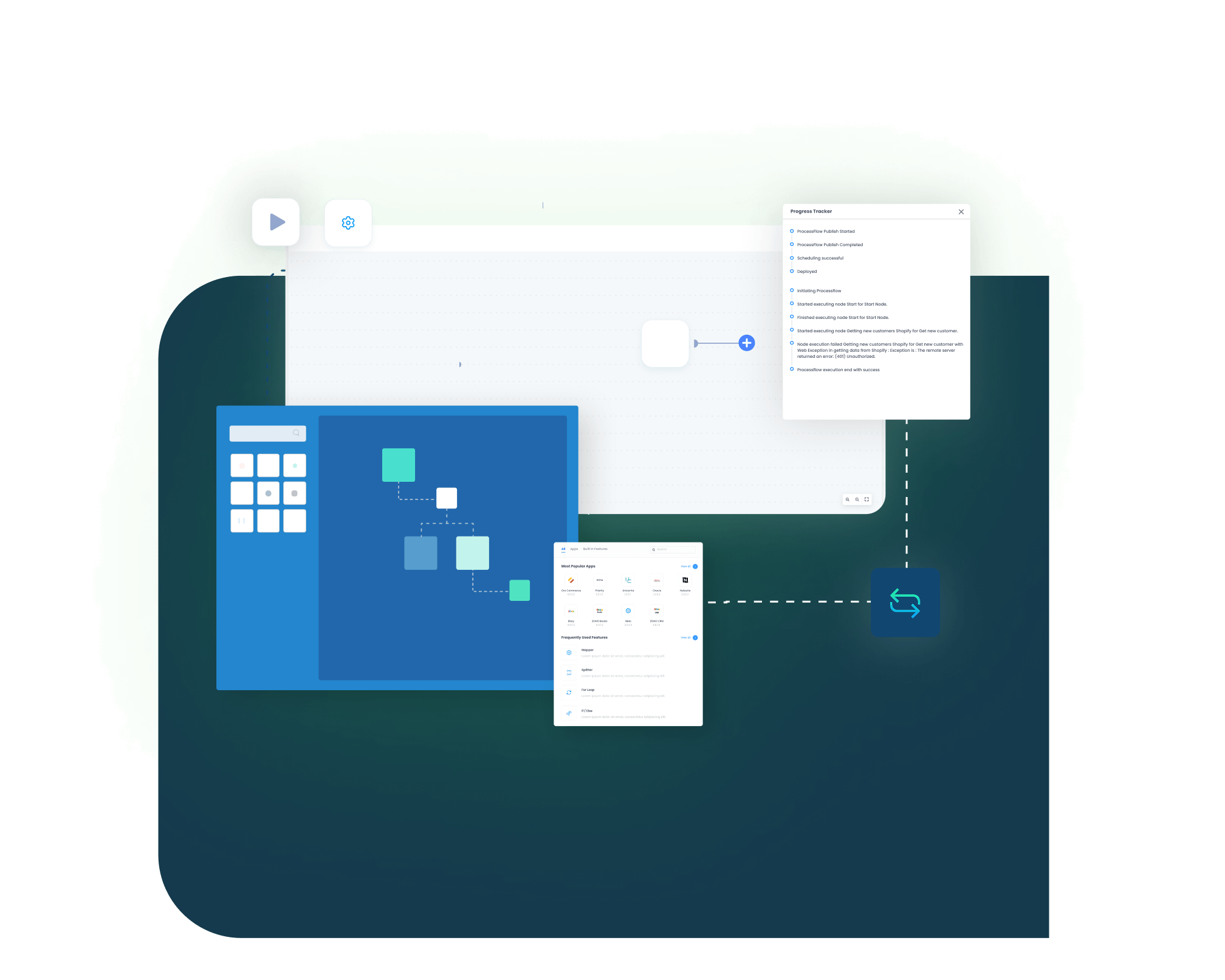
ProcessFlows help you control each step of the integration by letting you change rules, handle failures, and track what moved.
ProcessFlow Designer
Build and adjust flows using a visual design view

Event Triggers
Start flows when Shopify or SAP ECC records change

Retry Rules
Resend failed records after you fix the issue

Data Conversion
Convert formats so both systems accept the values
Batch Runs
Run updates at set times when real-time is not needed
Audit Logs
Track what ran, what failed, and what was retried
Access Control
Limit who can view and edit each integration flow
Simple Order-to-Cash Lifecycle
The order-to-cash cycle stays clear when updates return to Shopify after SAP ECC completes each step. Enjoy a smooth, error-free flow from purchase to payment.
Order Capture
A customer places an order on Shopify

Sales Order
SAP ECC creates the sales order for processing
Fulfillment
SAP ECC creates shipment details after goods issue

Invoicing
SAP ECC posts the invoice and shares it with Shopify
One Platform, Endless Integrations
Many teams start with one integration between Shopify and SAP ECC. Later, they add more apps, and APPSeCONNECT lets you run those integrations from the same place with the same level of control.
Unify
Keep key records aligned across apps used by your teams
Scale
Add new flows without rebuilding your base integration setup
Secure
Use access controls and encrypted transfer for data safety
Frequently Asked Questions
APPSeCONNECT uses SAP ECC IDoc or BAPI and Shopify GraphQL APIs, maps the fields, and syncs data securely in both directions.
Yes, Shopify webhooks can send new records right away, and you can also run scheduled updates at regular intervals for control.
Yes, if you expose a custom BAPI, APPSeCONNECT can call it. It can send results to Shopify too as needed.
Yes, the integration uses Shopify GraphQL for key objects. This keeps your Shopify integration current as APIs change over time.
Yes, the integration can send B2B orders to SAP ECC. It can also send company profiles and locations for processing.
Yes, SAP ECC can calculate prices using your rules. The integration can send those prices to Shopify users when logged in.
Yes, you can update inventory in batches. You can also update smaller changes often based on your timing needs too.
Not always,iIf SAP ECC is on-premises, install an agent. If your APIs are public, the cloud works as well.
Yes, you can change field mapping in the integration. Move the tracking number into a custom field that you choose later.
The integration watches Shopify limits. It pauses calls when needed and retries later, so data goes through reliably for you.
Ready To Unify Your SAP ECC & Shopify Workflows Today?
SAP ECC and Shopify integration solutions can reduce repeated entry and missed updates. Start with the standard flows, then expand as your team is ready.

Companies automating their business through APPSeCONNECT







Customer Success Stories

Proveedora PGP
Founded in 2005, Proveedora PGP has solidified its position as a leading ecommerce business in Mexico, specializing in car and truck tires.
Read Case Study →
African American Expressions
African American Expressions, founded by Gregory Perkins in 1991 in Sacramento, California, has been on a remarkable journey of growth and success.
Read Case Study →Related Resources
Articles and Guides to Help You With Your Integration and Automation Journey