Connect Dynamics 365 Business Central And Square POS With APPSeCONNECT
Bring store counters and ledgers onto the same page, every day. APPSeCONNECT’s Dynamics 365 Business Central Square POS Integration keeps sales, payments, inventory, and customer records consistent without spreadsheets or double entry. Launch quickly, run centrally, and adapt as your store network expands. Our Square POS ERP Integration for Microsoft Dynamics 365 Business Central delivers governed, bidirectional sync without custom code.
Integration Overview
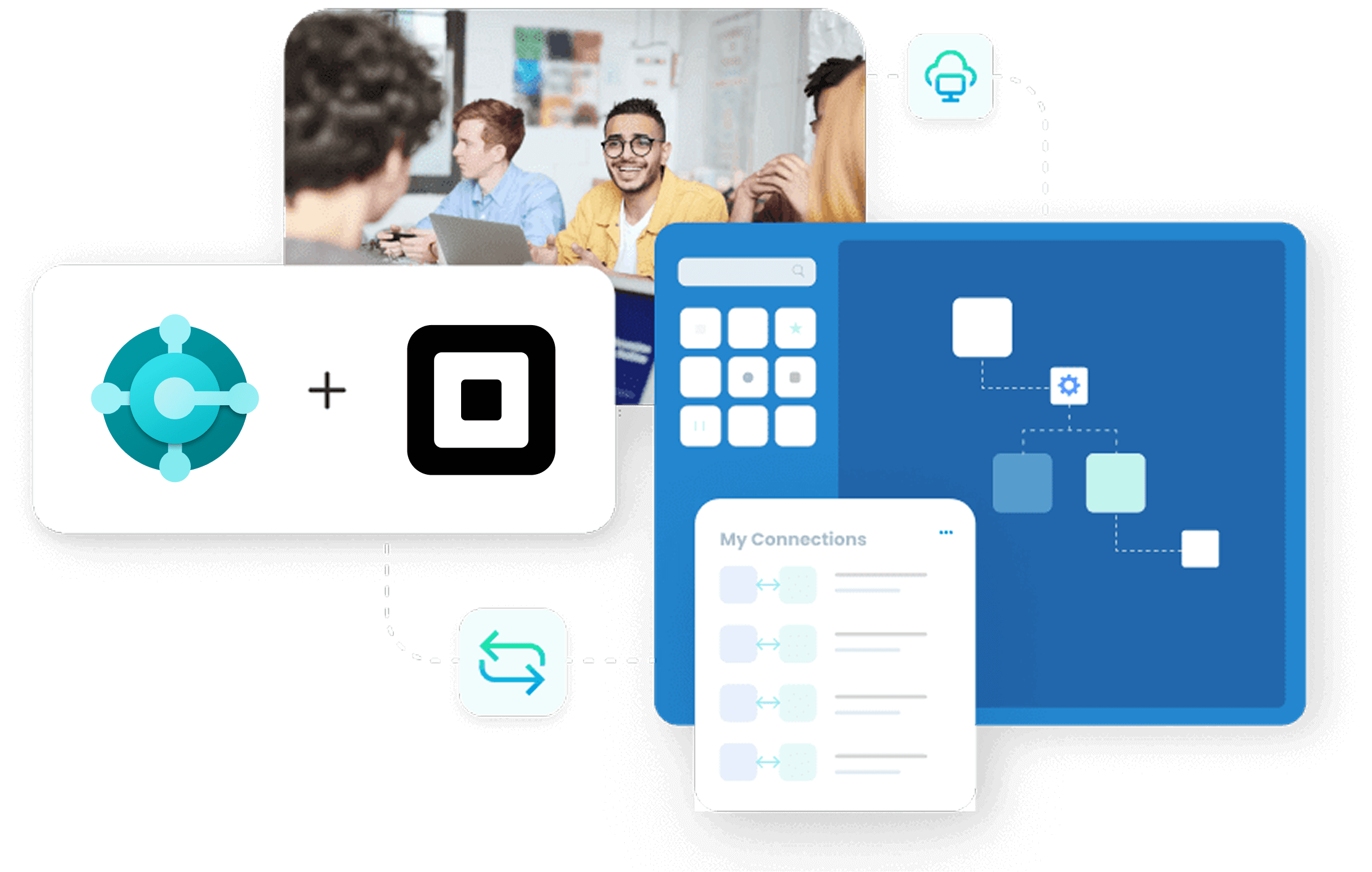
Retail and hospitality data often lives in different places POS, back office, and one-off exports. Numbers drift, reconciliation drags on, and reporting lags behind decisions. Teams work hard but still chase inconsistencies. Square POS captures tickets, tenders, and at-the-counter changes. Microsoft Dynamics 365 Business Central governs inventory, customers, finance, and journals. APPSeCONNECT links both with configurable, low-code pipelines that eliminate retyping and keep every system up to date.

Cut duplicate effort
Replace hand entry; reduce daily reconciliation loops across teams.

Keep data current
Align items, prices, taxes, and customers across locations.

Close faster daily
Post sales promptly; shrink adjustments and exceptions noticeably.

Unify decisions
Operations and finance read the same reliable figures daily.

Grow without rework
Add stores and SKUs without rebuilding core integrations.
Key Benefits
SKU Hygiene
Normalize item numbers, units, variants, and barcodes across systems.
Tender mapping
Route tenders and fees to correct journals and accounts.
Tax fidelity
Match POS tax lines to Business Central tax codes.
Customer Linking
Merge duplicates via rules using email or phone keys.
Refund Integrity
Reflect refunds with stock impact and fee reversals.
Popular Dynamics 365 Business Central Integrations
Our Integration Platform helps you seamlessly connect Dynamics 365 Business Central with other Business Applications.





Popular Square POS Integrations
Connect Square POS with other business applications.





Looking for a Specific Integration?
Integration Architecture
Core Components: At runtime, an APPSeCONNECT agent (cloud or on-premises) brokers data between Square APIs and the Business Central API surface. Pipelines handle mapping, transformation, validation, and routing. Failed records land in a re-sync queue with full context. A live console provides statuses, metrics, and detailed audit trails. Use our Square POS Business Central connector to trigger webhooks for near real-time updates. Transport is protected with TLS 1.2; authentication follows OAuth 2.0 where applicable; encryption at rest and auditable access controls are enforced, aligning with ISO 27001 and SOC 2 expectations. Security & Compliance:

Square APIs
Orders, Payments, Catalog, Inventory, and Customers endpoints.

Business Central APIs
Sales Orders, Customers, Items, Ledger, Payment Journals.

APPSeCONNECT middleware
Authentication, mapping, enrichment, validation, and queuing.
Deployment Options
Cloud
Fast onboarding, managed updates, reliable global availability for multi-store.

Hybrid
On-premises agent for Business Central with secure cloud orchestration.

Fully On-Premises
Local agents, restricted egress, controlled residency and access.
Logging & Monitoring

Run console
Watch throughput, success rates, and recent exceptions live.

Retry queue
Re-sync a single order without replaying entire batches.

Notifications
Alerts for throttling, credential expiry, and mapping changes.
KEY FEATURES
Key Integration Features
Launch with tested building blocks, then tailor mapping and rules in minutes—no risky custom code required. Features are grouped for quick evaluation and governance. Includes Square POS to Business Central sales order sync and payment posting with fees and tips

Synchronization & Automation
- Real-Time Or Scheduled Choose webhooks or batches per flow and region.
- Multi-store control Govern many Square locations from one integration console.
- Automatic posting Convert POS tickets to invoices and journals automatically.
- Tax and discount logic Carry discount amounts with proper tax and ledger impact.
- Inventory safeguards Respect reservations; avoid overselling during peak periods.

Configuration & Control
- Low-code designer Build pipelines with visual nodes, filters, and transforms.
- Field-Level Mapping Align variants, barcodes, attributes, and custom fields.
- Business rules engine Apply conditions, enrich data, and route exceptions.
- Validation policies Catch missing codes and illegal states before submission.
- Versioning & rollbacks Compare diffs, publish safely, and revert quickly.

Monitoring & Maintenance
- Run Console & Alerts Track executions and receive time-sensitive notifications
- Selective Re-Sync Retry individual records without replaying complete batches.
- Rate-Limit Handling Back-off gracefully; preserve order and data integrity.
- Throughput Scaling Parallelize catalog and inventory updates during spikes.
- Compliance logging Maintain auditable histories for reviews and investigations.
Business Benefits
Turn fragmented POS activity into clean ERP records that finance can trust. Reduce repetitive work, stabilize daily close, and enable accurate planning across your network. This Business Central Square POS API integration uses REST/JSON over HTTPS with OAuth 2.0.
Unified visibility
View sales, tenders, and inventory from one reliable dataset.
Less manual entry
Replace spreadsheets and point-solutions with governed automation.
Faster accounting
Post daily with fewer adjustments and cleaner periods.
Inventory accuracy
Better the availability and replenishment for popular items.
Scale readiness
Add locations and SKUs without rewriting the integration.
Lower support load
Cut sync tickets; operations owns monitoring and recovery.
Supported Versions & Compatibility
Supported Versions & Compatibility
Designed for Microsoft Dynamics 365 Business Central (cloud and on-premises, v18 and later) with Square Orders, Catalog, Customers, Payments, and Inventory coverage. OAuth 2.0 and REST/JSON over HTTPS are standard. A proven ERP-POS integration for retailers, designed for multi-store growth and predictable month-end.
Business Central
Current supported releases (v18+), cloud and on-premises deployments.
Square coverage
Orders, Catalog, Customers, Payments, Inventory, with webhooks.
Authentication
OAuth 2.0 for eligible endpoints; secure credential storage.
Protocols
REST/JSON with pagination, retries, and throttling safeguards.
Regions
North America, EMEA, and APAC where Square services are supported.
Reference Design
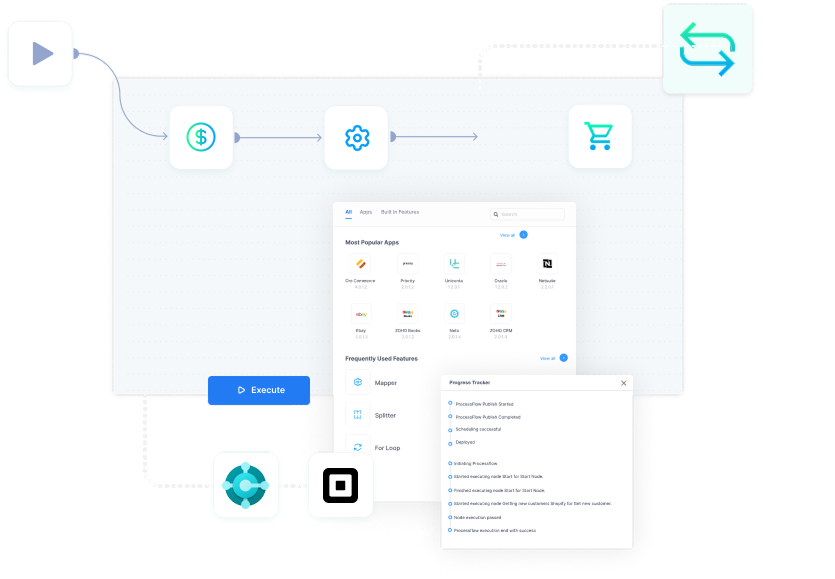
Microsoft Dynamics 365 Business Central Square POS integration architecture with event-driven webhooks and scheduled jobs.
Use Cases / Industries
APPSeCONNECT equips Business Central + Square teams with reusable, low-code workflows tailored to store operations, finance, and merchandising. The Dynamics 365 Business Central Square POS Integration turns raw POS activity into accurate ERP records quickly. A resilient Square POS ERP sync solution with retries and audit trails Below are industry examples with one-line, outcome-focused wins.
Retail Chains
Centralize catalog changes; push prices and tax updates to stores.
Cafés & Restaurants
Post tips, service charges, and payment fees into correct ledgers.
Lifestyle & Apparel Stores
Sync variants, sizes, barcodes; maintain availability across locations consistently.
Quick-Service Retail
Handle rush-hour volume; protect stock counts with reservation updates.
Multi-Location Franchises
Apply shared pricebooks; reconcile franchise sales nightly with clean postings.
Multi-Location Franchises
Apply shared pricebooks; reconcile franchise sales nightly with clean postings.
Specialty Grocers & Markets
Track weighted items, taxes, refunds; update inventory by departments.
Pop-Up & Event Retail
Spin up locations quickly; sync orders and settle payments post-event.
Beauty & Wellness Chains
Coordinate appointments with retail sales; post deposits and tips correctly.
Why Choose APPSeCONNECT
APPSeCONNECT combines low-code design with dependable adapters and governance. Teams monitor everything from one console, promote changes safely, and move faster with a large connector library. Supports Square POS inventory sync with Business Central by location, respecting reservations and holds

Broad connector library
Hundreds of ready connectors and blueprints reduce risk.

Low-code configuration
Map fields, add rules, and transform data visually.

Hybrid-ready
Cloud orchestration with on-premises agents for strict environments.

ERP and POS expertise
Deep Business Central and Square patterns, well documented.
Global enablement
Partners, training, and support across major retail regions.
Ready to See Dynamics 365 Business Central Square POS Integration in Action?
Bring location counts, catalog size, and accounting needs. We’ll walk through your exact flows, mappings, and dashboards—so stakeholders can validate scope, timing, and success criteria with confidence. Integrate Square POS and Microsoft Dynamics 365 Business Central to eliminate reconciliation delays.

Frequently Asked Questions
Yes. Manage many locations centrally. Catalog, inventory, and pricing changes propagate cleanly, with location identifiers and per-region schedules for controlled rollouts to each store.
Yes. Use the low-code designer to map variants, barcodes, and attributes. Validation guards block illegal values so only clean data reaches Business Central reliably.
Discounts and tax lines map into appropriate accounts and journals. Tips and card fees post correctly, so finance sees accurate margins and cash positions during close.
The platform backs off automatically and queues retries. You can re-sync an individual order safely, inspect logs, and confirm completion without replaying entire batches.
Yes. Run local agents with restricted egress while orchestrating centrally. Enforce roles, secure credentials, and meet data-residency requirements without sacrificing observability.
Current supported releases include v18 and later, cloud or on-premises. Adapters follow official APIs and formats to ensure stable, forward-compatible integrations.
Yes. Use webhooks for near-instant updates on orders and payments. Larger catalog or inventory changes can run on schedules, balancing speed with stability for operations.
Matching rules use reliable identifiers like email or phone. You can enforce merge policies, maintain histories, and keep the Business Central customer master clean.
Traffic is encrypted in transit; data can be encrypted at rest; access is governed with roles and audits, aligning with ISO 27001 and comparable frameworks.
Yes. Version your flows, test thoroughly, and promote configurations between environments. Rollback options minimize risk if an update misbehaves during trading hours.
Companies automating their business through APPSeCONNECT







Customer Success Stories

Hernon
With APPSeCONNECT, Hernon achieved a zero business downtime and levaraged the power of a fully automated and integrated solution to ensure business growth.
Read Case Study →
Machinery Manufacturing Company
Discover how a world-leading industrial equipment manufacturing company leveraged APPSeCONNECT for company-wide automation of ERP, CRM, and eCommerce applications.
Read Case Study →Related Resources
Articles and Guides to Help You With Your Integration and Automation Journey