SAP Business One And Square POS Integration
Keep orders, customers, stock, and payments aligned across store and back office. Unify Square POS at the counter with SAP Business One at headquarters, so teams sell faster, close the day cleanly, and plan inventory with confidence. Launch with proven patterns, manage everything from one console, and scale as your stores grow
Integration Overview
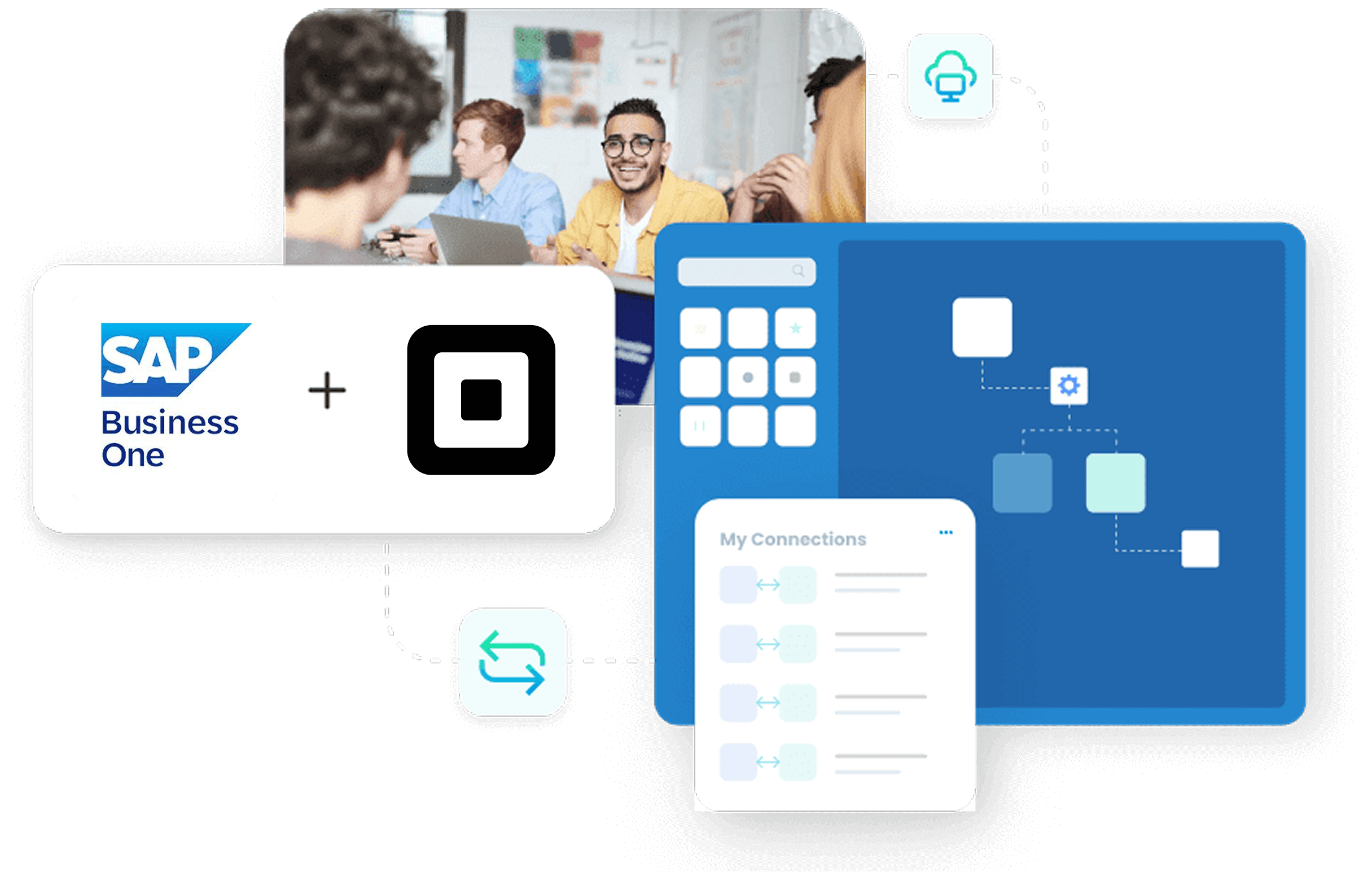
Retail data lives in many places like POS, spreadsheets, and the ERP. Numbers change; end-of-day consolidation takes hours; mistakes creep into stock counts, bills, and reports. Square POS offers amazing features for in-store selling and payments. SAP Business One controls costing, inventory, purchasing, finance, and reporting. APPSeCONNECT automates the sync so every sale, customer, and item stays consistent without retyping

Remove Hand Entry
Eliminate manual keying and shrink daily reconciliation loops across teams.

Always Current Data
Keep products, prices, customers, and tax rules aligned everywhere.

Faster Daily Close
Post sales promptly, shorten end-of-day close, reduce adjustments.

One Shared Picture
Give operations, finance, and managers one reliable data source.

Scale Confidently
Add stores and SKUs without reworking integration logic or rules.
Popular SAP Business One Integrations
Our Integration Platform helps you seamlessly connect SAP Business One with other Business Applications.




Looking for a Specific Integration?
Popular Square POS Integrations
Our Integration Platform helps you seamlessly connect Square POS with other Business Applications.




Looking for a Specific Integration?
Scheduling Options
Choose between event-driven webhooks for immediacy or batch windows for bulk updates on a per-flow basis.
SKU Hygiene
Standardize item codes, units, and variant options across both systems.
Tax Fidelity
Carry POS tax lines into ERP with matching codes reliably.
Tender Mapping
Record card, cash, and gift-card tenders correctly in finance.
Customer Linking
Merge duplicates with rules for email or phone as keys.
Refund Integrity
Post returns with precise stock adjustments and fee reversals.
Integration Architecture
The runtime comprises an APPSeCONNECT agent (cloud or on-premises), secure adapters for Square and SAP Business One, and a visual pipeline for mapping, transformation, and validation. Square coverage spans Orders, Catalog, Customers, Payments, and Inventory APIs; SAP Business One connections use the DI API and Service Layer. Pipelines apply pre-checks, business rules, and schema validation. Failed transactions fall into a re-sync queue with clear context. A live console provides run status, metrics, and detailed audit trails. Security covers transport, authentication, and access control with enterprise certifications in place.

APIs Employed
Square Orders, Catalog, Customers, Payments, Inventory; SAP B1 DI/Service Layer.

Data Handling
Visual mapping, type conversion, enrichment, and conditional routing.

Resilience
Retries with automation, persistent writes, and selective re-synchronization of failures.

Observability
Execution records, dashboards, and downloadable snapshots for forensics.

Security Posture
TLS 1.2 transport, OAuth 2.0, and certified controls described below.
Security & Compliance
APPSeCONNECT aligns with ISO 27001 and SOC 2 Type II, with encryption at rest (AES-256) and in transit, plus audit logs for traceability.
Deployment Models
Cloud Integration
Fast onboarding, managed updates, and global availability.
Hybrid
On-premises agent for SAP B1 with secure cloud orchestration.

Fully On-Premises
Local agents, restricted egress, controlled data residency.
KEY FEATURES
SAP Business One & Square POS Integration
This connector ships with tested building blocks you can tailor in minutes. Configure flows once, monitor centrally, and adapt rules without code changes. APPSeCONNECT’s designer lets teams map fields, add logic, and version flows safely. You get pre-built templates, alerting, and rollbacks to keep operations calm during change windows

Synchronization & Automation
- Real-Time Or Scheduled Choose event triggers or batches for each data flow.
- Multi-Store Support Manage multiple Square locations from a single integration console.
- UoM And Price Lists Map units, price lists, and taxes to ERP standards.
- Promotions & Discounts Capture discounts and price overrides with clear accounting impact.
- Journal Posting Rules Post fees, tenders, and adjustments to correct GL accounts.

Configuration & Control
- Low-Code Designer Drag-and-drop mapping, filters, and transformation nodes visually.
- Field-Level Mapping Align attributes, variants, barcodes, and custom fields precisely.
- Business Rules Engine Apply conditional routing, enrichment, and validation steps easily.
- Versioning & Rollbacks Compare changes, publish safely, and revert configurations quickly.
- Sandbox To Prod Promote tested flows across environments with flexible controls.
Monitoring & Maintenance
- Run Console & Alerts Track executions, filter errors, and receive timely notifications.
- Selective Re-Sync Retry a single order, item, or customer without replaying batches.
- Rate-Limit Handling Respect API limits; queue workloads without dropping requests.
- Throughput Scaling Simultaneous long lists, bulk updates, and catalog publications securely.
- Audit Trails Keep detailed records for compliance, reviews, and root-cause analysis.
Business Benefits
Leaders want fewer surprises, tighter cash alignment, and less swivel-chair labor. This integration reduces manual steps, aligns stock and finance, and gives stores predictable daily close times. Reporting improves because every system shows the same truth. Teams spend less time settling and more time taking care of promotions, merchandising, and purchasing
Lower Error Rates
Remove re-keying; shrink order and inventory mismatches significantly
Faster Financial Close
Stabilize daily posting and reduce period-end adjustments visibly
Stock Accuracy
Enhance restocking strategies and minimize expensive stock shortages
Team Capacity Gains
Save important hours for merchandising, service, and supplier work
Better Planning
Trust reports; plan pricing, bundles, and promotions with confidence
Reduced Support Load
Fewer sync tickets; store managers spend less time reconciling
Improved Cash Signals
Payments, fees, and tenders post accurately to the ledger
Scalable Foundation
Add locations, SKUs, and channels without rebuilding integrations.
Supported Versions And Technical Compatibility
Supported Versions And Technical Compatibility
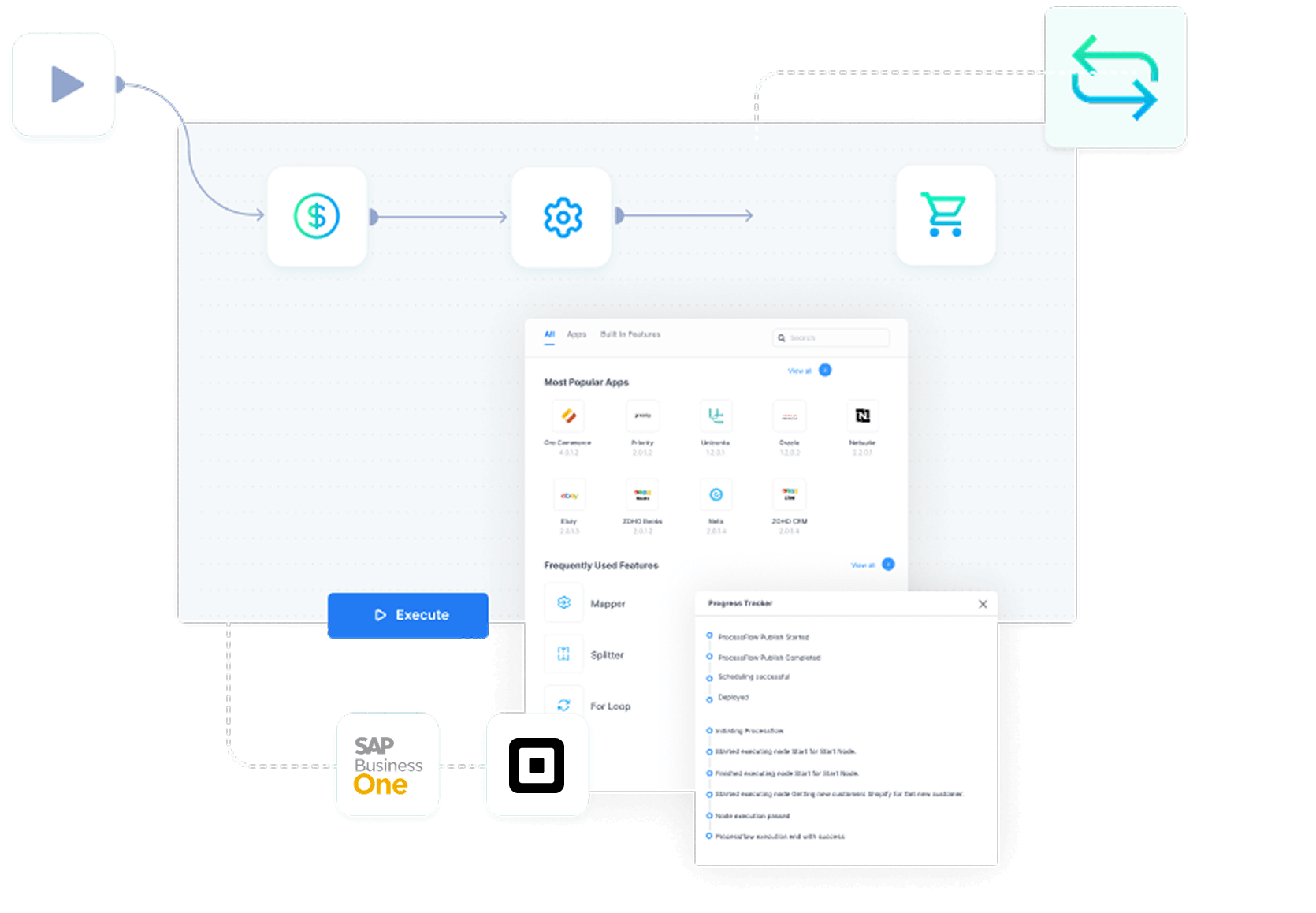
APPSeCONNECT works smoothly with the latest SAP Business One version and 10.0 across SQL and HANA landscapes. Square integrations use REST/JSON APIs across Orders, Catalog, Customers, Payments, and Inventory with webhook triggers where available. Authentication uses OAuth 2.0 for Square and established methods for SAP B1 DI/Service Layer. Data security includes strong encryption, access management, and comprehensive audit logs.
SAP Business One
9.3 and 10.0; SQL and HANA deployments supported.
Square Coverage
Orders, Catalog, Customers, Payments, Inventory, Webhooks supported.
Auth Methods
OAuth 2.0 for Square; secure credentials for SAP adapters.
Protocols
REST and JSON with pagination, rate handling, and retries.
Security
AES-256 at rest, TLS 1.2 in motion, detailed audit trails.
INTEGRATION BROCHURE
Download SAP Business One & Square POS Integration Guide | ISO 27001 Secured
Want the full playbook? Download the brochure for the SAP Business One ↔ Square POS connector. It includes data flows, field mappings, typical variations, and deployment checklists your team can use during planning workshops. You will also find environment prerequisites, testing scripts, and a sample cutover plan. Collaborate with finance, operations, and store leadership to align early and move quickly.
- What’s Inside: Stepwise flow diagrams, field maps, and error-handling patterns.
- Build Faster: Pre-built templates and recommendations for common retail variations.
- Runbook: Test cases, acceptance criteria, and suggested cutover checkpoints.
- Security Notes: Environment setup, credentials, and access model considerations.
- Next Steps: Scoping worksheet and discovery questions to confirm requirements.

Why Choose APPSeCONNECT Over Other iPaaS Platforms
Hundreds of mid-market brands connect store systems to ERP using APPSeCONNECT. They value the low-code designer, strong ERP adapters, and a single place to run and monitor integrations across channels. The platform scales with your catalog and store footprint, while governance features keep changes controlled. Dedicated SAP Business One and POS know-how means your team is never starting from scratch

Hybrid Ready
Cloud orchestration with on-prem agents for strict environments.

Retail Expertise
Patterns for prices, tenders, discounts, and multi-store specifics.

Partner Network
Implementation support and training for fast handover and adoption.

Proven Library
100+ ready connectors and blueprints reduce project risk substantially.

Low-Code Tooling
Drag-and-drop mapping, rules, and transforms—no heavy scripting needed.
Ready to See SAP Business One & Square POS Integration in Action?
Bring your catalog, store count, and finance requirements; we’ll show the exact flows, mappings, and dashboards in a tailored walkthrough. Prefer a technical deep dive? Ask for an architecture session to review deployment, security, and change control with your IT lead.

Frequently Asked Questions
It synchronizes orders, payments, customers, prices, and inventory between Square POS and SAP Business One, eliminating manual entry and keeping finance and operations aligned with current data.
Event-driven webhooks deliver near-instant changes for critical events. Bulk schedules handle large updates efficiently, balancing speed with stability for daily retail operations and reporting.
Yes. You can manage multiple Square locations and stock sites centrally. Inventory updates, catalog changes, and pricing rules propagate reliably from one integration console to all locations.
Tax lines, card fees, discounts, and tender types map to the right ERP accounts. You set posting rules once; the integration enforces them consistently across every daily transaction.
Yes. Variants and barcodes map cleanly, with field-level controls to align attributes. You can add custom fields and keep them synchronized across both systems reliably and predictably.
The platform retries failed steps and isolates the record. You can re-sync the exact order or item without replaying batches, then review detailed logs to confirm a successful completion.
Matching rules use reliable keys like email or phone numbers. You can merge profiles by policy, maintain histories, and keep ERP customer master data clean while respecting store preferences.
Yes. Use an on-premises agent with limited egress or run entirely local. You still manage orchestration centrally and keep strict control over credentials, secrets, and data residency.
SAP Business One 9.3 and 10.0 across SQL and HANA are supported. Adapters respect official interfaces and formats, ensuring stable, forward-compatible integrations for your landscape.
APPSeCONNECT aligns with ISO 27001 and SOC 2 Type II, with AES-256 at rest, TLS in transit, audit logs, and monitoring to keep data private, traceable, and compliant across environments.
Companies automating their business through APPSeCONNECT







Customer Success Stories

Hernon
With APPSeCONNECT, Hernon achieved a zero business downtime and levaraged the power of a fully automated and integrated solution to ensure business growth.
Read Case Study →
Machinery Manufacturing Company
Discover how a world-leading industrial equipment manufacturing company leveraged APPSeCONNECT for company-wide automation of ERP, CRM, and eCommerce applications.
Read Case Study →Related Resources
Articles and Guides to Help You With Your Integration and Automation Journey