




Accounting Software Integration with ERP Services & Platforms
APPSeCONNECT accounting integration services connect your accounting software with the systems your teams already use. Invoices, payments, sales, and ledger updates stay matched, so finance works from current numbers instead of delayed exports. Isolated accounting software forces your finance teams to waste time as data entry clerks. They export orders from one tool, check payment totals in another, and then manually type those figures into QuickBooks, Xero, Sage, Zoho Books, or some other ledger. This wastes time, creates errors, and weakens reporting. APPSeCONNECT connects accounting software with ERP, CRM, eCommerce, POS, marketplaces, and payment tools, so financial data reaches the right system automatically.

Sync
Keep invoices, payments, journal entries, tax records, customer details, vendor records, and account balances matched across connected systems.

Deploy
Start with ready connectors for QuickBooks, Xero, Sage, Zoho Books, FreshBooks, MYOB, and major ERP, CRM, POS, and eCommerce tools.

Operate
Watch dashboards, review exceptions, retry failed records, and keep a clear history of every financial movement from one place.
Understand Your Accounting Systems with ERP
What is Accounting Integration?
Accounting integration with ERP connects your finance software to your enterprise resource planning system. Invoices, payments, customer master data, and ledger entries sync automatically through APIs and field-level data mapping, giving finance one source of truth across AR, AP, and the general ledger.

Automatic Invoice and Payment Sync
Push invoices, payments, and credit notes between systems with no rekeying.

Real-Time Ledger Updates
Post journal entries to the GL the moment a transaction clears.

Unified Customer and Vendor Data
One master record across accounting, ERP, and CRM cuts duplicate vendors and AR errors.
Benefits of Accounting Software Integration with ERP
Why Businesses Need Accounting Software Integration
When accounting runs in its own silo, finance teams rekey orders, chase missing invoices, and reconcile by hand. Accounting integration with ERP keeps every transaction flowing into the ledger the moment it happens.


Why APPSeCONNECT
Why Choose APPSeCONNECT for Accounting Integration & Automation?
APPSeCONNECT is a low-code platform built for accounting integration with ERP. Pre-built connectors for QuickBooks, Xero, Sage, SAP, NetSuite, and Dynamics 365 cut implementation from quarters to weeks.

Ready connectors for major accounting software
APPSeCONNECT supports QuickBooks Online, QuickBooks Desktop, Xero, Zoho Books, Sage Accounting, Sage Intacct, Sage 300, FreshBooks, Oracle NetSuite, Microsoft Dynamics 365 Finance & Operations, SAP Business One, and MYOB. It also connects these tools with ERP, CRM, eCommerce, POS, marketplaces, and payment systems. That gives teams a faster starting point and reduces the need for one-off scripts.

Built for accounting mapping and posting rules
Accounting integration is not only about moving data. It is also about sending that data to the right place. We help businesses map account codes, tax treatment, departments, and business units before live data starts moving. That means a sale, refund, fee, or payment update does not just arrive in accounting. It arrives in the right form.

Low-code tools for finance and IT teams
APPSeCONNECT includes a visual ProcessFlow Designer that helps teams map fields, apply rules, test flows, and manage changes without deep coding. Finance teams can understand the flow more easily. IT still gets the control needed for larger setups. This makes accounting integration software easier to work with when the business adds a new channel, location, or entity later.
Strong protection for financial data
Financial records need careful handling. Stored data is protected with AES-256. Data moving between systems uses TLS 1.2. APPSeCONNECT follows ISO 27001 and SOC 2 Type II. It also supports teams working under GDPR. Each transaction leaves a clear record, so teams can review what moved, when it moved, and how it was handled.
Our Services
Accounting Integration Services We Offer
Every service uses the same low-code accounting and ERP integration platform with monitoring, retries, and support.

Accounting and ERP Integration
Sync invoices, payments, ledger entries, and master data with SAP, NetSuite, or Dynamics 365.
Accounting and eCommerce Integration
Post Shopify, Magento, or BigCommerce sales straight into accounting.
Accounting and CRM Integration
Share customer balances and payment status with sales and support reps.
Accounting and Payment Gateway Sync
Auto-record Stripe, PayPal, and Square transactions in the ledger.
Tax and Compliance Integration
Push tax-coded transactions to Avalara or TaxJar for clean filings.
Multi-Entity Consolidation
Roll up subsidiary books into one parent ledger across regions.
Featured Integrations
All Accounting Software provided by APPSeCONNECT
APPSeCONNECT provides ready connectors for accounting software used by small businesses, growing companies, and larger multi-entity organizations. That means businesses can start with the tools they already use and connect them to the systems around them instead of replacing everything first.




Do not see your accounting platform here? APPSeCONNECT also offers a Connector SDK and custom adapter support for accounting software that is not listed.
See Business Benefits
Benefits of Accounting Software Integration with ERP
Once accounting integration with ERP is live, finance teams stop firefighting and start closing on time. Here is what our customers report.

Remove repeat journal entry work
One of the clearest accounting integration benefits is the time it saves. Sales, refunds, tax entries, payment records, and fee updates can move into accounting without someone typing them again. That reduces repetitive entry work and lets finance focus more on review and analysis.

Shorten the month-end close
When accounting is connected to ERP, eCommerce, CRM, POS, and payment systems, much of the data needed for close is already in place. Teams do not spend days collecting files from different tools. That shortens close cycles and makes the process less stressful at the end of each month.

Improve accounts receivable and accounts payable visibility
With current invoice, payment, and bill status moving into the accounting system, leaders can see receivables and payables more clearly. That helps finance follow up faster, manage cash better, and understand who owes what without waiting for separate updates from other teams.

Keep revenue records cleaner across channels
Wholesale, retail, store, marketplace, and service revenue often move through different systems. Accounting integration helps record that activity in the right place with the right rules. That gives finance a cleaner view of revenue by channel and reduces confusion during review.
Apply account and tax rules more consistently
Posting financial activity to the right account and the right tax treatment matters every day, not only during audit season. APPSeCONNECT helps businesses set these rules once and apply them across repeating transactions. That reduces manual interpretation and lowers the chance of quiet posting mistakes.
Support multi-entity and multi-currency growth
As businesses grow, they often add new legal entities, new currencies, or new systems. Accounting integration helps route data to the right entity and apply currency rules in a structured way. That means growth does not always require a new manual process for every change.
Keep a clear trail for review and audit
Finance teams need to know where a number came from. APPSeCONNECT keeps a record of the source system, the destination system, the time of movement, and the rule applied. That helps teams trace entries back to the original business event without rebuilding the path by hand.
Explore Our Process
How APPSeCONNECT’s Accounting Integration Process Works
Accounting integration works best when teams set the rules before live data starts moving. APPSeCONNECT follows a five-step process that helps businesses set those rules clearly and scale later.

01
Identify the anchor system and list every connected application
First, identify the system that should lead the integration. If the business has ERP, that becomes the main system. If there is no ERP but there is POS, POS leads store activity. If neither exists, accounting software becomes the hub.
02
Define the financial objects, ownership, and sync direction
Next, decide which records need to move between systems. These usually include invoices, payments, journal entries, customer records, vendor records, tax entries, refunds, and balances. Teams also decide which system owns each record.
03
Configure account mapping, tax rules, and routing
Teams map source values to the accounting system’s chart of accounts, tax rules, departments, and entities. APPSeCONNECT helps define these rules before live posting starts, so entries reach accounting in the right structure.
04
Set timing, exception handling, and reconciliation rules
Some updates should move right away, while others can run on a schedule. Teams also define what should happen when a record has no match, a tax value looks wrong, or the same transaction appears twice.
05
Go live, validate the first close, and scale
Once testing is complete, live flows can begin. APPSeCONNECT tracks successful and failed records, supports retries, and gives teams a central view for monitoring. After the first close is validated, the same setup can be extended to more channels, entities, or systems.
Explore Industry Use Cases
Industries That Rely on Accounting Integration
Accounting integration looks different from one business to another. A retailer posting store sales and refunds does not need the same setup as a SaaS company tracking subscriptions and payment updates. APPSeCONNECT supports both, with accounting data flows that match the systems, posting rules, and reporting needs each industry depends on.
Retail and eCommerce
Retail and eCommerce businesses need orders, refunds, taxes, shipping charges, marketplace fees, and payment updates to reach accounting on time. We help connect these records so finance can review cleaner numbers, shorten close work, and keep channel reporting easier to manage.
Manufacturing
Manufacturing teams rely on accounting integration to connect ERP, purchasing, inventory, supplier bills, and production-related costs. We help move these updates into accounting so finance can track costs, vendor activity, and posted entries with fewer delays and fewer manual checks.
Wholesale and Distribution
Wholesale and distribution businesses handle high order volume, warehouse activity, supplier invoices, returns, and customer billing every day. We help connect these records so teams can reduce posting gaps, manage receivables more clearly, and keep financial records closer to daily operations.
Financial Services
Financial services teams depend on accurate accounting records across payments, client billing, reporting, and internal systems. We help connect these records so finance can reduce manual entry, keep balances current, and review transactions with better control.
Healthcare and Life Sciences
Healthcare and life sciences businesses need accounting data to stay linked with billing, inventory, service, and operational systems. We help move these records into accounting so teams can manage charges, payments, vendor costs, and financial reporting with less manual work.
SaaS and Technology
SaaS and technology companies often work across CRM, billing, payment tools, support systems, and finance platforms. We help connect these records so teams can track invoices, renewals, subscription payments, fees, and revenue updates without piecing everything together by hand.

Testimonials
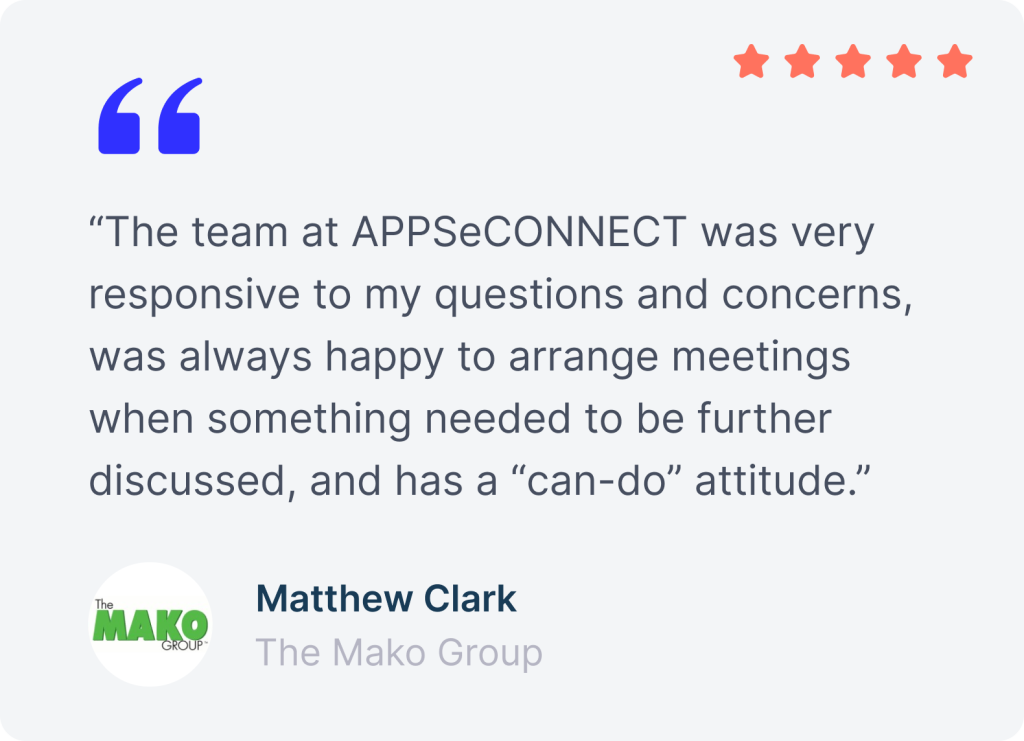
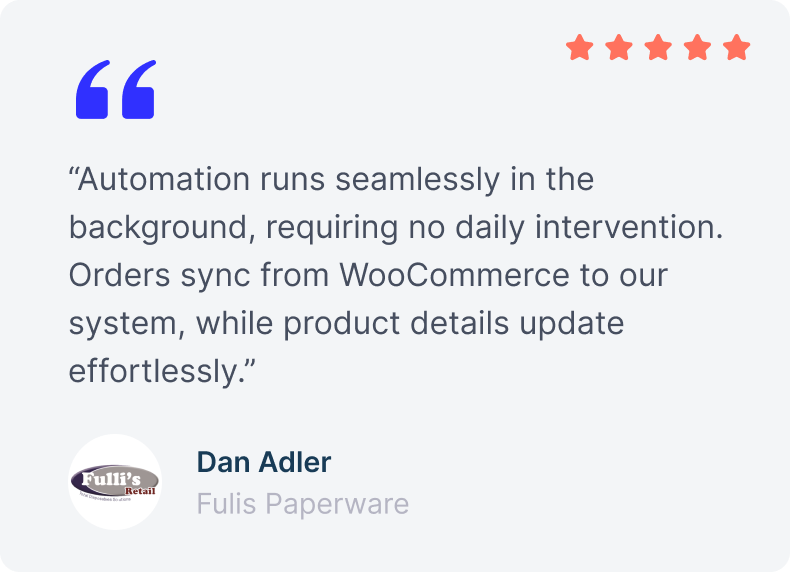
What Our Customers Say About Accounting Integration with APPSeCONNECT
Businesses use APPSeCONNECT to connect accounting software with ERP, eCommerce, CRM, POS, and payment tools without adding more manual work.
Connect Your Accounting Software. Keep Finance in Step.
Get a personalized roadmap for your accounting integration with ERP. We map your AR, AP, and ledger flows and show how APPSeCONNECT cuts manual entry, sharpens cash visibility, and speeds up close.
FAQs
Frequently Asked Questions
Integration in accounting means connecting accounting software with the systems that create financial activity, such as ERP, CRM, POS, eCommerce, and payment tools, so data moves automatically instead of being entered again by hand.
Integrated accounting means your accounting system is connected to the rest of your business, so invoices, payments, sales, and updates are recorded as they happen and teams work from one current financial picture.
Start by choosing the anchor system, then map payment events such as settlements, refunds, fees, and chargebacks to the right accounts. APPSeCONNECT helps automate that flow so accounting matches payment activity faster.
APPSeCONNECT offers accounting integration services for QuickBooks, Xero, Sage, Zoho Books, FreshBooks, MYOB, and more. It connects those tools with ERP, CRM, eCommerce, POS, marketplaces, and payment gateways through one platform.
APPSeCONNECT supports QuickBooks Online, QuickBooks Desktop, Xero, Zoho Books, Sage Accounting, Sage Intacct, Sage 300, FreshBooks, Oracle NetSuite, Microsoft Dynamics 365 Finance & Operations, SAP Business One, and MYOB.
CRM and accounting integration helps by creating invoices from won deals, returning payment status to the customer record, and giving sales and finance a shared view of billing progress and overdue balances.