




Sage 100 Integration & Automation
- Connect
- Streamline
- Secure
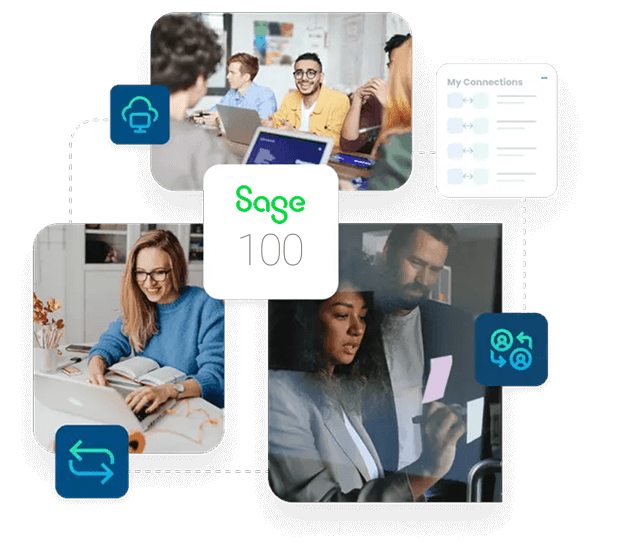
Sage 100 integration connects your Sage 100 ERP with the eCommerce, CRM, and marketplace systems that run daily operations, and APPSeCONNECT gives you a governed, low-code platform to move that data without a custom project. Web orders post as Sage 100 sales orders, item and price changes push out to storefronts, and invoices and payments flow back through managed workflows.
Key Advantages
Why APPSeCONNECT Is the Gold Standard for Sage 100 Integration
Sage 100 integration needs more than a basic data transfer. Records have to move with the right customer match, pricing, validation, monitoring, and recovery controls. APPSeCONNECT connects Sage 100 through its Business Object Interface and web-services layer, so ProcessFlows, mappings, connector actions, logs, and retries keep business data moving with control across a long-standing Sage 100 estate.

Connect Sage 100 Through Its Business Object Interface
APPSeCONNECT links Sage 100 through the Business Object Interface and web services, so a long-standing MAS 90 or MAS 200 estate can connect to modern applications without an expensive rebuild.

Replace Manual Web Order Entry
Online and marketplace orders can move into Sage 100 as sales orders with item, price, tax, and customer details mapped, so staff stop keying every order by hand.

Keep Inventory Aligned Across Selling Channels
Scheduled or event-driven updates help Sage 100 stock and storefront stock stay aligned, so the business works from a closer view of available inventory and reduces overselling.

Keep Pricing and Customer Records Accurate
Item and price changes in Sage 100 can reach connected storefronts, and web customers can be matched to Sage 100 customer records so order history stays connected.

Support Custom Fields and Business Rules
The platform can be configured around your Sage 100 fields, customer-mapping logic, and pricing rules when the integration needs to go beyond standard objects.

Track, Fix, and Resync Exceptions
Run history, retry logs, node status, and alerts help teams see what happened, correct the cause, and rerun affected records with more control.
What You Get
Features You Get With Our Sage 100 Connector
The Sage 100 connector supports configurable workflows for the records your business needs to move first. Each flow can be planned around your Sage 100 setup, connected systems, field mappings, and review process.

Order and Fulfillment Sync
Bring store and marketplace orders into Sage 100, then return shipment and status details to the source system.
CRM and Sage 100 Sync
Accounts, contacts, quotes, orders, invoices, and payment details can move between CRM and Sage 100, including an approved-quote-to-order flow that reduces re-entry.

Invoice and Payment Sync
Connect invoice records, billing details, and payment data with the Sage 100 financial process where supported.

Monitoring and Retry
Track success and error rates through run history, let auto-retry handle transient failures, and resync missed records after correcting the cause.

Ready Connector Library
Connect Sage 100 with popular stores, CRM systems, and marketplaces such as Shopify, WooCommerce, Magento, BigCommerce, Salesforce, and HubSpot through prebuilt connectors and templates.

Product and Price Sync
Move item details, product updates, and approved pricing and discount rules between Sage 100 and connected channels using mapped rules.
Popular Sage 100 Integrations and Automations
Our Sage 100 integration can connect with the applications that support your ERP-led operations. Common integration areas include eCommerce, CRM, marketplaces, EDI, warehouse and 3PL, fulfillment, shipping, payroll and HR, and finance systems.


INTEGRATION BROCHURE
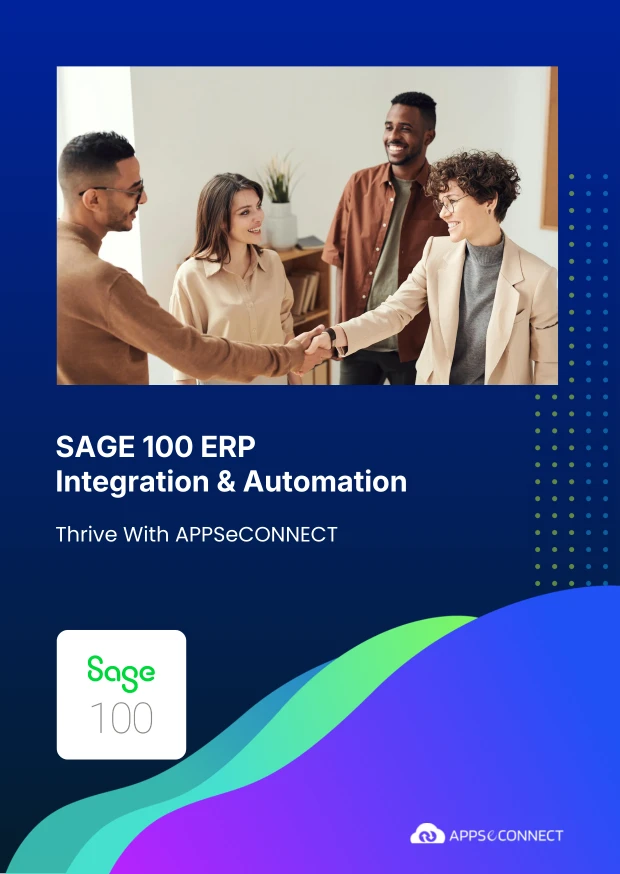
Download the Sage 100 Integration Guide
Get the complete reference on how APPSeCONNECT connects Sage 100 to your business stack, from architecture to deployment.
Inside you’ll find:
- Integration Architecture: Reference architecture using the Sage 100 Business Object Interface and web services, and how customer, item, order, inventory, shipment, and invoice records move with connected applications.
- Sync Coverage: Coverage for customers, items, orders, inventory, shipments, and invoices across connected eCommerce, CRM, and marketplace systems.
- Customer and Price Handling: Customer-mapping and price-sync configuration options that keep records and pricing accurate.
- Deployment Roadmap: Prerequisites, timelines, and team responsibilities for rollout.
Real-world use cases
Use Cases
APPSeCONNECT's Sage 100 integration is built for retailers, manufacturers, distributors, and finance teams that need cleaner records across systems. The goal is to reduce manual work and keep Sage 100 connected with the rest of the business.
Online Sales Channels Stay Aligned With Sage 100
A retailer selling through online stores can connect those orders with Sage 100. This helps teams avoid spreadsheet uploads and keeps order work moving faster after checkout.
- Online orders can move into Sage 100 without manual entry.
- Sage 100 stock changes can update storefront availability.
- Item, price, and discount details can stay connected between Sage 100 and sales channels.
- Shipment and order updates can move back to the storefront.
What this integration handles
Order Intake
Online orders into Sage 100 for processing
Stock Updates
Storefront availability from Sage 100 records
Product and Price Data
Approved item and pricing details from Sage 100
Shipping Progress
Shipment and tracking details returned to the store
Supports retailers running online stores with Sage 100 as the ERP backbone.
Production, Sales, and Stock Records Stay Connected to Sage 100
Manufacturers and distributors need orders, items, stock, and invoices to stay close to the Sage 100 record. This integration helps connected systems send structured data into Sage 100 so operations and finance teams spend less time repairing gaps.
- Orders from connected channels can create Sage 100 sales transactions with mapped customer, item, tax, and discount data.
- Item records can move between Sage 100 and catalog, commerce, or warehouse systems.
- Inventory changes can update selling channels where the flow requires them.
- Invoices and payment references can stay connected to the Sage 100 account record.
What this integration handles
Connected
Order-to-Sage-100 pipeline
Mapped
Customer and item data
Closed
Invoice and payment loop
Updated
Inventory and stock movement
Supports manufacturers, distributors, and B2B sales teams that use Sage 100 as the ERP backbone.
Financial Records Remain Easier to Trace
Finance teams need invoices, payment references, credits, and account status to stay connected to the original Sage 100 record, not arrive as disconnected exports.
- Invoices can move between Sage 100 and connected systems where visibility is required.
- Credits, refunds, and adjustments can follow configured finance rules.
- Logs and run history can support reconciliation, audit review, and exception handling.
- The resync function can recover records that failed to post.
What this integration handles
Matched
Payment and invoice references
Linked
Credits and adjustments
Auditable
Logs and run history
Recoverable
Resynced records
Supports finance, accounting, and operations teams that need cleaner transaction traceability.
Deployment process
How Does the Workflow Run End-to-End?
Our Sage 100 integration runs through ProcessFlows. Each ProcessFlow defines the source system, target system, entity, connector action, mapping logic, validation rules, run mode, retry settings, and monitoring path before any record moves.
Order Capture
A customer places an order on Shopify, WooCommerce, or another connected channel.
Event Trigger and Source Connection
APPSeCONNECT detects the event through a webhook or scheduled poll, validates the payload, and routes it through your ProcessFlow.
Data Extraction and Schema Reading
The flow reads the selected entity and its schema. The record may be an order, customer, item, inventory update, invoice, payment, or shipment object.
Transformation and Field Mapping
Fields transform between the source app and Sage 100, applying tax, discount, item-lookup, and customer-match rules.
Record Creation and Target Push
The connector creates or updates the Sage 100 sales order, customer, or item record through the Business Object Interface, and captures the response with success state and failure reason.
Back-Sync, Monitoring, and Retry
Sage 100 invoices, payments, and shipment status flow back to the storefront. Run history tracks success and error rates, auto-retry handles transient failures, and missed records can be resynced.
Meet appse ai
How appse ai Helps Sage 100 Integration
A working Sage 100 integration reduces manual transfer work, but teams still manage failed records, changing data volumes, repeated checks, and exception review. appse ai adds AI-assisted support for designing workflows, spotting issues earlier, and reducing manual checking across connected processes.
- Help teams describe a process and shape the workflow structure around it, especially when new Sage 100 entities or connected systems are added.
- Spot failed records, error patterns, and flows that need attention before they become daily cleanup work.
- Review how quotes move from CRM into Sage 100 orders and follow order movement across connected systems.
- Make invoice, payment, and account updates easier to review across connected systems.
- Support workflows where Sage 100 and other systems share data through managed APIs.
- AI-assisted support helps the process while teams set the rules and decide how records move.

Frequently Asked Questions
Sage 100 integration connects Sage 100 ERP with other business systems through controlled data workflows. APPSeCONNECT can move orders, customers, items, inventory updates, invoices, payments, and shipments between Sage 100 and connected eCommerce, CRM, and marketplace systems.
Ready to Launch Your Sage 100 Integration Today?

Companies automating their business through APPSeCONNECT







Customer Success Stories

Related Resources
Articles and Guides to Help You With Your Integration and Automation Journey
Ready to Get Started?
Book a personalized demo or start your 30-day free trial. Our integration experts will reach out.