




POS ERP Integration Services & Platform
Use APPSeCONNECT POS integration to connect your store with the business systems you already use. Keep sales, stock, customer details, and payment records aligned across your operation. Isolated POS systems force store and office teams to do the same work twice. Stop manual sales exports, reduce stock rechecks, and keep payment records aligned across systems. This gives teams better control without extra manual work. APPSeCONNECT helps you connect multiple POS systems with ERP, accounting, eCommerce, CRM, payment, and warehouse tools, so updates move automatically instead of getting stuck at the till.
Understand Your POS ERP Systems
What is POS Integration?
POS ERP integration links your point-of-sale system with your ERP and other back-office tools, so sales, inventory, pricing, and customer records sync in real time. The POS captures the transaction. The ERP organizes inventory, financials, and supply chain. Together they keep front-of-store and back-of-house on the same numbers.
Unified Sales and Inventory
Push every POS transaction to the ERP instantly to keep stock and revenue accurate.
Connected Customer Profiles
Match in-store and online customers into one record for loyalty and service.
Centralized Pricing and Promotions
Update prices and promotions once in the ERP and roll out to every POS terminal.
Benefits of POS ERP Integration
Why Businesses Need POS ERP Integration
When the POS does not talk to the ERP, stock counts drift, finance closes late, and customers get inconsistent service across channels. POS and ERP integration fixes that with real-time data sync.
Why APPSeCONNECT
Why Choose APPSeCONNECT for POS ERP Integration & Automation?
APPSeCONNECT is a low-code platform built for POS ERP integration. Pre-built connectors and visual flow design let you go live in weeks, not quarters, with full monitoring and enterprise security.
Pre-Built Connectors for Major POS Platforms
APPSeCONNECT provides ready connectors for Shopify POS, Square, Lightspeed, Toast, Clover, Revel Systems, NCR Aloha, Oracle MICROS, TouchBistro, Vend by Lightspeed, and Shift4. These can connect with ERP, accounting, eCommerce, CRM, and warehouse systems, giving teams a clearer starting point instead of a blank project.
Live and Scheduled Sync Based on the Data Type
Not every update needs the same timing. A sale or stock change may need to move right away, while end-of-day journals or pricing updates may work better in batches. APPSeCONNECT lets teams choose the right method for each data type.
Low-Code ProcessFlow Designer for Store Teams and IT
APPSeCONNECT includes a visual ProcessFlow Designer that helps teams map fields, set rules, test flows, and make changes without heavy coding. IT keeps control, while store and operations teams can follow the setup more easily.
Built for Payment Data Protection and Clear Control
POS systems handle payment-related records, so protection matters. APPSeCONNECT does not store payment card details in the platform. It supports AES-256 for stored data, TLS 1.2 for data in transit, and standards such as ISO 27001, SOC 2 Type II, GDPR, and PCI-related requirements.
Our Services
POS Integration Services We Offer
Each service runs on the same low-code POS and ERP integration platform with shared monitoring, security, and support.
POS and ERP Integration
Sync sales, inventory, and customer data between POS and SAP, NetSuite, or Dynamics 365.
POS and eCommerce Sync
Tie in-store and online stock, orders, and returns into one feed.
POS and CRM Integration
Push transaction history into the CRM for loyalty, service, and upsell.
POS and Accounting Integration
Post daily sales, taxes, and tips straight into the accounting ledger.
POS and Inventory Management
Keep stock counts current across every store, warehouse, and channel.
Multi-Store POS Consolidation
Roll up sales and inventory from every location into a single back-office view.
Featured Integrations
All POS Systems provided by APPSeCONNECT
APPSeCONNECT provides ready connectors for major POS systems used across retail, restaurant, and larger store networks. Teams can connect a store system to ERP, accounting, eCommerce, CRM, payment, and warehouse tools without beginning with a fully custom project.





Do not see your POS system here? APPSeCONNECT also offers a Connector SDK and custom adapter support for POS systems that are not listed.
See Business Benefits
Benefits of POS ERP Integration
Once the POS system and ERP integration is live, daily ops run cleaner. Here are the outcomes our retail customers report.

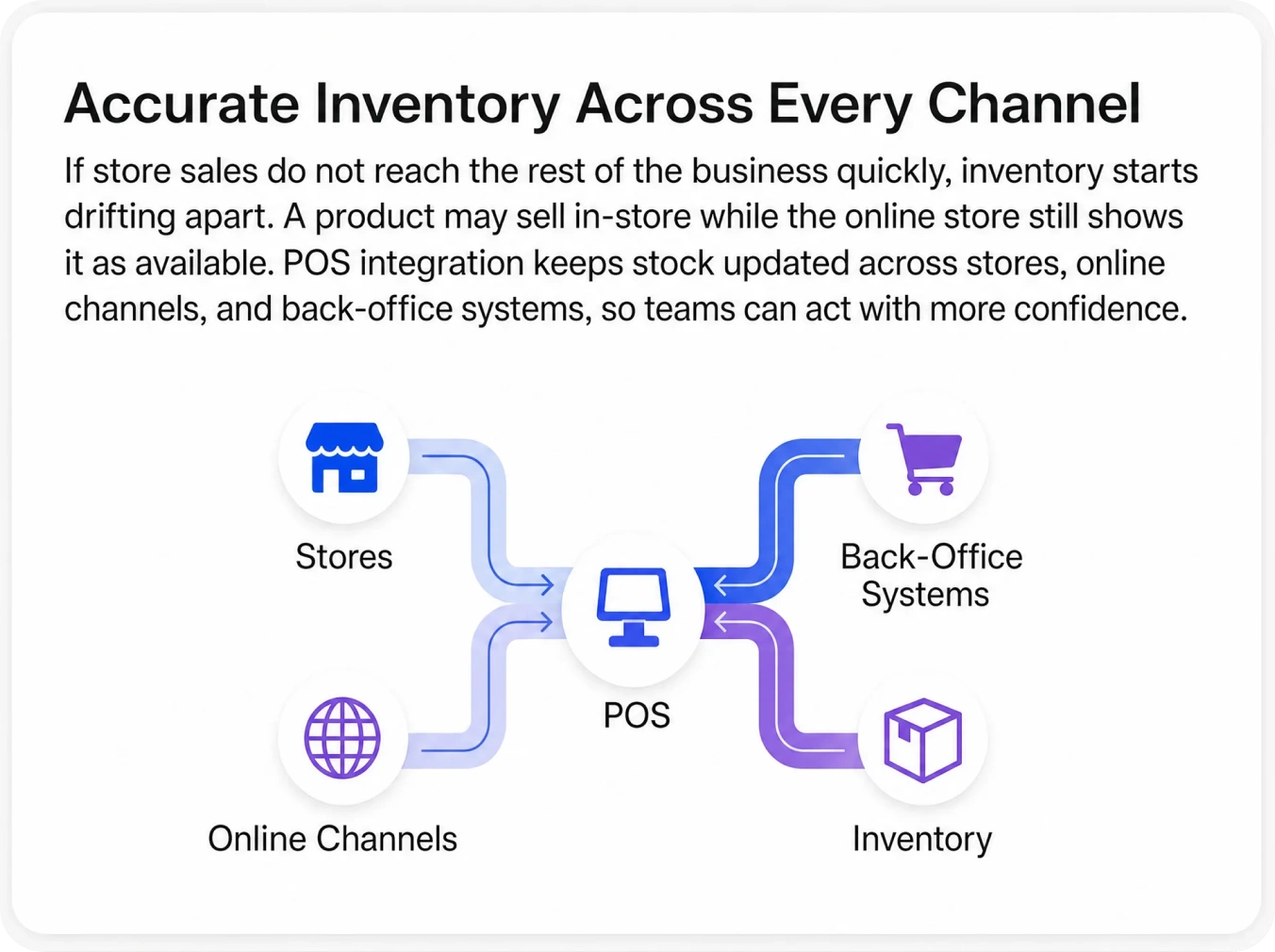
Accurate Inventory Across Every Location and Channel
Disconnected systems often cause stock errors first. A business may think stock is available because one channel has not yet seen the sale from another. POS integration helps stock changes move across systems quickly, which reduces overselling and gives teams a more reliable stock view.
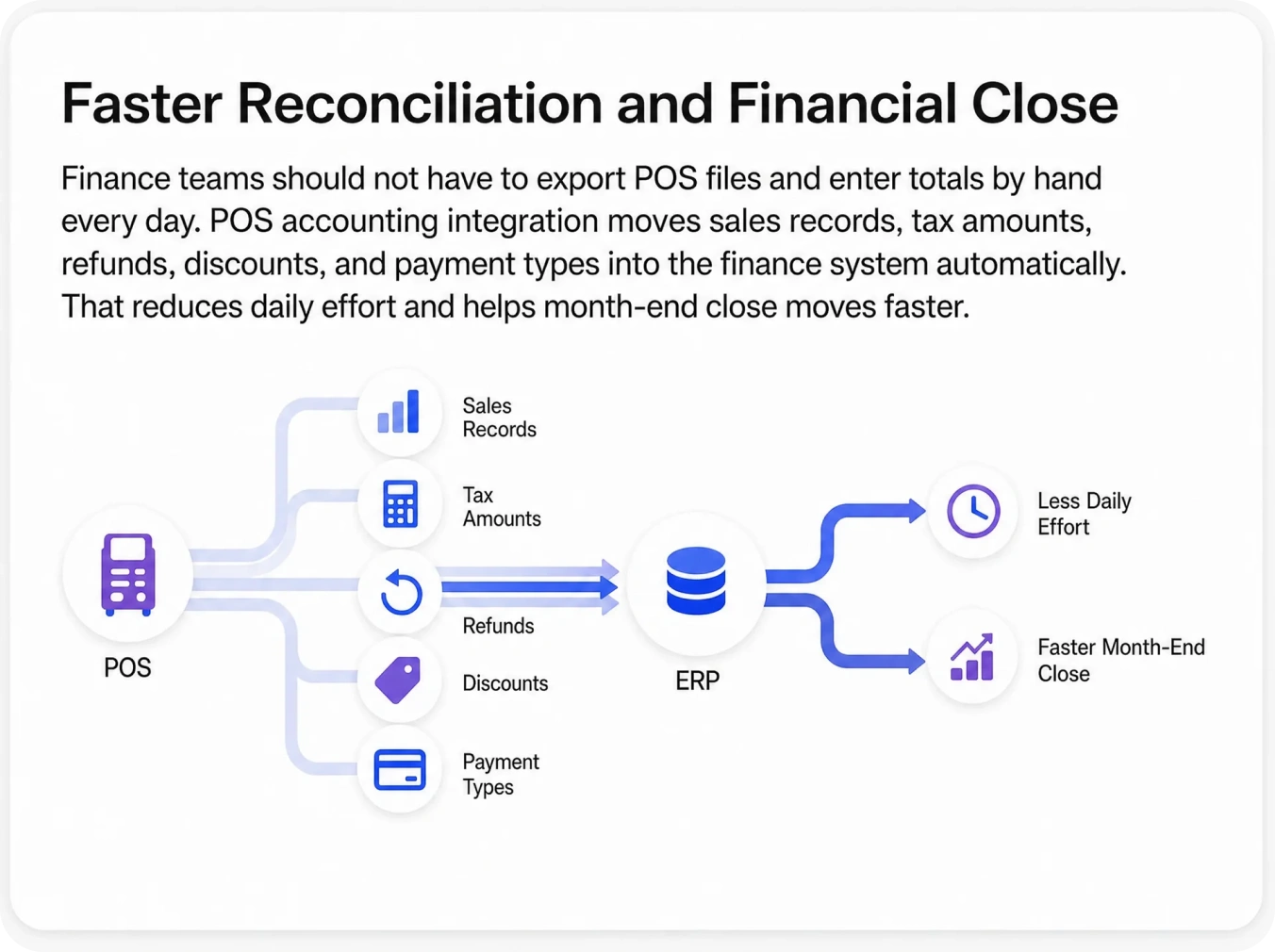
Faster Financial Close and Automated Accounting
Store sales should not wait for someone to build the accounting story by hand. POS accounting integration moves sales, tax values, discounts, refunds, and payment types into the finance system automatically. Finance gets cleaner records and fewer exceptions to chase.
Consistent Pricing and Promotions Everywhere
Customers should not see one price online and another at the till unless that difference is planned. POS integration helps pricing and promotion updates move where they need to go, so stores and digital channels stay more aligned.
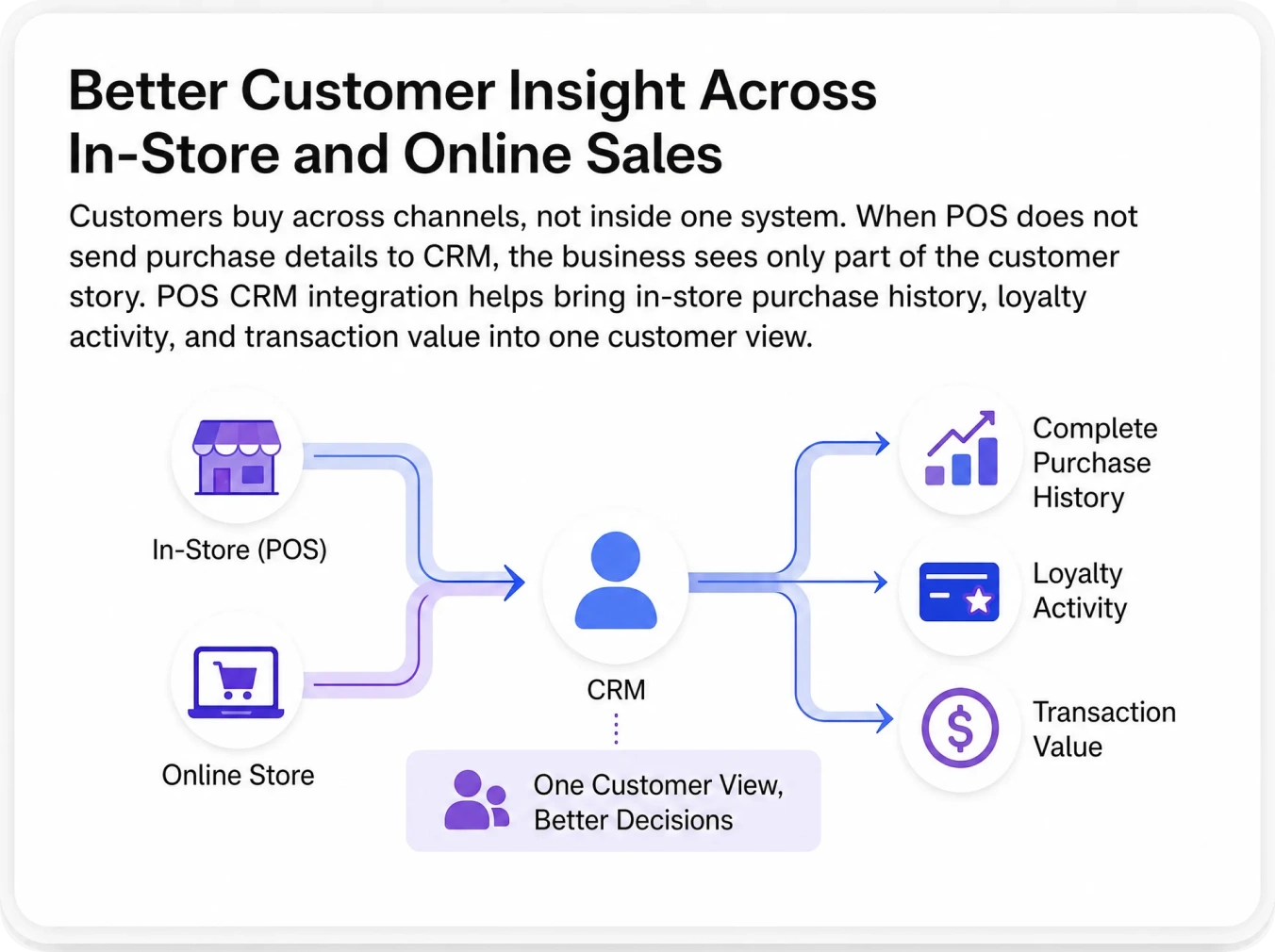
Better Customer Insight for Personal Follow-Up
In-store buying activity matters just as much as online behavior. POS CRM integration helps bring in-store purchases, visit patterns, and loyalty activity into one shared customer view. That gives marketing and sales better context for follow-up.
Lower Daily Operating Costs
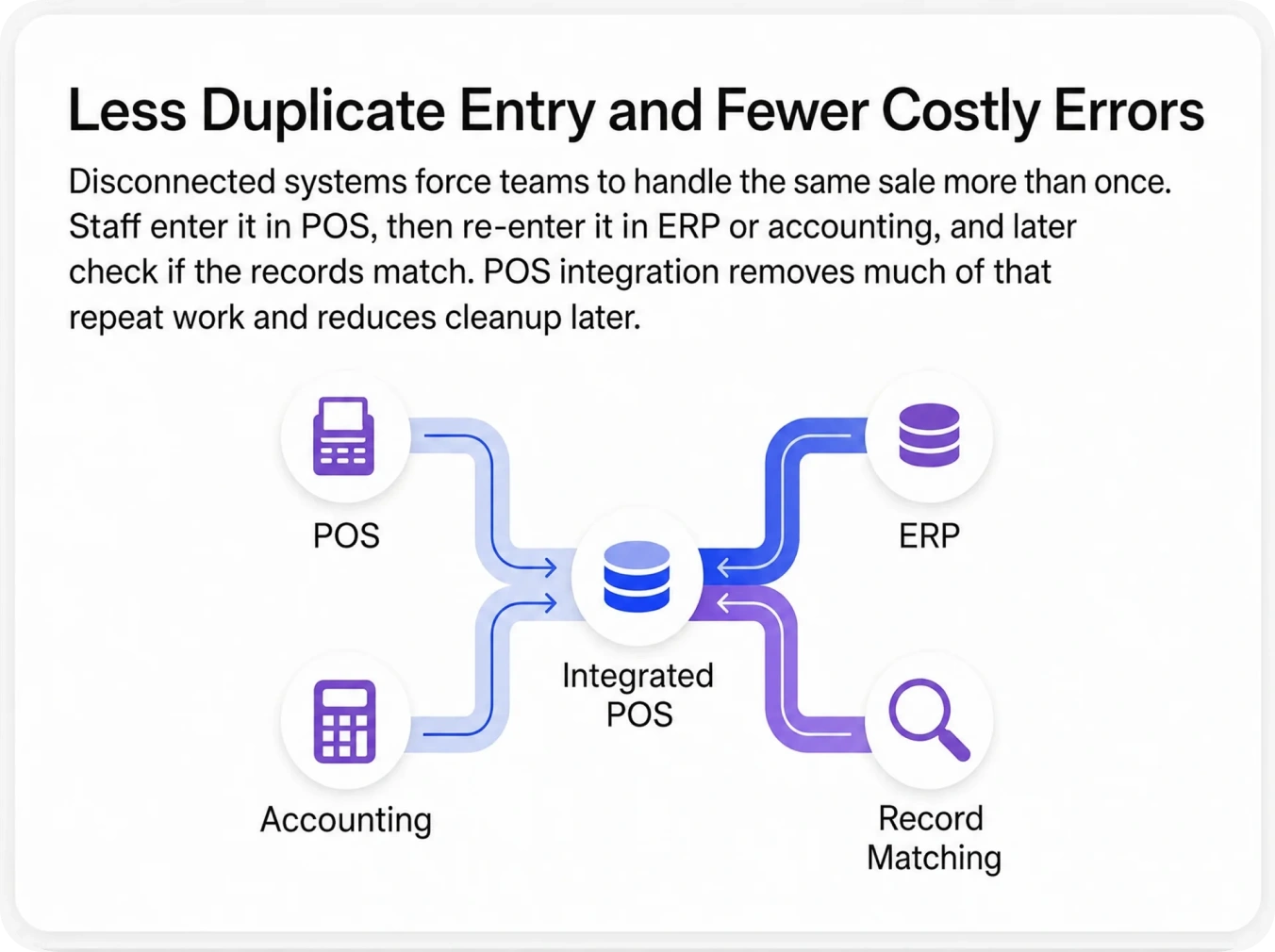
A disconnected setup creates small tasks that repeat every day. Exporting files, matching totals, rechecking stock, and fixing duplicate entries all take time. POS integration removes much of this work and helps teams focus more on customers and growth.
Easier Multi-Location Expansion
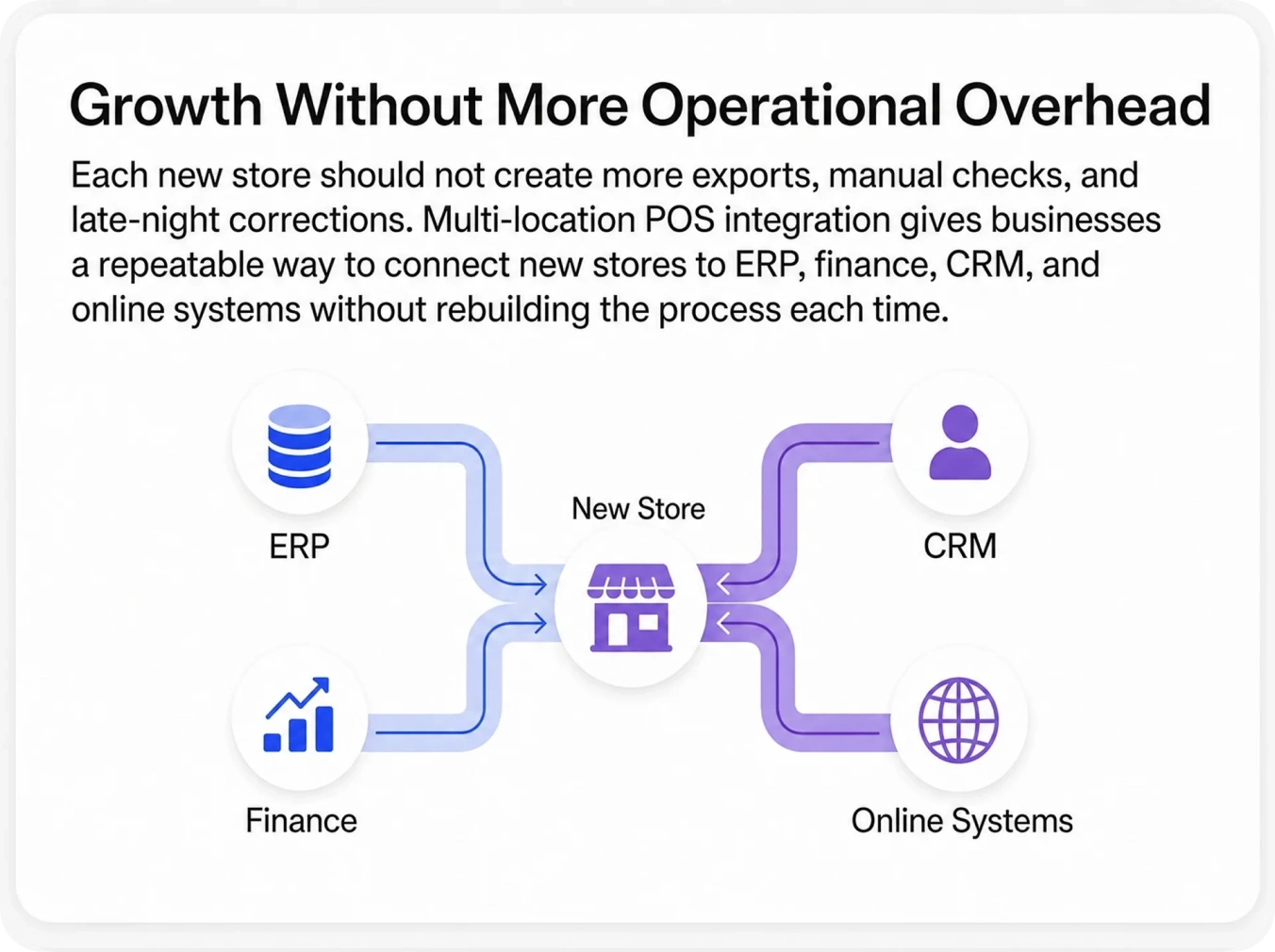
Every new store should not feel like a new software project. Multi-location POS integration helps businesses extend the same ERP, finance, CRM, and online flows to new stores using an existing model. That makes expansion easier for operations and IT.
Live Sales Visibility for Leadership
Leaders should not have to wait for delayed reports to understand store performance. POS integration helps sales data move into reporting systems faster, so leadership can review product movement, payment trends, and location activity sooner.
Explore Our Process
How APPSeCONNECT’s POS Integration Process Works
APPSeCONNECT follows a clear process that helps teams answer those questions early and go live with fewer surprises.
01
Map Your POS Ecosystem
Identify your POS platform, version, and deployment model. Then list the systems it needs to connect with, such as ERP, finance, eCommerce, CRM, payments, warehouse, and loyalty tools. Define which system owns each major data set.
02
Define the Key Data Objects and Sync Flows
Decide which data should move first and where it should go. Most teams start with sales transactions, stock levels, customer records, product data, payment details, and promotions. Teams also decide whether each flow should move one way or both ways.
03
Select the Right Sync Method and Frequency
Some updates should move right after the sale. Others work better at the end of the day. APPSeCONNECT supports both live and scheduled sync methods, so each data type can follow the timing that fits the business.
04
Configure Field Mapping and Business Rules
Teams map POS product codes to ERP items, tax settings to accounting categories, customer identifiers to CRM contacts, and payment types to finance rules. They also add business logic such as location routing, currency handling, discount rules, and loyalty logic.
05
Go Live, Monitor, and Scale
Once testing is complete, the first live flows can begin. We track failed records, supports retry logic, and shows issues through dashboards and logs. After the first setup is stable, the same model can be extended to more stores, systems, and use cases.
Explore Industry Use Cases
Industries That Rely on POS Integration
POS integration looks different from one business to another. A fashion retailer syncing store sales and stock does not need the same setup as a restaurant tracking orders, payments, and refunds. APPSeCONNECT supports both, with POS data flows that match the systems, store activity, and back-office steps each industry depends on.
Retail and eCommerce businesses need store sales, stock, pricing, customer details, and returns to stay aligned across POS, online stores, ERP, and accounting tools. We help keep these records connected so teams can reduce stock gaps, avoid repeat entry, and manage store and online activity with better control.
Restaurants and hospitality teams rely on POS integration to connect front-of-house sales with accounting, inventory, payment, and reporting systems. We help move order totals, refunds, taxes, tips, and stock usage so daily service and back-office work stay more accurate.
Grocery and convenience businesses process high transaction volume, fast stock movement, price changes, and frequent replenishment every day. We help connect POS with inventory, accounting, and warehouse systems so teams can keep shelves stocked and sales records cleaner.
Fashion and specialty stores need POS data to stay linked with inventory, customer profiles, promotions, loyalty programs, and eCommerce systems. We help move these updates across systems so teams can manage sizes, styles, pricing, and repeat buyers without extra manual work.
Wholesale and distribution businesses often run counters, trade sales, warehouse operations, and finance systems at the same time. We help connect POS with ERP, accounting, and stock systems so teams can track sales, update inventory, and handle billing with fewer mismatches.
Franchise and multi-location businesses need each store to follow the same flow while still sending clean data back to central systems. We help connect POS across locations so sales, stock, payment records, and reporting stay easier to manage as the business grows.
Testimonials
What Our Customers Say About POS Integration with APPSeCONNECT
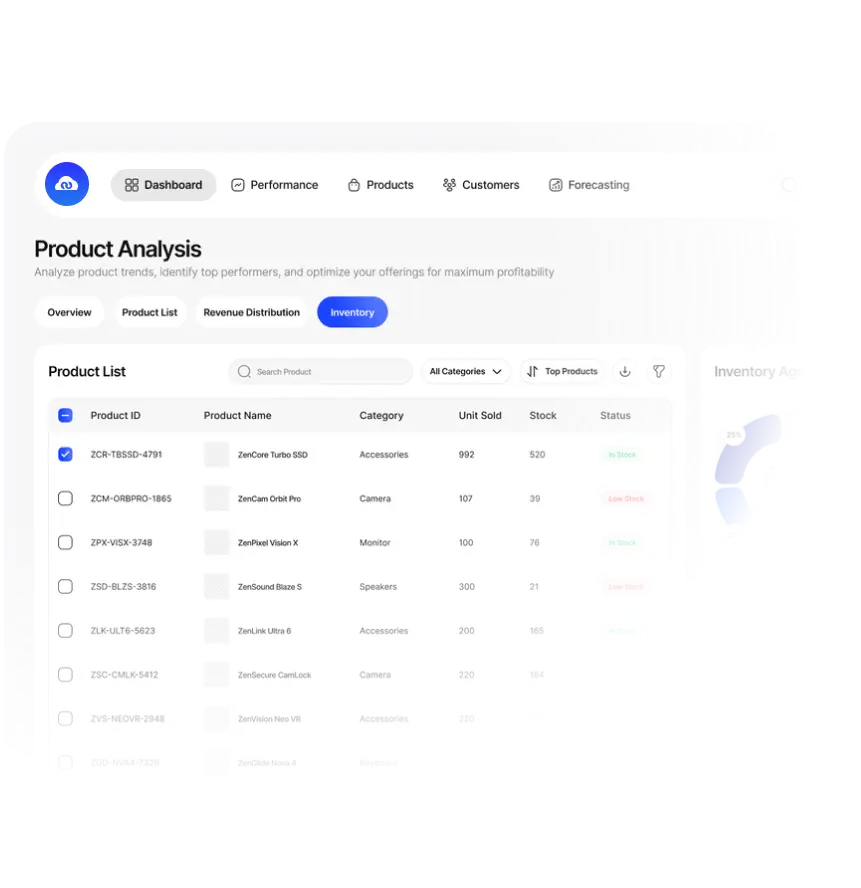
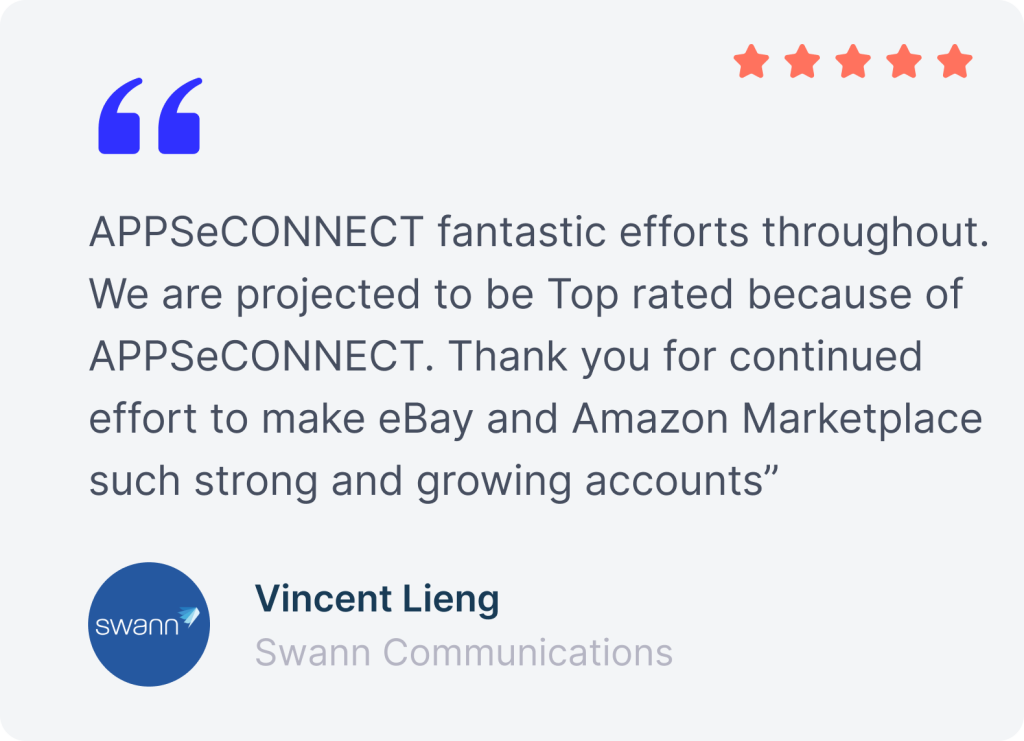
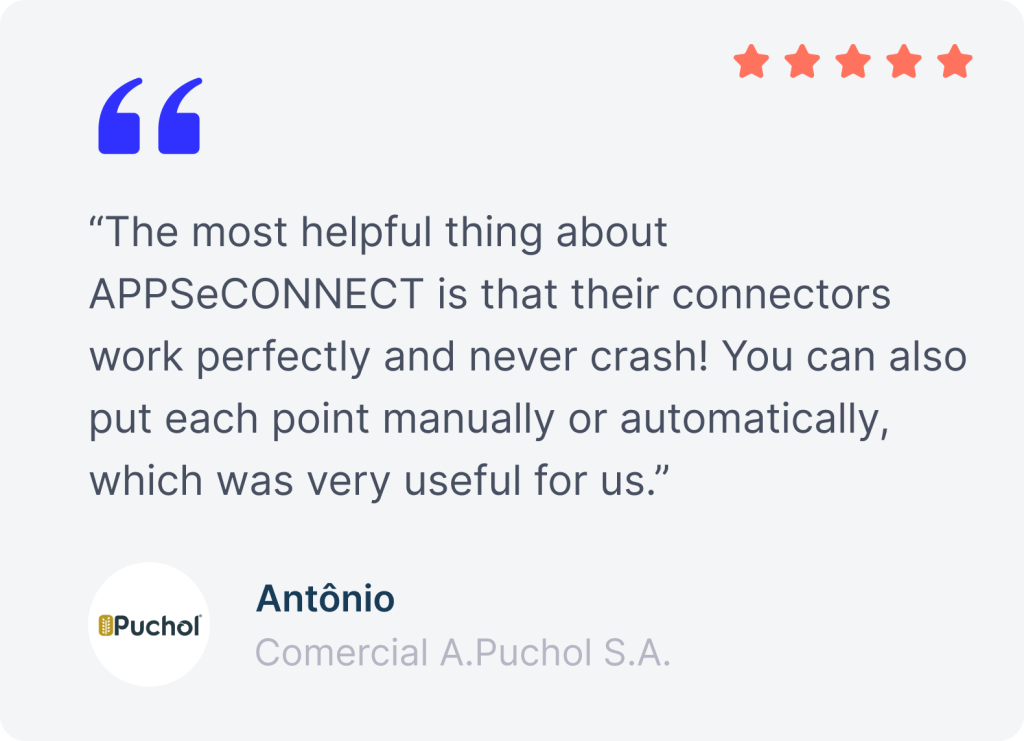
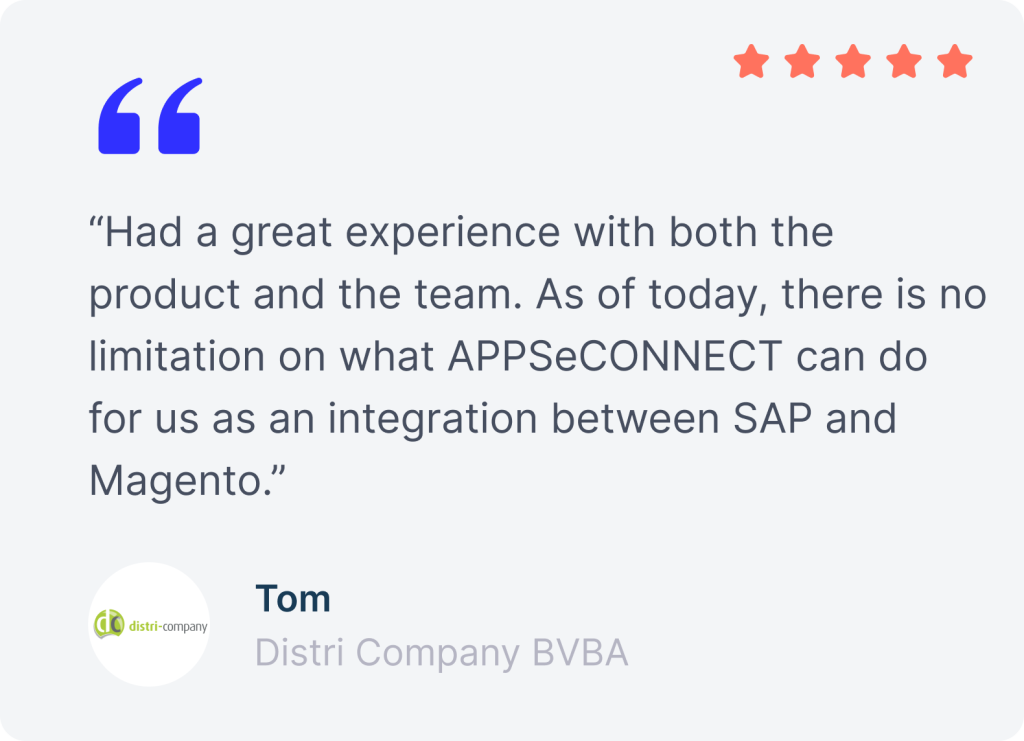
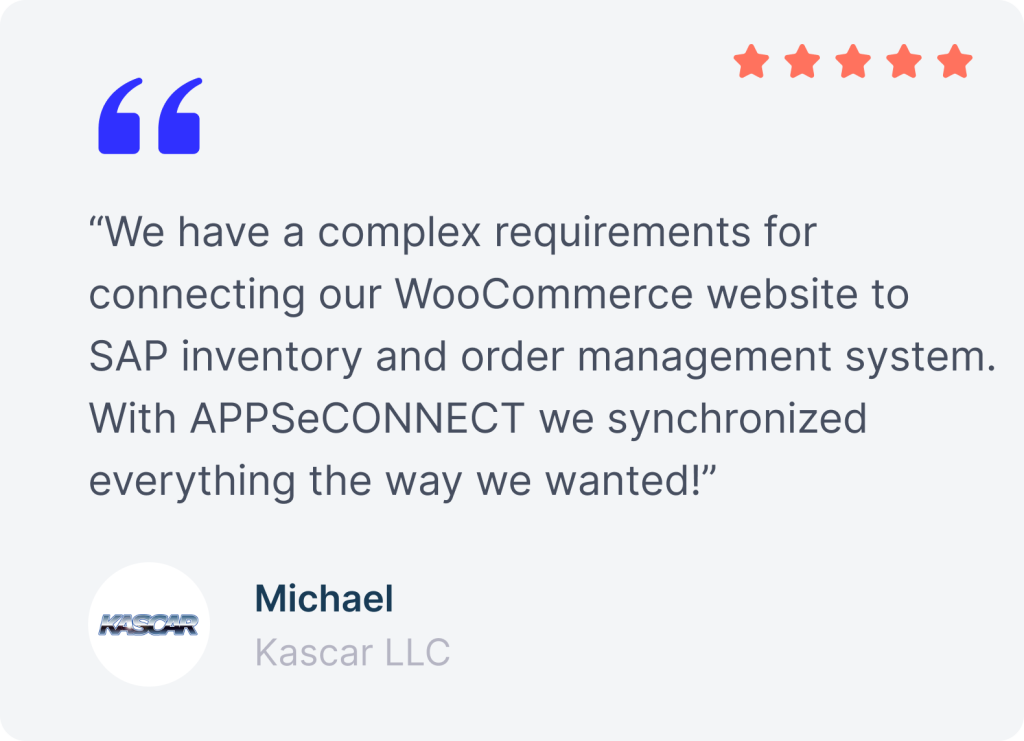
Businesses use APPSeCONNECT to connect store systems with ERP, accounting, eCommerce, and CRM without adding more manual work.
Connect Your POS. Unify Your Entire Business
Get a personalized roadmap for your POS ERP integration. We map your sales and inventory flows and show how APPSeCONNECT cuts manual work across stores, channels, and finance.
FAQs
Frequently Asked Questions
You start by mapping your POS ecosystem, choosing the main data objects, setting sync direction and timing, mapping fields, adding business rules, then going live with monitoring and retry controls.
POS accounting integration sends sales, refunds, tax values, discounts, and payment totals into the finance system automatically. That reduces manual entry, improves accuracy, and helps daily reconciliation and month-end close move faster.
To connect POS with eCommerce, teams map shared products, prices, stock, customer records, and order rules between systems. The goal is one shared stock view and smoother online and store coordination.
POS payment gateway integration maps store transaction records to payment authorization, settlement, and refund data. This helps finance match totals faster and reduces disputes between POS records and payment reports.
To migrate POS sales history, teams first clean the source data, map old fields to the new POS or back-office model, test with sample batches, then load validated history carefully.