Dynamics 365 Business Central and Magento Integration & Automation
- Automate
- Align
- Accelerate
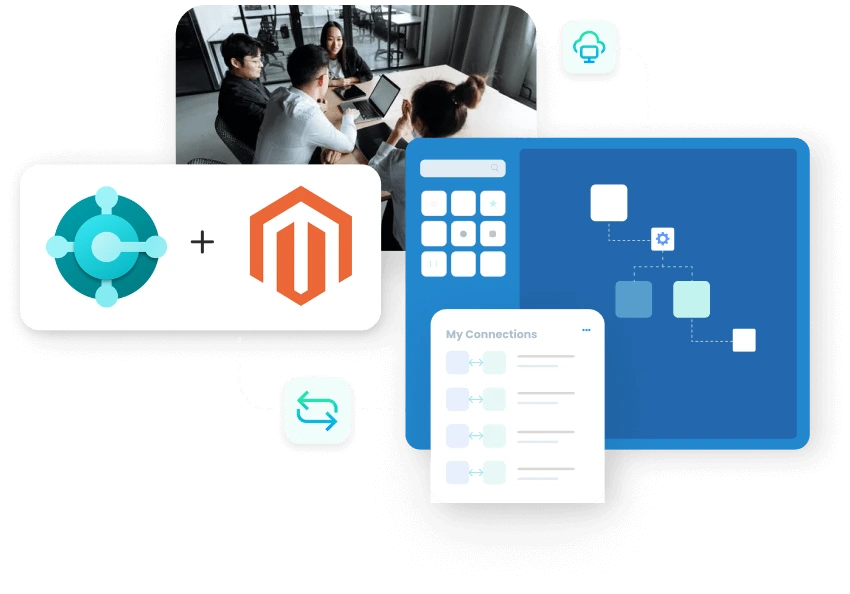
APPSeCONNECT helps you run Dynamics 365 Business Central and Magento integration so products, prices, stock, customers, and orders stay aligned.
Magento handles the storefront, but Business Central is where teams check stock, apply pricing rules, and process sales orders correctly. When updates arrive late, buyers see the wrong availability and staff spend time fixing totals, freight, or customer details in the back office. This integration keeps those handoffs aligned from the start. It also gives teams better control over website pricing, guest buyer handling, order approvals, and tracking updates after fulfillment begins.
Key Highlights
Why is APPSeCONNECT The Gold Standard for Dynamics 365 Business Central and Magento Integration
Magento can support different websites, product types, and buyer journeys at the same time. Business Central still needs clean customer records, correct pricing, and sales orders that are ready for processing. APPSeCONNECT keeps those rules visible and easier to manage, so IT sees fewer support issues, operations teams face fewer order exceptions, finance gets cleaner totals, and customer service spends less time answering avoidable status questions.

Website Price Control
Apply Business Central price lists per Magento website, so each storefront shows the right price without manual overrides.

Product Type Coverage
Publish items as simple, configurable, bundled, grouped, downloadable, or virtual products based on your selling model.

Guest Buyer Tracking
Store guest checkouts under a separate customer code, making guest reporting and follow-up easier later.

Approval Before Processing
Hold selected web orders for review before they move into normal fulfillment and posting work.

Totals That Stay Matched
Map tax, shipping, freight, and discounts carefully so Business Central and Magento carry the same order values.

Flexible Stock Logic
Choose how available stock is calculated before Magento shows quantities to buyers on the storefront.
Standard Features Covered in Our Dynamics 365 Business Central & Magento Integration and Automation Template
- Magento to Dynamics 365 Business Central Create or update customer records in Business Central from Magento account data. The synced details can include contact information, billing address, and shipping address, so customer records stay ready for downstream sales order processing.
- Magento to Dynamics 365 Business Central Store guest checkouts in Business Central under a separate customer code. This helps teams keep guest orders traceable without mixing them into standard customer account records.
- Dynamics 365 Business Central to Magento Publish item records from Business Central to Magento for storefront listing and catalog updates. The sync can support the product structures your business uses, including simple, configurable, bundled, grouped, downloadable, or virtual product types.
- Dynamics 365 Business Central to Magento Apply Business Central price lists to the right Magento website, so each storefront shows the correct selling price without separate manual price maintenance.
- Dynamics 365 Business Central to Magento Sync stock from Business Central to Magento by using the availability rule your business selects. Store visibility can follow stock, stock minus committed quantity, or stock with ordered quantity included, based on your fulfillment logic.
- Magento to Dynamics 365 Business Central Create sales orders in Business Central from Magento orders with mapped customer details, item lines, shipping values, discounts, taxes, and order totals. Selected orders can also be routed through an approval step before normal processing begins.
- Magento to Dynamics 365 Business Central Sync shipping charges, freight values, tax, and discount amounts into the correct Business Central fields, so totals stay aligned and later finance or operations review requires less manual correction.
- Dynamics 365 Business Central to Magento Sync fulfillment updates from Business Central back to Magento with tracking number, freight-related updates, and order status after posting, so customers can follow shipment progress more clearly on the storefront.
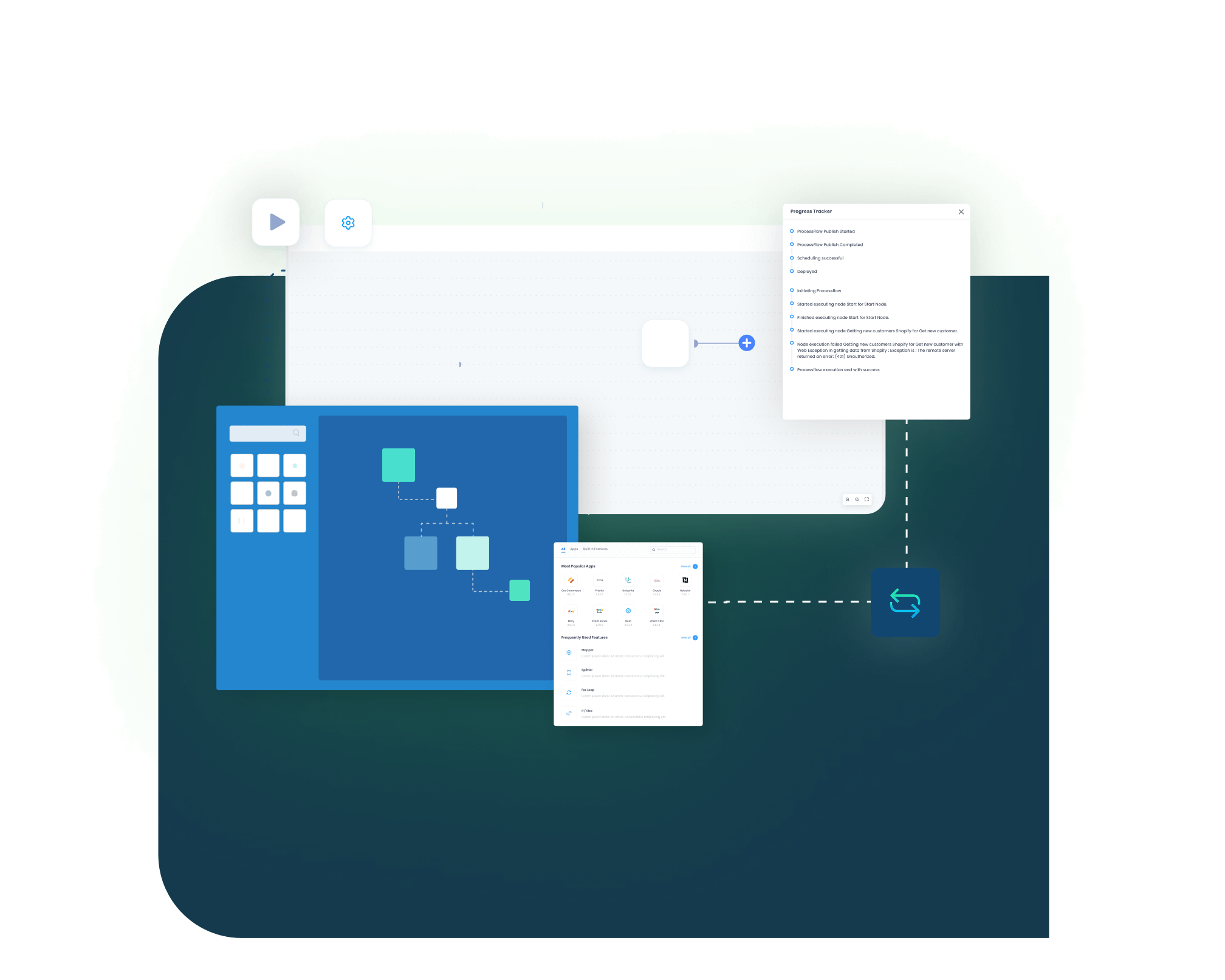
Feature Highlights
Features You Get With Our Dynamics 365 Business Central and Magento Integration Package
The value is not just in moving records. It is in keeping the business rules readable after launch, especially when pricing differs by website or some orders need approval before processing. These features help teams keep control over customer handling, catalog updates, stock logic, totals, and post-shipment visibility without turning small changes into separate projects.

Customer Record Creation
Create or update Business Central customers from Magento accounts with billing and shipping details carried forward.

Guest Customer Mapping
Store guest buyers under a separate code, so teams can track them without mixing them with standard accounts.

Item Publishing Rules
Publish Business Central items to Magento with the item details your storefront needs to sell correctly.
Website Price List Mapping
Apply the right price list to each website, so storefront pricing follows your ERP rules.

Inventory Mode Selection
Choose whether Magento should show stock, stock minus committed, or stock with ordered values included.

Order Intake Control
Create sales orders from Magento and route selected records through approval before business processing starts.

Freight Field Accuracy
Write shipping charges into Business Central freight fields more consistently, so teams can trace them more easily.
Tracking On Order Page
Publish tracking numbers and updated order status to Magento after shipment posting is complete.

Run Monitoring Tools
Review logs, find failed records, and retry only affected items without replaying every successful update.

Multi-Store Governance
Use one integration structure across several websites while keeping pricing and order rules easier to manage.
INTEGRATION BROCHURE
Download the Dynamics 365 Business Central and Magento Integration Brochure
This brochure gives teams a practical planning guide before rollout. It helps people agree on what should move between Magento and Business Central, what stays owned in the ERP, and what must be tested before launch. It is especially useful when pricing differs by website or when order totals need extra checking before go-live.
LEARN MORE ABOUT:
- Website Pricing Plan: Review how Business Central price lists map across multiple Magento websites without manual store-level overrides.
- Stock Logic Options: Compare the available stock rules and choose the one that fits your fulfillment planning best.
- Order Total Checks: Validate tax, shipping, freight, and discount mapping before the first production runs begin.
- Tracking Update Steps: Confirm where tracking is entered, how it is posted, and how Magento receives the update.
Popular Microsoft Dynamics 365 Business Central Integrations
Connect Microsoft Dynamics 365 Business Central with other business applications.




Looking for a Specific Integration?
Popular Magento Integrations
Connect Magento with other business applications.




Looking for a Specific Integration?
INTEGRATION GUIDE
How Does The Workflow Runs End-to-End
The best rollout does not try to solve every edge case on day one. Start with customer mapping, item publishing, price list rules, stock logic, and order totals. Once those flows are working the way your team expects, add approval rules, manual triggers, and other timing changes that support busier periods.
Connect Systems
Connect Magento and Business Central with the required access, then confirm which websites the integration will support.
Map Business Fields
Match customer fields, addresses, price lists, freight charges, and tax-related values before running test orders and sample data.
Deploy And Test
Test web orders, guest orders, approval routing, and total matching with real examples from your business.
Monitor And Improve
Review logs, retry only failed records, and adjust run timing for promotions or busy sales windows.
Frequently Asked Questions
APPSeCONNECT supports Dynamics 365 Business Central and Magento integration with prebuilt workflows that your team can map, run, monitor, and improve.
Magento customer accounts can create or update Business Central customer records with contact details, billing addresses, and shipping addresses.
Guest checkouts can be stored under a separate customer code, helping teams keep reporting, customer tracking, and follow-up work cleaner.
Business Central items can publish to Magento and support the product types your business uses for selling online.
Business Central price lists can be mapped by website, so each Magento storefront shows the right selling price.
Inventory updates can use different availability rules based on stock, committed quantity, and ordered quantity from Business Central.
Magento orders can create Business Central sales orders, and selected orders can wait for approval before normal processing begins.
Tax, shipping, freight, and discount values are mapped carefully so totals match between Magento and Business Central.
Shipping methods, freight amounts, tracking numbers, and status changes can be sent back to Magento after posting steps are completed in Business Central.
The integration can support multiple Magento websites with scheduled runs, manual triggers, logs, and targeted retries when needed.
Ready To Unify Your Dynamics 365 Business Central and Magento Workflows?
You do not need late updates and back-office corrections to be part of daily store operations. This integration keeps customers, items, website prices, stock, and orders moving with clearer rules and easier follow-up after fulfillment begins. Start with the flows your team checks most often, then extend the setup once the first stage is steady enough to trust.

Companies automating their business through APPSeCONNECT







Customer Success Stories

Proveedora PGP
Founded in 2005, Proveedora PGP has solidified its position as a leading ecommerce business in Mexico, specializing in car and truck tires.
Read Case Study →
African American Expressions
African American Expressions, founded by Gregory Perkins in 1991 in Sacramento, California, has been on a remarkable journey of growth and success.
Read Case Study →Related Resources
Articles and Guides to Help You With Your Integration and Automation Journey