





SAP Business One and Shopware Integration
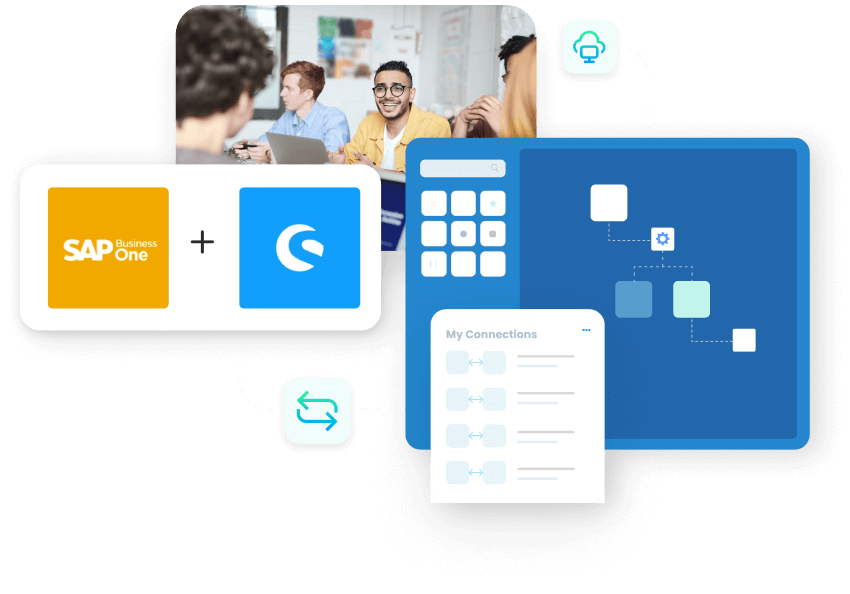
SAP Business One and Shopware integrations made easy with APPSeCONNECT’s modern iPaaS. The SAP B1 Shopware connector can automate critical business processes and streamline your organizational data efficiently.
SAP Business One Shopware Connector
APPSeCONNECT’s Shopware SAP Business One integration is a modern and intelligent platform which can seamlessly connect your entire application stack and streamline data flow across all your systems to eliminate silos, unify operations and drive alignment.
Integration Endpoints
- CUSTOMER
- PRODUCT
- STOCK
- SALES ORDER
- Customer Sync:
Any new customer registered on the Shopware website will be synced to SAP Business One as a Business Partner. All details of the web customer including billing, shipping address and customer information with the email id and telephone number will be available in SAP Business One. Customer sync works bi-directionally. Existing customers with details can be synced back to Shopware from SAP Business One.
- New & existing product sync:
Any Item listed in your SAP Business One ERP will be uploaded as Products in Shopware eCommerce. Product sync works bi-directionally. Existing products with details can be synced back to SAP Business One from Shopware.
- Stock Update:
Stock Update which happens in SAP Business One through the Inventory transaction process will be synced back to Shopware website.
- Sales Order Sync:
Any orders placed in the Shopware will be synced to SAP Business One ERP as Sales Orders. All the order details like Items Ordered, Amount, Customer Name, Address, etc. will be available in SAP Business One.
Integration Resources

Best EDI Integration Tools 2026: Pick by ERP Fit, Onboarding and Pricing
Choosing an EDI integration tool is less about picking the most feature-heavy platform and more about finding the one that fits how your business actually
How to Choose an EDI Service Provider (Without the Costly Mistakes)
An EDI service provider helps a business exchange standard electronic documents with trading partners and connect those documents to internal systems like ERP, WMS, CRM,
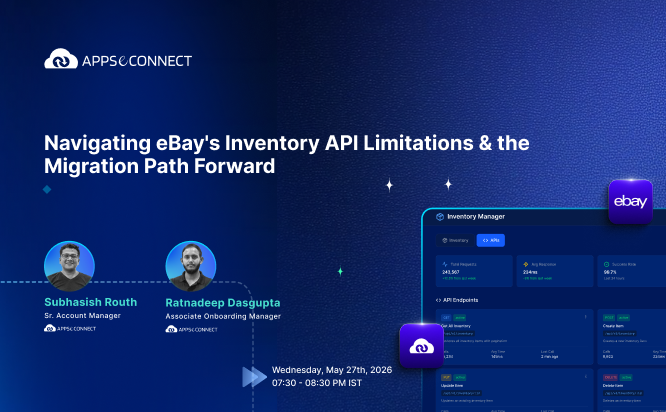
Beyond the Listing: How We Solved eBay’s Hidden Inventory API Limitation Using the Migrate API
eBay is one of the most active marketplaces for sellers managing large product catalogs across multiple channels. But there is a specific problem that catches
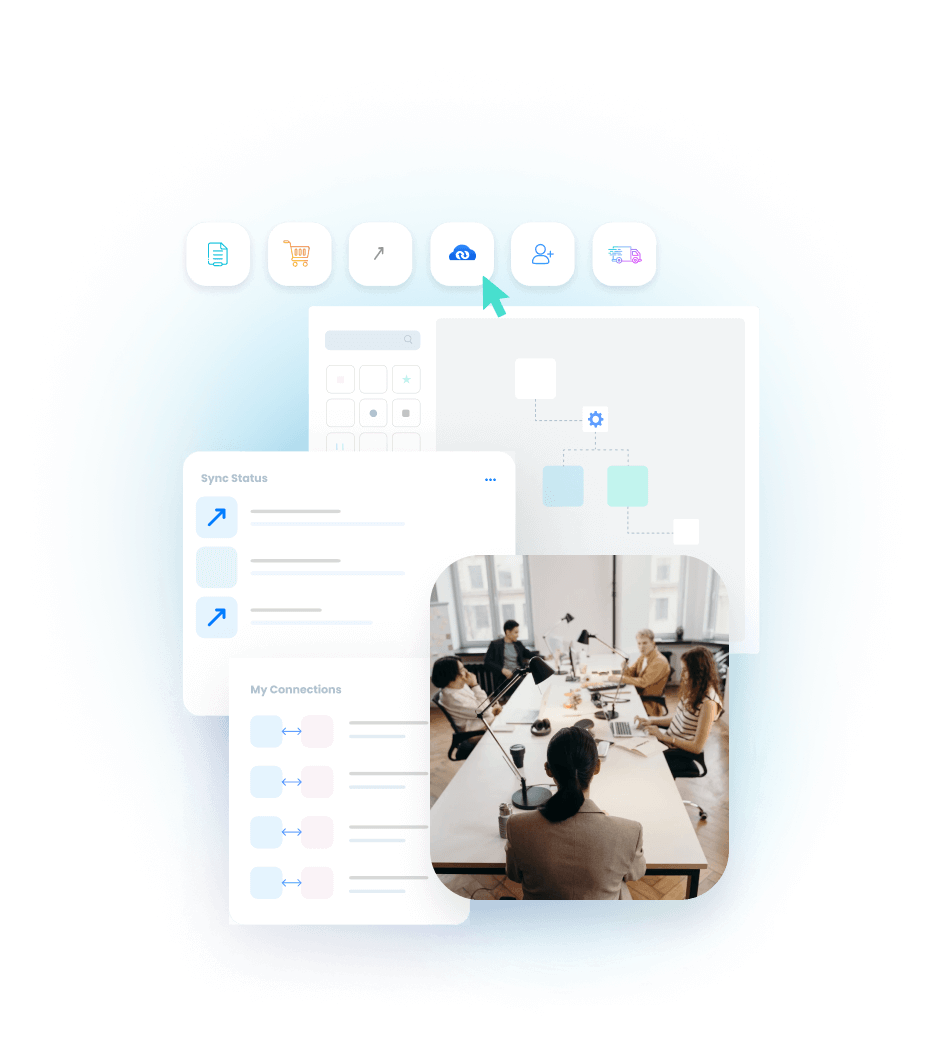
Build Your Own Integrations
Built for IT professionals and business users to quickly integrate applications and automate business processes.
Remove data silos and make every system communicate with each other in real-time, seamlessly across your entire enterprise. Through APPSeCONNECT’s out-of-the-box integration capabilities for all industry-leading business tools, rapidly and effortlessly develop and deploy integrations between business tools like ERP, CRM, Accounting applications, and many more across your entire organization effortlessly.
APPSeCONNECT’s protocol-based adapters can be used by any application which follows a standard protocol (like FTP/Secure FTP, SOAP, REST, SMTP) and if a business uses legacy applications that supports these protocols, they can directly use the in-built generic adapters to transfer data into the system without the need to write an adapter from scratch.
Organizations are Transforming Customer Experience Through Integration
Unlock Efficient Business Automation with APPSeCONNECT!
-
Power and Flexibility
Full-Stack Integration and Automation provides a flexible architecture that seamlessly integrates a variety of software applications enabling businesses to adapt their workflow rapidly and cost-effectively to changing business ecosystems. -
Launch Faster
Pre-concocted templates, for industry leading integrations that are time-tested and based on best integration practices reduce time to deploy by up to 65%. -
Reliable and Secure
Handles data most delicately. The servers follow highly encrypted channels to communicate. Moreover, the security layer pre-built on the platform shields all the activities made through the platform.
-
Empower Teams
Low-Code Development environment is friendly to users from any level of technical expertise. It empowers every team within your organization to develop and implement integration at any level of the organization. -
Accelerate Growth
Full-stack low-code intelligent automation enables businesses to deliver to the market faster and achieve 70% boost in business productivity. -
Boost Revenue
Intelligent integration eliminates data silos across the organization which helps boost revenue and reduce costs to the company due to data errors and redundancies, manual labor, and lack of real-time data transfer.
Enterprise-friendly, lean, low code, future-proof automation
See why Capterra rates APPSeCONNECT Integration Platform 4.8 stars out of 5 with over 100+ positive customer reviews.
Ready to dive in?
Get your demo today.
Frequently Asked Questions
The connector covers four main data flows: customers, products, stock, and sales orders. New Shopware customers arrive in SAP Business One as Business Partners with full billing and shipping details, items in SAP Business One are uploaded as Shopware products, inventory changes in SAP flow back to the web store, and every Shopware order lands in SAP as a sales order with items, amounts, and customer information.
Yes. APPSeCONNECT is built to make systems communicate in real time, and the sync frequency for each touchpoint can be set to match your operation. Time-sensitive data such as stock levels and incoming orders can run on tight schedules so the store and the ERP never drift apart.
With the pre-built SAP Business One and Shopware connector, the standard integration can go live almost immediately, since the data mappings for customers, products, stock, and orders are already prepared. The timeline only stretches when you add custom fields or workflows specific to your business.
Partly, by design. Customer and product sync work in both directions, so records created in either system can be carried across. Stock updates flow one way, from SAP Business One to Shopware, and sales orders flow the other way, from Shopware into SAP Business One, which mirrors how each system is actually used.