Square POS and Microsoft Dynamics AX Integration & Automation
- Automate
- Align
- Accelerate
Square POS and Microsoft Dynamics AX integration gives store transactions a reliable route into the ERP processes used by finance, inventory, and operations teams. Sales, tenders, refunds, item details, customer records, and stock events can move through controlled workflows instead of spreadsheets, delayed imports, or end-of-day rekeying.
Square POS supports the front-counter sales experience. Dynamics AX manages product control, stock accountability, tax rules, financial posting, and operational reporting. When these systems do not stay aligned, stores close the day with missing records, finance struggles to match payments, inventory loses accuracy, and returns become harder to trace.
KEY BENEFITS
Why APPSeCONNECT Is the Gold Standard for Square POS and Microsoft Dynamics AX Integration
Our platform creates a managed integration layer between Square POS and Microsoft Dynamics AX, helping store activity reach the ERP without depending on manual transfer. POS sales, payment references, customer updates, product data, inventory changes, taxes, refunds, fees, and payout details can pass through configured ProcessFlows where those records are available and in scope. This helps store teams keep Square fast at checkout while AX continues to hold the controls needed for finance, inventory, and reporting.
Late Sales Posting
Square may capture the sale immediately, but AX still needs the transaction for posting and daily close. When sales records arrive late, finance teams spend more time rebuilding daily activity instead of reviewing it.
Payment Match Gaps
Card, cash, refund, fee, and payout details can split across different records. Without a mapped flow, finance teams have to connect Square payments with AX deposits, journals, and settlement references by hand.
Store Stock Drift
POS sales reduce store availability, but AX may still show a different stock balance or warehouse position. This can affect replenishment, store transfers, and inventory decisions.
Broken Refund Trails
A refund in Square needs a clear link back to the AX transaction or posting record. If that link is missing, tax correction, payment reversal, inventory impact, and audit review become harder.
Location Reporting Noise
Multi-store retail needs every Square location to land under the correct AX store, warehouse, or dimension. Poor location mapping can mix store performance, tax activity, and tender reporting.
Manual Close Pressure
Daily close becomes heavier when sales, refunds, tenders, fees, and stock changes arrive through separate files. A connected workflow reduces the effort needed to prepare AX-ready records.
Standard Features Covered in Our Square POS and Microsoft Dynamics AX Integration Template
Dynamics AX Items → Square Catalog
Dynamics AX Prices → Square POS Pricing
Dynamics AX Stock → Square Location Availability
Square Stock Movement → AX Inventory Review
Square Locations → AX Stores or Dimensions
Failed Record Review and Retry
Square POS Sales → Dynamics AX Posting Records
Square Tender Details → AX Payment Review
Payment data from Square can be mapped into AX finance fields or reconciliation workflows. Tender type, payment status, authorization reference, and settlement-related details can support review.
Square Customer Data → AX Customer Records
Square Tax Details → AX Tax Mapping
Square Refunds → AX Return or Credit Flow
Square Fees and Payouts → AX Reconciliation Support
Popular Microsoft Dynamics AX Integrations
Explore popular Microsoft Dynamics AX integrations across ERP and eCommerce apps. You can also connect POS, warehouse, fulfillment, finance, marketplace, and account-based commerce tools.
Looking for a Specific Integration?
Visit All Microsoft Dynamics AX Application
Popular Square POS Integrations
Looking for a Specific Integration?
Visit All Square POS Application
INTEGRATION BROCHURE
Download the Square POS and Microsoft Dynamics AX Integration Brochure
Get the brochure for planning a Square POS and Microsoft Dynamics AX integration across store transactions, inventory movement, payment review, and ERP posting. It also covers location mapping, refund handling, tax alignment, payout review, operational monitoring, and rollout planning.
Inside You’ll Find:
- Integration Architecture: See how Square POS and Dynamics AX can exchange sales transactions, customer records, item data, stock updates, payment references, refunds, fees, payouts, and tax details.
- Flow Planning: Review the source-to-target flows needed for store teams, finance teams, inventory teams, multi-location retail, and daily reconciliation.
- Rollout Approach: Begin with core sales and payment flows. Then expand into catalog updates, stock movement, refunds, fees, payouts, and location-level reporting.
- Testing Checklist: Test SKU mapping, payment methods, tax groups, store locations, refund cases, payout references, inventory updates, and retry scenarios before launch.
- Operational Readiness: Understand how teams can monitor runs, inspect failed records, check snapshots, retry transactions, and support POS-to-ERP workflows after go-live.
Start Integration at just $99 per month with Shopify, Salesforce, HubSpot, Zoho, WooCommerce and more.
Enterprise-grade integration powered by hands-on support without enterprise pricing
INTEGRATION GUIDE
How Does the Workflow Run End-to-End
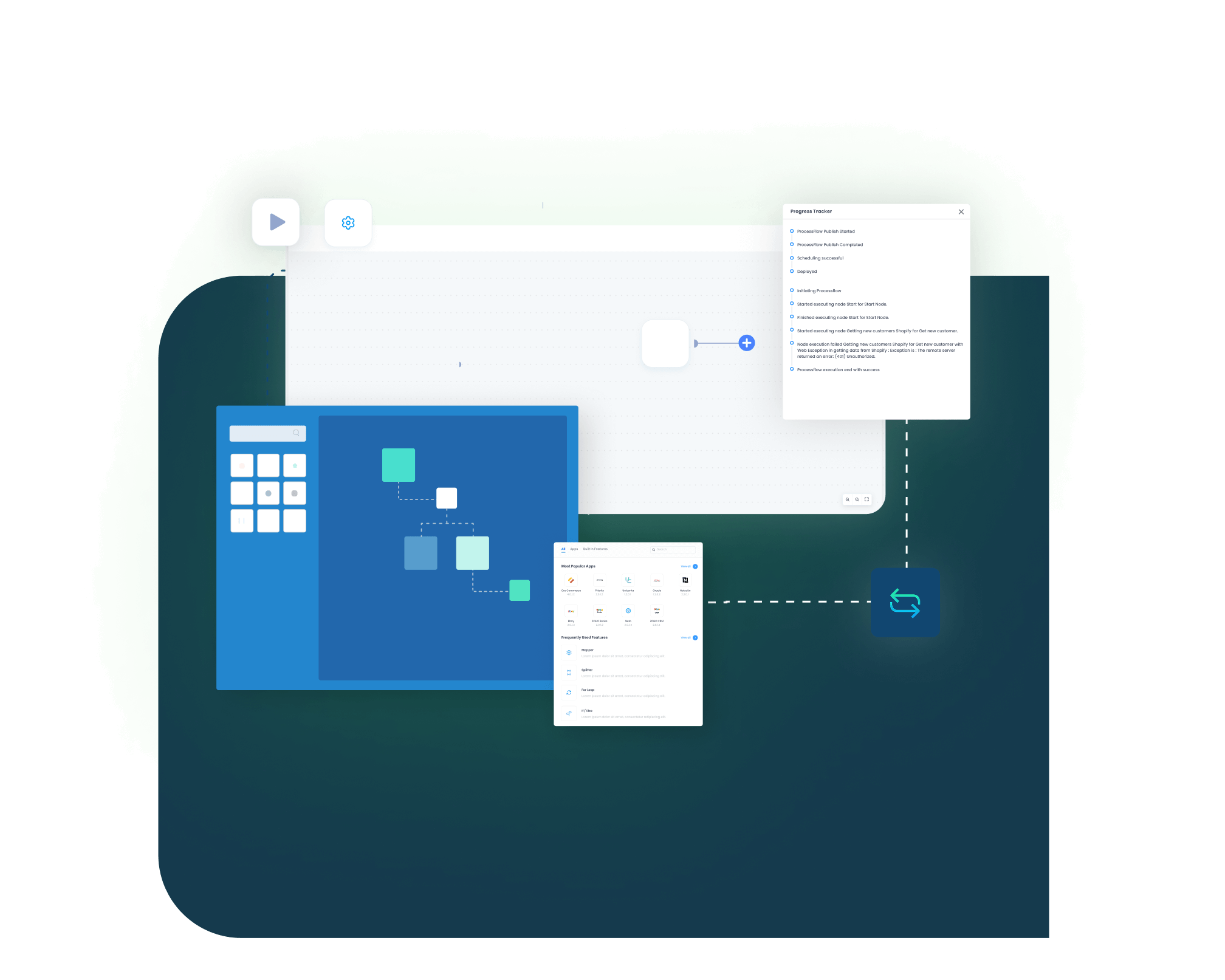
A Square POS and Microsoft Dynamics AX integration runs through configured ProcessFlows. Each ProcessFlow controls the source, target, entity, connector action, schema, field mapping, validation logic, run mode, retry behavior, and monitoring path before a Square or AX record is processed.
See How This Would Run in Your Business
Square POS and Microsoft Dynamics AX Integration
Trigger & Source Connection
The flow can start from a Square event, a scheduled run, a manual run, or a configured sync. The workflow then reads data from Square POS or Dynamics AX based on the selected process.
Data Extraction & Schema Reading
Transformation & Field Mapping
Source data is reshaped for the target system. SKU and item ID matching come first. Store location, tax, tender, payment reference, customer, refund, payout, and financial dimension fields can also be mapped.
Validation & Business Rule Execution
Target Push & Response Handling
Monitoring, Retry & Audit Logging
Real-world use cases
Use Cases
The Square POS and Microsoft Dynamics AX integration is built for businesses that need store activity and ERP control to stay connected. It supports retail chains, finance teams, inventory teams, store operators, and multi-location businesses that want cleaner sales posting, stronger payment traceability, and better operational visibility.
Retail Store Operations
Store transactions reach AX with less manual close work
- Square POS sales can create AX records with mapped item, tax, discount, tender, and location details.
- Payment references can travel with the sale so finance has a clearer review path.
- Customer information can update AX where the business needs customer-level visibility.
- Refunds and returns can stay connected to the original Square transaction and AX record.
What this integration handles
Posted
Mapped
Linked
Retry
Payment Reconciliation
Square payments and deposits become easier to compare in AX
- Square payment references can be mapped into AX reconciliation workflows.
- Fee and payout details can help explain the difference between sale totals and deposits.
- Refunds can carry the original transaction reference for easier review.
- Logs and snapshots can support finance checks during close or audit review.
What this integration handles
Matched
Reviewed
Separated
Auditable
Logs and transaction history
Inventory and Merchandising
Store stock activity stays aligned with the AX inventory record
- Dynamics AX item data can update Square catalog records.

- AX inventory can refresh Square location availability where the ERP owns stock control.
- Square sales or adjustments can feed back into AX when store-side stock movement is part of the process.
- SKU, barcode, variant, and unit mapping can help keep item identity consistent.
What this integration handles
Synced
Updated
Mapped
Tracked
Multi-Location Retail
Square locations follow the right AX structure
- Square locations can map to AX stores, warehouses, dimensions, or reporting units.
- Store-specific transactions can post under the right AX configuration.
- Tax, tender, and stock rules can be separated by location where required
- Exceptions can be reviewed for the affected store without disturbing other locations.
What this integration handles
Routed
Square locations to AX rules
Separated
Store-level sales activity
Controlled
Location tax and stock logic
Scalable
New-store mapping reuse
Meet appse ai
How appse ai Helps Streamline Square POS and Microsoft Dynamics AX Integration
After the core Square POS and Dynamics AX connection is live, teams still need to manage transaction volume, exceptions, posting checks, refund issues, and reconciliation delays. appse ai supports AI-assisted workflow automation around POS, ERP, finance, and inventory processes, helping teams design flows faster and review operational issues with more context.
Workflow Design
Issue Detection
Exception Review
Decision Support
Process Signals
API Orchestration
Workflow Optimization
Ready to Launch Your Square POS and Microsoft Dynamics AX Integration Today?
Square POS and Microsoft Dynamics AX should not force store, finance, and inventory teams to work from disconnected records. APPSeCONNECT connects POS and ERP workflows so sales, payments, stock updates, refunds, and reconciliation data can move through structured integration flows.

Companies automating their business through APPSeCONNECT
Customer Success Stories
Related Resources
Square POS and Microsoft Dynamics AX integration connects store activity with ERP processes. It can move POS sales, payments, customers, item records, stock updates, refunds, taxes, fees, and payout references through configured workflows.
Businesses use Square POS Dynamics AX integration to reduce manual sales entry, payment matching work, stock mismatches, and delayed close activity. It helps teams bring Square transaction data into AX with clearer references.
The platform connects Square POS and Dynamics AX through configured ProcessFlows. The flow defines the source, target, entity, mapping rules, validation checks, run mode, retry behavior, and monitoring path.
The integration can support sales, customers, item records, inventory updates, payment references, tax details, refunds, fees, and payout information. The final scope depends on the Square setup and the AX posting design.
Square POS sales can be sent to Dynamics AX as sales orders, invoices, journals, or daily summaries based on configuration. Item lines, quantities, prices, discounts, taxes, store details, and payment references can move with the sale.
Dynamics AX item records can update the Square catalog when AX is the item source. SKU, barcode, item name, category, variant details, unit, and status can be mapped based on the retail setup.
Dynamics AX inventory can update Square location availability where AX owns stock control. Square-side sales or adjustments can also be sent back to AX if the business allows POS-driven inventory movement.
Square locations can be mapped to AX stores, warehouses, dimensions, or reporting units. This helps separate sales, refunds, taxes, tenders, and inventory activity by location.
Square payment information can be mapped into AX finance or reconciliation workflows. Tender type, payment status, transaction ID, authorization reference, and settlement-related details can support review.
Square fees and payout references can be connected to AX reconciliation flows where required. This helps finance teams compare gross sales, refunds, fees, payout values, and bank deposit references.
Square refunds can move into Dynamics AX with the original sale reference. Refund amount, tax adjustment, tender reversal, return reason, and inventory impact can be handled through configuration.
Square tax lines can map to Dynamics AX tax groups or posting logic. Store location, tax rate, exemption handling, and reporting needs can be managed through configured mappings.
Square customer profiles can create or update Dynamics AX customer records when customer-level reporting is needed. Matching rules can use email, phone, or configured identifiers to reduce duplicate records.

Failed records can be reviewed through logs, snapshots, node status, and transaction details. Teams can correct missing fields, mapping errors, API responses, credential issues, or validation failures before retrying the affected record.
The platform can support Dynamics AX setups that need governed access, mapped data movement, and controlled execution. The final approach depends on the AX version, deployment model, access method, and security requirements.
appse ai can add AI-assisted workflow design, exception review, issue detection, process signals, and optimization support around the integration. It helps teams understand recurring POS-to-ERP issues with better context.
Start by selecting the first flows your team needs. Common starting points include Square sales to AX posting, payment mapping, tax handling, item sync, inventory updates, refunds, and payout reconciliation. APPSeCONNECT can then help map, configure, test, monitor, and scale the integration.