NetSuite & Salesforce Integration
- Automate
- Sync
- Grow
NetSuite & Salesforce CRM integration connects your ERP and CRM so accounts, contacts, quotes, orders, invoices and payments move automatically. With APPSeCONNECT, this NetSuite and Salesforce CRM Integration runs in real time using low-code automation and secure APIs. Our platform is the best NetSuite Salesforce integration for teams. This Netsuite Salesforce integration removes handoffs, speeds quoting and gives unified reporting instead of disconnected spreadsheets.
No Coding Needed
Key Benefits
Why APPSeCONNECT is the Gold Standard for NetSuite & Salesforce CRM Integration
APPSeCONNECT links NetSuite and Salesforce without coding headaches. It scales as you grow and keeps data accurate and aligned, whether you're launching your first ERP-CRM sync or extending a mature one. Our NetSuite Salesforce integration services help teams design, deploy and refine every project with predictable outcomes.

Bi-Directional Account Sync
New customers in ERP become Accounts in CRM, and the reverse, for aligned records everywhere.

Contact Hierarchy
Multiple contacts per account stay synced, preserving roles and relationships both ways.

Price Level Mapping
ERP price levels become CRM Price Books, keeping quotes consistent with finance.

Order & Invoice Flow
Quotes, orders, invoices and payments move between systems for a complete commercial history.

Custom Field Support
Extra fields and objects can sync using configurable flows and supported APIs.

Enterprise Security
Encryption, certifications and access control protect information during integration.

Error Recovery
Automatic retries, email alerts and dashboards highlight and help fix issues.
Connector & Service
Delivered through a pre-built connector plus expert NetSuite Salesforce integration services, from field mapping to go-live and ongoing support.
Multi-Org & Multi-Store
Support complex structures, including multi-org and multi-store CRM and ERP models.
Standard Features Covered in Our Salesforce NetSuite Integration Template
- Through our NetSuite Salesforce integration, Customers created in NetSuite ERP will be synced to Salesforce CRM as Accounts. Similarly, Accounts created in Salesforce will also be synced to NetSuite as Customers.
- The key information synced using the Salesforce connector for NetSuite:
- Name and general information with the NetSuite Customer Number
- Default address details and additional addresses
- Associated price levels
- Any additional custom field can also be synced
- Multiple contacts can exist under a customer/account in NetSuite/Salesforce and can be bidirectionally synced between the two platforms using the NetSuite integration with Salesforce to ensure accurate customer/account record assignment.
- Pricelists created in NetSuite will be synced with the Pricebooks in Salesforce which contains the respective product prices.
- With the help of NetSuite Connector for Salesforce base price level of items will be synced as standard price in Salesforce.
- This is a uni-directional sync process as NetSuite……
- Items created in NetSuite will be synced to Salesforce CRM with the respective item attributes containing custom fields.
- The pricebooks entries will be created for the respective item and its price-level combination.
- Products marked as inactive in NetSuite will also be marked as inactive in Salesforce.
- Quotes created in Salesforce will be synced to NetSuite as Estimate, with the line item and price details.
- Sales reps from NetSuite will also be synced to Salesforce with the expiry date details, ensuring downstream processes like commission calculations, price changes, etc. are fully intact
- Orders created in NetSuite will be synced to Salesforce as Sales Order.
- If the order is made in respect of a quote, it will be synced to the quotation record in Salesforce.
- The order will also sync with the accurate account and will come along with the line item
- Invoices created in NetSuite will be synced to Salesforce as Invoice (custom object). It will be automatically synced to the related Sales Order and Account
- Customer payments posted in NetSuite will be synced to Salesforce under respective invoice, helping the Sales reps to check A/C receivables when following up with the customer.
Popular NetSuite Integrations
Connect NetSuite with other business applications.





Popular Salesforce Integrations
Connect Salesforce with other business applications.



Looking for a Specific Integration?

What You Get
What Features Come with Our NetSuite–Salesforce Connector?
Our pre-built template handles every core use case out of the box, while staying flexible for advanced scenarios.
Account & Customer Sync
Automatically create or update Accounts in CRM and Customers in ERP.
Contact Management
Support many contacts per account with role and address handling.

Item & Product Sync
ERP items appear as CRM products, supporting availability visibility for sales.

Quote & Estimate Integration
Quotes in CRM become ERP Estimates with full line-item details.

Order Automation
ERP orders appear in CRM as sales orders, linked to original quotes and accounts.
Invoice & Payment Sync
Invoices and payments show in CRM as custom records for better financial context.
Custom Object Handling
Extend sync to supported ERP and CRM custom objects as needed.
Real-World Use Cases of the Integration
Different organizations use NetSuite Salesforce integration in different ways. appse ai offers flexible deployment paths, so teams can automate NetSuite orders in Salesforce and back, whether the priority is new business, account management or collections.
New Business Sales
Quotes move from CRM to ERP for confirmation, order creation and invoicing.
Account Management
Renewals and upsell deals update ERP records, keeping lifetime value and contracts aligned.
Operations & Fulfillment
Orders and shipments update CRM timelines so sales see status without calling operations.
Finance & Collections
Invoices and payments keep CRM-informed conversations grounded in actual balances and due dates.
Custom Objects
Use NetSuite Salesforce custom object mapping guidance to extend flows into specialized tables.
INTEGRATION BROCHURE
Download the NetSuite–Salesforce Integration Brochure
Get the complete playbook: data flow diagrams, setup steps and customer success stories. See best practices and common issues in NetSuite Salesforce integration before you start.
Inside you’ll find:
- Integration Blueprint: Visualize end-to-end data mapping and flow behavior.
- Best Practices: Tips to shorten deployment and avoid configuration pitfalls.
- Security Overview: How encryption and certifications protect sensitive information.
- Customer Case Studies: Real companies using this connector to reduce errors and manual work.
How Does the Workflow Run End-to-End?
Follow every record through your NetSuite Salesforce integration, from CRM to ERP and back, fully automated and visible.

Account/Customer Creation
A new record in either system begins the sync process.

Contact & Product Flow
Related contacts and products map and move to the other side.

Quote Generation
A quote in CRM becomes an ERP estimate with corresponding details.

Order Creation
Converting estimates to orders sends back order context to CRM.

Invoice & Payment
Invoices and payments update CRM invoice records with statuses.

Notifications
Alerts highlight failures or key status changes for quick action.
INTEGRATION GUIDE
How Can You Get Started with APPSeCONNECT?
Go live in days, not months. No heavy coding required. Here’s how to integrate Salesforce with NetSuite ERP in a predictable way.
Pick Connectors
Choose NetSuite ERP and Salesforce CRM in the platform.
Map Fields
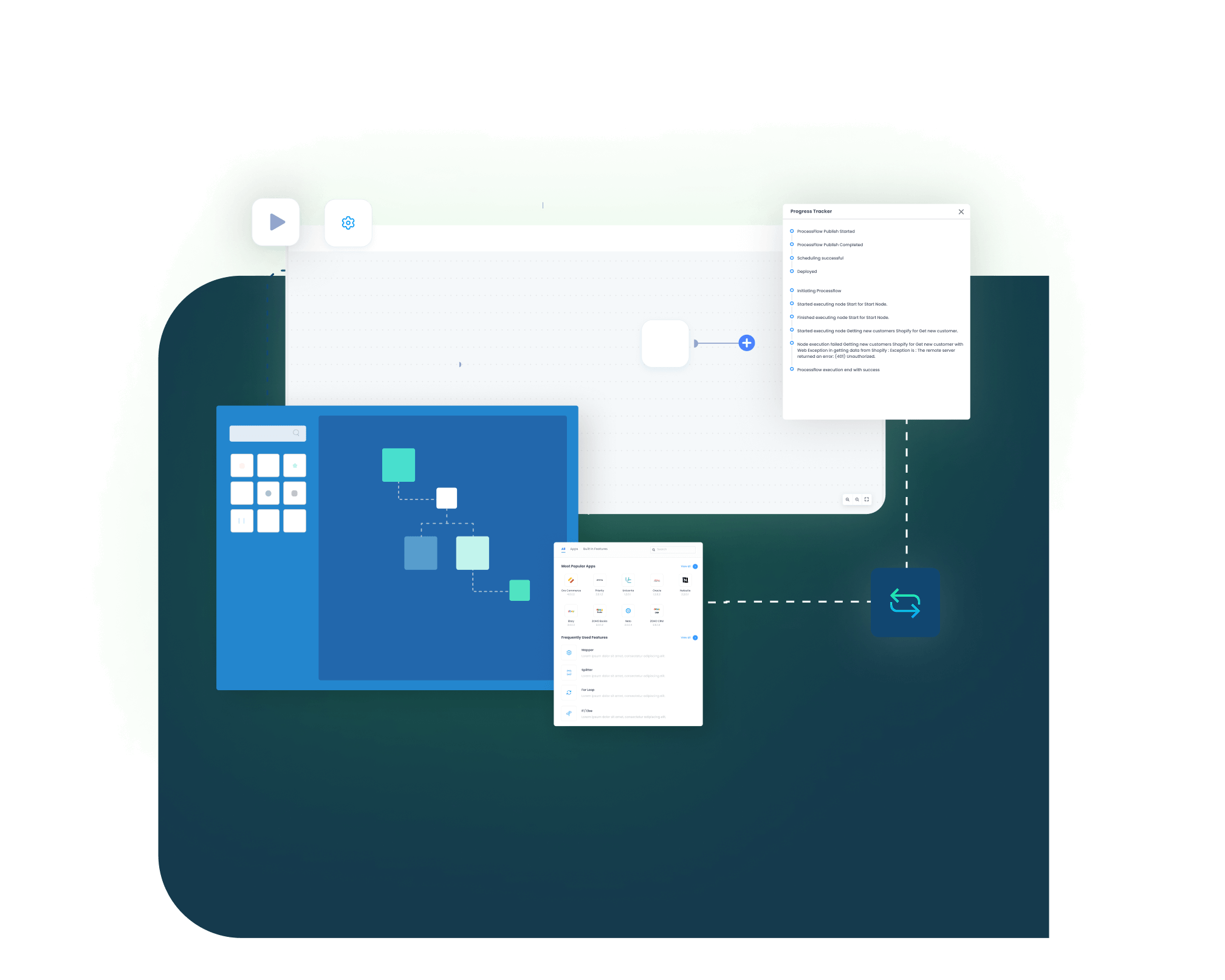
Drag and drop key fields in the ProcessFlow Designer.
Deploy & Schedule
Enable real-time triggers or timed batch intervals.
Monitor & Heal
Use Sync Info to catch and retry failures.
Estimate Costs
Use your scope to build a NetSuite Salesforce integration cost estimate with the team.
The Integration Is Developer Friendly
Our integration is developer-friendly, giving technical teams control without forcing them to build everything manually. Business users manage standard flows, while experts handle deeper customizations.
Flexible APIs
Use supported interfaces on both systems for advanced requirements.
Reusable Logic
Save mappings and transformations for repeated use across flows.
Promotion Paths
Move configurations from sandbox to production with review steps.
Deep Visibility
Inspect logs and payloads when troubleshooting complex scenarios.
Extensible Patterns
Use guidance like the NetSuite Salesforce custom object mapping guide to unlock more objects.
Troubleshooting Quicklist
Issues still happen. A short checklist lets teams stabilize NetSuite Salesforce CRM Integration quickly.
Check Recent Changes
Confirm new mappings or settings were deployed correctly.
Validate Connectivity
Make sure API credentials and endpoints are still valid.
Review Logs
Look at errors and failed runs inside monitoring dashboards.
Test Sample Records
Compare a few accounts, quotes or invoices in both systems.
Retry After Fixes
Re-run affected items carefully to avoid duplicates or missed records.
INTELLIGENT DATA FLOW
How Do Intelligent Data Flows Boost Your ROI?
Our platform doesn’t just move data—it orchestrates and self-heals, giving practical NetSuite Salesforce automation instead of brittle scripts.
Visual ProcessFlow Designer
Build, test and adjust flows in clicks.

Event-Driven Triggers
Use webhooks and events for near real-time updates.

Batch & Parallel Processing
Handle high loads without performance drops.

Transform & Enrich
Clean, map and extend data as it moves.
Sync Flags
Only changed records sync to minimize load.

Alerts & Audit Logs
Emails and trails support compliance and reviews.
Streamlined Order-to-Cash Process
A clear order-to-cash path keeps orders flowing and errors low. This is a core NetSuite sales order sync pattern.

Quote Sync
CRM quote becomes ERP estimate with full line items.
Order Creation
Estimate turns into a sales order that syncs back for visibility.

Fulfillment & Tracking
Shipment details update CRM records for sales and service.
Invoicing & Payment
Invoices and payments reflect on both sides with up-to-date status.
One Platform, Endless Integrations
Unify NetSuite, Salesforce and other applications in one console instead of juggling separate tools. See NetSuite-Salesforce in Action
Central Dashboard
Manage every integration from one place.
Scalable Architecture
Add new systems without rewriting flows.
Enterprise Security
Enforce encryption and compliance across all data.
Reusable Patterns
Apply what you learn here to other integrations later.
Shared Governance
Keep ownership clear between business and IT teams.
Frequently Asked Questions
Yes. NetSuite integrates with Salesforce through APIs, usually via an integration platform rather than a built-in sync. APPSeCONNECT's NetSuite Salesforce integration uses a pre-built connector to sync accounts, contacts, items, price levels, quotes, orders, invoices and payments in both directions. Sales sees live ERP data, finance gets clean CRM orders, and no heavy coding is needed.
Salesforce runs the front office (leads, opportunities and quotes). NetSuite runs the back office (inventory, fulfillment, invoicing and payments). A NetSuite Salesforce integration connects the two: a won opportunity in Salesforce becomes a sales order in NetSuite, and invoice, payment and stock updates flow back to the account. APPSeCONNECT automates this order-to-cash loop with event-driven triggers, field mapping and automatic error recovery.
No. NetSuite is owned by Oracle, which acquired it in 2016. Salesforce is a separate, independent company. The two aren't sold as one suite, so businesses running both need a NetSuite Salesforce integration to keep CRM and ERP data in sync. APPSeCONNECT provides the connector and the NetSuite Salesforce integration services that link them.
Yes, Salesforce can integrate with many ERP, commerce and back-office tools using APIs and integration platforms like APPSeCONNECT.
They overlap slightly in CRM, but NetSuite focuses on ERP while Salesforce specialises in sales, service and customer engagement.
You configure mappings in the designer and extend with supported APIs, following a clear NetSuite Salesforce custom object mapping guide.
Most work uses low-code configuration; optional scripting or extensions handle unique or advanced integration requirements.
Data moves over encrypted channels with strong authentication, role-based access and detailed logs supporting audits and compliance checks.
Yes, you can backfill historic accounts, opportunities, orders or invoices using scheduled jobs or controlled one-time sync operations.
Failures appear in Sync Info with messages so you can fix data, retry specific records and review any common issues in NetSuite Salesforce integration.
Ready to Transform Your NetSuite & Salesforce CRM Workflows Today?
Eliminate manual exports and data gaps with a dedicated NetSuite Salesforce integration. Automate handoffs, keep teams aligned and grow without extra admin load.

Companies automating their business through APPSeCONNECT







Customer Success Stories

Hernon
With APPSeCONNECT, Hernon achieved a zero business downtime and levaraged the power of a fully automated and integrated solution to ensure business growth.
Read Case Study →
Machinery Manufacturing Company
Discover how a world-leading industrial equipment manufacturing company leveraged APPSeCONNECT for company-wide automation of ERP, CRM, and eCommerce applications.
Read Case Study →Related Resources
Articles and Guides to Help You With Your Integration and Automation Journey