QuickBooks Integration and Automation
Run your books on live data instead of re-typed entries. APPSeCONNECT connects QuickBooks Online and Desktop to your eCommerce, CRM, ERP and payment apps, turning orders into invoices, posting supplier bills with the right coding and due terms, and applying payments and credits on both sides of the ledger, so reconciliation gets faster and the close gets calmer.
Business Value
Why APPSeCONNECT Is the Gold Standard for QuickBooks Integration
APPSeCONNECT connects QuickBooks with your business applications in real time, without manual work. One governed platform built for finance teams who run QuickBooks as the accounting system of record behind eCommerce, CRM, ERP and payment tools.

Entries re-typed into QuickBooks
Orders, bills and payments are keyed into QuickBooks by hand from every connected channel, so finance spends its days on data entry.

Invoices that do not match orders
Taxes, discounts, charges and references drift between the sales channel and the books, so invoices need manual correction before they go out.

Supplier bills posted late
AP bills wait for someone to enter coding, dates and due terms, so payment runs slip and vendor relationships strain.

Payment status stale across tools
Receipts and refunds are applied in one system but not the others, so invoice and bill statuses disagree and balances mislead.

Tax rates drift across channels
Rates and exemptions differ by channel and region, so totals stop matching and corrections pile up at filing time.

Month-end close drags
Mismatches and reruns force last-minute fixes, so reports publish late and every close feels like a scramble.
Standard Features Covered in Our QuickBooks Integration Template
The template covers both sides of the ledger, each with its own set of workflows, taken from the live integration and kept exactly as they work today. Shared flows appear in both lists where they serve both sides.
- Customers create or update bidirectionally with addresses, tax numbers and terms, so the books and your sales tools hold the same customer.
- Website orders convert into QuickBooks invoices, and fulfilment status reflects back outward to the store.
- Invoices build in QuickBooks with mapped taxes, discounts, charges and references, so what the channel sold is what the books show.
- Receipts and refunds apply bidirectionally and update invoice statuses, so customer balances read correctly everywhere.
- Credits raise and apply across tools, keeping customer balances correct after returns and adjustments.
- SKUs, names, prices and categories sync bidirectionally, so invoicing draws on accurate, inventory-aware items.
- Rates and exemptions map across channels and regions, so invoice totals match everywhere.
- Vendors create or update bidirectionally with addresses and tax details, so payables run on a clean supplier master.
- Supplier bills post to QuickBooks promptly with coding, dates and due terms set, so AP stays current without manual entry.
- Payments and refunds apply bidirectionally and update bill statuses, so vendor balances read correctly everywhere.
- Credit notes raise and apply on the purchase side, keeping supplier balances correct across tools.
- Item movements align into inventory-aware accounting transactions, so stock activity reaches the books.
- Rates and exemptions map on purchase transactions, so input tax and totals match at filing.
- Fewer mismatches and reruns mean reports publish without last-minute fixes on the payables side.
INTEGRATION BROCHURE
Download The QuickBooks Integration Brochure
Get setup steps, mapping tips, and a go-live checklist to reduce risk. See tested mappings and naming. Review deployment prerequisites and security notes. Use the included Quickbooks integration tool checklist to compare options confidently.
- Connector Framework: Naming, patterns, validations keep builds stable over time.
- Deployment Guide : Environments, prerequisites, and steps laid out clearly.
- Best Practices : Cutover, rollback, monitoring keep operations steady during change.
- Case Studies : Proof from teams using Quickbooks integration services effectively.
Popular QuickBooks Integrations
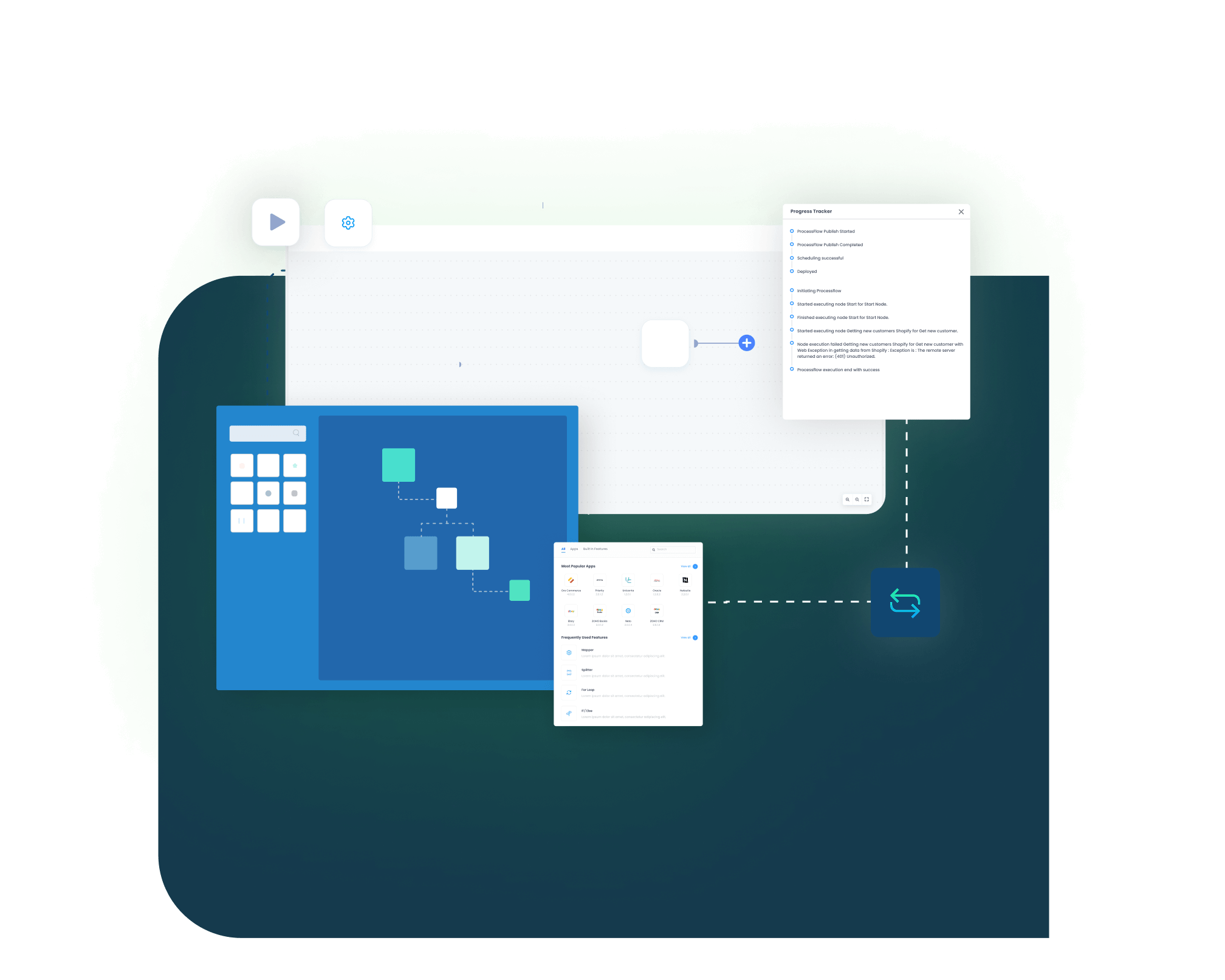
Smart iPaaS Solution to streamline your business and increase efficiency. Seamlessly connect QuickBooks with other Business Applications.

Workflow
How Does the Workflow Run End-to-End
Here is how a typical QuickBooks integration runs, from a channel event to a reconciled ledger.
Order Capture
An order is placed in your eCommerce store, a supplier bill arrives, or a payment or refund lands in a connected app, with amounts, references and tax details.
Event Trigger
APPSeCONNECT reacts on event or on a schedule, filtering by channel, status or date so only the required records move.
Data Mapping
Fields map to QuickBooks: taxes, discounts, charges and references on the AR side, and coding, dates and due terms on the AP side.
Record Creation
The invoice, bill, credit note or payment is created in QuickBooks Online or Desktop through the prebuilt object mappings.
Back-Sync
Invoice and bill statuses, fulfilment updates and balances reflect back outward, so every connected tool shows the same numbers.
Monitor and Improve
Auto-retries clear temporary issues, alerts notify the right owner with context and next steps, and auditable trails track who changed what, when and why.
Frequently Asked Questions
Links QuickBooks to other apps so information stays aligned. Contacts, items, invoices-bills, payments, and status updates, sync automatically, eliminating double entry.
Most leading CRMs integrate. Sync customer and other data along with billing; such as invoices, payments, and current balances. Sales teams gets financial context without manual exports or imports.
Yes. Keep a separate company file for each business, connect needed apps, apply mappings, and control access with roles and audit logs.
Pick a template, link your items and customers, verify totals, enable event-based updates, monitor alerts, and document changes before moving to production.
Cleaner contacts, faster quoting-to-invoice handoffs, fewer edits, and current balances visible to sellers, reducing invoice disputes and unnecessary follow-ups overall.
Yes. Events push invoices and payments quickly; scheduled batches handle corrections, backfills, and larger updates without manual re-entry across systems.
Sync items and prices regularly, convert orders to invoices, reflect fulfillment statuses, and reconcile movements to ensure accurate accounting entries.
Yes. Map addresses, terms, and tax details; keep changes synchronized, ensuring invoices, bills, and communications match across connected applications consistently.
Automations reduce re-keying, shorten reconciliation, keep totals consistent, and surface exceptions early, so teams close faster with fewer surprises overall.
Ready To Transform Your Finance Workflows Today?
QuickBooks Integration with APPSeCONNECT offers correct invoices, payments, and cleaner reconciliations. Link systems, automate steps, and expand the capacity without extra headcount.

Companies automating their business through APPSeCONNECT







Customer Success Stories

Hernon
With APPSeCONNECT, Hernon achieved a zero business downtime and levaraged the power of a fully automated and integrated solution to ensure business growth.
Read Case Study →
Machinery Manufacturing Company
Discover how a world-leading industrial equipment manufacturing company leveraged APPSeCONNECT for company-wide automation of ERP, CRM, and eCommerce applications.
Read Case Study →Related Resources
Articles and Guides to Help You With Your Integration and Automation Journey