Microsoft Dynamics 365 F&O and Salesforce Integration
- Automate
- Align
- Accelerate
APPSeCONNECT is a low-code integration platform that helps you connect Microsoft Dynamics 365 Finance and Operations to Salesforce, so the same customer, product and order data lives on both screens. One governed iPaaS layer, deployed as a packaged integration solution your team can actually own.
Built for groups running F&O across multiple legal entities, alongside Salesforce Sales Cloud, Service Cloud and CPQ. Ship the integration software in days with ready-mapped templates and a low-code ProcessFlow your team can extend without writing Apex.


Business Value
Why APPSeCONNECT Is the Gold Standard for Dynamics 365 F&O & Salesforce Integration
Six concrete reasons enterprises choose APPSeCONNECT over Power Automate flows, point-to-point connectors and in-house build attempts to connect Salesforce to Dynamics 365.

Sales reps work in Salesforce, ERP data comes to them
F&O customer balance, on-hand inventory and trade agreement pricing surface inside the Salesforce account, opportunity and CPQ quote screens. Reps stop tab-hopping into Dynamics for answers customers expect on the call.

One customer record, two systems
A new Salesforce account writes a clean customer master into F&O with the right legal entity, currency, payment terms and tax group from the first save. Updates either side propagate automatically, so the duplicate-record problem your AR team flags every quarter end disappears.

Won opportunities turn into F&O sales orders, untouched
The instant a Salesforce CPQ quote is approved or an opportunity flips to closed-won, F&O receives a structured sales order with line items, charges, taxes and delivery terms intact. No customer service rep transcribes a contract by hand.

Service Cloud agents see the full delivery picture
F&O shipment status, posted invoices, return orders and credit notes flow into Salesforce, so Service Cloud agents resolve queries on the first call. The integration solution closes the visibility gap that costs CSAT and renewal revenue every quarter.

Forecast integrity from CRM pipeline through to ledger
Salesforce pipeline, weighted forecast and posted F&O revenue write back into the same dashboards. The CFO and the CRO read the same numbers in the same units, weeks before quarter close.
One platform across legal entities, brands and regions
A single APPSeCONNECT tenant routes between many F&O legal entities and many Salesforce orgs through rule-based routing. Add a country, fold in an acquisition, spin up a new business unit, and the integration platform absorbs it without a fresh project.
Standard Features Covered in Our Dynamics 365 F&O Salesforce Integration Template
The ready-to-deploy integration solution ships with the data flows most F&O and Salesforce customers need on day one. Switch on what applies, customise the rest in the low-code ProcessFlow.
- Salesforce accounts, contacts, billing and shipping addresses match a single F&O customer master record under matching rules you control. Updates either side reconcile automatically, so duplicate accounts stop reaching the AR ledger.
- F&O released products, item groups, units of measure and active trade agreement prices appear in the Salesforce product library. Reps and Salesforce CPQ users quote against live ERP catalogue data, not a static spreadsheet that drifts out of date.
- F&O released products, item groups, units of measure and active trade agreement prices appear in the Salesforce product library. Reps and Salesforce CPQ users quote against live ERP catalogue data, not a static spreadsheet that drifts out of date.
- Salesforce opportunities and CPQ-approved quotes turn into F&O sales orders the moment they close, with charge codes, header and line discounts, currency and incoterms preserved end to end. The order created in F&O is the order the rep promised the customer.
- F&O on-hand quantity, reservation status and lead time per site land inside Salesforce opportunity lines and CPQ quotes. Reps stop committing stock the warehouse cannot ship inside the quoted lead time.
- Posted F&O invoices, due dates, paid amounts and ageing buckets push back to the Salesforce account. Reps and customer success managers see the same financial picture as the controller, so collection conversations stop happening with stale numbers.
- F&O packing slip, route, carrier and delivery status surface on Salesforce cases and opportunities the moment the warehouse posts them. Service Cloud agents resolve “where is my order” calls without emailing operations.
- Salesforce return cases write F&O return orders. F&O credit memos, refund references and approval status push back to the originating Salesforce case, so support sees resolution status without phoning finance.
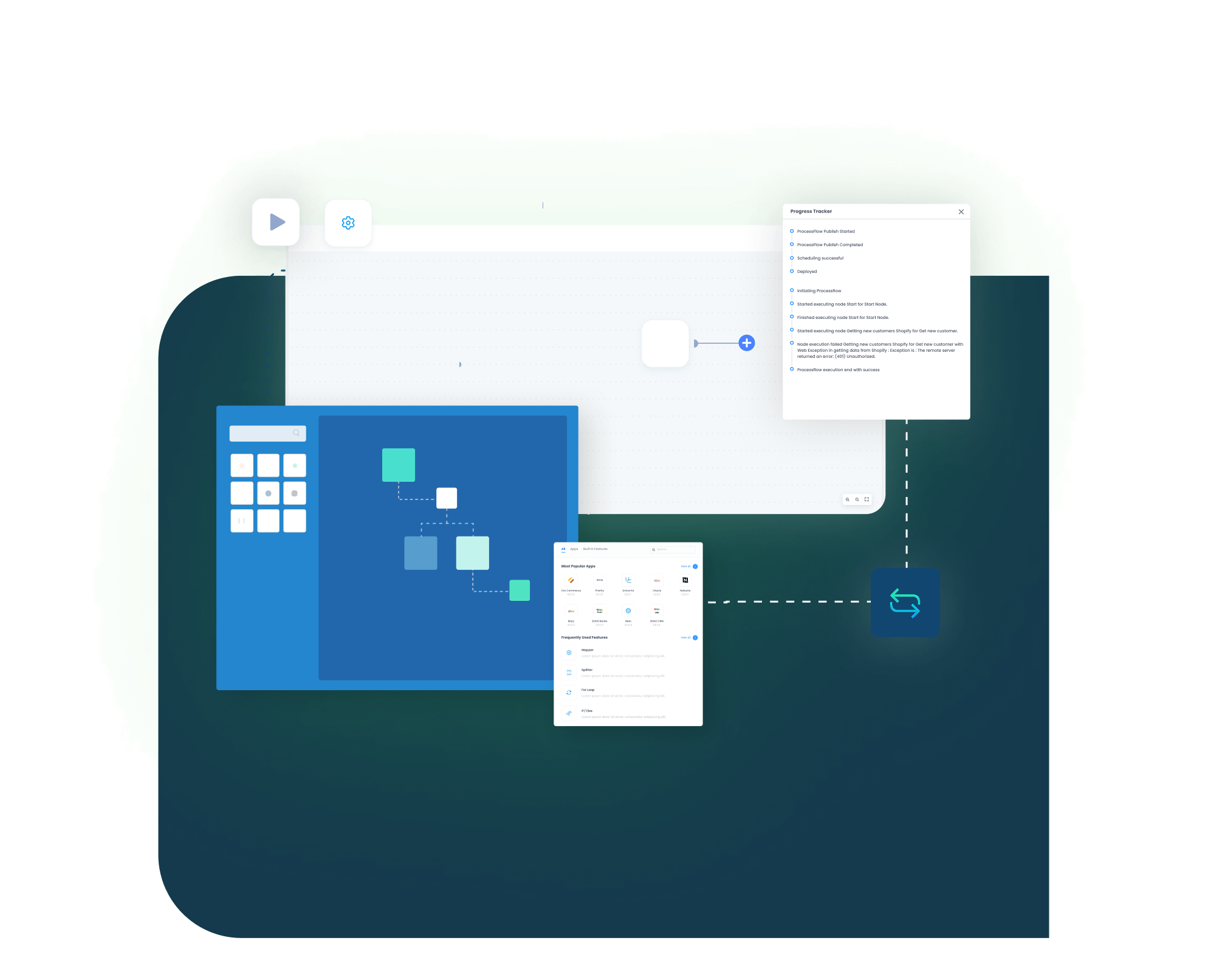
INTEGRATION BROCHURE
Download the Dynamics 365 F&O with Salesforce Integration Guide
Get our brochure that shows how Microsoft Dynamics 365 and Salesforce work together for daily sales work. Identify what to map, what to test, and how to keep records clean after go-live.
LEARN MORE ABOUT:
- Flow Diagrams: See how accounts, contacts, leads, opportunities, and sales updates move between both systems daily.
- Mapping Checklist: Review key fields before go-live, so teams avoid missing data and cleanup work later.
- Admin Tips: Learn how to monitor runs, fix issues, and replay failed records without stopping daily work.
Popular Microsoft Dynamics 365 Finance and Operations Integrations
Connect Microsoft Dynamics 365 Finance and Operations (D365 F&O) with other business applications.




Looking for a Specific Integration?
Popular Salesforce Integrations
Connect Salesforce with other business applications.





Looking for a Specific Integration?
Workflow
How Does the Workflow Run End-to-End?
From a Salesforce opportunity hitting closed-won to F&O posting a customer invoice in six clean stages. Same delivery blueprint your team will recognise across every APPSeCONNECT integration.
Order Capture
A new Salesforce account, contact, opportunity, CPQ quote or service case is captured the moment the rep or agent saves the record. Salesforce workflow rules and platform events raise the trigger reliably.
Event Trigger
APPSeCONNECT receives the Salesforce event securely, queues it in the right pipeline and starts processing. The integration platform respects Salesforce API limits and applies adaptive batching, so quarter-end volume does not stall the org.
Data Mapping
The mapping layer translates Salesforce payloads into the entities F&O expects, including legal entity, sales organisation, charge code, currency, sales tax group and released product references. Mappings live in a low-code ProcessFlow designer; a CRM admin or IT analyst adjusts them without writing Apex.
Record Creation
F&O writes the customer account, sales order, return order or pending invoice under the correct legal entity, ready to enter the standard release-to-cash process. Idempotency and retry logic ensure duplicate orders never reach the AR team.
Back-Sync
The F&O sales order number, picking status, packing slip, posted invoice and recognised revenue all flow back into the originating Salesforce opportunity, account and case. The CRM record stays current without manual updates.
Monitor and Improve
Every event, retry and failure shows on the platform dashboard with full payload-level audit and replay. Mapping changes happen without a developer ticket, so the integration software keeps pace with the business.
Frequently Asked Questions
You connect Microsoft Dynamics 365 Finance & Operations and Salesforce using an integration platform like APPSeCONNECT. First connect both systems securely. Then map accounts contacts leads and opportunities. Test the setup. After testing move it to live and monitor data flow.
Decide what data you want to sync like customers leads orders and products. Use ready connectors or APIs. Map fields properly so data goes into the right place. Set rules for when data should move either instantly or on schedule.
Common challenges include data mismatch, duplicate records, incorrect field mapping, sync delays, complex workflows, and limited visibility into errors.
Linking Salesforce with Microsoft Dynamics 365 Finance & Operations helps keep data consistent, reduces manual work, speeds up processes, improves reporting, and allows teams to work with the same information.
Platforms like APPSeCONNECT, MuleSoft, Dell Boomi, Celigo, and Zapier support integrations between CRM and ERP systems.
You can synchronize customer order data by capturing the order in Salesforce, sending it to Microsoft Dynamics 365 Finance & Operations, mapping the order details, processing it in ERP, and syncing the status back to Salesforce.
Ready To Launch Your Microsoft Dynamics 365 and Salesforce Integration Today?
If Microsoft Dynamics 365 and Salesforce store conflicting records, teams waste time fixing errors and searching for the latest information. This integration keeps customer, lead, and sales data aligned, so follow-up becomes faster and reporting becomes clearer. Launch the core flows, test them securely, then expand within your wider ERP-led, POS-led, or accounting-led business stack.

Companies automating their business through APPSeCONNECT







Customer Success Stories

Proveedora PGP
Founded in 2005, Proveedora PGP has solidified its position as a leading ecommerce business in Mexico, specializing in car and truck tires.
Read Case Study →
African American Expressions
African American Expressions, founded by Gregory Perkins in 1991 in Sacramento, California, has been on a remarkable journey of growth and success.
Read Case Study →Related Resources
Articles and Guides to Help You With Your Integration and Automation Journey