SAP S/4 HANA and Salesforce Integration
- Automate
- Scale
- Grow
Tired of siloed processes and manual manipulation of data?
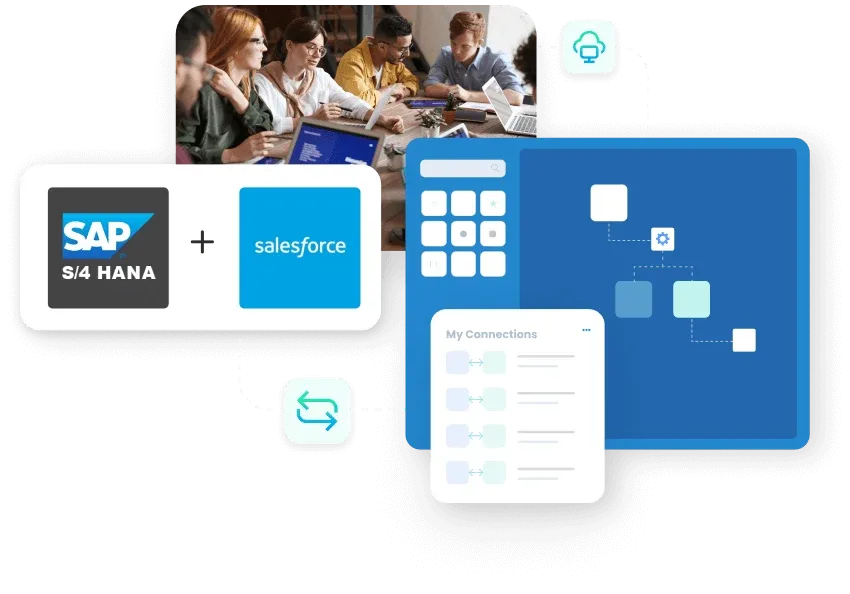
With APPSeCONNECT, you can integrate SAP and Salesforce in real time. Our advanced iPaaS streamlines mission-critical processes with smooth synchronization across your entire organization no heavy coding necessary.


















Why APPSeCONNECT is the sap s/4hana integration with salesforce Gold Standard

Synchronization of Real-Time Data
Keep leads and orders and customer data synchronized in real time to prevent costly delays or manual entry errors.

Faster Deployment
Pre-built templates for sap s/4hana integration with salesforce make it possible to deploy as much as 65% quicker, reducing time-to-market.

Low-Code Platform
Business users and IT staff can build and manage integrations without excessive coding overhead.

Enterprise-Class Security
Use highly encrypted channels and multi-layer protection to offer secure data transfer on all endpoints.

Scalable Architecture
Scale your processes and workflows smoothly to support business expansion or additional applications without causing excessive IT strain.

Improved ROI & Productivity
Achieve up to 70% increase in productivity by automating manual work on data and enabling teams to concentrate on strategic projects.
Standard Features Covered in Our Salesforce and SAP S/4HANA Integration Template
Sync new or updated account details from Salesforce to SAP for consistent master data across systems.
Reflect changes made to contact records in SAP back into Salesforce for up-to-date contact details.
Push updated item information from SAP to Salesforce to ensure the sales team has the latest product catalog.
Sync pricing updates from SAP to Salesforce for accurate pricing information during sales interactions.
Transfer sales quotation data from Salesforce to SAP to create formal quotes and initiate order processing in SAP.
Sync sales orders created in Salesforce with SAP for fulfillment and invoicing.
Sync invoice details from SAP to Salesforce for visibility in the customer’s order history and payment tracking.
Popular SAP S/4 HANA Integrations
Connect SAP S/4 HANA with other business applications.


Looking for a Specific Integration?
Popular Salesforce Integrations
Connect Salesforce with other business applications.

Looking for a Specific Integration?
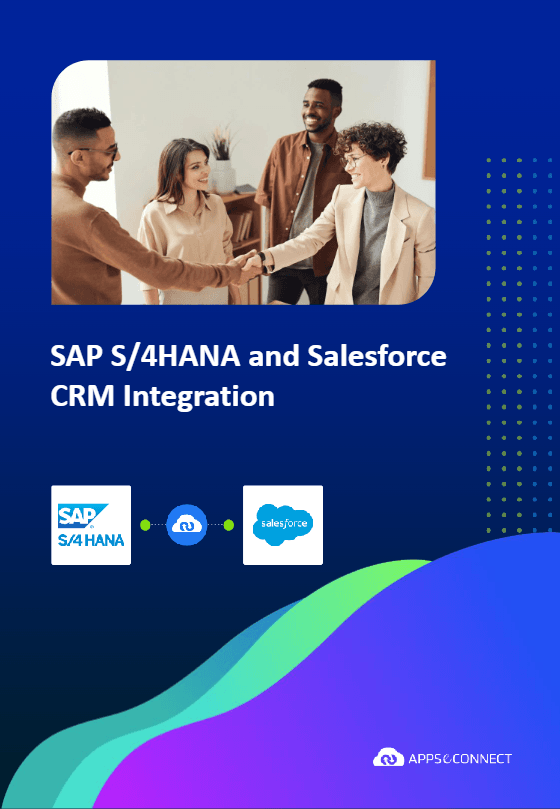
Download Our SAP S/4 HANA + Salesforce Integration Brochure
Are you using SAP S/4HANA and Salesforce? Learn how our iPaaS simplifies salesforce sap integration, delivers real-time data consistency, enterprise-grade security, and future-proof scalability. Download our comprehensive brochure to learn how APPSeCONNECT connects SAP S/4HANA and Salesforce to save you time and minimize errors while fueling revenue growth.
What's in the Brochure?
- Feature Highlights: Observe how leads, orders, products, and inventory flow smoothly.
- Key Benefits for Efficiency: Learn how automation reduces manual effort, streamlines deployment time, and boosts customer satisfaction.
- Real-Life Case Studies: See how businesses implemented APPSeCONNECT to integrate SAP S/4HANA and Salesforce and attained measurable ROI.
Integrate with SAP Salesforce to Enable Effortless Enterprise Alignment
Lead & Opportunity Sync
Synchronize new leads in Salesforce with actionable objects in SAP S/4HANA.
Order & Billing Alerts
All CRM orders are synchronized with up-to-date inventory and prices in real time in the ERP.
Product & Priced
Maintain consistent product information, prices and promotions across both platforms.
How Our Smart Data Streams Powercharge Your SAP S/4 HANA and Salesforce
We’re not just about simple point-to-point connections. APPSeCONNECT orchestrates advanced data exchanges between ERP, CRM, and others to deliver → This integrated strategy facilitates operations by allowing teams to work and react to market changes more quickly.

Real-Time Opportunity & Order Sync
Accelerate your sales cycle by synchronizing your deals in Salesforce with SAP S/4HANA in real-time.
Adaptive workflows
Rapidly modify processes to meet changing market demands - new products, updated pricing, or changing compliance regulations.

Seamless legacy integration
Use our protocol-based adapters to integrate legacy systems without needing to build new connectors.

Less human error
Automated processes mean less manual entries and a much lower error rate with higher productivity.
This integrated strategy facilitates operations by allowing teams to work and react to market changes more quickly.
Streamlined Financials for Increased Accuracy
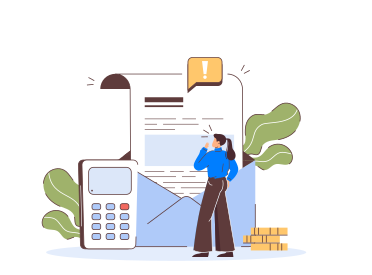
Automated Invoicing
Generate invoices in SAP S/4HANA for confirmed sales in Salesforce to minimize manual workloads

Payment Status
Update payment status in ERP and CRM to provide clear financial visibility.
Credit Memos
Update payment status in ERP and CRM to provide clear financial visibility.
Transform Your SAP and Salesforce Integration Journey
Manage your entire business with APPSeCONNECT – from CRM leads to ERP fulfillment – on a single low-code platform. With us, you:
KEY CAPABILITIES
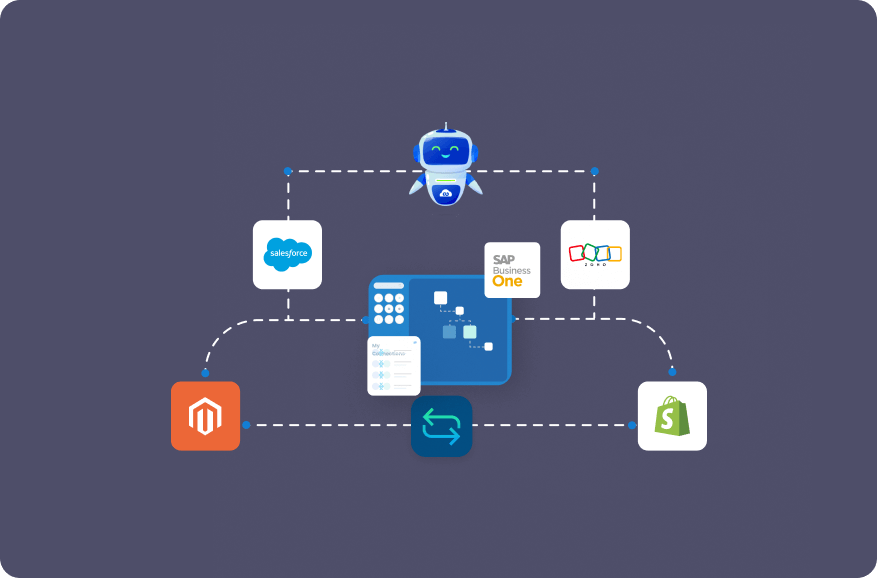
Single Platform for Everything
- Leverage salesforce integration with sap s/4hana to unify your data and gain visibility in real-time across all your workflows.
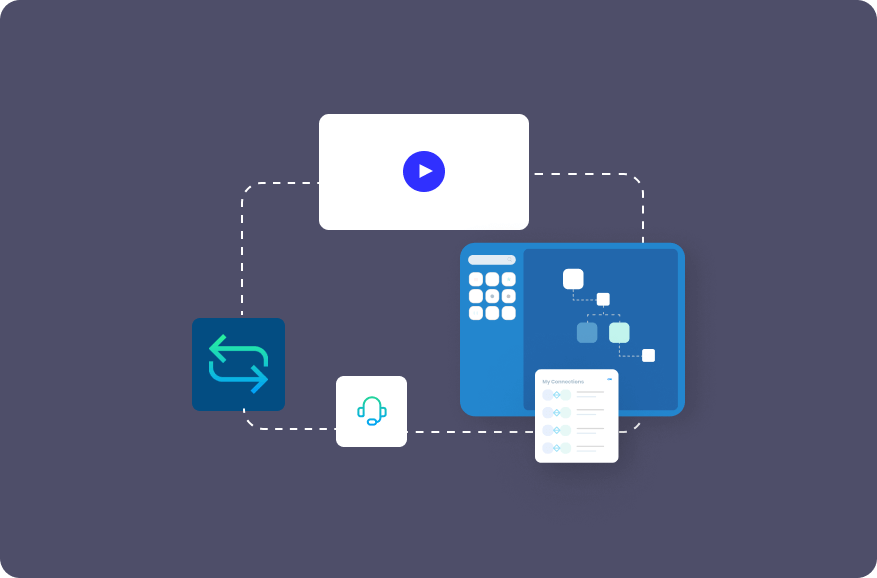
Pre-Concocted Templates
- Implement integrations rapidly with established best practices, minimize deployment time, and propel your business objectives.
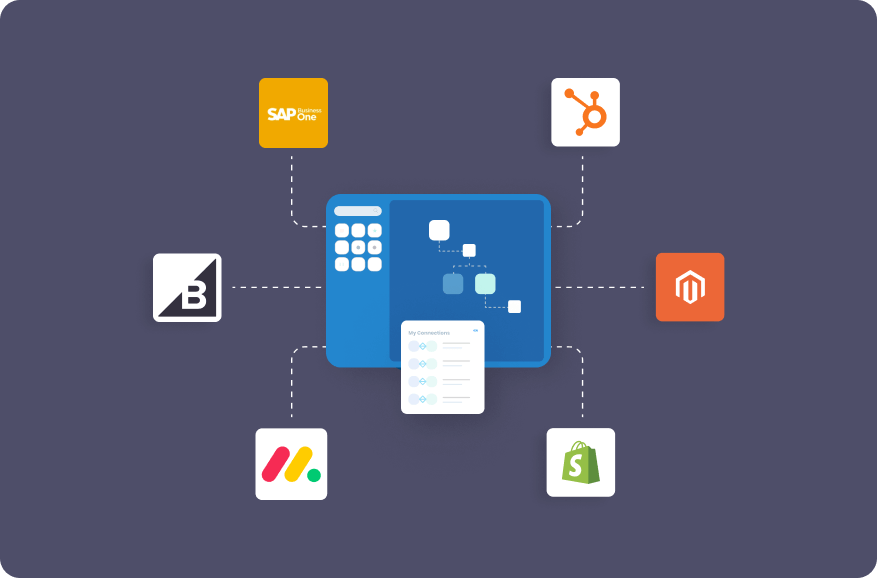
Connector SDKs & Generic Adapters
- Create customized integrations or use protocol-based adapters (FTP, SOAP, REST, SMTP) to integrate legacy systems without writing an adapter from scratch.
Unified Data and Operations:
- Eliminate redundancies, integrate operations, and get all applications to communicate with each other in real-time allowing for effective, data-driven decision-making.
Low-Code Development:
- Empower teams of all technical levels to automate important processes from marketing and sales to finance and support
Enterprise Security and Reliability
- Securely encrypted data transmissions, multiple layers of inherent security, and strict compliance for maximum peace of mind while integrating mission-critical systems.
Ready to Ignite Your Digital Transformation?
Take your company to new heights by automating routine tasks, synchronizing information in real time, and allowing all departments to collaborate more cohesively.

Frequently Asked Questions
Deployment can be done in days using existing templates, dramatically reducing traditional development cycles
We provide support for real-time, scheduled, or batch syncs, allowing you to select the mode that best suits your operations.
Yes. Our low-code platform allows every user to customize data flows without having to know how to code.
We use robust encryption, multi-level compliance and built-in security for all transmissions of data.
Yes. APPSeCONNECT can automate returns, refunds and invoicing between SAP S/4HANA and Salesforce.
Indeed. Our protocol-based adapters provide support for SOAP, REST, and others for both legacy and contemporary application integration.
Just click on “Get Your Demo” or “Start Free Trial,” and our experts will guide you through your onboarding.
Companies automating their business through APPSeCONNECT







Customer Success Stories
Machinery Manufacturing Company
Discover how a world-leading industrial equipment manufacturing company leveraged APPSeCONNECT for company-wide automation of ERP, CRM, and eCommerce applications.
Read Case Study →
US Tobacco
U.S. Tobacco Achieves a Fully Automated eCommerce Business with APPSeCONNECT’s End-to-End Business Process Automation Solution.
Read Case Study →Related Resources
Articles and Guides to Help You With Your Integration and Automation Journey