SAP ECC and Dynamics 365 CRM Integration & Automation
- Automate
- Align
- Accelerate
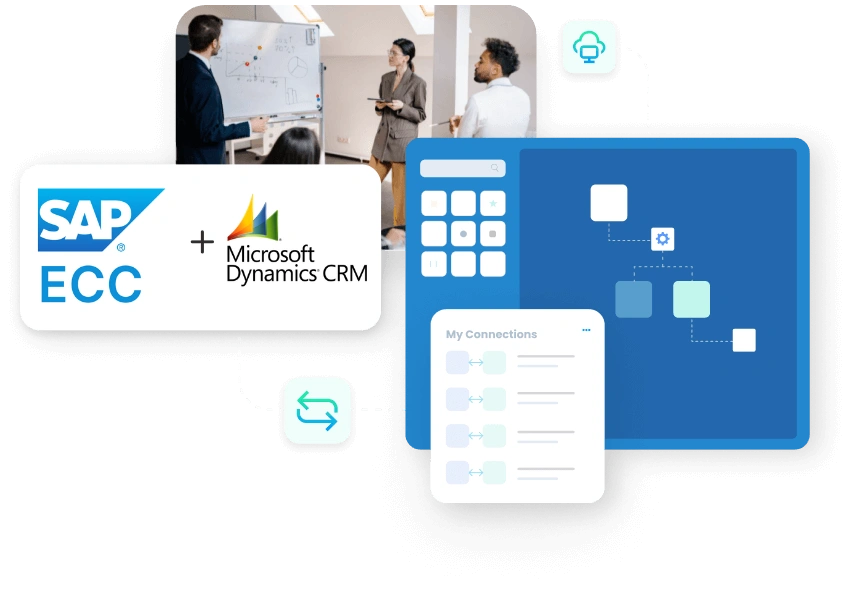
SAP ECC and Dynamics 365 CRM integration connects customer engagement activity with the ERP records that control sales processing, billing, delivery, and account governance. Customer and contact data can stay aligned across both systems before deeper sales, quote, order, billing, and payment workflows are added. Opportunity, quote, order, pricing, credit, invoice, and payment details can then move with the right business context.
SAP ECC holds the rules behind customer master data, materials, pricing, sales orders, deliveries, billing, and finance. Dynamics 365 CRM gives sales, account, and service teams the workspace to manage customer activity. When both systems are not connected properly, teams quote with incomplete ERP context, customer updates reach SAP ECC late, and CRM users depend on manual checks for order or invoice status.
KEY BENEFITS
Why APPSeCONNECT Is the Gold Standard for SAP ECC and Dynamics 365 CRM Integration
SAP ECC and Dynamics 365 CRM work together through controlled integration workflows. The integration keeps CRM activity connected to SAP ECC records, so sales and account teams can use ERP-backed customer, pricing, order, delivery, and invoice information without depending on repeated manual follow-ups.
Account Duplication Risk
Customer details may be created in CRM and then recreated differently in SAP ECC. This can lead to duplicate accounts, outdated contacts, and incorrect billing or shipping details.
Pricing Rule Misalignment
CRM quotes can be prepared without the latest SAP ECC material pricing, discount rules, currency values, or tax logic. The quote may then need correction before it can move forward.
Order Status Gaps
Sales teams may see the opportunity in Dynamics 365 CRM but not the SAP ECC sales order status. This slows customer updates when orders are created, changed, delivered, or billed.
Credit Context Gaps
Credit limits, payment terms, overdue balances, and account blocks are usually controlled in SAP ECC. Without that context in CRM, sales decisions may move ahead without enough finance visibility.
Invoice Visibility Delays
Billing and payment updates may stay inside SAP ECC. Account teams then have to ask finance for invoice status before they can answer customer questions or follow up properly.
Service Response Friction
Customer cases in CRM often depend on SAP ECC order, delivery, invoice, or product information. Without integration, service teams spend more time searching for the record behind the issue.
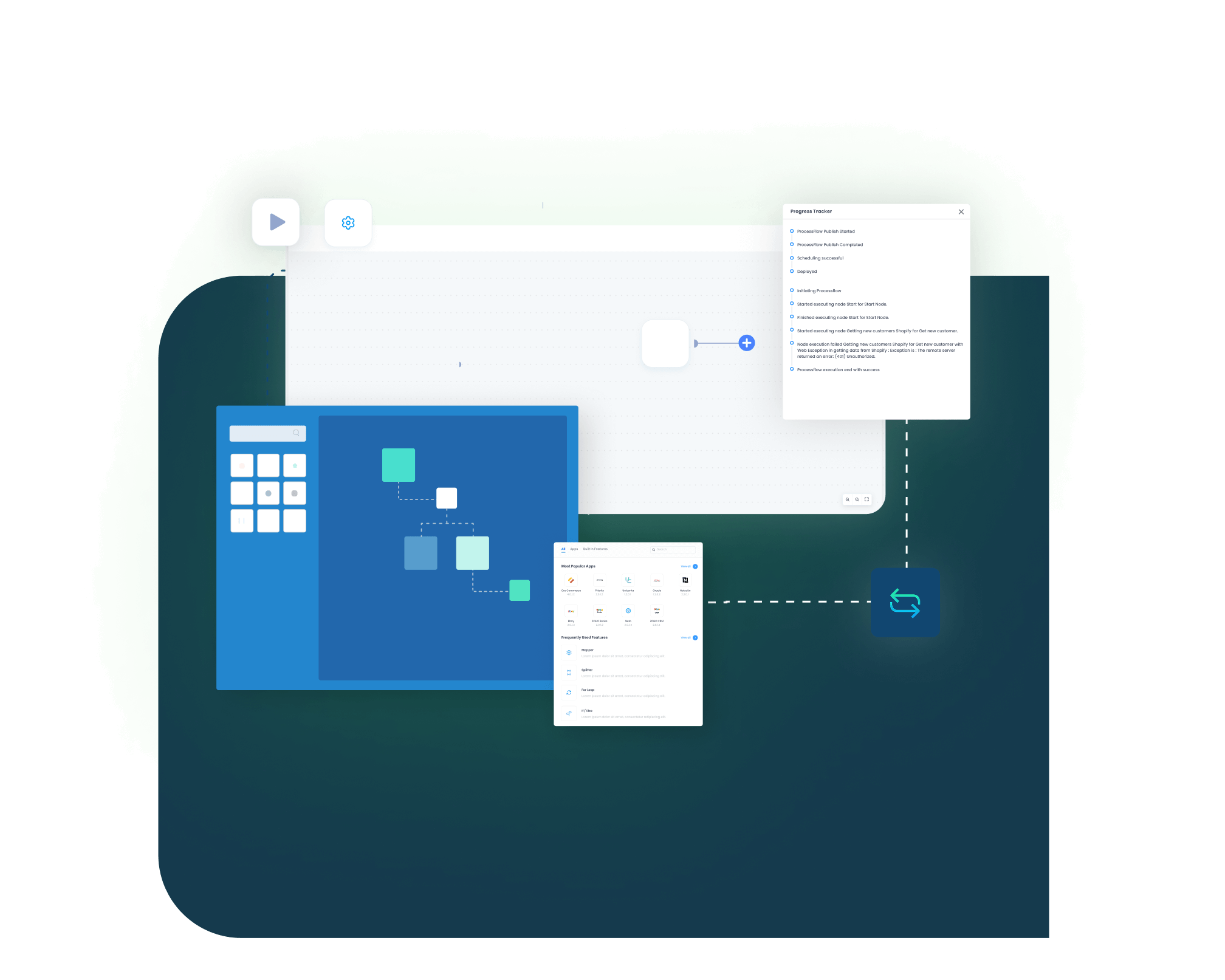
Standard Features Covered in Our SAP ECC and Dynamics 365 CRM Integration Template
Dynamics 365 CRM Accounts → SAP ECC Customers
- New or updated CRM accounts can create or update SAP ECC customer records. The flow can include address, tax, sales area, contact, and account reference details.
SAP ECC Customers → Dynamics 365 CRM Accounts
- Customer changes from SAP ECC can refresh CRM account records. This helps CRM users work with current ERP-backed customer information.
Dynamics 365 CRM Contacts → SAP ECC Contact Persons
- CRM contacts can sync with SAP ECC contact person records. Email, phone, role, department, and account relationship fields can be mapped.
SAP ECC Partner Functions → CRM Account Relationships
- Sold-to, ship-to, bill-to, and payer details from SAP ECC can be reflected in Dynamics 365 CRM. This gives sales teams a clearer view of the customer structure.

Dynamics 365 CRM Opportunities → SAP ECC Sales Context
- Opportunity details from CRM can be shared with SAP ECC where early sales visibility is needed. Account, expected value, sales stage, and owner details can be included.

Dynamics 365 CRM Quotes → SAP ECC Quotations
- CRM quotes can be mapped into SAP ECC quotation records. Product lines, quantities, pricing, discounts, validity dates, and customer references can move with the quote.
SAP ECC Pricing → Dynamics 365 CRM Quotes
- SAP ECC pricing rules can support CRM quote preparation. Material price, customer price, discount, tax, and currency values can be mapped where required.
Approved CRM Quotes → SAP ECC Order Flow
- Approved quotes from CRM can move toward SAP ECC quotation or sales order processing. This reduces re-entry when a quote becomes ready for ERP handling.
SAP ECC Sales Orders → Dynamics 365 CRM
- Sales order details from SAP ECC can be made visible in CRM. Order number, line details, quantities, requested dates, and status can support customer follow-up.
SAP ECC Delivery Updates → Dynamics 365 CRM
- Delivery information from SAP ECC can update CRM records. Delivery number, dispatch status, shipment progress, and tracking references can be shared.
SAP ECC Invoices → Dynamics 365 CRM
- Invoice records from SAP ECC can sync to CRM. Invoice number, amount, due date, payment status, and open balance can be shown to account teams.
SAP ECC Credit Details → Dynamics 365 CRM
- Credit limit, payment terms, account block status, and overdue balance indicators can be shared with CRM users where business policy allows.
SAP ECC Materials → Dynamics 365 CRM Products
- Material master data from SAP ECC can update CRM product records. Material number, description, unit of measure, product group, and active status can be mapped.
CRM Product Selection → SAP ECC Material Mapping
- Products selected in CRM quotes can be matched with SAP ECC material numbers. This helps reduce errors when quotes move into ERP workflows.
SAP ECC Sales Area Data → CRM Sales Controls
- Sales organization, distribution channel, division, and customer-specific sales rules can support CRM activity where needed.
Tax and Currency Mapping
- Tax categories, currency values, and regional settings can be mapped between both systems. This helps quote, order, and invoice data move with fewer corrections.
Popular SAP ECC Integrations
Connect SAP ECC with other business applications.
Looking for a Specific Integration?
Visit All SAP ECC Application
Popular Microsoft Dynamics CRM Integrations
Smart iPaaS Solution to streamline your business and increase efficiency. Seamlessly connect Microsoft Dynamics CRM with other Business Applications
Looking for a Specific Integration?
Visit All Microsoft Dynamics CRM Application
INTEGRATION BROCHURE
Download the SAP ECC and Dynamics 365 CRM Integration Brochure
Use the brochure to plan how SAP ECC and Dynamics 365 CRM can exchange customer, sales, quote, order, delivery, invoice, payment, and product records. It helps teams decide which system should own each process and how the integration should be rolled out.
Inside You’ll Find:
- Integration Architecture: See how SAP ECC and Dynamics 365 CRM can connect customer records, contacts, quotes, orders, invoices, delivery updates, credit details, and product data.
- Flow Planning: Review the source and target direction for CRM-to-ERP and ERP-to-CRM workflows.
- Rollout Approach: Start with customer and contact sync. Then extend into quotes, sales orders, delivery visibility, invoices, credit data, and product records.
- Testing Checklist: Validate sample accounts, contacts, materials, quotes, sales orders, partner functions, invoices, credit fields, and retry scenarios before launch.
- Operational Readiness: Prepare teams to monitor runs, review logs, inspect failed records, correct mapping issues, and retry transactions after go-live.
Start Integration at just $99 per month with Shopify, Salesforce, HubSpot, Zoho, WooCommerce and more.
Enterprise-grade integration powered by hands-on support without enterprise pricing
INTEGRATION GUIDE
How Does the Workflow Run End-to-End
Our SAP ECC and Dynamics 365 CRM integration runs through ProcessFlows. Each ProcessFlow defines where the record starts, how the source schema is read, how fields are mapped, which business checks are applied, how the target system responds, and how teams review the transaction afterward.
Trigger & Source Connection
The flow can begin through a schedule, manual run, webhook where supported, or configured sync. The source can be SAP ECC or Dynamics 365 CRM depending on the process.
Data Extraction & Schema Reading
The workflow reads the selected source entity and its schema. This may be an account, contact, opportunity, quote, customer, material, sales order, delivery, invoice, or credit-related record.
Transformation & Field Mapping
Source data is converted into the target format. Customer number, account ID, contact ID, material number, sales area, currency, tax, payment term, quote line, and order status fields can be mapped.
Validation & Business Rule Execution
The record is checked before it is posted. The flow can validate customer matching, duplicate rules, material codes, pricing conditions, sales organization, tax groups, credit status, and required fields.
Target Push & Response Handling
The prepared record is sent to SAP ECC or Dynamics 365 CRM. The response is captured with the success state, failure reason, system message, sync status, and transaction result.
Monitoring, Retry & Audit Logging
Logs, snapshots, node status, transaction details, and retry controls help teams review issues and rerun records after correction.
Real-world use cases
Use Cases
The SAP ECC and Dynamics 365 CRM integration supports businesses that need customer-facing teams and ERP teams to work from connected records. It is useful for manufacturers, distributors, B2B sellers, service organizations, and companies using SAP ECC as the ERP system and Dynamics 365 CRM as the customer relationship platform.
Sales Operations
Sales teams quote with SAP ECC customer and product context
- CRM accounts can stay aligned with SAP ECC customer records.
- SAP ECC product and material data can support CRM quote lines.
- Pricing, discount, tax, and currency details can be mapped into the quote process.
- Approved quotes can move toward SAP ECC quotation or sales order workflows.
What this integration handles
Synced
Mapped
Checked
Prepared
Finance and Billing
CRM users see invoice and payment context without asking finance
- SAP ECC invoices can be visible in Dynamics 365 CRM.
- Payment status and due dates can support account follow-up.
- Credit limits, payment terms, and account blocks can be shared where policy allows.
- Open balances can help sales teams understand finance risk before moving forward.
Supports finance, collections, sales management, and account teams that need cleaner billing visibility.
What this integration handles
Visible
Shared
Flagged
Reviewed
Customer Service
Service teams handle cases with ERP transaction context
- SAP ECC sales order status can be shown in CRM.
- Delivery updates can help service teams answer shipment questions.
- Invoice references can support billing-related cases.
- Customer and contact data can stay aligned across service and ERP teams.
What this integration handles
Shown
Updated
Linked
Aligned
Revenue Operations
Pipeline activity stays connected with ERP outcomes
- CRM opportunities can connect with ERP customer and order records.
- SAP ECC sales orders can update CRM with execution status.
- Invoice and payment information can improve revenue visibility.
- Logs and snapshots can help operations teams review sync results.
What this integration handles
Connected
Pipeline and ERP records
Updated
Sales order status
Tracked
Invoice and payment signals
Audited
Sync logs and snapshots
Meet appse ai
How appse ai Helps Streamline SAP ECC and Dynamics 365 CRM Integration
After SAP ECC and Dynamics 365 CRM are connected, teams still need to manage failed records, mapping changes, process delays, and repeated checks. appse ai can add AI-assisted support around workflow design, exception review, process signals, and workflow optimization while keeping SAP ECC and Dynamics 365 CRM controls in place.
Workflow Design
Issue Detection
Exception Review
Decision Support
Process Signals
API Orchestration
Workflow Optimization
Ready to Launch Your SAP ECC and Dynamics 365 CRM Integration Today?
SAP ECC and Dynamics 365 CRM should not leave teams working from different versions of customer, quote, order, delivery, and invoice data. APPSeCONNECT helps connect CRM activity with ERP records through structured workflows, so teams can reduce manual checks and improve visibility across the customer lifecycle.
Companies automating their business through APPSeCONNECT
Related Resources
SAP ECC and Dynamics 365 CRM integration connects ERP and CRM records so customer, sales, and finance data can move between both systems. It can include accounts, contacts, quotes, orders, delivery updates, invoices, credit details, and product data.
Businesses use this integration to reduce duplicate customer records, quote errors, order status gaps, and invoice visibility delays. It helps CRM users work with SAP ECC context without asking finance or operations teams for every update.
APPSeCONNECT connects SAP ECC and Dynamics 365 CRM through configured ProcessFlows. Each flow defines the source, target, entity, field mapping, validation rules, retry behavior, and monitoring path.
The integration can sync accounts, contacts, customers, partner functions, products, materials, opportunities, quotes, sales orders, delivery status, invoices, payment status, credit details, and tax-related data based on the configured process.
Dynamics 365 CRM accounts can create or update SAP ECC customer records. Address details, contact information, tax fields, account references, and sales area data can be included where required.
SAP ECC customer changes can update Dynamics 365 CRM account records. This helps CRM users work with customer details that reflect the ERP record.
CRM quotes can be mapped into SAP ECC quotation or sales order workflows. Product lines, quantities, pricing, discounts, tax details, customer references, and validity dates can move with the quote.
SAP ECC pricing can support CRM quote preparation where the integration is configured for it. Material price, customer-specific pricing, discounts, taxes, and currency values can be mapped into the CRM process.
Yes. SAP ECC sales order information can be made visible in Dynamics 365 CRM. Order number, line details, quantities, delivery dates, status, and customer references can support sales and service follow-up.
SAP ECC invoice details can sync to Dynamics 365 CRM for account visibility. Invoice number, amount, due date, payment status, and open balance can be shared with sales or account teams.
Yes. Credit limit, payment terms, account block status, and overdue balance indicators can be shared with Dynamics 365 CRM where business policy allows that visibility.
Yes. SAP ECC material master data can update CRM product records. Material number, description, unit of measure, product group, status, and pricing references can be mapped.
Failed records can be reviewed through logs, snapshots, node status, and transaction details. Teams can correct missing fields, mapping issues, duplicate conflicts, validation errors, or system responses before retrying the record.
appse ai can add AI-assisted support for workflow design, issue detection, exception review, decision support, process signals, API orchestration, and workflow optimization after the core integration is running.
Start by selecting the records that create the most manual work. Common starting points include account sync, contact sync, quote sync, SAP ECC order visibility, invoice visibility, product sync, and credit detail updates.