SAP S/4HANA Public Cloud and Zoho CRM Integration and Automation
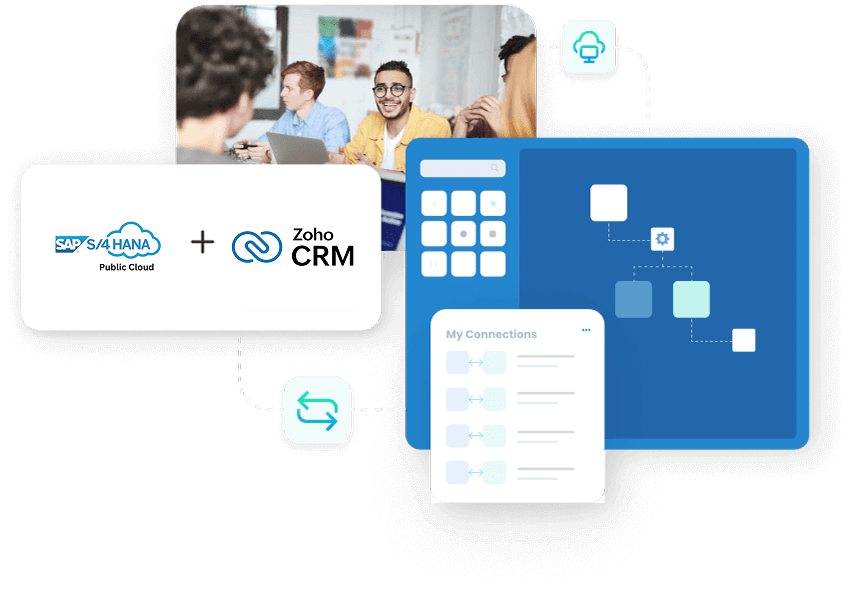
SAP S/4HANA Public Cloud and Zoho CRM integration keeps your sales pipeline and your back-office ERP working from the same data, so accounts, contacts, products, pricing, quotes, sales orders, invoices, and payment status move between the two systems instead of being re-keyed by hand. APPSeCONNECT gives you a governed, ERP-first iPaaS to run that connection, linking SAP S/4HANA Public Cloud through OData and BAPI and Zoho CRM through its REST APIs and OAuth 2.0, with pre-built ProcessFlow templates and a low-code visual designer so revenue and operations teams can launch without custom code and adapt as the business grows.
BUSINESS VALUE
Why APPSeCONNECT Is the Gold Standard for SAP S/4HANA Public Cloud and Zoho CRM Integration
SAP S/4HANA Public Cloud and Zoho CRM work together through controlled, two-way workflows. APPSeCONNECT keeps Zoho CRM activity connected to S/4HANA records, so sales, service, and finance teams act on the same customer, pricing, order, invoice, and payment information without repeated manual follow-ups between systems.

Quote and Sell Against Live ERP Stock and Pricing
S/4HANA stock positions and price lists can surface inside Zoho CRM, so reps quote current pricing and avoid committing orders for items the warehouse cannot ship.

Turn Closed-Won Deals Into S/4HANA Orders Automatically
A finalized Zoho opportunity can create a validated S/4HANA sales order through mapped rules, reducing the hours and errors that come with hand-keying orders at the close of a deal.

Keep Accounts and Contacts Aligned Both Ways
Account, contact, and address changes can move between Zoho CRM and SAP S/4HANA Public Cloud, so invoices, statements, and shipments reach the right details instead of a stale record in one system.

Give Sales Order and Payment Visibility Inside Zoho
S/4HANA fulfillment, invoice, and payment status can be made visible in Zoho CRM, so reps answer customer questions without routing every request back to finance.

Support Quote-to-Order With ERP-Backed Context
Pricing, discount, tax, and currency values from S/4HANA can support Zoho quote preparation, so quotes carry ERP context before they move into order processing.

Replace CSV Exports With a Connected Revenue View
With pipeline data in Zoho and revenue data in S/4HANA kept in sync, teams can reduce the manual CSV exports and spreadsheet joins used to build a combined view.
Standard Features Covered in Our Zoho CRM and SAP S/4HANA Public Cloud Integration Template
The template ships with pre-mapped ProcessFlows for the most common SAP S/4HANA Public Cloud and Zoho CRM fields. Install the flows, adjust the mappings to your configuration, and go live. The setup can also extend to customer hierarchy, sales organization data, pricing rules, and reporting fields based on your project scope.
- Zoho CRM Accounts → SAP S/4HANA Business Partners New or updated Zoho accounts can create or update S/4HANA business partner records, including address, tax, and account reference details.
- SAP S/4HANA Business Partners → Zoho CRM Accounts Customer changes from S/4HANA can refresh Zoho account records, so CRM users work with current ERP-backed information.
- SAP S/4HANA Contacts → Zoho CRM Contacts S/4HANA contact records can sync into Zoho CRM, with name, email, phone, role, and account relationship fields mapped.
- Address and Partner Details Sold-to, ship-to, and bill-to address details can stay aligned across both systems for accurate invoicing and shipment.
- Zoho CRM Quotes → SAP S/4HANA Order Flow Approved Zoho quotes can move toward S/4HANA sales order processing, reducing re-entry when a quote is ready for ERP handling.
- SAP S/4HANA Pricing → Zoho CRM Quotes Pricelist, discount, tax, and currency values from S/4HANA can support Zoho quote preparation where required.
- Zoho CRM Opportunities → SAP S/4HANA Sales Context Closed-won opportunity details can be passed to S/4HANA to trigger sales order creation, with account, value, and owner details included.
- Product Lookup and Match Products selected in Zoho quotes can be matched with S/4HANA material numbers to reduce errors as quotes move into ERP workflows.
- SAP S/4HANA Sales Orders → Zoho CRM Sales order number, line details, quantities, requested dates, and status can be made visible in Zoho CRM for sales follow-up.
- SAP S/4HANA Shipment Updates → Zoho CRM Dispatch and shipment confirmation details from S/4HANA can update Zoho records so teams can answer delivery questions.
- SAP S/4HANA Invoices → Zoho CRM Invoice number, amount, due date, payment status, and open balance can sync to Zoho for account and collections follow-up.
- Payment Status → Zoho CRM Payment and settlement status from S/4HANA can be reflected against the matching Zoho account.
- SAP S/4HANA Materials → Zoho CRM Products Material master data from S/4HANA can update Zoho product records, including material number, description, unit of measure, and active status.
- Pricelist Sync S/4HANA pricelist updates can refresh Zoho pricing references so quotes reflect current values.
- Tax and Currency Mapping Tax codes, currency values, and regional settings can be mapped between both systems so quote, order, and invoice data moves with fewer corrections.
Popular SAP S/4HANA Public Cloud Integrations
Connect SAP S/4HANA Public Cloud with other business applications.



Looking for a Specific Integration?
Popular Zoho CRM Integrations
Connect Zoho CRM with other business applications.

Looking for a Specific Integration?
INTEGRATION BROCHURE
Download the SAP S/4HANA Public Cloud and Zoho CRM Integration Brochure
Use the brochure to plan how SAP S/4HANA Public Cloud and Zoho CRM can exchange customer, quote, order, delivery, invoice, payment, and product records. It helps teams decide which system should own each process and how to roll the integration out.
Learn more about:
- Integration Blueprint: See how account, quote, order, item, and stock flows connect across S/4HANA and Zoho CRM in one view.
- Setup Checklist: Confirm access, field mappings, and test cases before go-live.
- Deployment Options: Review cloud and hybrid deployment choices for your environment.
- Security Notes: Review the authentication model, encrypted storage, and role-based access approach.
Real-world use cases
Use Cases
The SAP S/4HANA Public Cloud and Zoho CRM integration supports businesses that need customer-facing teams and ERP teams to work from connected records. It is useful for manufacturers, distributors, B2B sellers, and service organizations using SAP S/4HANA Public Cloud as the ERP system and Zoho CRM as the customer relationship platform.
Scenario: Reps quote with live S/4HANA stock and pricing
Sales teams in Zoho CRM need reliable S/4HANA data before they quote or commit to customer expectations. Stock positions, material data, and pricing rules all influence what the team can sell and how the quote should be built.
- Zoho accounts can stay aligned with S/4HANA business partner records.
- S/4HANA product and pricing data can support Zoho quote lines.
- Discount, tax, and currency details can be mapped into the quote process.
- Closed-won opportunities can trigger S/4HANA sales order creation.
What this integration handles
Synced
Account and contact data
Mapped
Product and price details
Checked
Tax and currency rules
Prepared
Quote-to-order handoff
Supports field sales, inside sales, account managers, and quote-driven B2B teams.
Scenario: Zoho users see invoice and payment context without asking finance
Finance activity stays in S/4HANA, while customer follow-up happens in Zoho CRM. Integration helps account teams view billing context before they discuss renewals, payment issues, or new orders.
- S/4HANA invoices can be visible in Zoho CRM.
- Payment status and due dates can support account follow-up.
- Open balances can help sales teams understand finance context before moving forward.
- Invoice references can stay matched to the Zoho account record.
What this integration handles
Visible
Invoice and due date data
Shared
Payment status context
Matched
Invoice and payment loop
Reviewed
Billing follow-up details
Supports finance, collections, sales management, and account teams that need cleaner billing visibility.
Scenario: Service teams handle cases with ERP transaction context
A service team working in Zoho CRM may need S/4HANA order, shipment, invoice, or product details to answer a customer question. Integration reduces the time spent switching systems or waiting for operational updates.
- S/4HANA sales order status can be shown in Zoho CRM cases.
- Shipment updates can help service teams answer delivery questions.
- Invoice references can support billing-related cases.
- Customer and contact data can stay aligned across service and ERP teams.
What this integration handles
Shown
Order status details
Updated
Shipment information
Linked
Invoice references
Aligned
Customer and contact records
Supports customer service, account care, support desks, and post-sale service teams.
Scenario: Pipeline activity stays connected with ERP outcomes
Revenue teams need to see more than pipeline movement inside Zoho CRM. They also need to understand which opportunities became S/4HANA orders, which orders moved forward, and which invoices were issued.
- Zoho opportunities can connect with S/4HANA customer and order records.
- S/4HANA sales orders can update Zoho CRM with execution status.
- Invoice and payment information can improve revenue visibility.
- Run history and logs can help operations teams review sync results.
What this integration handles
Connected
Pipeline and ERP records
Updated
Sales order status
Tracked
Invoice and payment signals
Audited
Run history and logs
Supports revenue operations, sales leadership, finance operations, and reporting teams.
WORKFLOW
How Does the Workflow Run End-to-End?
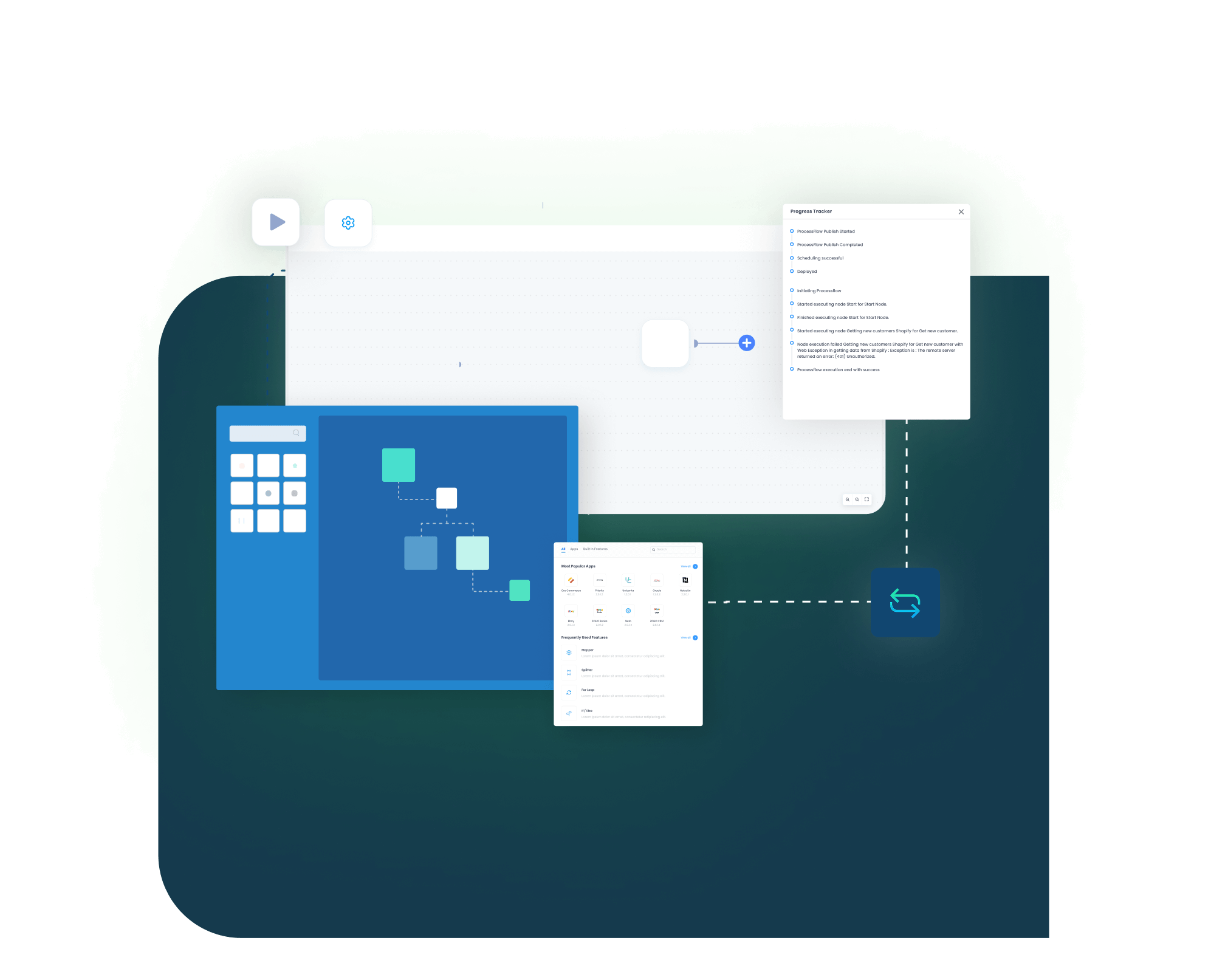
The SAP S/4HANA Public Cloud and Zoho CRM integration runs through ProcessFlows. Each ProcessFlow defines the source system, target system, entity, connector action, field mapping, validation rules, run mode, retry settings, and monitoring path before any record moves.
Order Capture
A trigger event happens, such as a Zoho opportunity moving to closed-won, an account update, or a converted lead.
Event Trigger and Source Connection
APPSeCONNECT detects the event through a Zoho webhook or scheduled poll, validates the payload, and routes it through your ProcessFlow.
Data Extraction and Schema Reading
The flow reads the selected entity and its schema, which may be an account, contact, product, quote, sales order, invoice, or payment record.
Transformation and Field Mapping
Fields transform between Zoho CRM and S/4HANA, applying rules for currency, tax codes, customer match, product lookup, and address format.
Record Creation and Target Push
The connector creates or updates the S/4HANA sales order, business partner, or address through OData or BAPI, and captures the response with document numbers and success state.
Back-Sync, Monitoring, and Retry
S/4HANA stock changes, invoice numbers, payment status, and shipment confirmations flow back to Zoho CRM. Run history, retry logs, and alerts surface exceptions so operators can reprocess failed records without losing audit context.
Meet appse ai
How appse ai Helps Streamline SAP S/4HANA Public Cloud and Zoho CRM Integration
After SAP S/4HANA Public Cloud and Zoho CRM are connected, teams still manage failed records, mapping changes, process delays, and repeated checks. appse ai adds AI-assisted support around workflow design and exception review while keeping S/4HANA and Zoho CRM controls in place.
- Workflow Design: Help teams build or adjust automation flows with no-code tools and AI-assisted guidance.
- Issue Detection: Spot failed records, failed workflow runs, and repeated exception patterns across account, quote, order, and invoice flows.
- Exception Review: Review missing fields, mapping gaps, and validation errors with clearer transaction context.
- Decision Support: Apply routing and conditional checks when CRM activity depends on S/4HANA pricing, tax, or customer rules.
- Process Signals: Track where records slow down, fail often, or create extra follow-up work for sales, finance, or service teams.
- Teams Stay in Control: AI-assisted support helps the process while teams set the rules and decide how records move.

Frequently Asked Questions
SAP S/4HANA Public Cloud and Zoho CRM integration is the two-way connection between your S/4HANA Public Cloud ERP and your Zoho CRM. Once connected, accounts, contacts, products, pricing, quotes, sales orders, invoices, and payment status can move between the two systems, so sales sees ERP stock and pricing inside Zoho and finance sees closed-won deals as S/4HANA sales orders.
The integration can sync accounts and business partners, contacts, products and materials, price lists, quotes, opportunities, sales orders, shipment status, invoices, payment status, and tax and currency data, based on the configured process.
APPSeCONNECT connects SAP S/4HANA Public Cloud through OData and BAPI, and Zoho CRM through its REST APIs and OAuth 2.0. Each ProcessFlow defines the source, target, entity, field mapping, validation rules, retry behavior, and monitoring path.
Records can move from Zoho CRM to S/4HANA, such as accounts and closed-won orders, and from S/4HANA back to Zoho, such as pricing, sales order status, invoices, and payment status, depending on the flows you configure.
Zoho CRM connects through OAuth 2.0, which uses a client ID and client secret generated in your Zoho developer console and authorized for the integration. SAP S/4HANA Public Cloud connects through OData and BAPI with role-based access. If a Zoho client ID changes, the OAuth connection is re-authorized so flows continue running.
The integration can be configured around custom Zoho CRM modules and additional SAP S/4HANA fields through the right mapping and validation setup. Custom mappings, run modes, and connector actions can be planned around the required process.
Failed records can be reviewed through run history, retry logs, node status, and transaction details. Teams can correct missing fields, mapping issues, or validation errors, then reprocess the affected records without losing audit context.
Start by selecting the records that create the most manual work, such as account sync, quote-to-order handoff, sales order visibility, and invoice or payment sync. APPSeCONNECT can then help map, configure, test, monitor, and scale the integration.
Ready to Transform Your SAP S/4HANA Public Cloud and Zoho CRM Integration Today?
SAP S/4HANA Public Cloud and Zoho CRM should not leave teams working from different versions of customer, quote, order, and invoice data. APPSeCONNECT helps connect Zoho CRM activity with S/4HANA records through structured, two-way workflows, so teams can launch faster, cut manual work, and keep sales, service, and finance in lockstep.

Companies automating their business through APPSeCONNECT







Customer Success Stories

Molygraph
Molygraph is a prominent name in the lubrication and oil industry. It is powered by a dedicated team of scientists, engineers, and designers.
Read Case Study →
Industrial Refrigerator Manufacturer
How APPSeCONNECT Revolutionized Order Management and Workflow Automation with Seamless ERP and CRM Integration, the organization is a global leader in manufacturing commercial refrigeration appliances. ---- SAP ECC, SAP ERP, ZOHO DESK, ZOHO CRM
Read Case Study →
Marble Trend case study
Discover how Marble Trend implemented APPSeCONNECT to automate their ERP, CRM, and accounting applications company-wide, to enhance efficiency.---- SAP Business one, SAP B1, ZOHO CRM, ZOHO BOOKS
Read Case Study →Related Resources
Articles and Guides to Help You With Your Integration and Automation Journey