Microsoft Dynamics 365 Business Central Integration & Automation
- Automate
- Align
- Accelerate
Microsoft Dynamics 365 Business Central integration is the automated, two-way connection between Business Central and the eCommerce, CRM, marketplace, and accounting applications your team runs every day. Once connected, sales orders, customers, products, inventory, payments, and financial transactions move between Business Central and every other system in real time, without duplicate data entry.
APPSeCONNECT is an ERP-first iPaaS that connects Dynamics 365 Business Central through its web-services and OData APIs. Pre-built connectors, ready-to-deploy ProcessFlow templates, and a low-code visual designer let business and IT teams launch a Business Central integration in days, with deployment up to 65% faster than custom point-to-point builds.
















Why APPSeCONNECT Is the Gold Standard for Dynamics 365 Business Central Integration
APPSeCONNECT connects Dynamics 365 Business Central to every eCommerce, CRM, marketplace and many other business applications your team relies on in real time, without manual work. One governed platform built for mid-market businesses running B2B and B2C sales on Business Central.

Manual order entry into Business Central
Sales reps re-key every Shopify, WooCommerce and marketplace order into Business Central by hand, losing hours and adding errors.

Slow, messy month-end close
Store and marketplace payment statuses never reach Business Central on their own, so finance closes the month late and unsure.

Inventory inaccuracy and overselling
Stock in Business Central and stock on the storefront disagree, so you oversell and disappoint customers during busy periods.

API limits break naive integrations
Per-user operation caps make simple integrations time out and silently drop records, so data goes missing without warning.

No single view of the customer
Guest and registered web buyers are never matched to the Business Central Customer Card, so customer history stays fragmented.

Custom builds cost too much
A point-to-point build is quoted at months of work and a price the operations director cannot realistically approve.
Microsoft Dynamics 365 Business Central Integrations
Smart iPaaS Solution to streamline your business and increase efficiency. Seamlessly connect Microsoft Dynamics 365 Business Central with other Business Applications.







Looking for a Specific Integration?
Features You Get With Our Microsoft Dynamics 365 Business Central Integration Package
A strong Business Central integration should help teams move records, manage updates, and review issues without depending on manual exports. APPSeCONNECT gives teams a managed way to connect Business Central with the systems around it.

Ready Business Central Flows
Teams can start with prepared integration patterns instead of building every workflow from scratch

Order and Customer Sync
Store orders and buyer records can move into Business Central with the details needed for processing

Inventory and Product Updates
Stock, item, and product details can stay connected between Business Central and sales channels
Invoice and Payment Sync
Invoice records, payment updates, and billing details can move between Business Central and connected systems

Fulfillment Status Updates
Shipment progress and tracking details can return to the store or customer-facing system

Monitoring and Retry Tools
Teams can review failed records, understand the issue, and retry after the fix
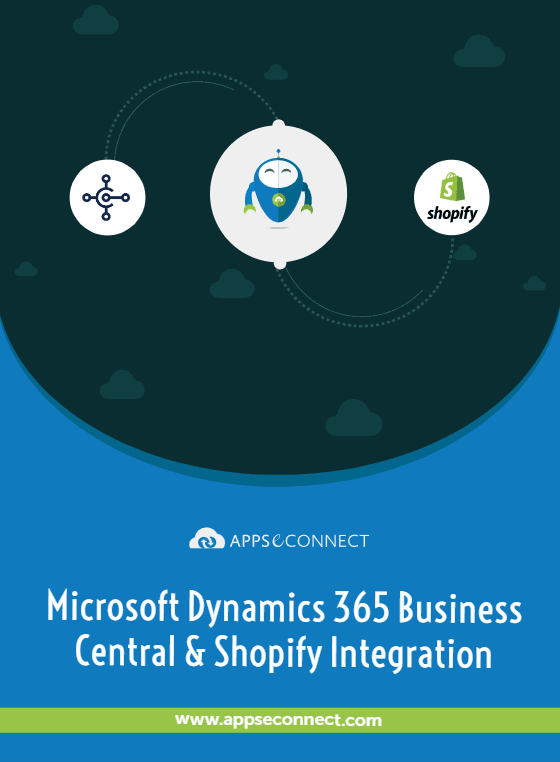
Download the Dynamics 365 Business Central Integration Brochure
Get the complete reference on how APPSeCONNECT connects Dynamics 365 Business Central to your business stack, from architecture to deployment.
- Reference architecture using Business Central web-services and OData APIs.
- Sync coverage for customers, products, orders, inventory, payments, and invoices.
- pre-built integration packages for Shopify, WooCommerce, Magento, BigCommerce, Salesforce, and more.
- Deployment roadmap with prerequisites, timelines, and team responsibilities.
- Security model, rate-limit handling, and exception-handling reference.
How Does the Workflow Run End-to-End?
Here is how a typical Business Central integration runs through APPSeCONNECT, from an event in a connected app to a posted record in Business Central and back.
Order Capture.
A trigger event happens in a connected system: a Shopify checkout, a WooCommerce order, or a Salesforce opportunity closed-won.
Event Trigger.
APPSeCONNECT detects the event through a webhook or scheduled poll, validates the payload, and routes it through your ProcessFlow.
Data Mapping.
Fields transform between the source app and Business Central, applying rules for currency, tax, item lookup, and customer match.
Record Creation.
APPSeCONNECT creates or updates the record in Business Central via web-services or OData as a sales order, customer, item, or payment.
Back-Sync.
Invoice, payment, shipment, and return events flow back to connected apps so customers and teams see the latest state.
Monitor and Improve.
Run history, retry logs, and alerting show every transaction, so teams catch exceptions and tune mappings as the business grows.
How appse ai Helps Streamline Microsoft Dynamics 365 Business Central Integration
appse ai adds AI-assisted support around Business Central integration work. It helps teams plan workflows, review issues earlier, and reduce manual checking across connected business processes.
- Workflow Planning Gets Easier:: Teams can describe the process, and appse ai can help shape the workflow structure around that process.
- Issues Surface Earlier: appse ai can help teams spot broken flows, error patterns, and records that need review.
- Order Work Becomes Easier to Track:: Teams can review order movement from the first sales record to later updates.
- Stock and Finance Updates Stay Clearer: Inventory, invoice, and payment-related updates become easier to review across connected systems.
- API Work Gets More Organized: appse ai can support workflows where Business Central and other systems share data through managed APIs.
- Teams Stay in Control: AI-assisted support helps the process, while teams still set the rules and decide how records move.

Frequently Asked Questions
It is the automated, bi-directional exchange of customers, products, inventory, orders, payments, and invoices between Business Central and connected eCommerce, CRM, marketplace, and accounting applications, usually run through an iPaaS like APPSeCONNECT.
Through Business Central web-services and OData APIs, with token refresh and retry logic that respect per-user operation caps and keep throughput stable.
Shopify, WooCommerce, Magento, BigCommerce, Swell Commerce, Amazon, Salesforce, HubSpot, and Zoho CRM, with pre-built connectors and ProcessFlow templates for each.
Most projects go live in days rather than months, because pre-built ProcessFlow templates ship with mappings already configured, cutting deployment time up to 65%.
Yes. AES-256 encryption, TLS, role-based access, ISO 27001 alignment, SOC 2 controls, and a GDPR-ready architecture.
Yes. Mappings, custom objects, and business rules can be edited in the drag-and-drop ProcessFlow designer without writing code, and new apps can be added with minimal rework.
Ready to Connect Dynamics 365 Business Central to Your Business Stack?
Replace duplicate data entry, mismatched inventory, and slow order processing with a governed Dynamics 365 Business Central integration that links every eCommerce, CRM, and accounting app you run. Book a demo to see APPSeCONNECT in action, or start a free trial today.

Companies automating their business through APPSeCONNECT







Customer Success Stories
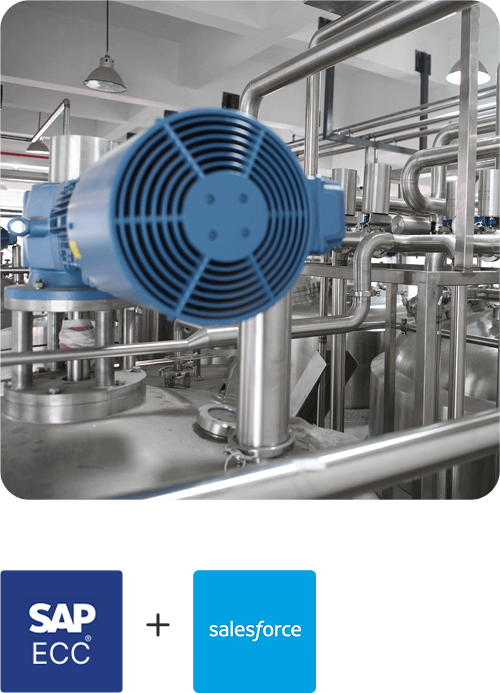
Machinery Manufacturing Company
Discover how a world-leading industrial equipment manufacturing company leveraged APPSeCONNECT for company-wide automation of ERP, CRM, and eCommerce applications.
Read Case Study →
US Tobacco
U.S. Tobacco Achieves a Fully Automated eCommerce Business with APPSeCONNECT’s End-to-End Business Process Automation Solution.
Read Case Study →Related Resources
Articles and Guides to Help You With Your Integration and Automation Journey