Go live instantly!

Launch Faster with APPSeCONNECT’s Ready-to-Deploy Packages.
Starting at just $99/month!!

Click to try any of these!

Transform your
workflow with appse ai

SAP ECC and HubSpot Integration & Automation

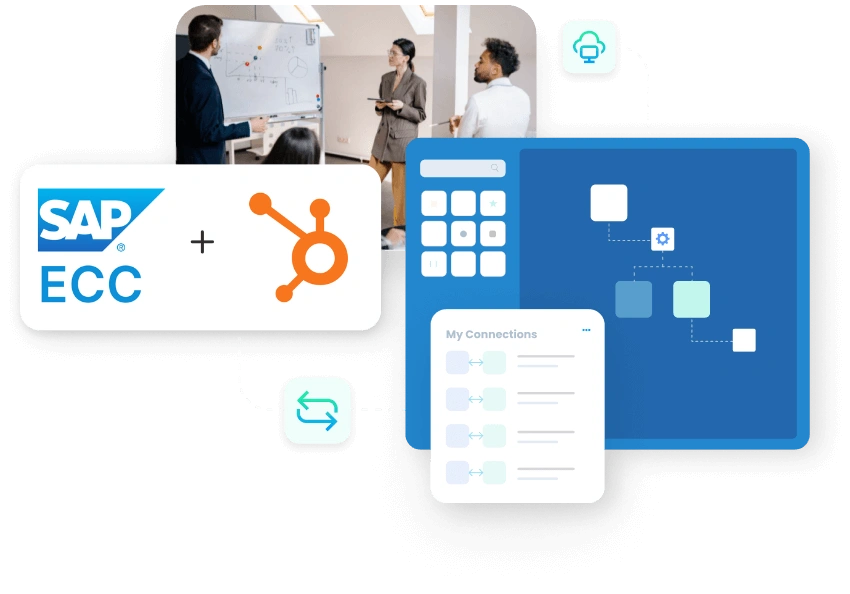
SAP ECC and HubSpot integration gives CRM, sales, finance, and operations teams a governed way to share customer and revenue data. With APPSeCONNECT, companies, contacts, deals, products, quotes, orders, invoices, delivery updates, and service context can move through structured ProcessFlows instead of disconnected exports and manual re-entry.

HubSpot drives pipeline activity, customer engagement, task follow-up, and deal movement. SAP ECC controls customer master data, pricing rules, sales documents, billing, credit checks, and fulfillment status. When the two systems are not aligned, sales teams work with partial ERP context, finance teams spend time validating CRM inputs, and customer-facing teams lose visibility after a deal moves beyond the pipeline.

KEY BENEFITS

Why APPSeCONNECT Is the Gold Standard for SAP ECC and HubSpot Integration

This integration creates a controlled layer between HubSpot CRM activity and SAP ECC operational records. Customer data, contact details, deal information, product references, quote data, sales orders, invoices, payment status, delivery updates, and service records can move through defined workflows. HubSpot users can work with ERP-backed context, while SAP ECC continues to enforce rules for customers, materials, pricing, credit, billing, and order processing.

Real time sync

Deal Readiness Gaps

A HubSpot deal may be marked as ready before SAP ECC has the right customer, material, sales area, tax, and credit details. This creates rework before the quote or order can move forward.

low code

Customer Data Splits

Company updates may happen in HubSpot while SAP ECC still holds an older customer master record. Teams then spend time checking which system has the correct account details.

growth blue icon

Pricing Context Breaks

Sales users may prepare a deal using CRM values that do not match SAP ECC pricing conditions, discounts, or account rules. That gap can lead to quote corrections and approval delays.

scalable blue icon

Won Deals Stall

A closed-won deal in HubSpot still needs to become a usable SAP ECC document. Without a connected flow, order creation depends on copying, checking, and fixing data by hand.

dollar blue icon

Invoice Visibility Drops

Sales and account teams may not see billing status, due dates, open amounts, credit holds, or payment references from SAP ECC inside HubSpot. Customer conversations then happen without full finance context.

dollar blue icon

Service Follow-Up Fragments

Delivery questions, billing issues, and post-sale service needs often depend on SAP ECC data. If that context does not reach HubSpot, support and account follow-up becomes slower.
Standard Features Covered in Our SAP ECC and HubSpot Integration Template

This SAP ECC and HubSpot integration supports customer, sales, product, finance, and service workflows. The integration can be configured around SAP ECC sales organization rules, customer master structure, material codes, HubSpot pipelines, custom properties, approval stages, and reporting needs.

  • Map HubSpot company data into SAP ECC customer creation or update workflows. Legal name, address, phone, email, lifecycle stage, and account owner fields can be included where the ERP process requires them.
  • Send SAP ECC customer context back into HubSpot. Customer number, account status, payment terms, sales area, and customer classification can help CRM users work with cleaner account data.
  • Update SAP ECC contact person records from HubSpot contact changes. Name, email, phone, job role, and linked company data can remain attached to the correct customer record.
  • Move SAP ECC material or product information into HubSpot product records. Material number, SKU, description, unit of measure, active status, and product grouping can be mapped for sales use.
  • Bring ERP pricing context into HubSpot where sales teams need it. Customer-specific conditions, discounts, price lists, and product values can support deal or quote preparation when configured.
  • Convert qualified HubSpot deals into SAP ECC quote-related workflows. Customer, product, quantity, deal amount, expected close date, and approval status can move with the record.
  • Create SAP ECC sales order workflows from approved HubSpot deals. The flow can carry customer mapping, material codes, line items, quantity, requested date, pricing context, and order header details.
  • Deal movement in HubSpot can update mapped SAP ECC sales or reporting fields. This helps operations teams see pipeline progress without waiting for manual CRM reports.
  • Quote approval, rejection, revision, or expiry status from SAP ECC can update HubSpot deal records. Sales users can then see where the ERP-side process stands.
  • SAP ECC sales order status can return to HubSpot after order creation. This helps account teams track whether an order is open, blocked, released, delivered, or billed.
  • Invoice number, billing date, due date, open amount, and payment reference data can be shown in HubSpot where finance visibility is part of the integration scope.
  • Credit status, payment terms, outstanding balance, or account hold details can support HubSpot sales decisions. This is useful before moving a deal into order processing.
  • HubSpot service tickets or tasks can be routed into SAP ECC-related review processes where back-office action is needed. Customer, order, invoice, or delivery references can support that handoff.
  • HubSpot properties and SAP ECC fields can be mapped around your process. Sales organization, division, distribution channel, territory, account owner, lifecycle stage, and customer group logic can be included.

Popular SAP ECC Integrations

Connect SAP ECC with other business applications.

Looking for a Specific Integration?
Visit All SAP ECC Application

Popular HubSpot Integrations

Connect HubSpot with other business applications.

Looking for a Specific Integration?
Visit All HubSpot Application

INTEGRATION BROCHURE

Download the SAP ECC and HubSpot Integration Brochure

Download the SAP ECC and HubSpot integration brochure to plan how CRM and ERP records should move across your business. The brochure covers company and contact sync, product data, deal handoff, quote creation, order processing, invoice visibility, payment context, delivery status, and service follow-up.

Inside You’ll Find:

Start Integration at just $99 per month with Shopify, Salesforce, HubSpot, Zoho, WooCommerce and more.

Enterprise-grade integration powered by hands-on support without enterprise pricing

APPSeCONNECT AI automation robot mascot
error black icon

INTEGRATION GUIDE

How Does the Workflow Run End-to-End

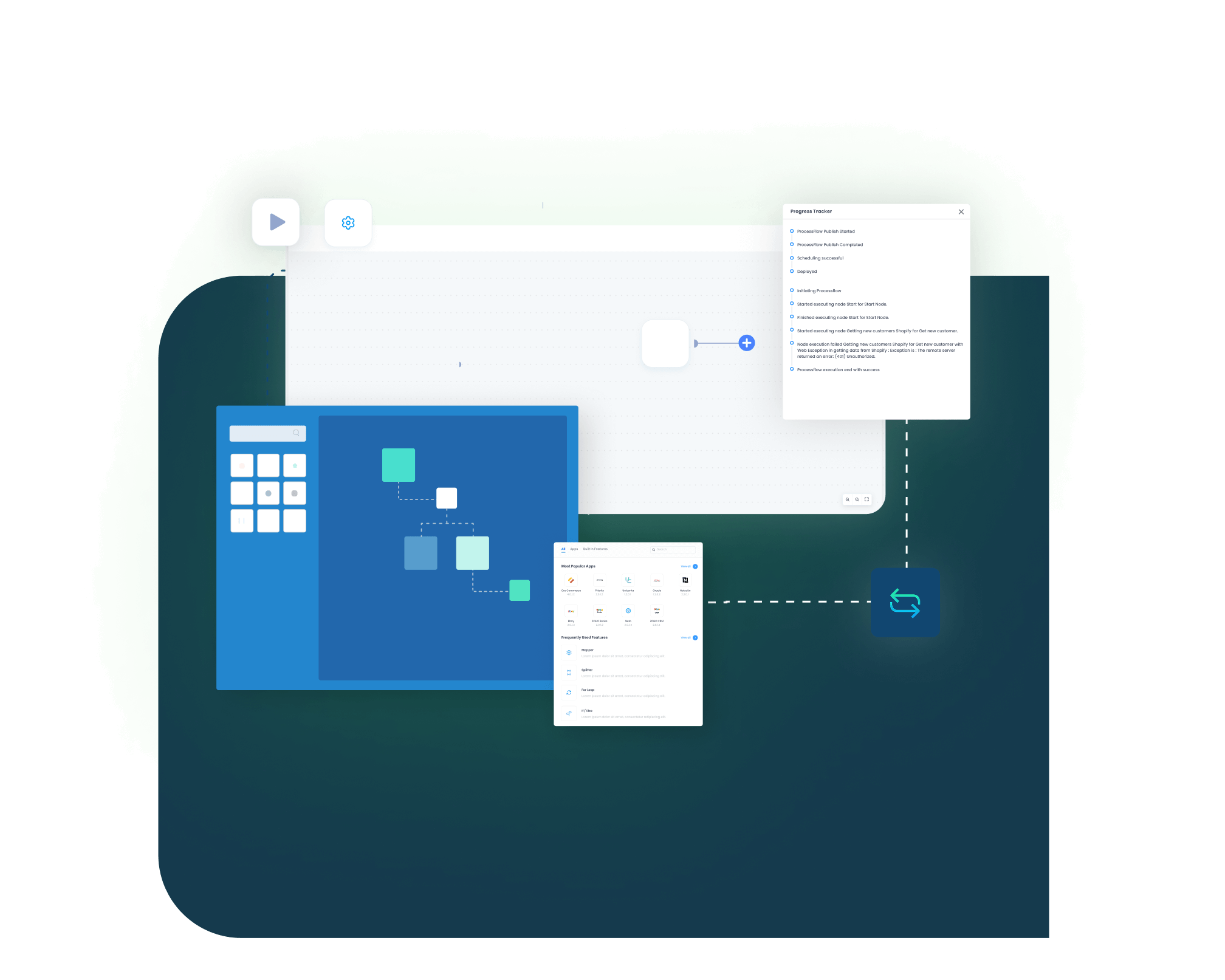
SAP ECC and HubSpot integration runs through ProcessFlows. A ProcessFlow defines where data starts, where it goes, which entity is moving, how the schema is read, which fields are mapped, how validation works, when the run executes, and how exceptions are monitored after execution.

See How This Would Run in Your Business

SAP ECC and HubSpot Integration

Step 01 icon

Trigger & Source Connection

A ProcessFlow can begin through a schedule, webhook, manual run, or configured sync event. The source can be HubSpot or SAP ECC depending on whether the flow is moving CRM data into ERP or ERP context back into CRM.
Step 02 icon

Data Extraction & Schema Reading

The source record is read with its available schema. The flow may work with a company, contact, product, deal, quote, sales order, invoice, payment update, delivery status, ticket, or task.

Step 03 icon

Transformation & Field Mapping

Source values are prepared for the target system. HubSpot company IDs, emails, deal stages, product lines, and close dates can be translated into SAP ECC customer, material, pricing, sales document, and billing fields.

Step 04 icon

Validation & Business Rule Execution

The flow checks the record before it is posted. It can validate customer matches, duplicate contacts, material codes, sales area values, required order fields, tax logic, payment terms, credit status, and SAP ECC response rules.

Step 05 icon

Target Posting and Response Handling

The prepared record is sent to SAP ECC or HubSpot. The integration layer records the response, sync result, success status, and failure reason so teams can review the outcome of each transaction.

Step 06 icon

Monitoring, Retry & Audit Logging

Logs, snapshots, node status, transaction details, and retry controls help teams investigate failed records. Corrected records can then be rerun without rebuilding the entire flow manually.

What is data integration

Real-world use cases

Use Cases

The SAP ECC and HubSpot integration supports teams that need CRM activity and ERP records to stay aligned. It is useful for sales, finance, service, revenue operations, manufacturing, distribution, B2B account management, and customer support teams.

Sales Operations

HubSpot deals become SAP ECC-ready sales records

Sales teams work deals in HubSpot, but SAP ECC must validate the data before quoting, order creation, billing, or fulfillment can proceed. The integration helps move approved deal context into ERP workflows without asking users to recreate the same information.
Supports sales teams that need HubSpot pipeline movement to connect with SAP ECC execution.

What this integration handles

Moved

Deal-to-ERP handoff

Checked

Customer and product data

Created

Quotes or sales orders

Returned

SAP ECC status updates

Customer and Account Management

CRM company records stay aligned with SAP ECC customer data

Account teams use HubSpot to manage relationships, while SAP ECC remains the source for customer numbers, payment terms, sales area, and operational account status. The integration helps both views stay aligned, so users do not depend on manual lookups before customer conversations.
Supports account managers, inside sales teams, and customer teams that need ERP-backed account visibility.

What this integration handles

Synced

Companies and contacts

Matched

Customer master details

Updated

Contact person records

Shown

ERP account context

Finance and Revenue Operations

CRM revenue activity connects with SAP ECC billing context

Finance and revenue teams need HubSpot pipeline values to line up with SAP ECC sales documents, invoices, open balances, and payment context. A connected flow reduces the manual checks that happen after a deal moves into quoting, order processing, or billing.
Supports finance, revenue operations, sales leadership, and reporting teams that need cleaner CRM-to-ERP traceability.

What this integration handles

Aligned

Pipeline and ERP records

Triggered

Quote or order workflows

Visible

Invoice and payment context

Reviewed

Logs and snapshots

Service and Customer Follow-Up

HubSpot users see more SAP ECC context after the sale

Customer questions may start in HubSpot, but the answer often depends on SAP ECC order, delivery, billing, or payment data. The integration gives service and account teams a better view of ERP-side activity during follow-up.
Supports service teams, account managers, order coordinators, and companies with post-sale support workflows.

What this integration handles

Updated

Delivery and billing context

Linked

Tickets and ERP references

Shared

Sales and service visibility

Retried

Failed follow-up records

Block black

Meet appse ai

How appse ai Helps Streamline SAP ECC and HubSpot Integration

Once SAP ECC and HubSpot are connected, teams still need help managing failed records, repeated exceptions, slow reviews, and workflow improvements. appse ai brings AI-assisted support to CRM and ERP automation, helping teams understand where issues occur and how integration flows can be improved over time.

blue star icon
Workflow Design
Plan, build, or adjust SAP ECC and HubSpot automation flows using no-code tools and AI-assisted guidance.
blue star icon
Issue Detection
Help teams identify failed company, contact, deal, quote, order, invoice, payment, delivery, or ticket syncs earlier in the process.
blue star icon
Exception Review
Review missing customer IDs, invalid material codes, unmapped HubSpot properties, rejected SAP ECC responses, and stage mismatches with more context.
blue star icon
Decision Support
Add conditional routing where the flow depends on deal stage, customer group, sales organization, account owner, credit status, or order readiness.
blue star icon
Process Signals
Review repeated failure points across CRM and ERP workflows. Teams can see which records, stages, or mappings slow down the process most often.
blue star icon
API Orchestration
Extend automation beyond SAP ECC and HubSpot to finance, commerce, support, reporting, and custom apps when those systems support the ERP-led workflow.
blue star icon
Workflow Optimization
Help teams find where the integration slows, where exceptions repeat, and where the flow design needs improvement.

Ready to Plan Your SAP ECC and HubSpot Integration?

SAP ECC and HubSpot should not run as two separate views of the same customer journey. APPSeCONNECT helps connect CRM activity with ERP records through structured integration flows, so teams can reduce duplicate work across customer data, deals, quotes, orders, invoices, payments, delivery updates, and service follow-up.

Appseconnect logo

Companies automating their business through APPSeCONNECT

Frequently Asked Questions

Download Free Integration Brochure

Fill in your details below to download our brochure instantly. Discover all the details you need in one place!
sap-s4hana-zoho-crm-integration-brochure-cover

Download Free Integration Brochure

Fill in your details below to download our brochure instantly. Discover all the details you need in one place!
appseconnect-New-Logo_2022.png
Common Integration Landing Page

Submit Your Enquiry

Fill in your details below to connect with our team!